



























How Do I edit Payment Password?
Step 1: Log in to the WorldFirst account.
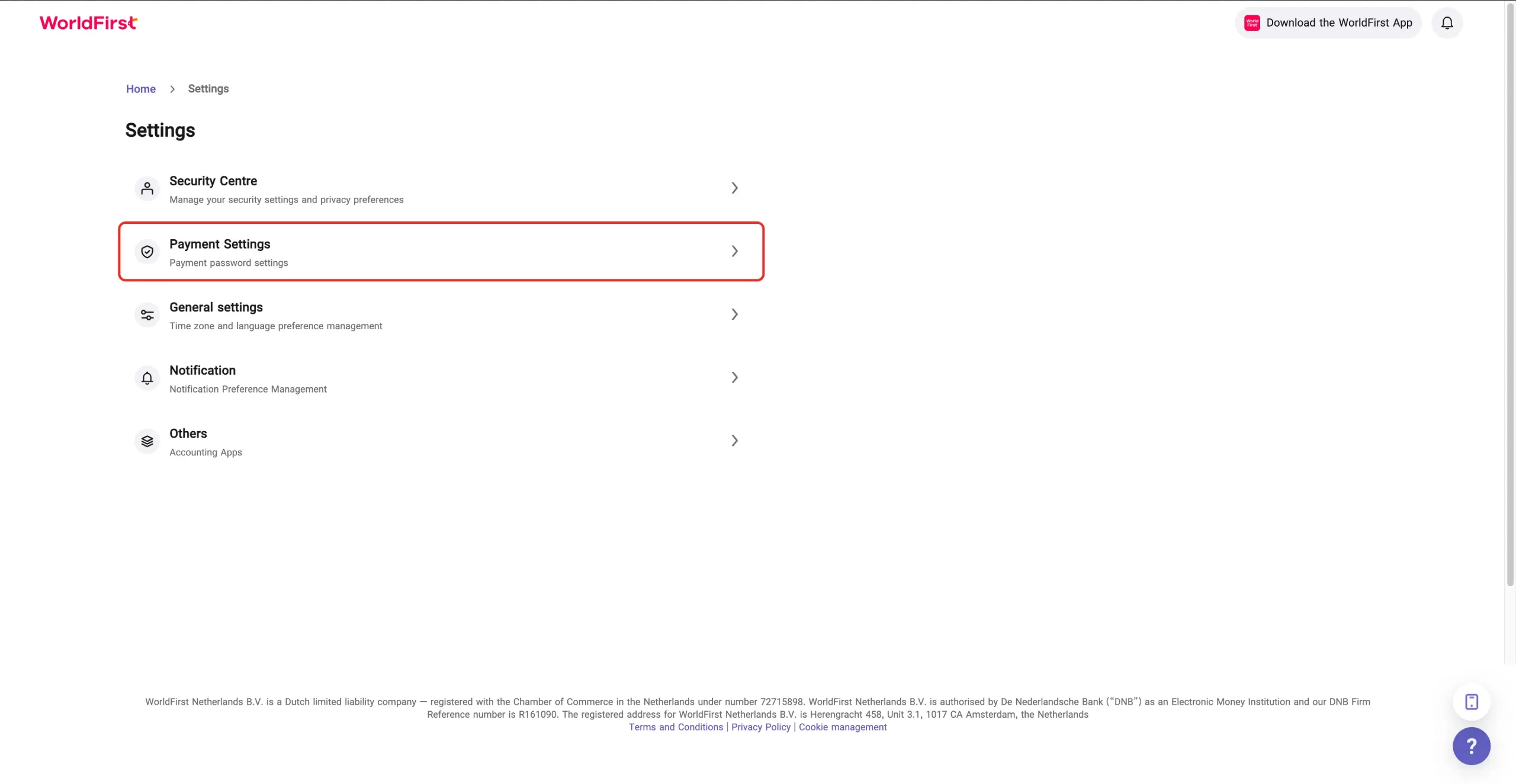
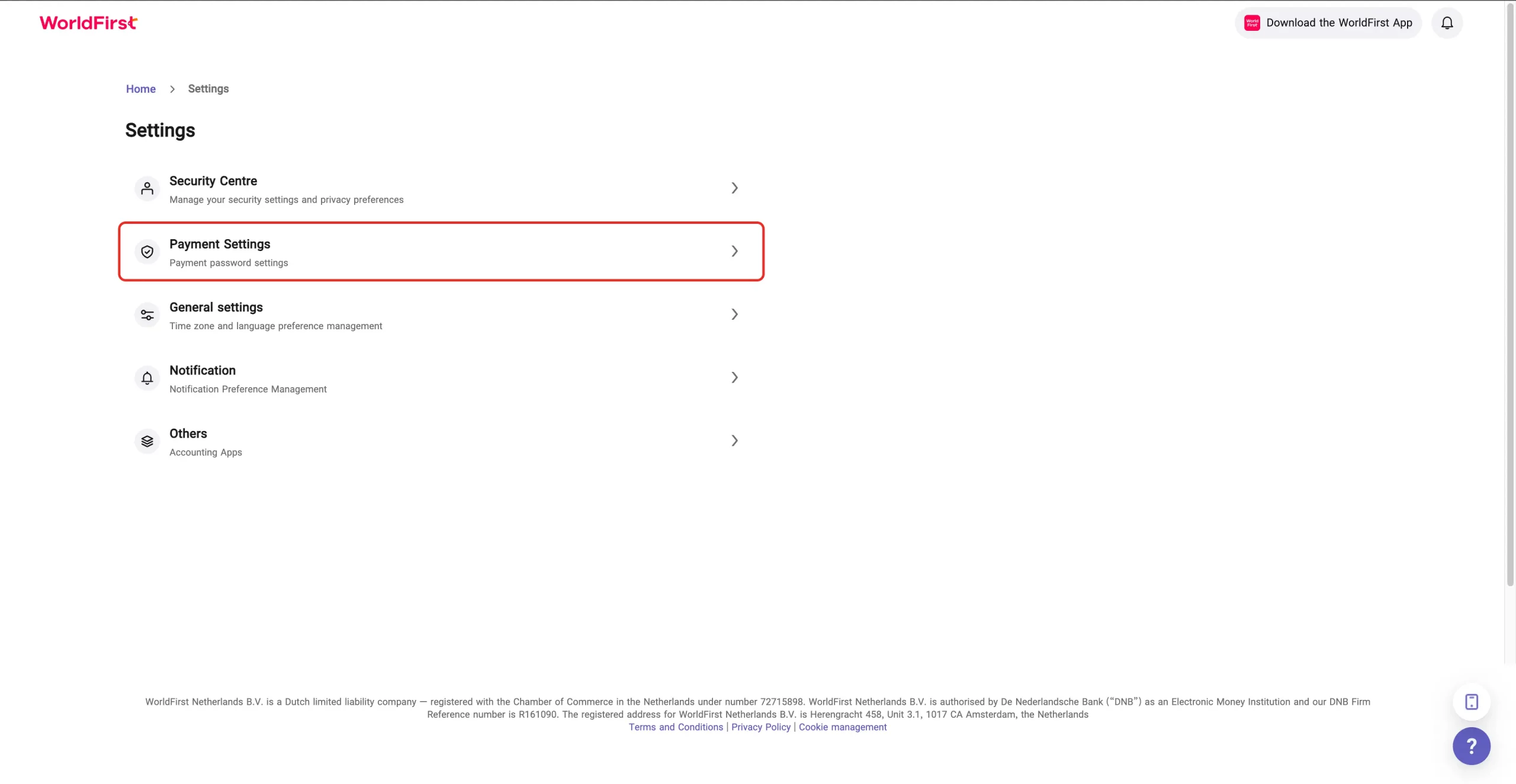
Step 2: Go to Settings →Payment Settings.
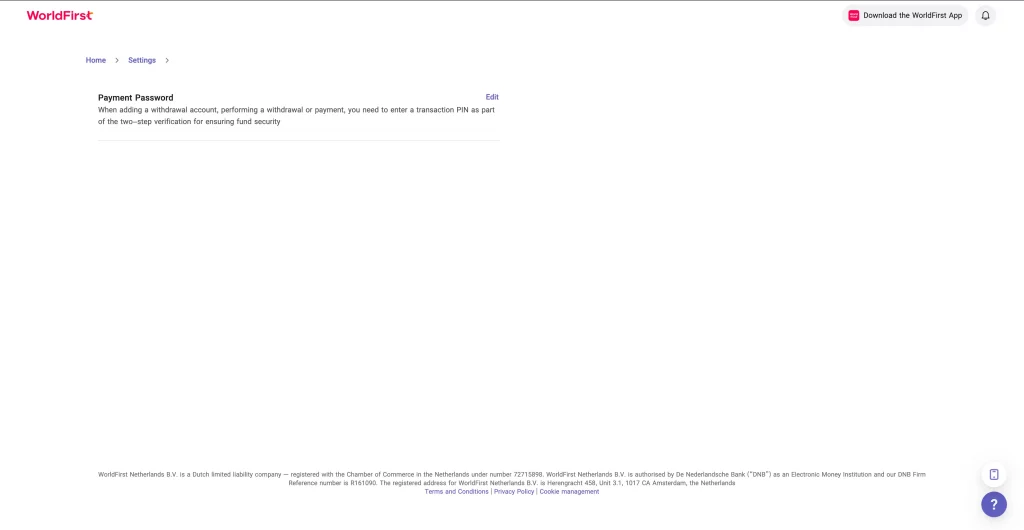
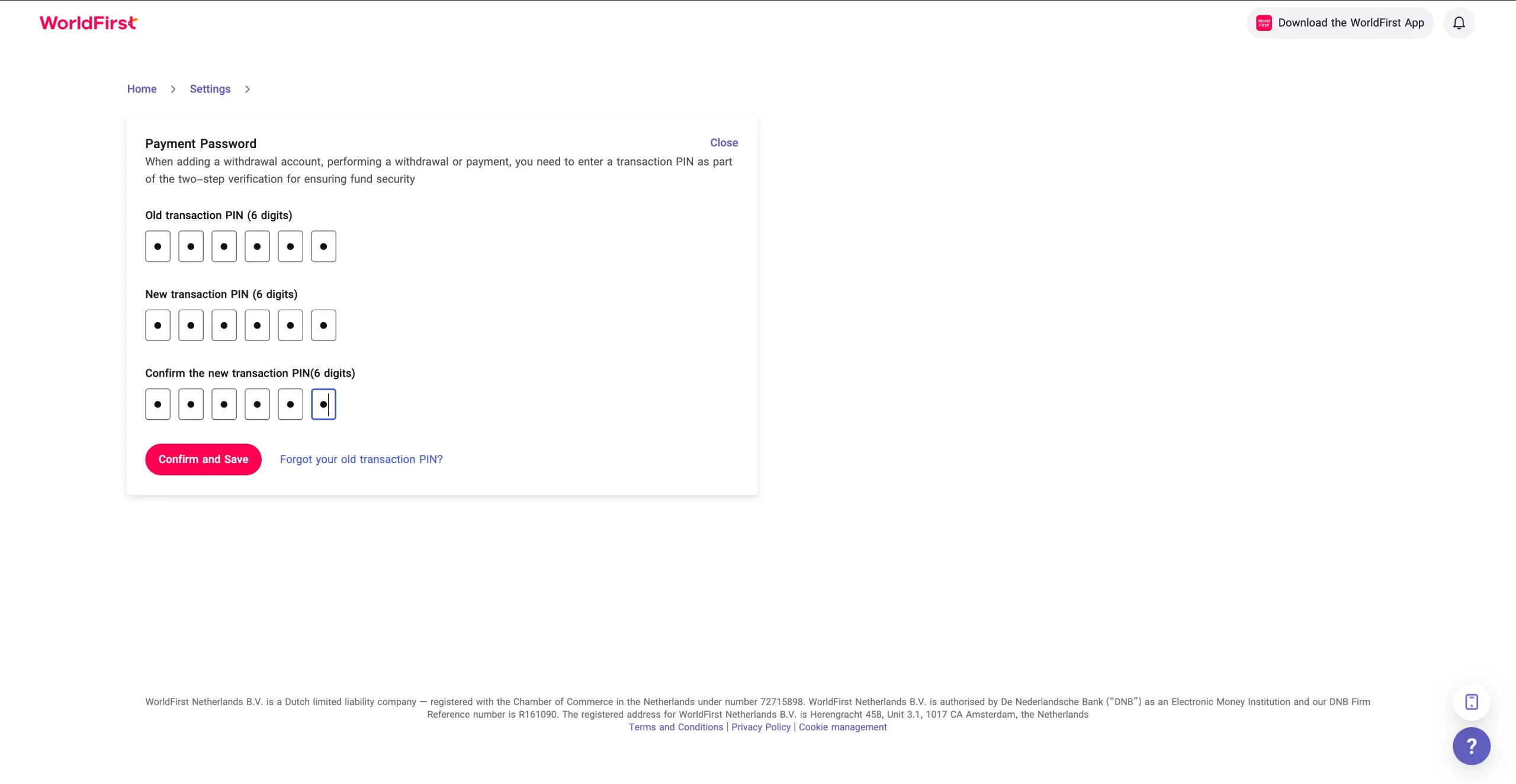
Step 3: Select “Payment Password” and click “Edit”.
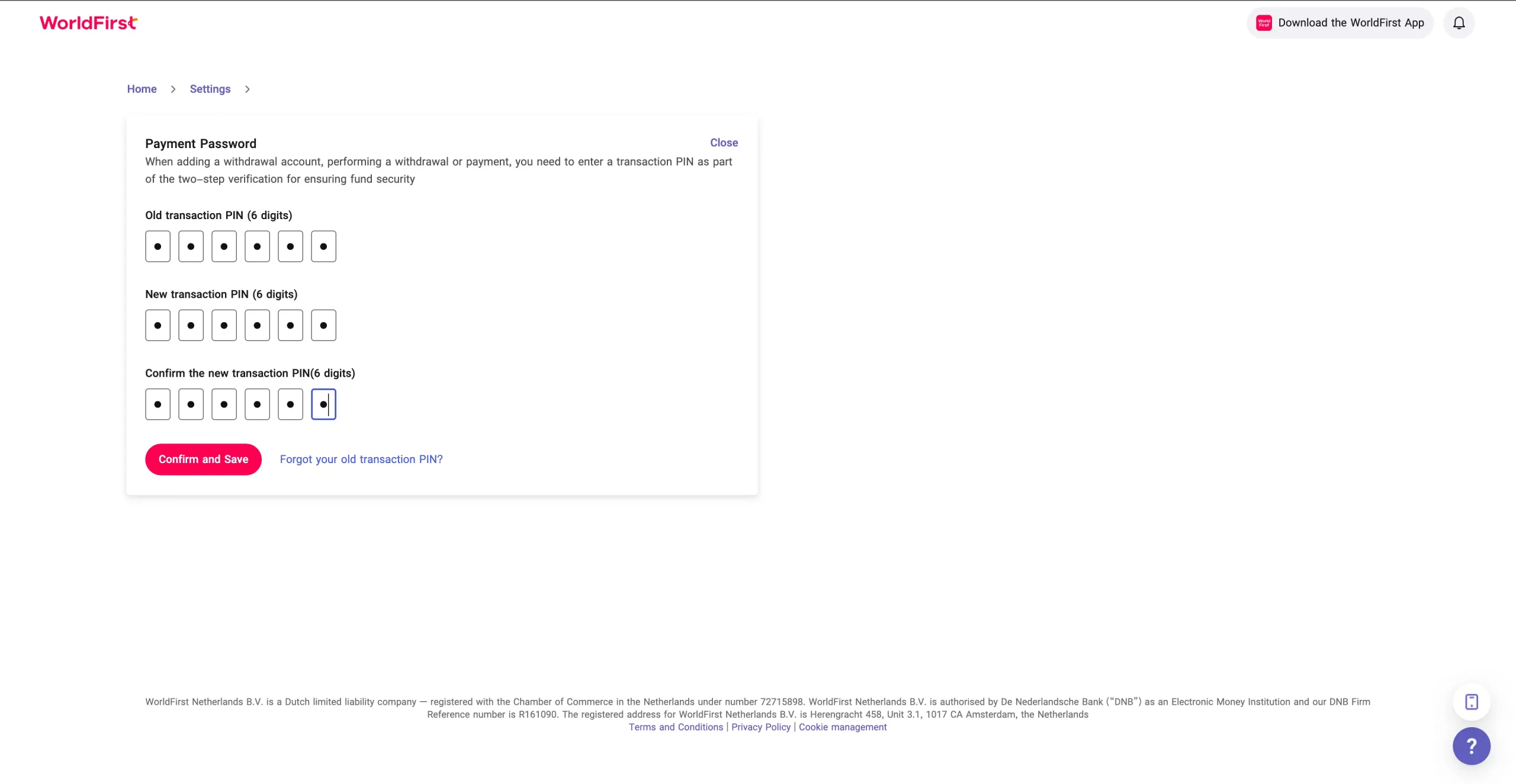
Step 4: Confirm the new Transaction PIN by entering it again.
Step 5: Complete the two-step verification:
- A 6-digit verification code will be sent to your registered mobile number
- Enter the verification code
- Click “Confirm and Save”
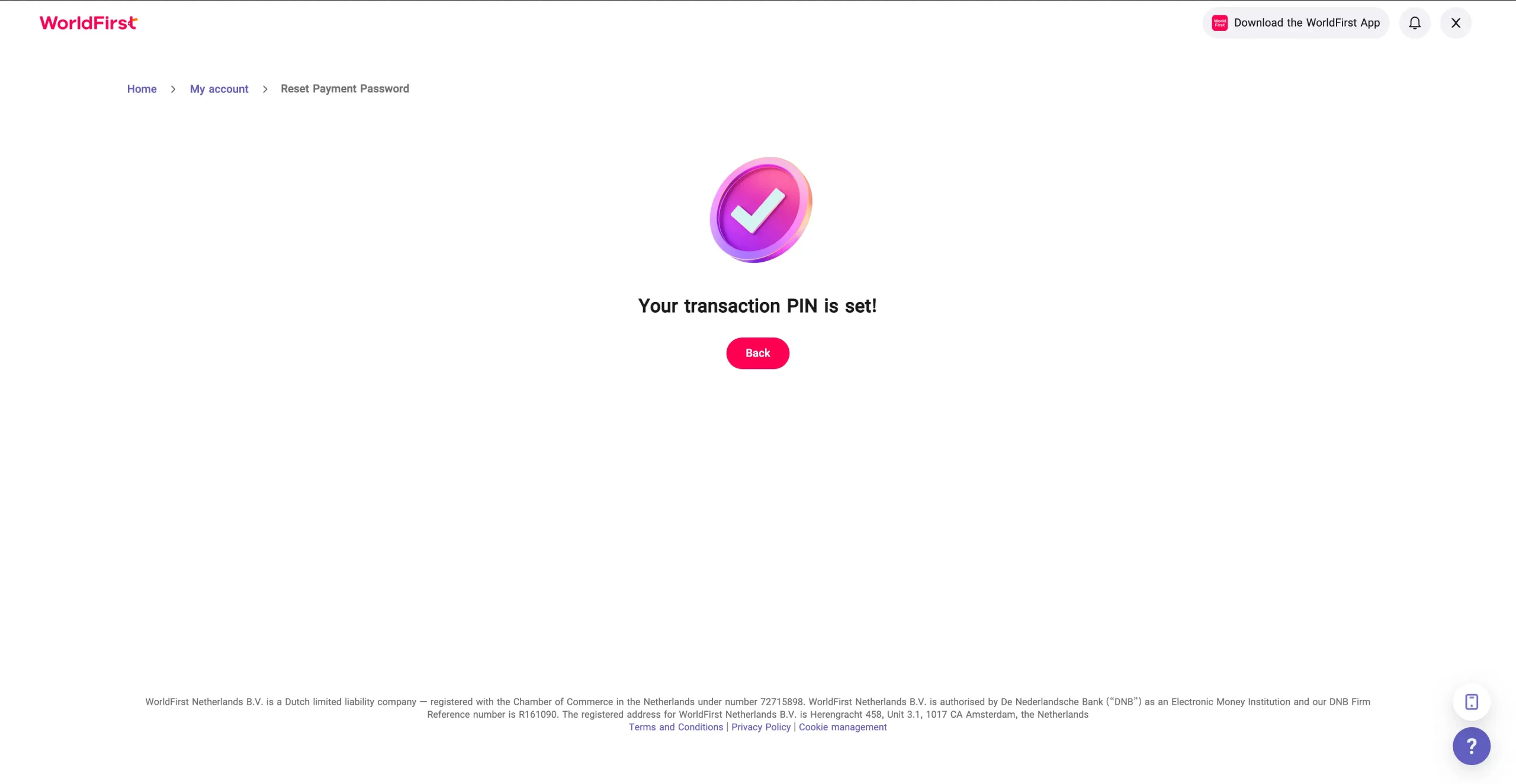
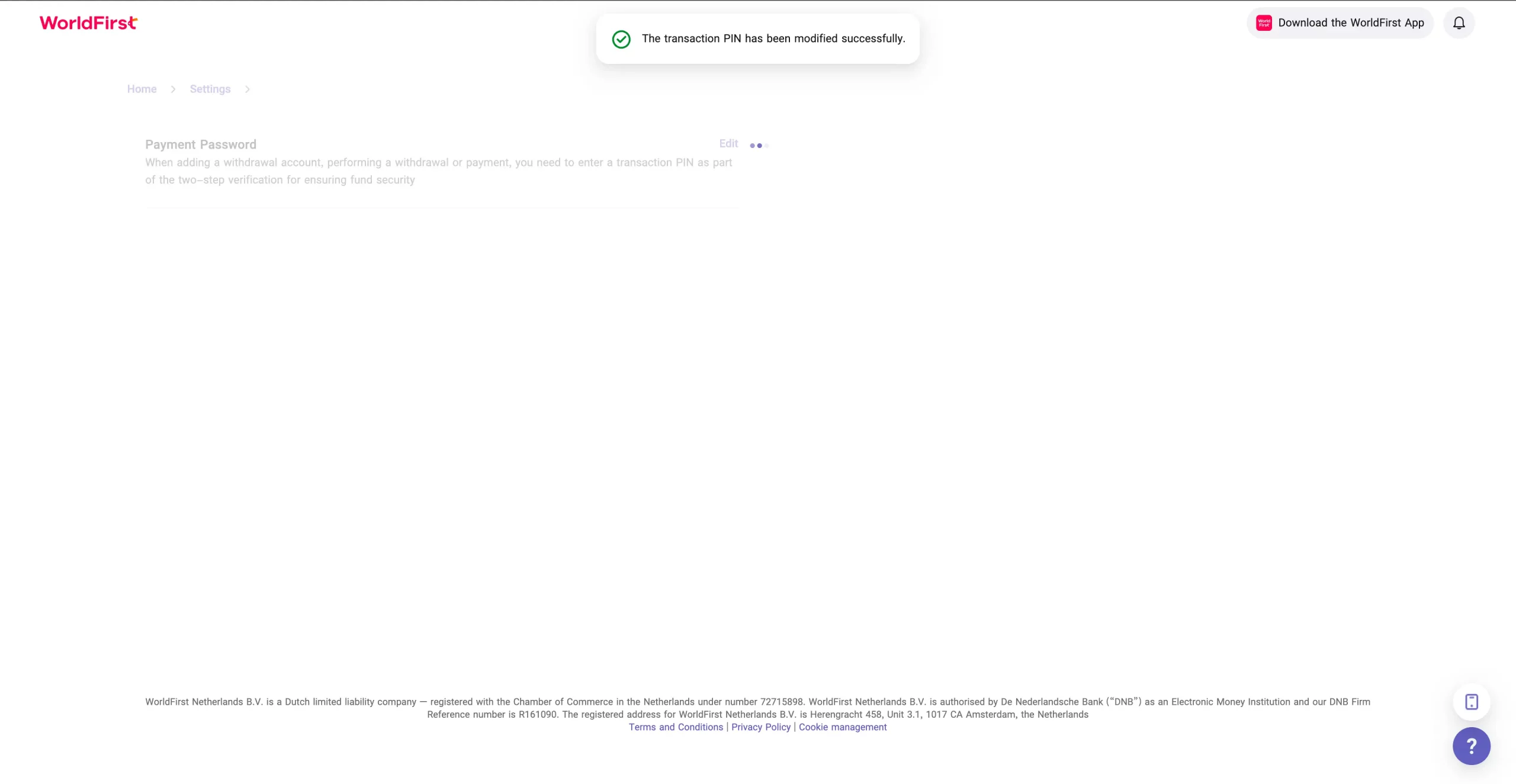
Step 6: Once completed, you’ll see: “The Transaction PIN has modified successfully!”
How do I reset Payment Password?
Step 1: Log in to the WorldFirst account.
Step 2: Go to Settings →Payment Settings.
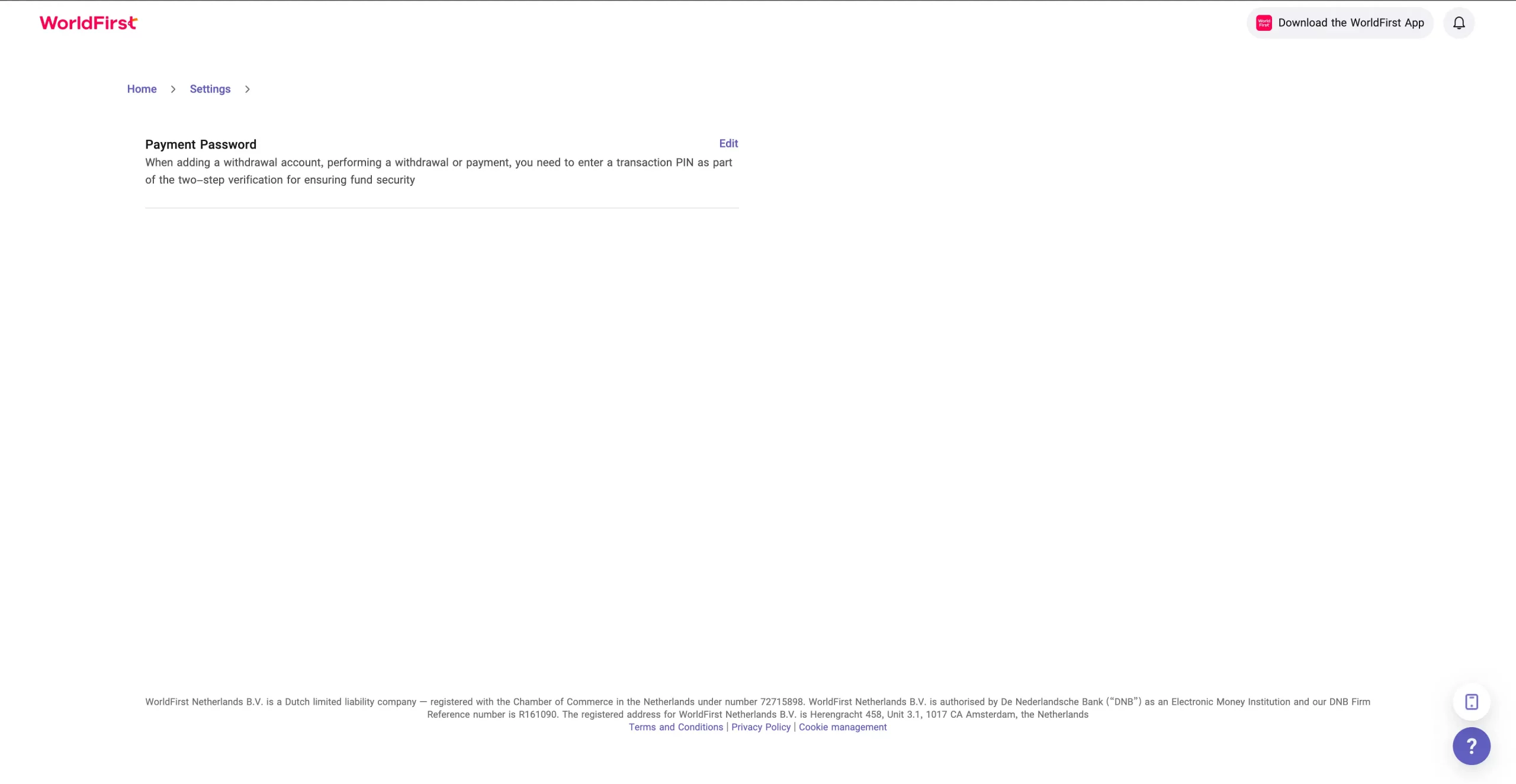
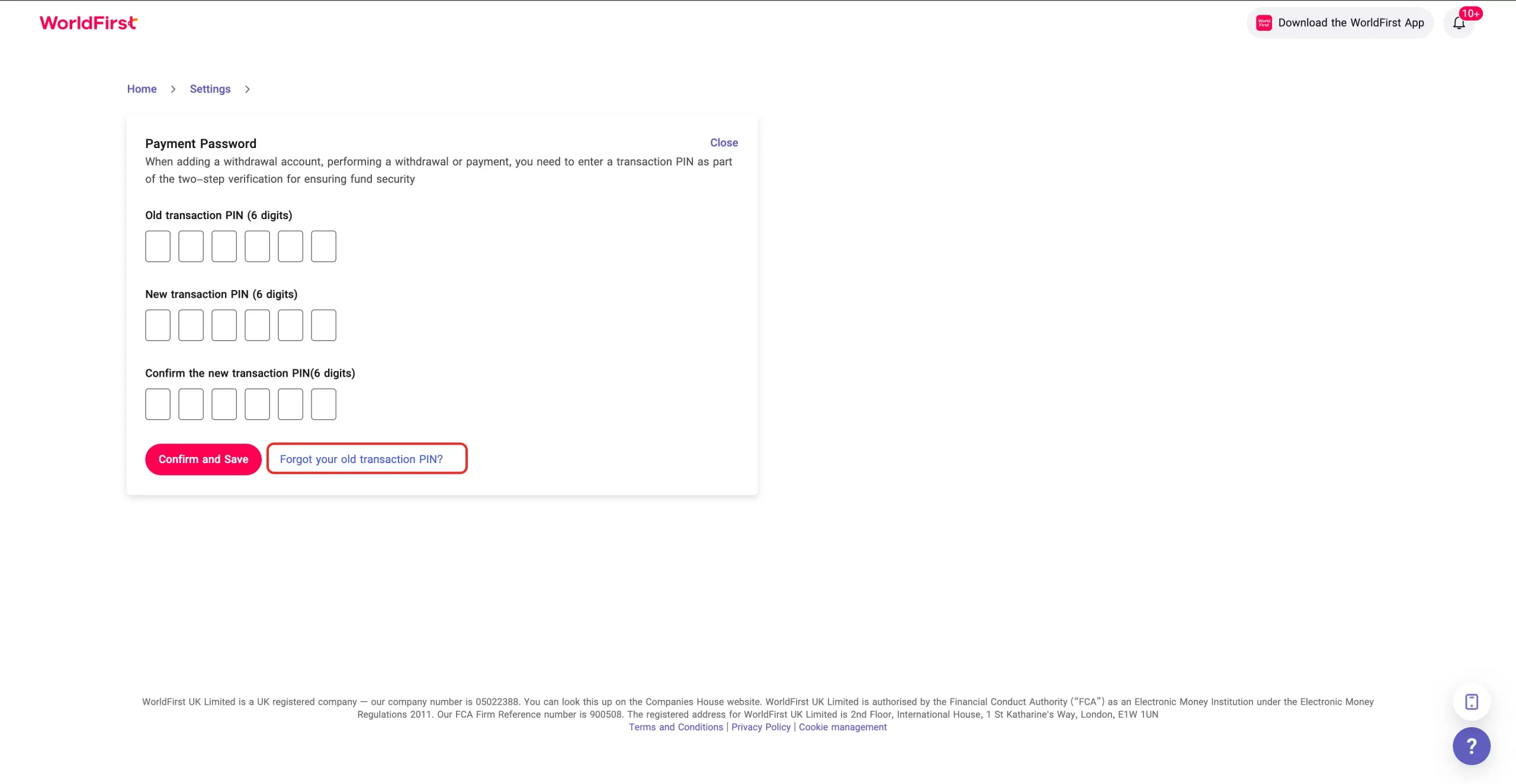
Step 3: Select “Payment Password” and click “Forgot your old Transaction PIN”.
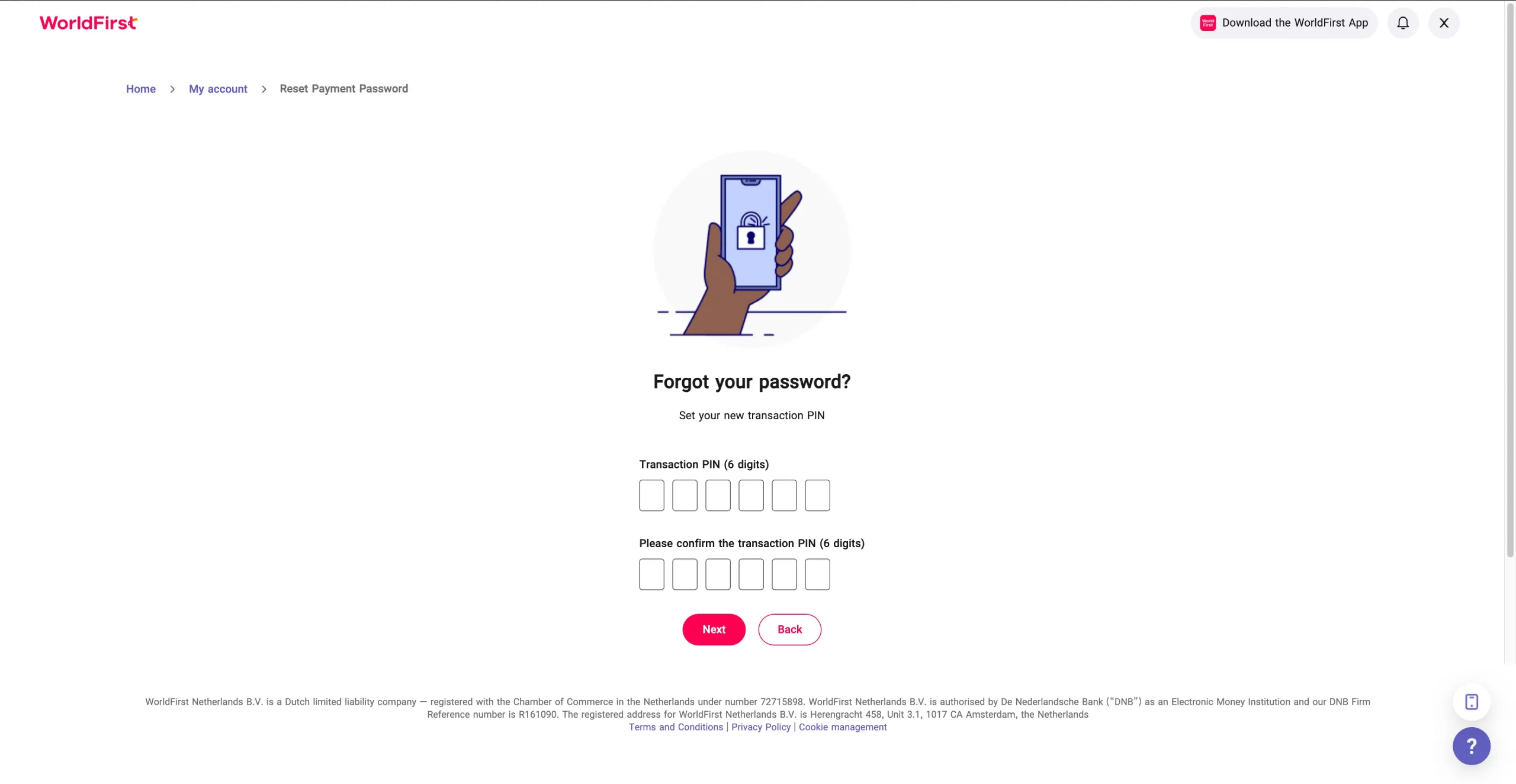
Step 4: Confirm the new Transaction PIN by entering it again.
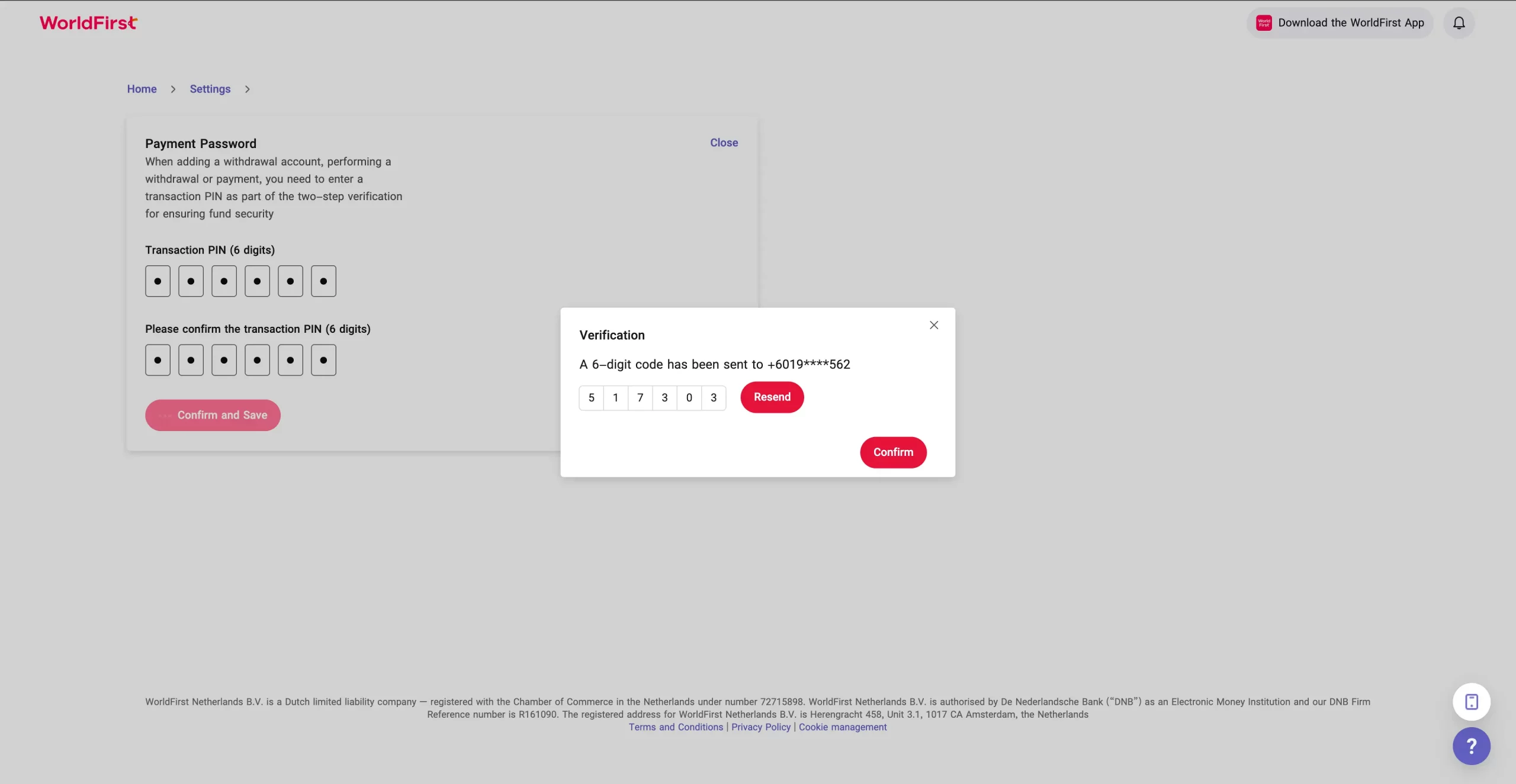
Step 5: Complete the two-step verification:
- A 6-digit verification code will be sent to your registered mobile number
- Enter the verification code
- Click “Confirm and Save”
Step 6: Once completed, you’ll see: “The Transaction PIN is set!”