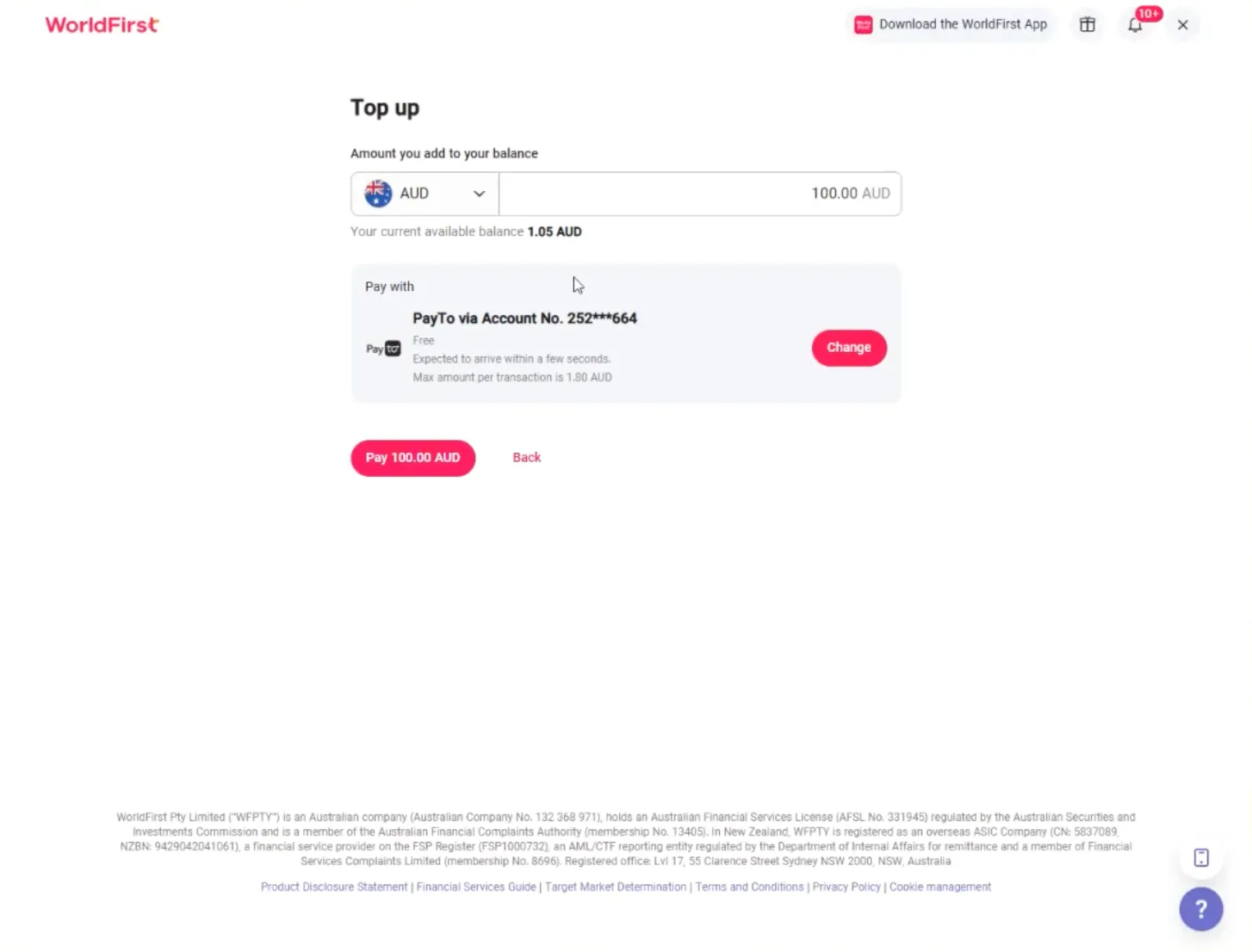






























How do I create a PayTo agreement?
PayTo is part of Australia’s New Payments Platform (NPP), allowing you to securely authorise and pull funds directly from your bank account into your World Account. You’ll need to authorise a PayTo agreement with your bank to link your World Account.
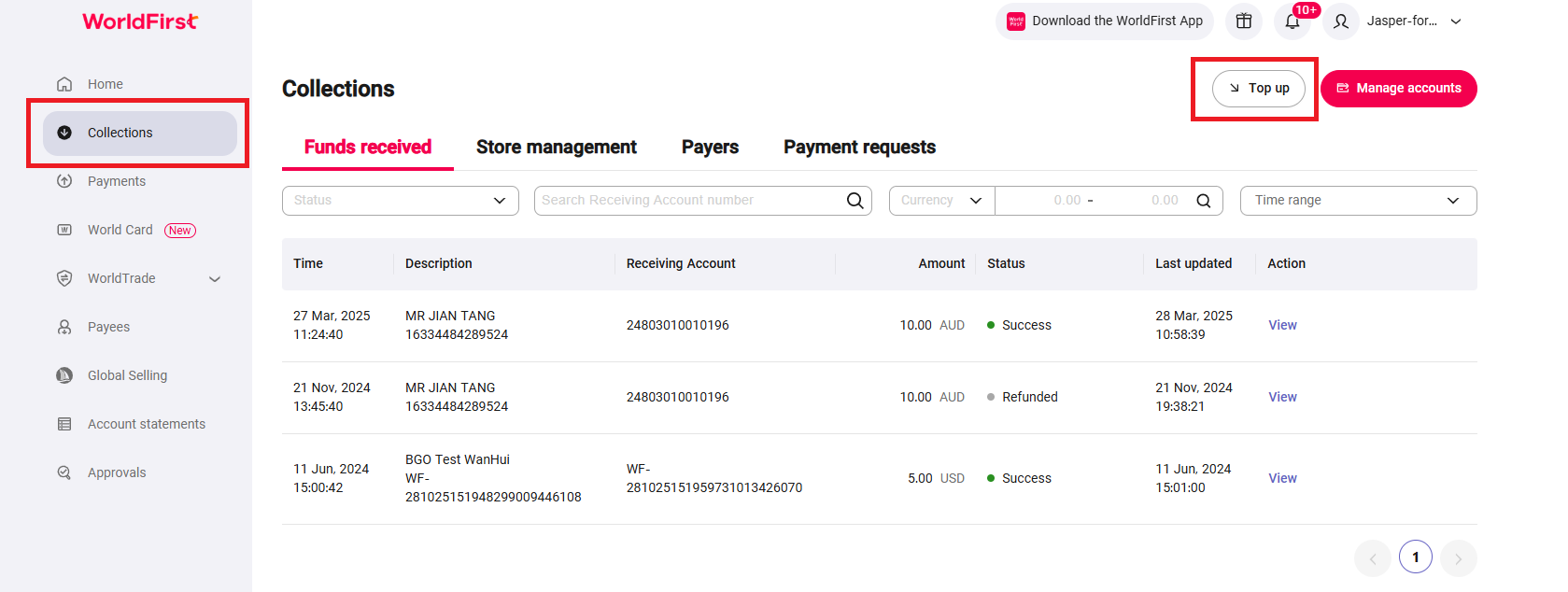
- Under ‘Collections’, select ‘Top up’ and ‘Add PayTo from your bank account’.
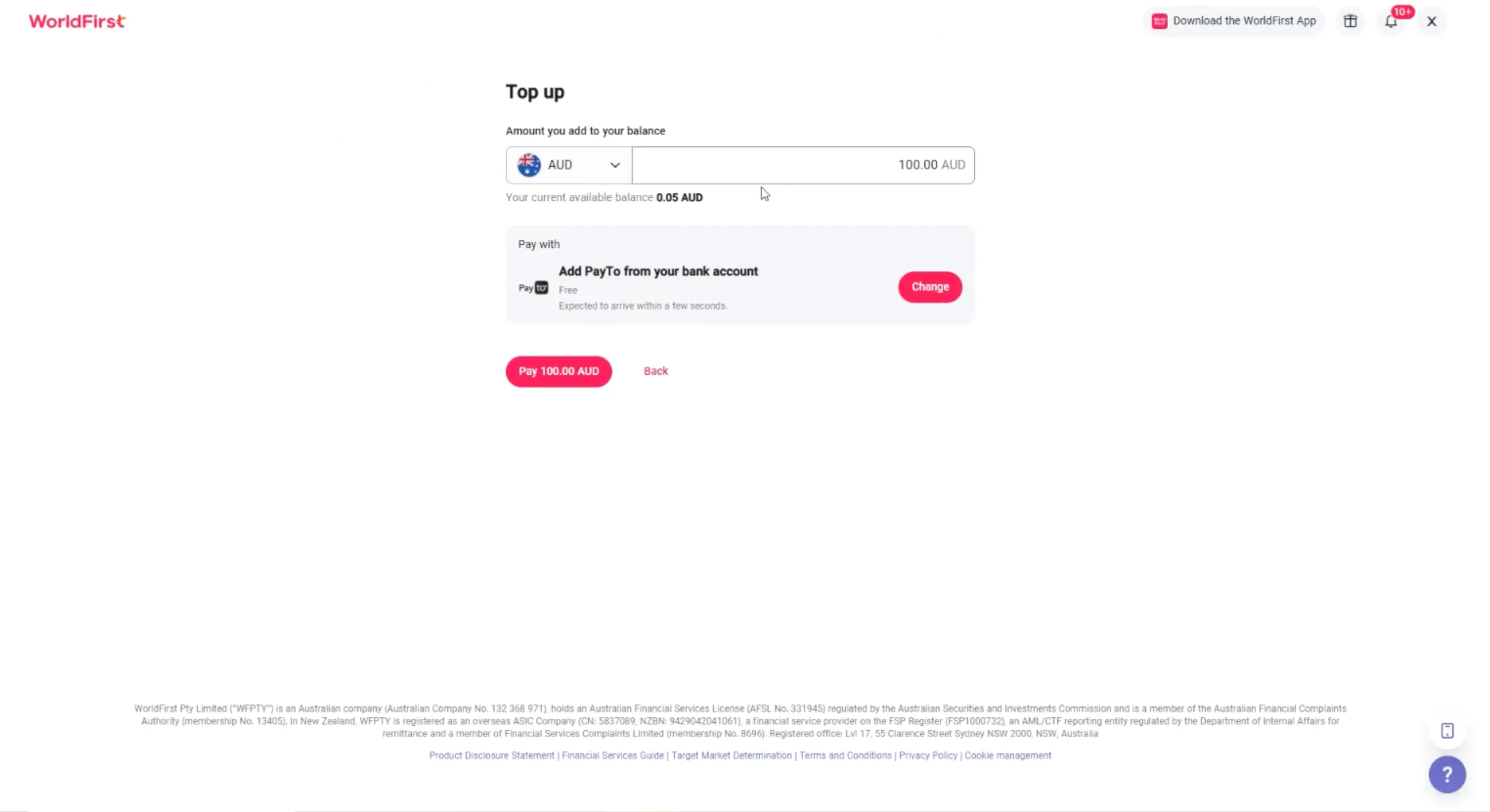
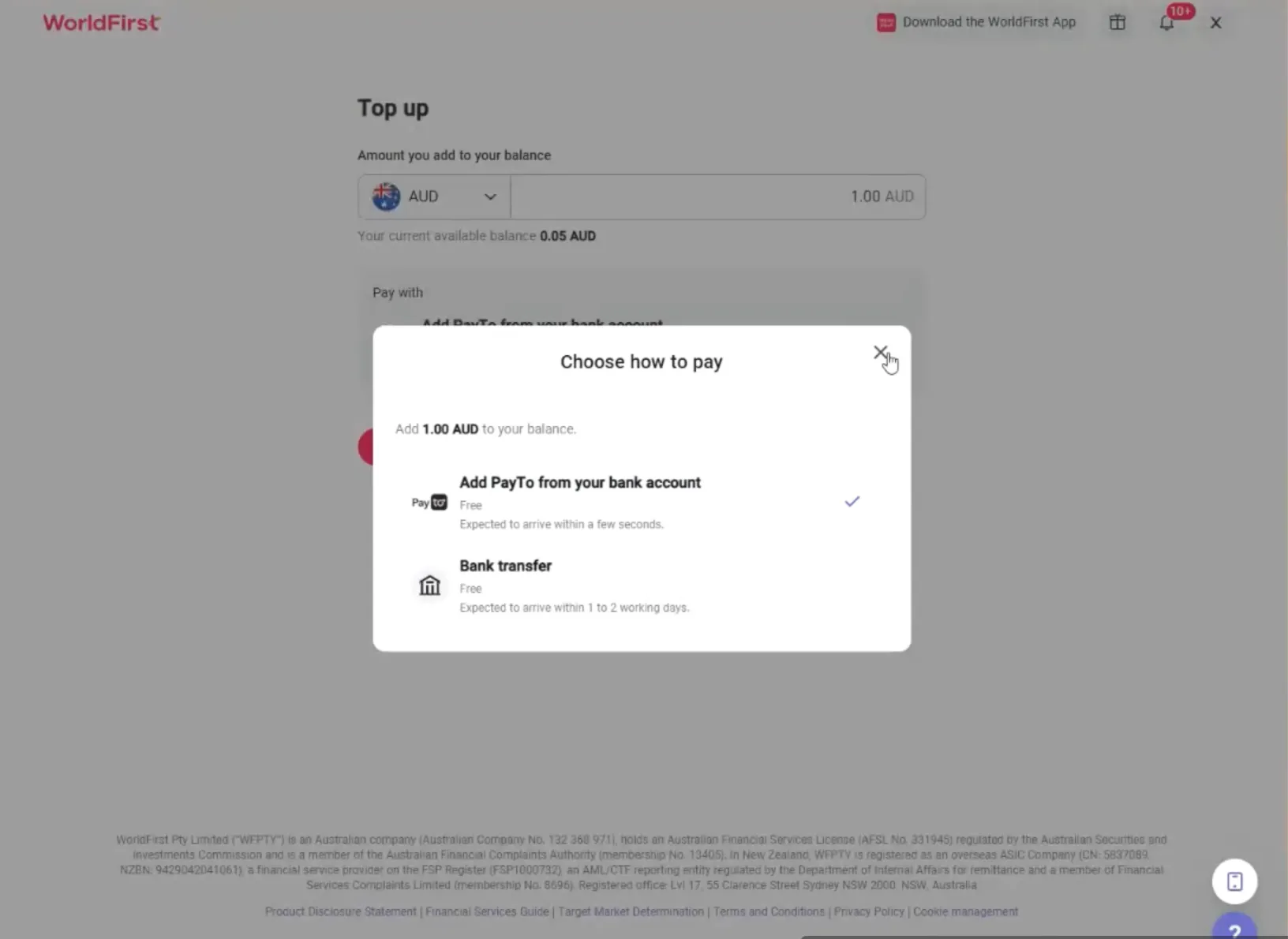
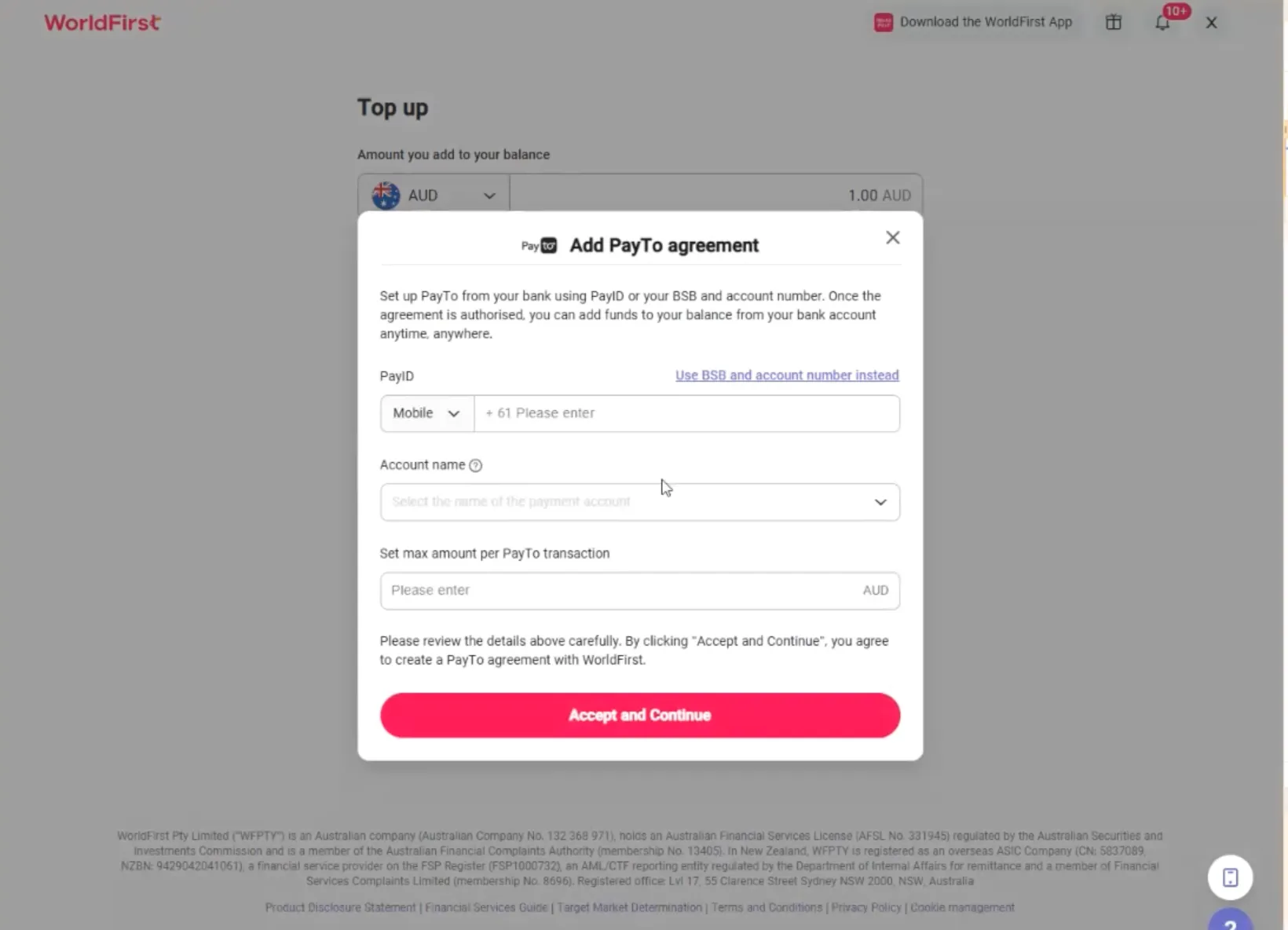
- You’ll be prompted to create a new PayTo agreement. You can link your bank account using one of the following:
- PayID mobile number
- PayID email address
- BSB and account details
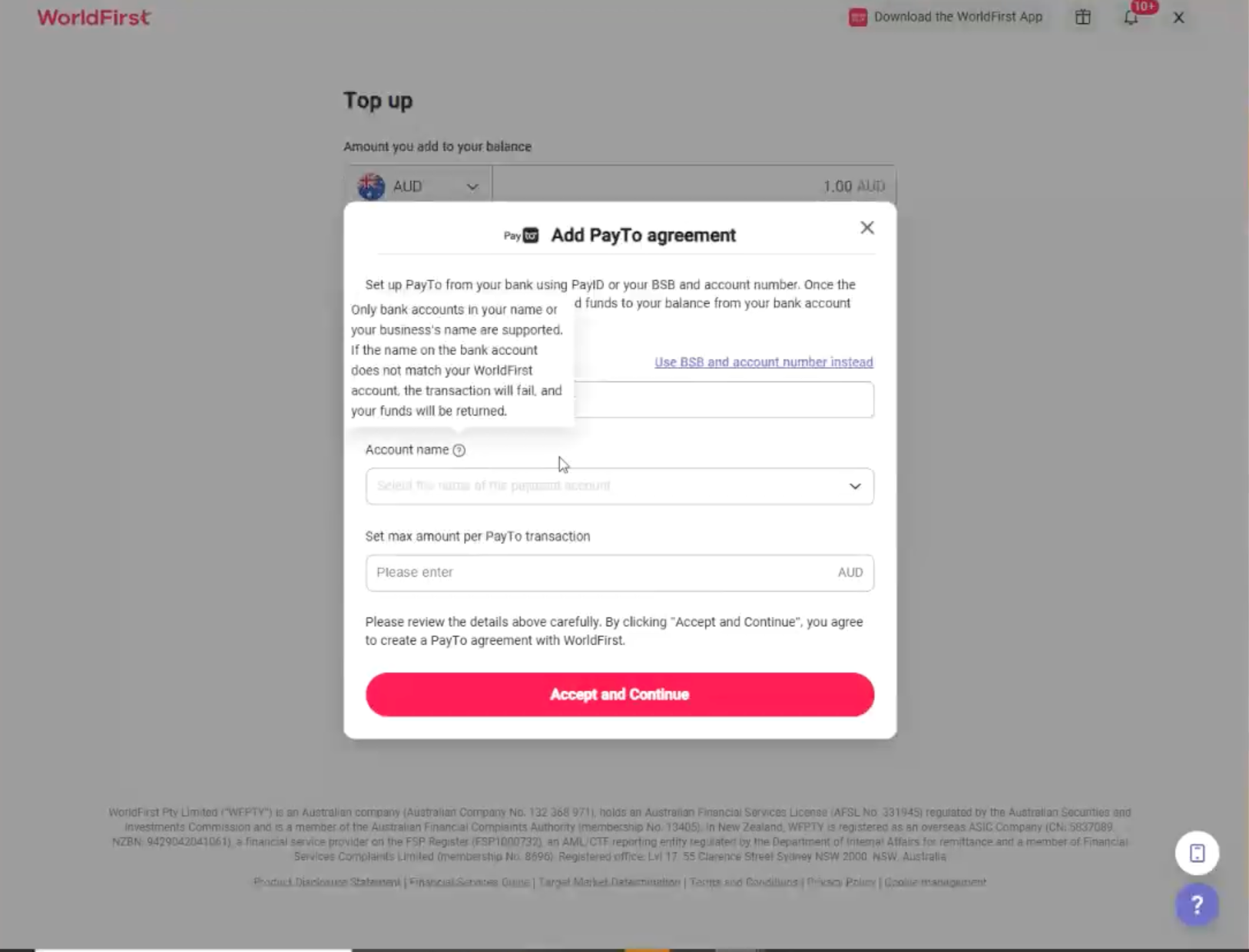
- Select the account name from the ‘Account name’ dropdown.
- Set the maximum amount per PayTo transaction. [The top-up limit is AU$100,000. Banks may apply their own limits. PayTo agreement setup is subject to your bank’s limits and settings.]
- Note: Only bank accounts in your name or your business name are supported.
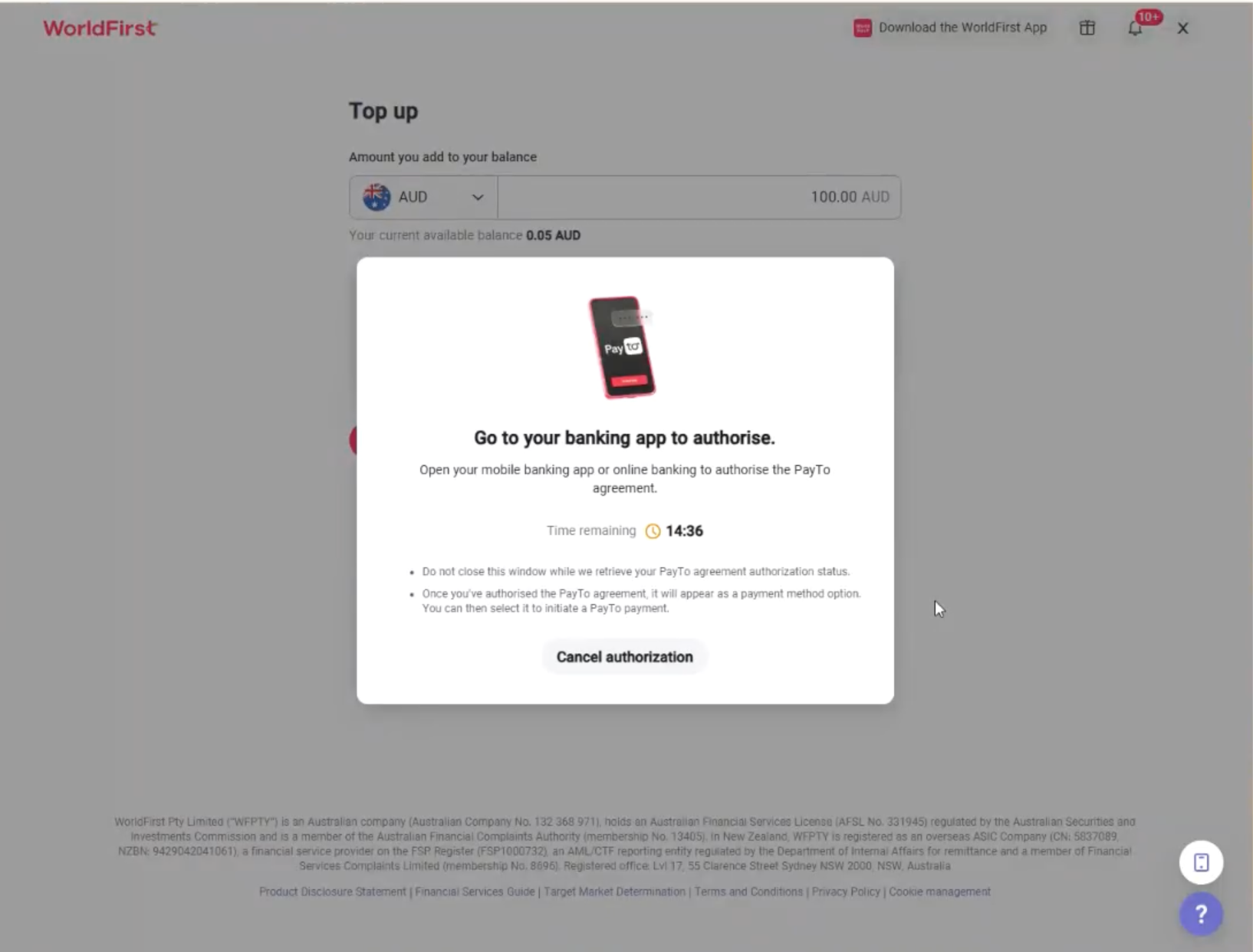
- You’ll be prompted to go to your banking app or online banking portal to authorise the PayTo agreement.
- Follow the prompts to authorise the agreement.
How do I top up my World Account with PayTo?
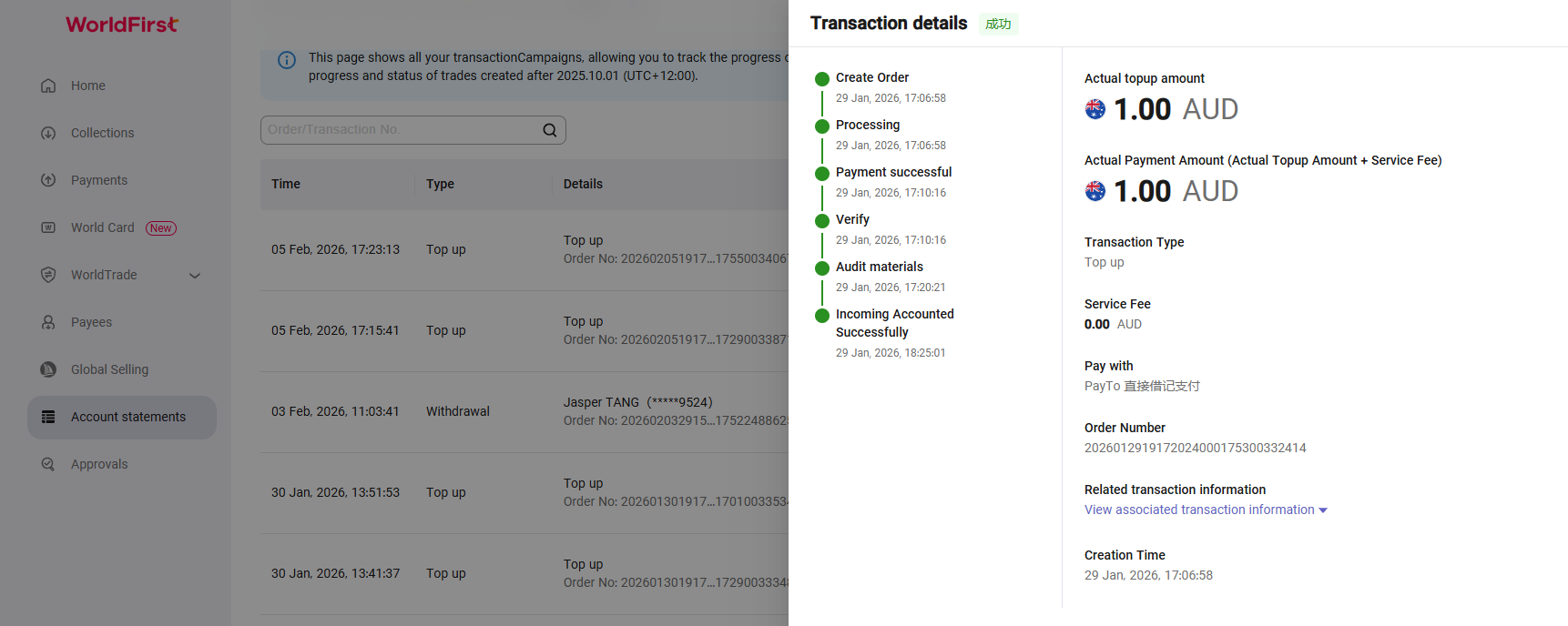
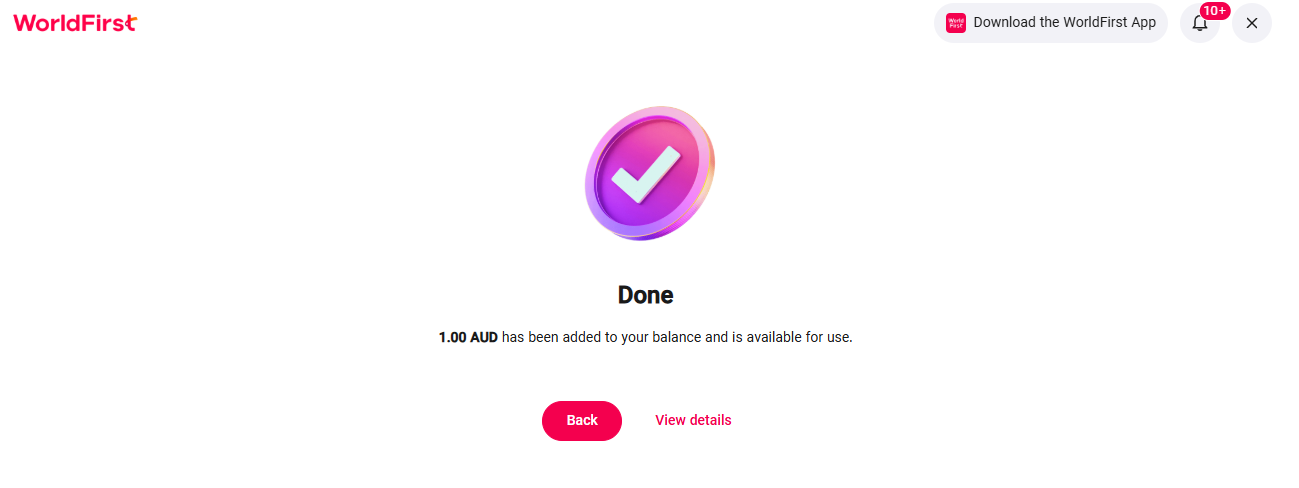
PayTo top-ups are settled in near real-time once your agreement is set up. For your first top-up, you’ll need to verify that the bank account is yours. Future top-ups can be done without the verification step.
- Under ‘Collections’, select ‘Top up’ and ‘Pay’.
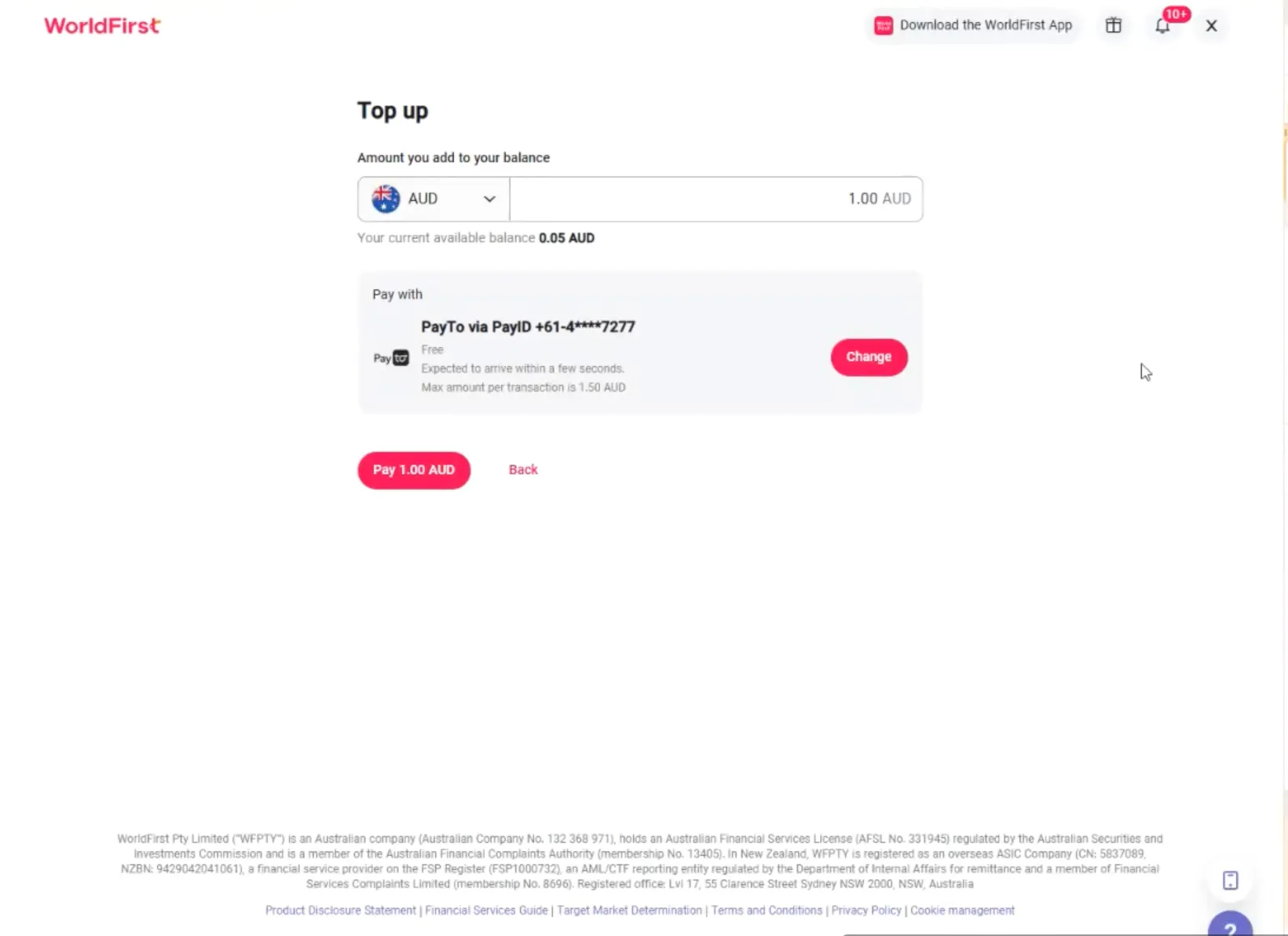
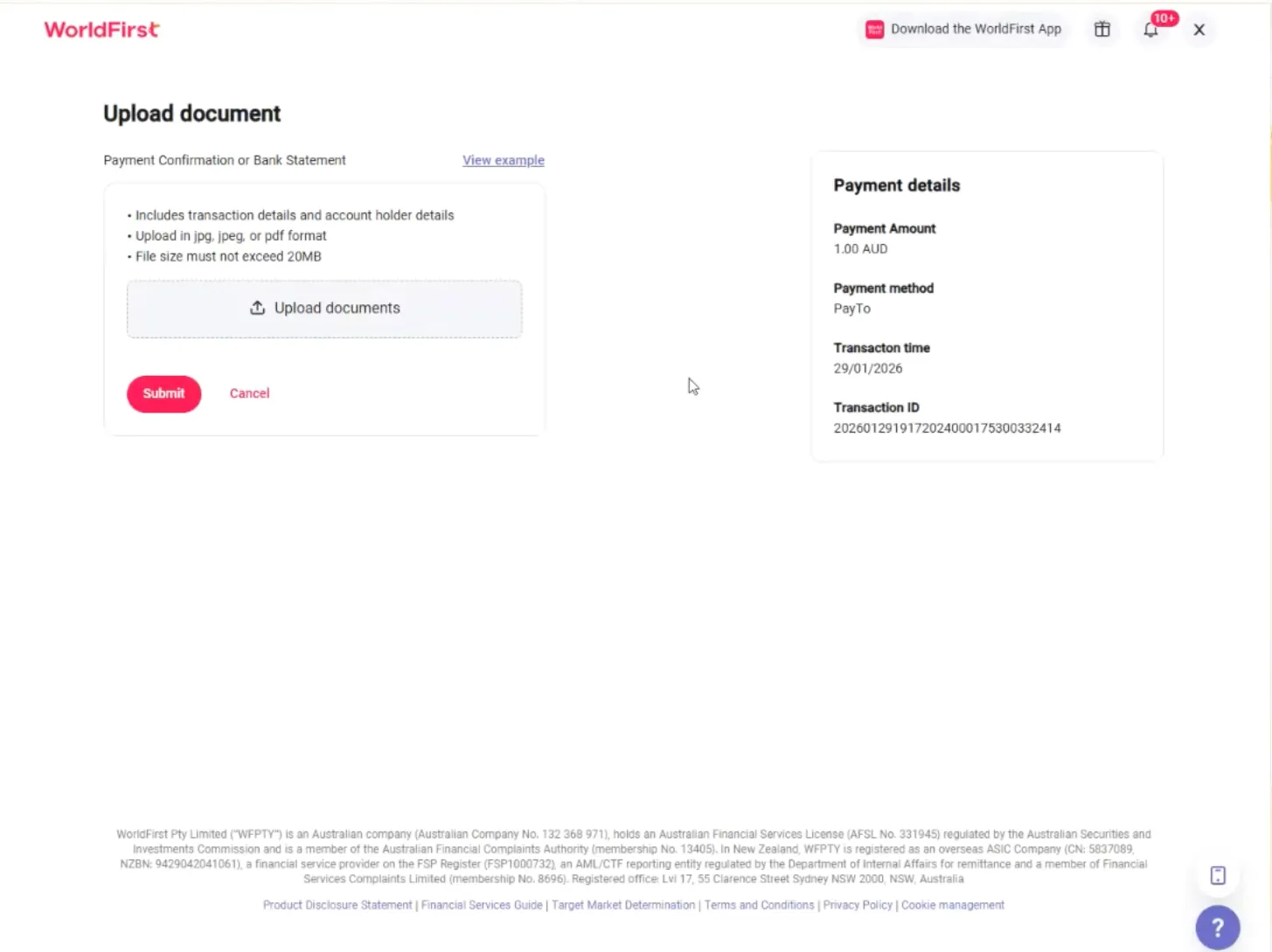
- Once you click ‘Pay’, you’ll be prompted to upload and submit a payment confirmation or bank statement related to your bank account.
- Upload the document and click ‘Submit’.
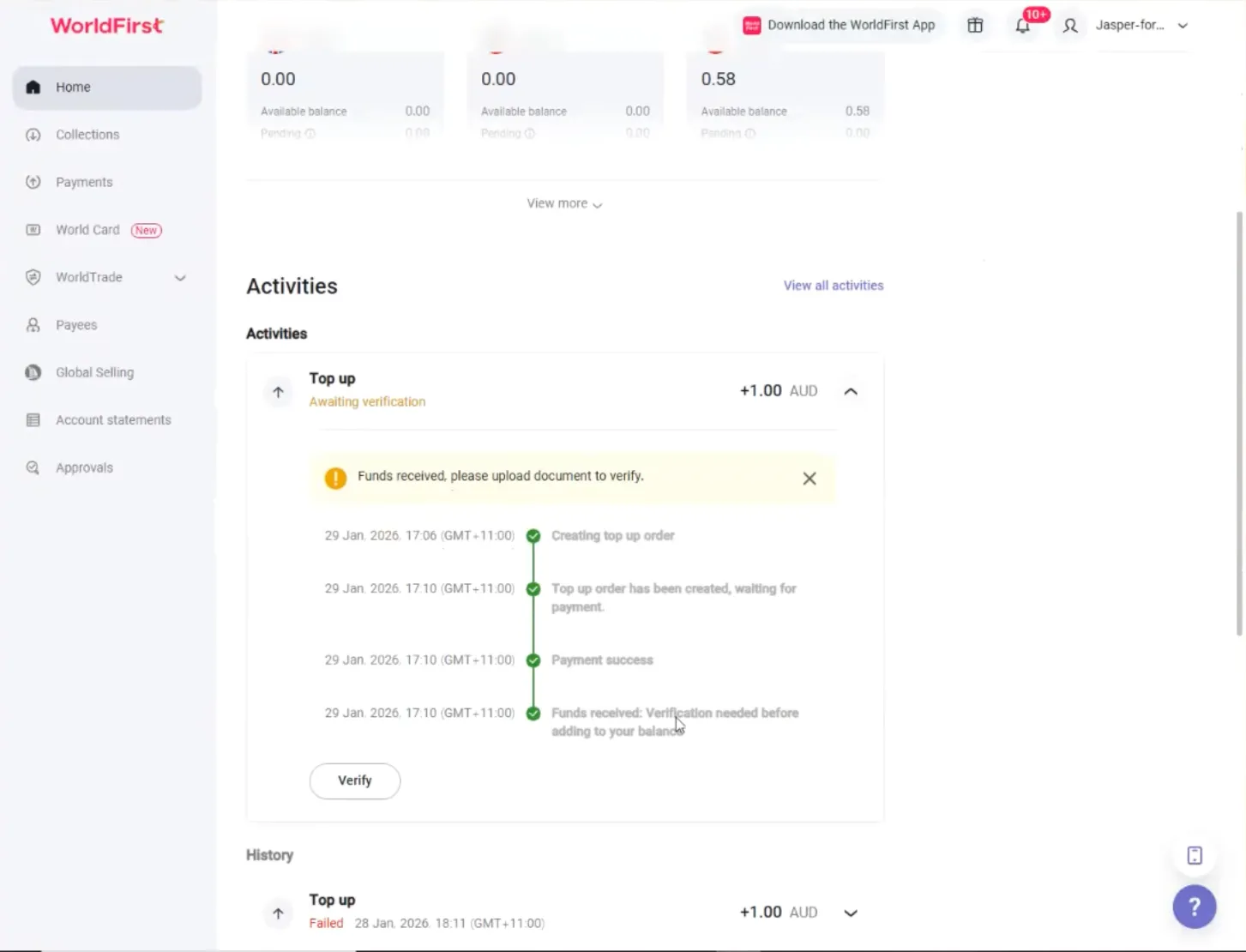
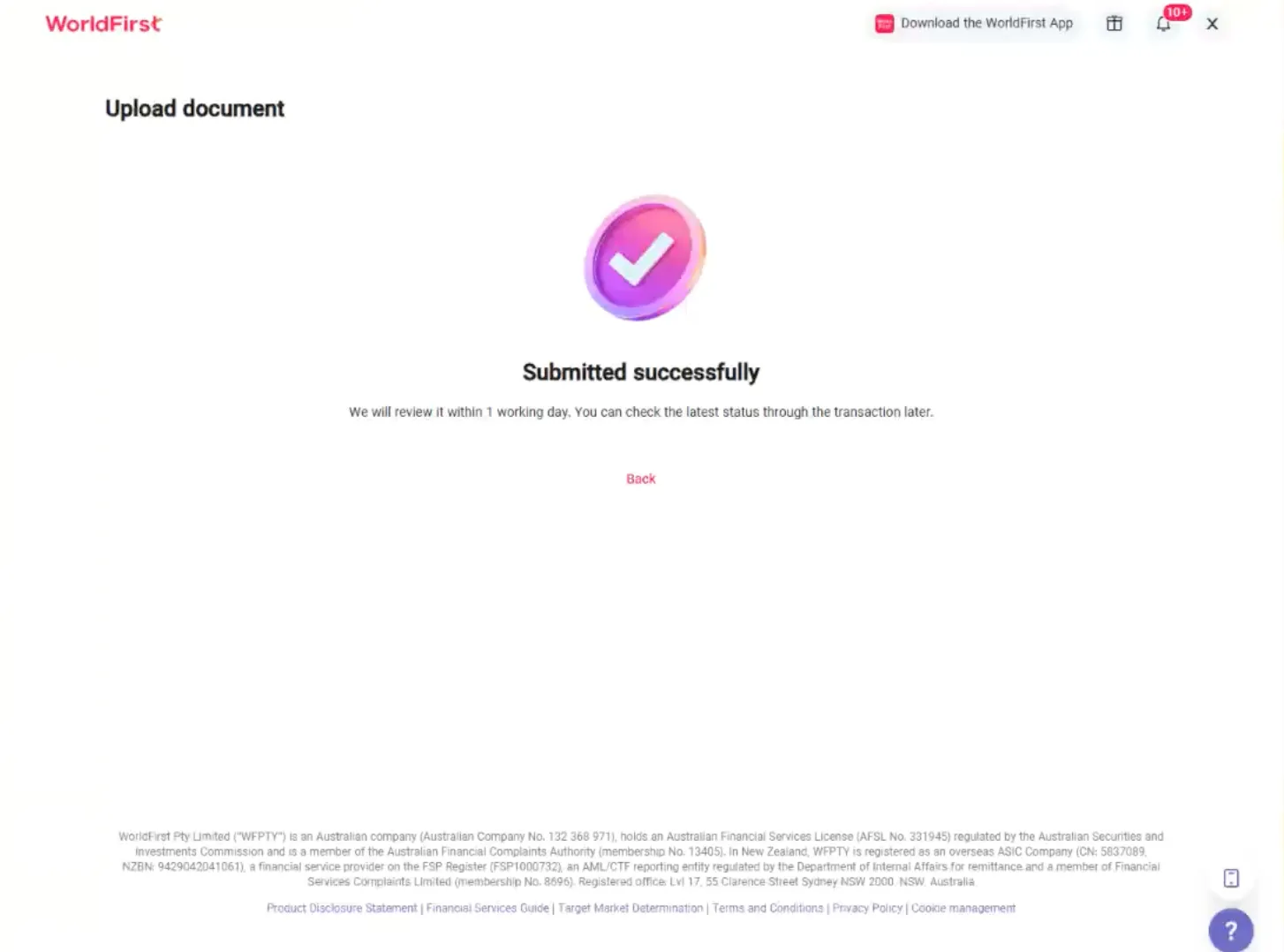
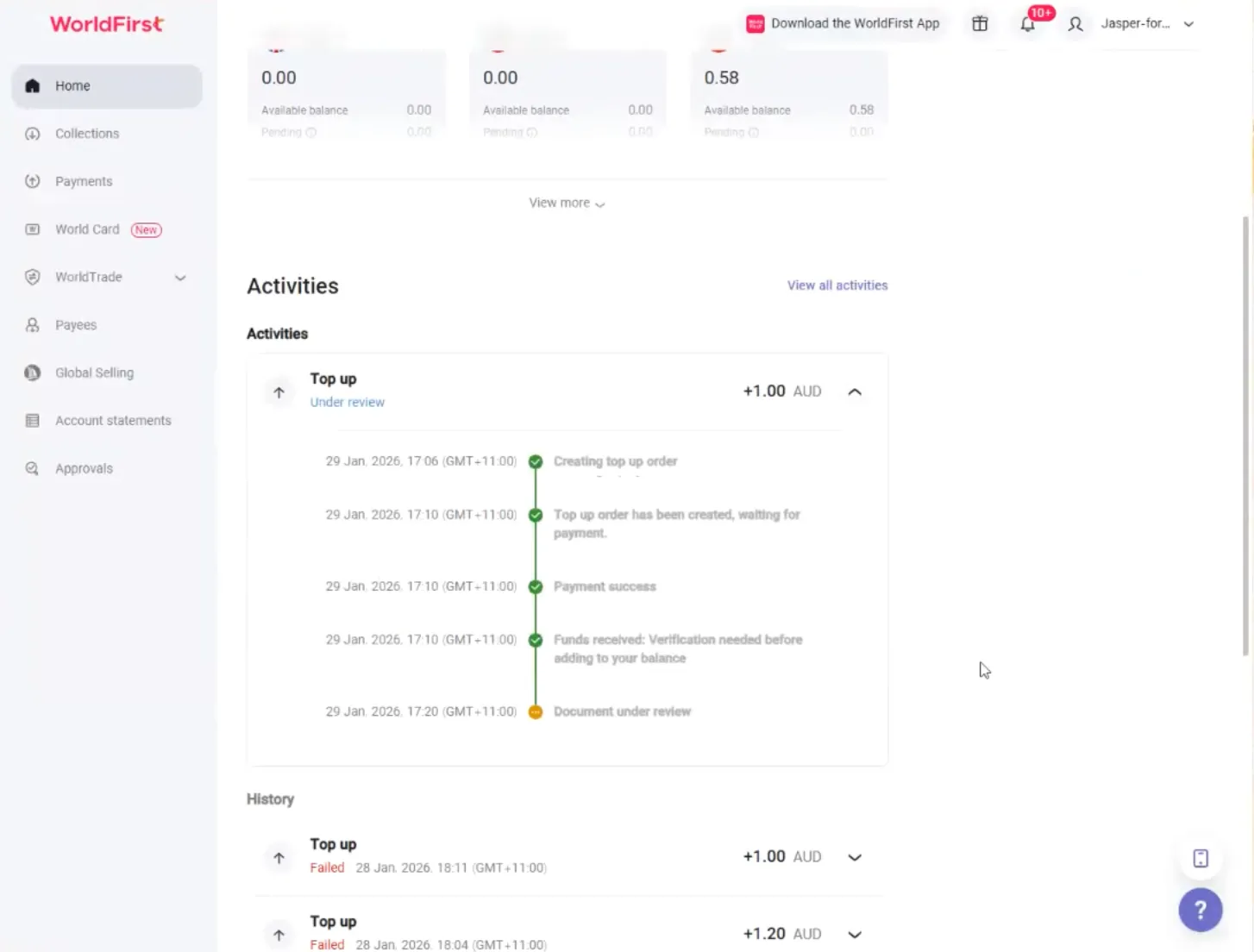
- Once the verification is processed, the funds will be available in your account.
How do I cancel a PayTo agreement?
You can cancel your PayTo agreement at any time from your World Account. Once cancelled, you’ll no longer be able to add funds using PayTo unless you set up a new agreement.
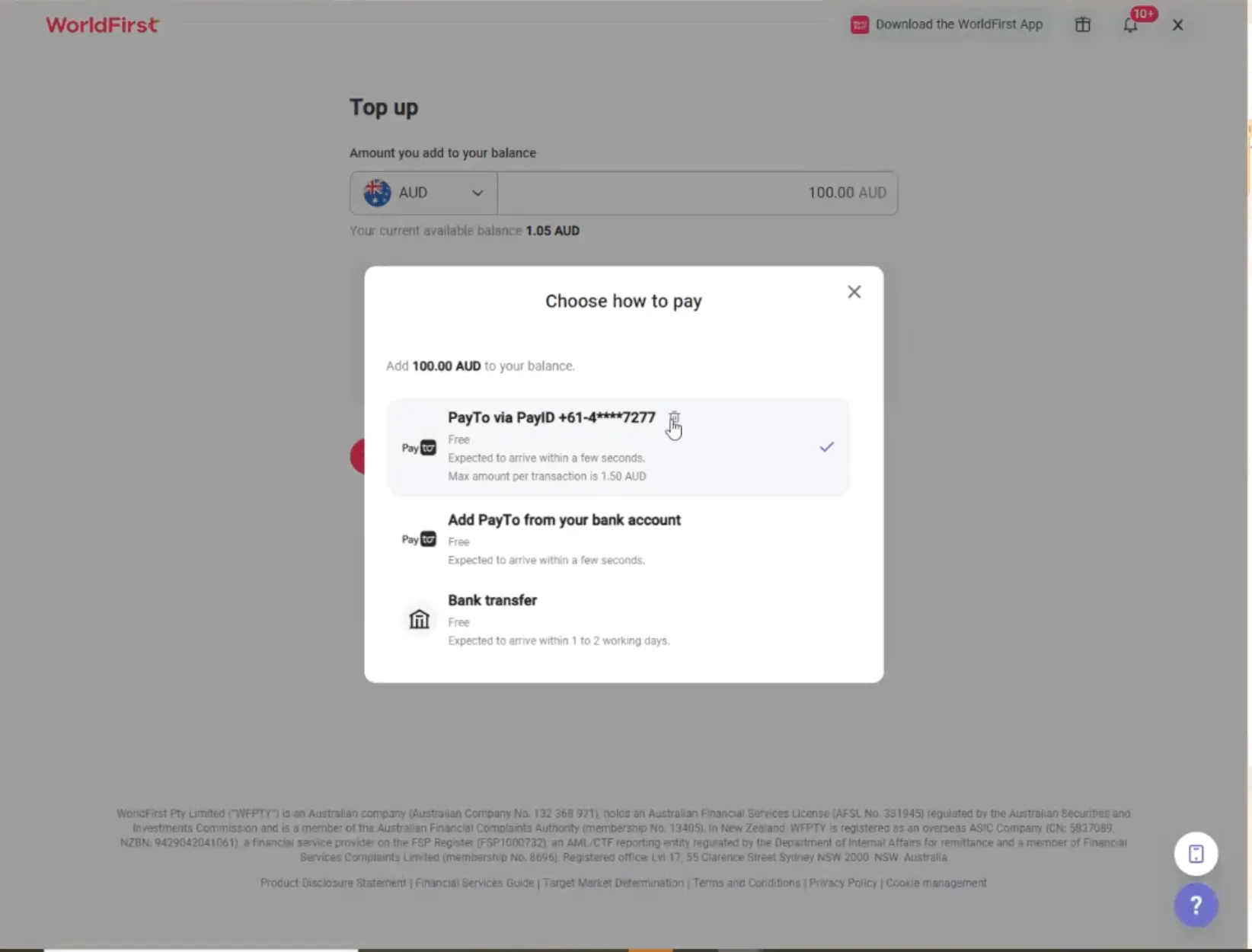
- Under ‘Collections’, select ‘Top up’.
- Click on the trash can next to the PayTo agreement, and ‘Confirm’.
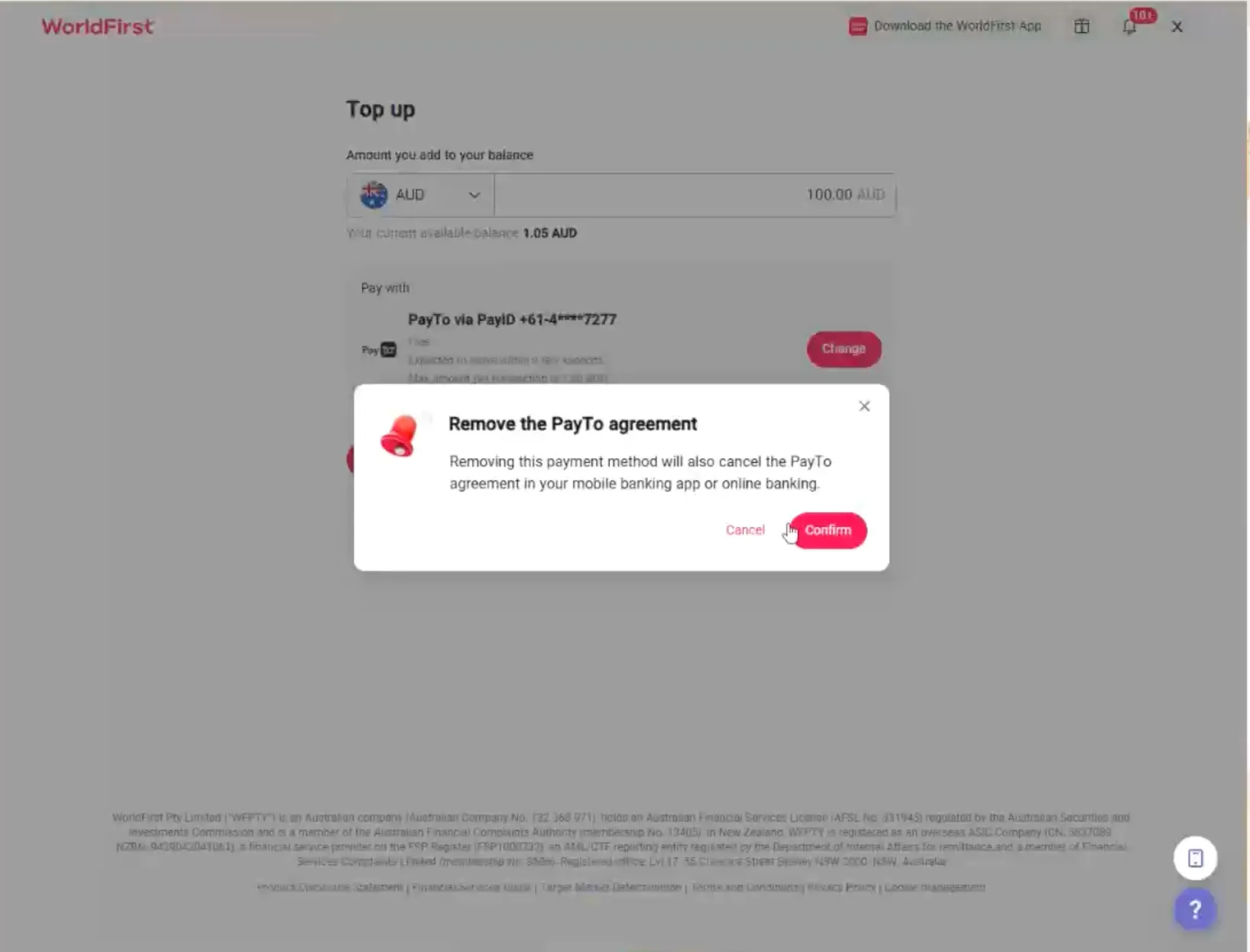
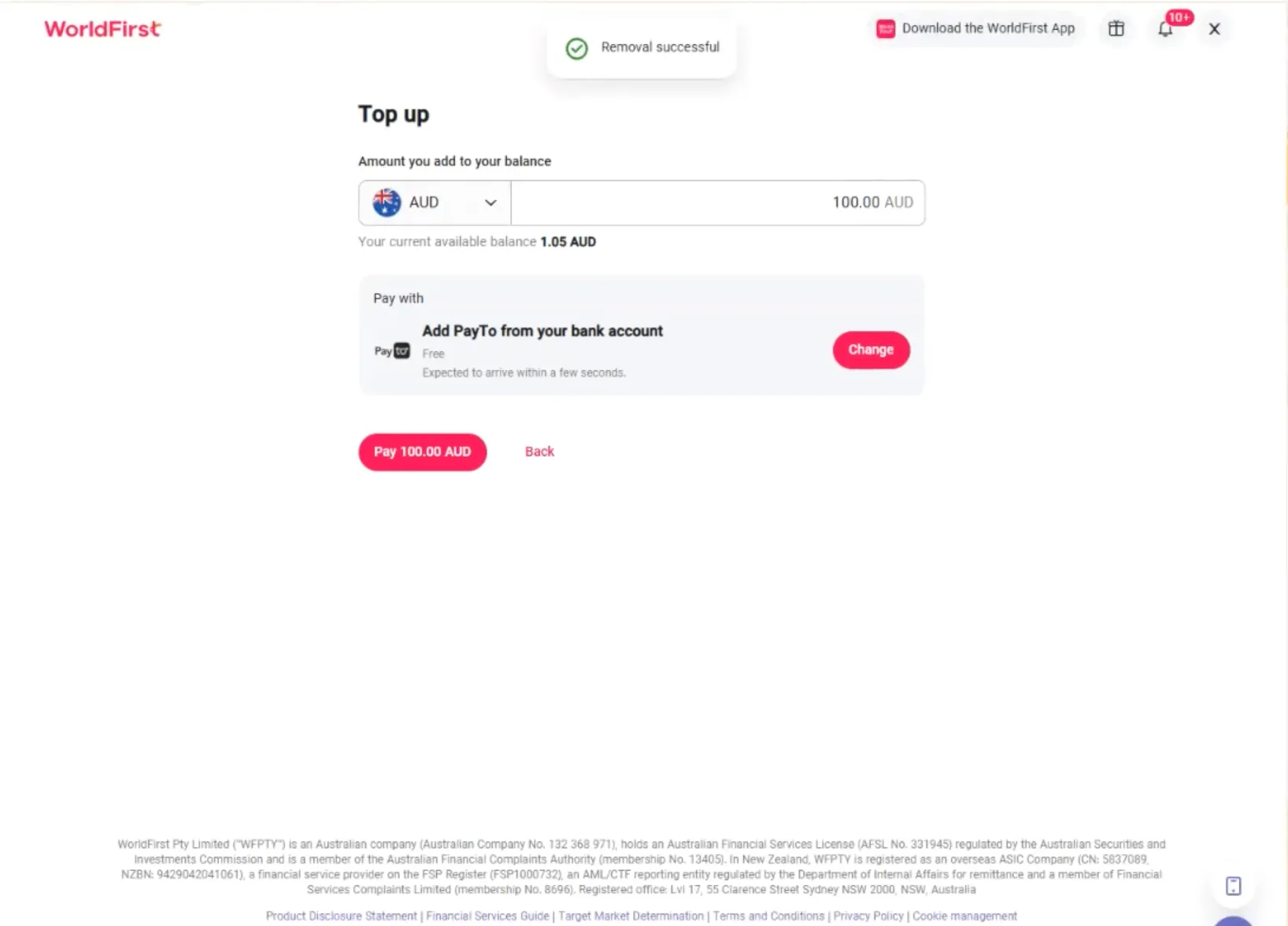
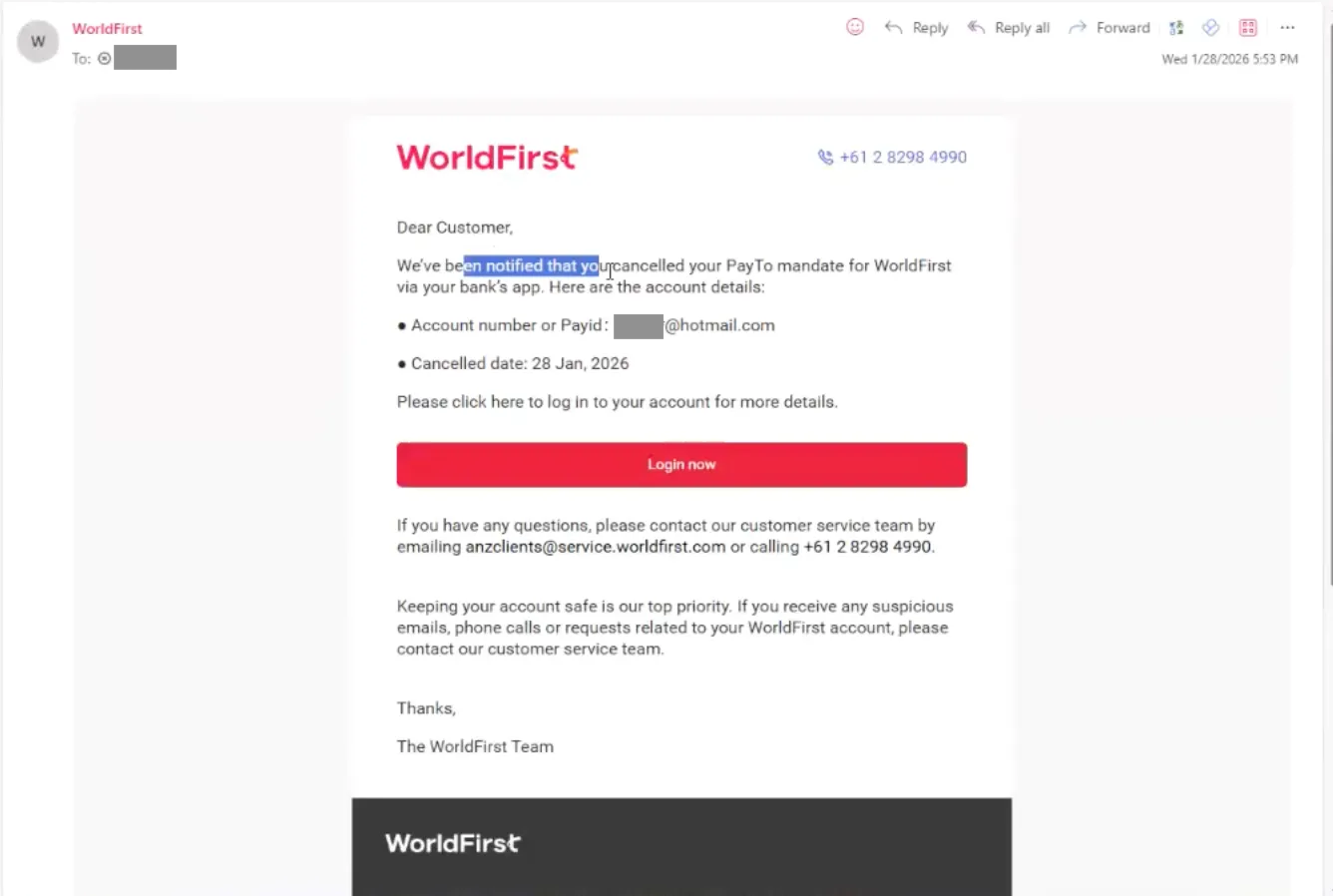
- You’ll receive an email confirming the cancellation of your PayTo agreement.
How do I choose a different bank account for PayTo top-ups?
To use a different bank account, you’ll need to create a new PayTo agreement with that account. Once it’s set up, you can switch to the new linked account in your World Account.
- Under ‘Collections’, select ‘Top up’ and ‘Change’.
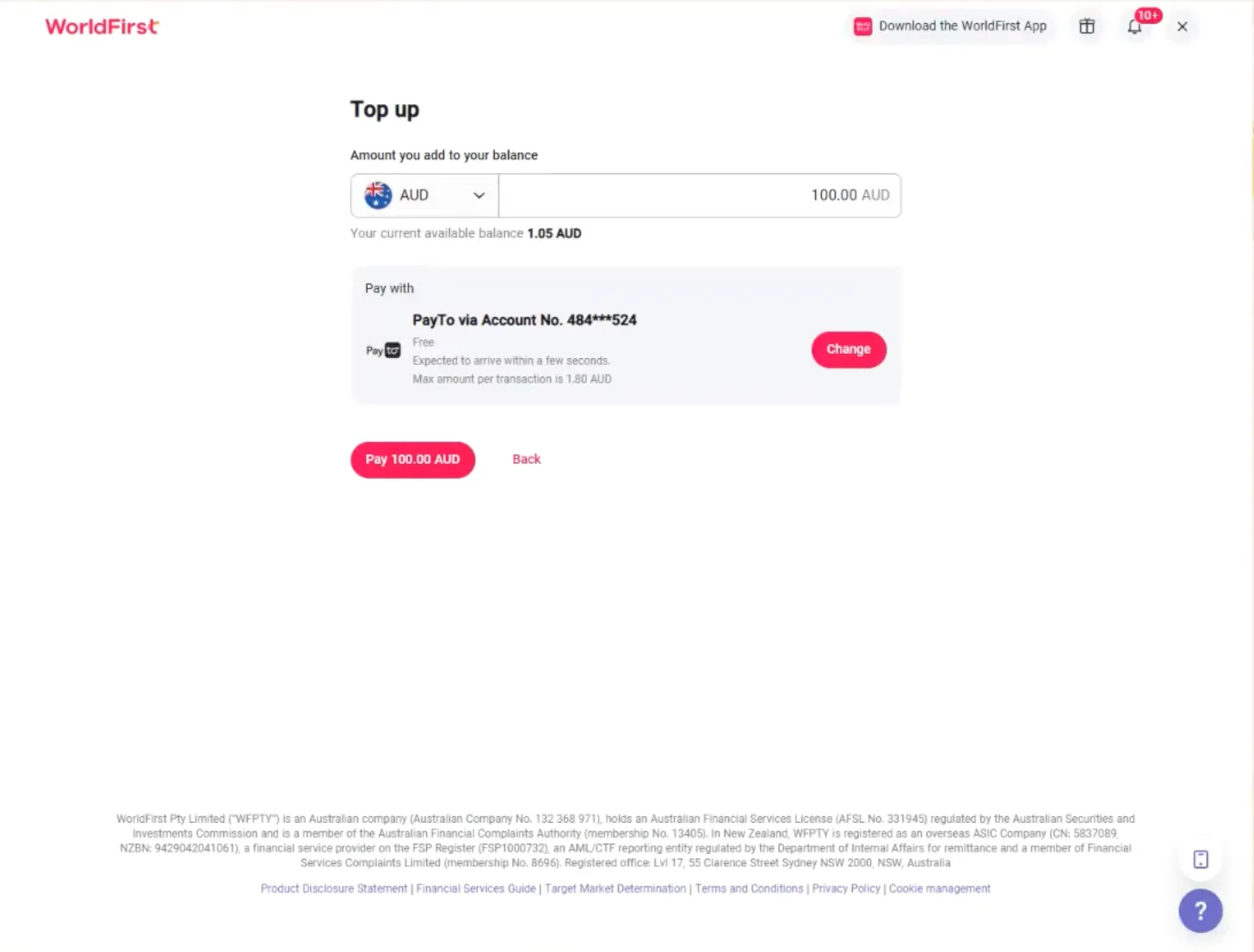
- Follow the instructions for creating a new PayTo agreement.
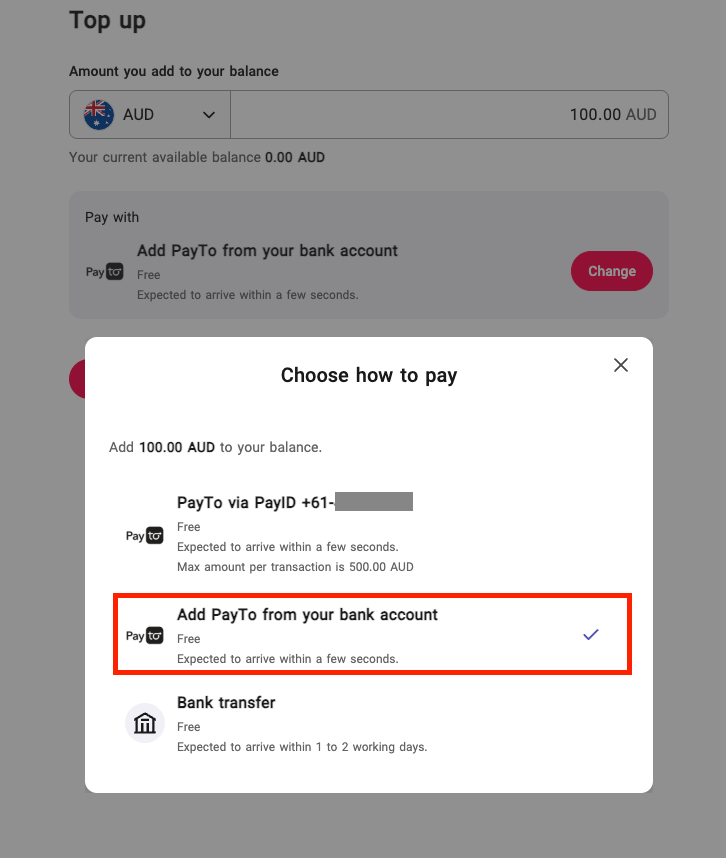
- Once the new agreement is authorised, click ‘Change’ and select the new bank account for your top-up.