



























Setting up a bank account in New Zealand can be a complex process for foreign businesses, especially when you’re applying from overseas.
As a first step, you’re typically required to register with the New Zealand Companies Registry. Then, you’ll need to provide a local business address and verify your identity in person at a branch, which is a huge inconvenience if you’re not actually present in New Zealand.
, there’s a faster and simpler way to hold New Zealand dollars and do business like a local.
WorldFirst’s World Account can be used in place of a traditional bank account to help UK-based businesses send, hold and receive funds in New Zealand dollars.
Unlike traditional banks, WorldFirst allows you to hold multiple balances in NZD, GBP and 20+ other global currencies, all for free. You don’t need to have a physical presence in New Zealand or register your business in the country to open an account.
In this guide, we share the key features of our World Account for UK businesses wanting to easily set up a bank account in New Zealand.
We also run through the steps that UK companies should take to open a traditional bank account, along with three of the best New Zealand bank accounts for non-resident businesses.
We cover:
- How WorldFirst’s World Account helps you hold NZD like a local business
- How to open a World Account online for free
- How to open a business bank account in New Zealand step-by-step
- 3 alternative business bank accounts in New Zealand
Ready to start holding, sending and receiving funds in NZD? Sign up for a World Account for free today.
How Worldfirst’s World Account helps you hold NZD like a local business
WorldFirst is a digital payments platform that helps businesses send, hold and receive international payments from over 200+ countries worldwide. Since 2004, over 1.5 million business customers have processed US$500+ billion through our platform.
Our multi-currency World Account helps you pay and get paid like a local New Zealand business – without the requirement of registering your business in New Zealand or providing a local address. With WorldFirst, you can open an NZD account within minutes, convert currency at low, transparent rates and even make same-day international transactions.
It’s free to apply for a World Account, and the application process is entirely online, meaning no in-person visits required.
Here’s what you get when you sign up for a World Account:
Set up a local NZD account online and hold 20+ different currencies in the same account
With WorldFirst, you can hold funds in AUD, USD and 20+ other currencies alongside your balance in NZD.
You don’t need to switch between accounts when making international payments, and you can hold these balances for as long as you like, all without being charged once.
This helps you avoid unnecessary currency conversion fees. For example, if you receive NZD from a sale, you can hold it in your World Account without having to convert to GBP first. Then, when you make a NZD payment to a payee, it’ll simply draw from your existing dollar balance instead of forcing you to convert currencies.
Additionally, you can make payments in 100+ global currencies from your World Account dashboard. This gives you the option to pay new payees in their preferred currency without needing to open a new currency account each time.
Read more: Multi-currency payments: How to manage business transactions across borders?
Make same-day international payments by creating local account details
Similarly to a traditional bank, WorldFirst lets you pay like a local by providing you with New Zealand bank account details, including a unique account number, a 6-digit bank/branch code and a SWIFT/BIC code.
This allows you to send international payments through local payment rails (such as the SBI network or the Australia NPP network) rather than relying on SWIFT. International SWIFT transfers usually take between one and five business days to settle – even for geographically close countries like Australia and New Zealand.
In contrast, we always send your payments through the fastest route possible. This is why 90% of payments made through WorldFirst land by the next day.
Additionally, you can use your local account details to sign up for New Zealand e-commerce platforms (such as Trade Me or Amazon Australia, which serves the New Zealand market, for example). While these marketplaces usually require a bank account to receive payouts, you’re able to receive payments and pay seller fees using your World Account instead.
Pay zero account fees and benefit from low, transparent conversion rates
It’s completely free to open a World Account, and we charge no monthly fees, hidden fees, fall-below fees or fees for receiving payments. Sending payments to other World Accounts is also free, which is especially useful if your payees already have an account with us.
Plus, with WorldFirst, FX fees are always transparent and cost-effective. We use the mid-market exchange rate to convert funds, and for major currencies like GBP, NZD and AUD we’ll only add a 0.5% markup. For all other currencies, our markup is capped at 0.75%.
If you’re concerned about exchange rate fluctuations, you can also lock in FX rates for up to two years using forward contracts.
This is an agreement to buy/sell a fixed amount of currency at a set price in the future, which means you’ll always know how much it costs to carry out a conversion. It’s designed to give you cost certainty, and it reduces your exposure to FX volatility when making future payments.
Read more: How to lock in exchange rates as a cross-border business: 3 best methods
How to open a World Account online for free
To start holding New Zealand dollars with WorldFirst, you’ll first need to sign up for a World Account. It’s free to open and maintain, and you can get set up in less than 48 hours.
Here’s how to sign up:
- Head to our World Account signup portal and enter your personal details
- Fill in your account information and verify your identity with a passport or drivers licence
- Upload your business documents, including shareholder IDs, company ownership documents, proof of address, as well as the source of documents.
- Once you click ‘Submit’, you’ll receive an acceptance email (usually within 48 hours)
Then, to open a local NZD currency account:
- From your World Account dashboard, click ‘Shortcuts’ and then ‘Manage accounts’
- Click the ‘Add a new receiving account’ button on the top right of your screen
- Choose NZD as your currency and give your account a nickname, then click ‘Confirm’.
- Your local NZD account will be created instantly
Read more: Receiving foreign currency? Here’s what you need to know
How to open a business bank account in New Zealand step-by-step
If WorldFirst isn’t the right option for you, here’s a step-by-step guide for how to open a traditional business bank account in New Zealand as a UK company:
1. Register your company in New Zealand and obtain a tax ID number
Generally, you must register your UK business in New Zealand before you can begin the bank account opening process.
You can register either as a new private limited company or as an overseas branch of your UK company. Beware that branches must register within 10 working days of starting business activity in New Zealand, otherwise you’ll risk fines up to NZ$10,000 for both your company and its directors.
It’s also worth considering that some banks prefer simpler business structures (local incorporation) since it makes compliance easier.
Traditional New Zealand banks require:
- A New Zealand Business Number (NZBN)
- An Inland Revenue Department (IRD) number
- A Companies Register proof to comply with AML rules
Your NZBN is auto-assigned on registration with the companies office, and you can obtain a free IRD number for banking/AML compliance directly from the Inland Revenue Department.
Read more: How to open a business bank account (step-by-step guide)
2. Find the right bank
The best banks to approach as a foreign business are major financial institutions such as Westpac, ANZ, BNZ and ASB (see below). They’re typically more experienced in handling non‑resident KYC checks, which can help your application get approved faster.
After choosing a bank, assess their account offerings to see which features they support. As a starting point, look for:
- Multi-currency capabilities, so you can hold multiple currencies alongside your NZD balance and avoid conversion fees on international payments
- Online banking, which allows you to manage your account from overseas, send payments and create reports without having to visit a branch
- Low account fees. Make sure to assess transaction fees and FX markups in addition to account fees, since these costs can quickly snowball if you make frequent transactions
- Currency hedging instruments. Tools like forward contracts, firm orders, rate alerts and spot contracts help you manage FX exposure
- Fast support via email or phone. New Zealand is 11–13 hours ahead of the UK (depending on the time of year). If your bank doesn’t have a 24/7 support line, then you might have to wait an entire business day to receive help
- Virtual/physical card availability. Some banks only support one type of card, while others allow both but restrict the amount of cards you can create
- Lending options, including easy access to overdrafts, credit cards or loans
Read more: How to pick the best online business bank account (12 options)
3. Prepare required documentation
As a starting point, foreign-owned companies should be prepared to submit the following documentation:
- Certificate of incorporation or registration
- Company constitution (if applicable)
- Director and shareholder ownership percentages
- Proof of identity (passport or national ID) for all directors, shareholders and signatories
- Proof of residential address for each individual named above (e.g., a utility bill or recent bank statement)
- Inland Revenue Department number (local companies) or tax number (foreign companies)
- Business plan or description of business activities
- Proof of business activity, such as an invoice
- Proof of trading address, if different from the registered office
New Zealand’s banks are obligated to conduct thorough anti-money laundering checks to all companies, but the scrutiny may be more extensive for foreign-owned businesses. Because of this, you might be asked for additional documents, including:
- Information on the source of funds and source of wealth
- Identification of ultimate beneficial owners (UBOs)
- Company structure charts, particularly for multi-layered entities
- Translations or apostilled documents (if they’re not in English)
4. Visit the branch in person to verify ID documents
To complete the bank account application process, at least one director will have to undergo KYC checks and identity verification in person at a bank branch. This applies even when you’re applying from overseas.
Once your risk profile has been cleared, your business account will typically be activated within seven to ten business days.
3 alternative business bank accounts in New Zealand
Now that you know how to apply for a business account, here are three of the best banking solutions in New Zealand for UK companies:
1. ANZ Business Current Account
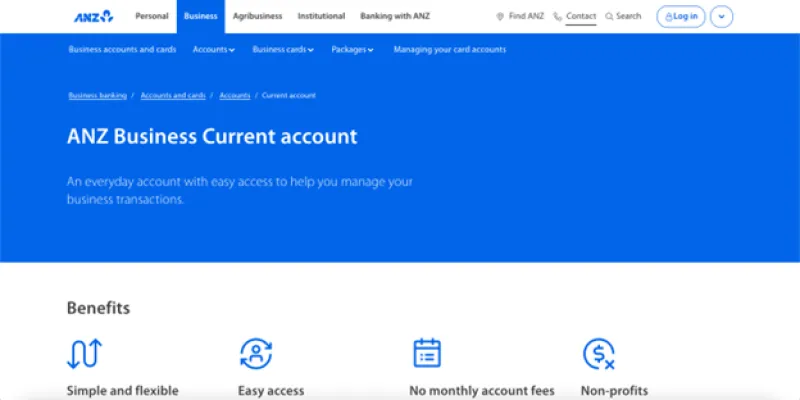
The ANZ Business Current account1 is an everyday, flexible banking service suitable for businesses of all sizes. It’s ideal for everyday business transactions, though it’s particularly suited to newer companies and non-profits.
If you’re in the first two years of business, you’ll pay no transaction fees or monthly account fees for two years. If your company is older than this, you’ll pay a monthly account fee of NZ$8.50.
The ANZ Business Current account allows 200 free transactions a month – after that, it costs NZ$0.20 for each automated or manual transaction. Non-profit organisations may be exempt from paying certain fees on an ANZ Business Premium Current account, though it’s best to check directly with ANZ for eligibility details.
Once you open this account, you have the option of taking out an ANZ Business overdraft or ANZ Business loan. Overdraft application fee is either NZ$75.00, or 1.00% of the approved credit limit/credit increase, whichever is greater. ANZ charges a Working Capital Base Rate of 10.65% p.a. (at the time of writing).1a
2. BNZ Business First Transact Account
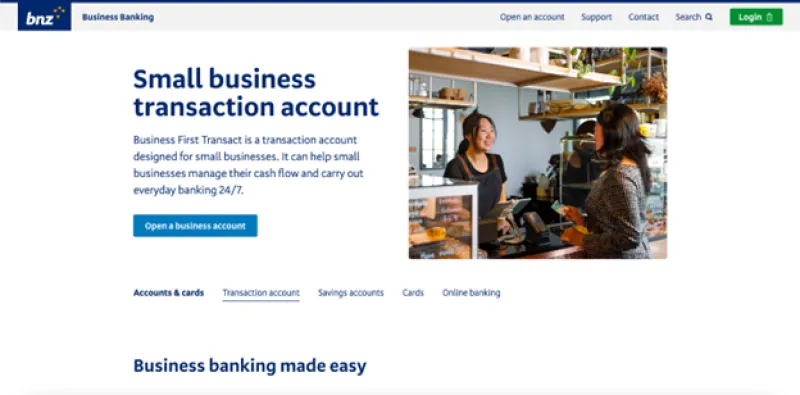
The BNZ Business First Transact Account2 is designed to help SMEs and small businesses manage their day-to-day spending through 24/7 internet banking.
One of the account’s main features is that you can overdraw up to your pre-approved limit whenever you like. There’s an unarranged overdraft fee of 0.15% per month (NZ$5.00 minimum) and the overdraft base rate BNZ charges is 10.95% per annum, plus margin.
Other than overdraft fees, BNZ charges no account or transaction fees. Automatic payments, direct debits, fund transfers, same-day cleared payments and ATM transactions are all free of charge.
However, the account is only available to small businesses with a turnover of less than NZ$5 million per annum.
Read more: What’s the best bank account for a small business? 5 options
3. ASB Bank’s Business Account
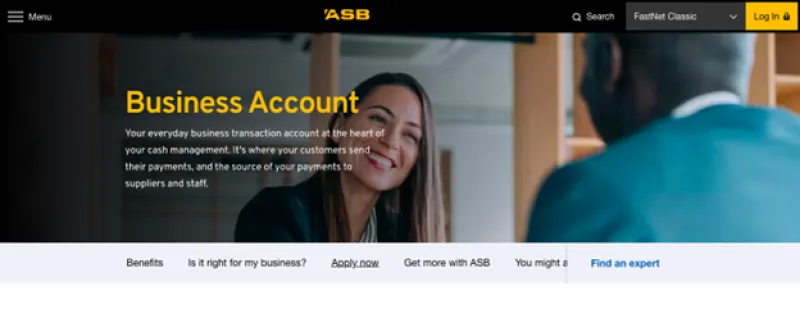
The ASB Bank Business Account3 is an everyday business transaction account with no monthly base or transaction fees, making it a great option for day-to-day cash management. It integrates seamlessly with Xero, MYOB, QuickBooks, and other accounting software to help you automate reconciliation.
Similarly to other New Zealand banks, you can apply for an overdraft online, though an establishment fee (up to 1.00% of the approved limit) may be applied.
Once you open an account, you can apply for an ASB Business Debit Card (with $0 annual account fees) online, at a branch, or via app. However, while it’s cheap to maintain the card, you’ll be charged a service margin of 2.1% on all overseas transactions.3a
Since this isn’t a multi-currency account, making an international payment in NZD costs NZ$25 on top of a NZ$5 bank fee, and making international payments in GBP and EUR costs NZ$20. These fees can quickly snowball, especially if you make large or frequent international payments.
Read more: International digital bank accounts: The best fit for cross-border businesses
Open a World Account online for free and start holding NZD like a local today
In this article, we’ve shared how UK businesses can open a New Zealand business bank account from overseas, along with three of the best business bank accounts available.
We’ve also shared why WorldFirst’s World Account is the best choice for UK businesses wanting to hold NZD like a local. For example, with WorldFirst you can:
- Set up a NZD account online for free
- Hold multi-currency balances in NZD, AUD, GBP and 20+ other currencies
- Make same-day international transfers with local account details
- Pay zero account fees and benefit from low and transparent foreign exchange rates
Ready to get started with WorldFirst? Sign up for a World Account today and start sending, holding and receiving NZD.
Sources:
- https://www.anz.co.nz/business/accounts-and-cards/business-accounts/current-account/
- https://www.anz.co.nz/business/lending/overdrafts/
- https://www.bnz.co.nz/business-banking/everyday-accounts/business-transaction-accounts
- https://www.asb.co.nz/business-banking/business-account.html
- https://www.asb.co.nz/content/dam/asb/documents/business-banking/2025/asb-guide-to-business-banking-fees-7-jan-2026.pdf