Looking for a new business account in the UK? Comparing all the options takes time, so this guide makes it easier. We compare eight of the most popular business accounts, whether you prioritise low transfer fees, cashback, multi-currency support or easy expense management.
We’ll also introduce you to WorldFirst’s World Account, the top business account for cross-border businesses. It enables you to hold 20+ currencies, make fast, affordable payments in 150+ currencies and manage global spending all in one place.
With around 5.5 million private sector businesses in the UK, according to gov.uk, there is no single best account, only the best one for how you trade. Register for a World Account today and start making low-cost international payments instantly.
Top 8 UK business accounts compared
Below are 8 chosen business accounts and business bank accounts in the UK:
| WorldFirst | Monzo Business1 | Revolut Business2 | Starling Business Bank Account3 | Tide | HSBC Business Banking Account4 | NatWest Business Bank Account5 | ANNA Business6 | |
| Best for | Businesses with frequent international trade | Sole traders and small businesses needing simple mobile banking app | Digital-first companies, startups, and remote teams | UK startups, freelancers, SMEs who prefer low fees | Sole traders and startups | Established businesses with high borrowing needs & cash handling requirements | Enterprise clients and scaling UK companies, especially those that may require relationship management | Freelancers/ self-employed individuals and small businesses who want streamlined reconciliation tools |
| Multi- currency | ✅ Make payments in 100+ currencies and hold funds in 20+ | ❌ No mention | ✅ Exchange 25+ currencies at the interbank rate | ✅ EUR, USD and GBP only | GBP, plus currency add-ons | ✅ Send and hold payments in nine currencies and receive payments in six | ✅ Make payments in 35 currencies, and 46 if Bankline is used 6c | ✅ EUR, USD and GBP only5c |
| Account fees | Free to open and maintain | Free, with paid options at £9 and £25 | £10–£90 per month | Free, with optional paid multi-currency accounts (EUR £2p/m, USD £5p/m) | Free, paid plans from around £12 | £10p/m after 12 months | Free to open and maintain | £19.90 per month + VAT5b |
| Virtual cards | Up to 50 | 51a | 2002b | ❌ Unavailable for business accounts | Yes | 14b | 2 active cards, unclear if it’s available for business accounts6d | 1+ (unspecified) |
| FX fees | Up to 0.5% FX margin on major currencies; FX fee waived for payments over £5,000s | 1%1b | Within plan allowance 0%. 0.6% above plan limit | 0.4%3a | Varies by plan | You can make international payments from £17, and it costs £5 per transaction if you add HSBC Global Wallet to your account | 2.5% – 3.5%
FX margins6b and international payments cost £15 per transaction for most currencies6c |
1%5b |
| Cashback | ✅ 1.2% unlimited on spending with the virtual card | ❌ Not for the Business account | ❌ Not for the Business account, but Revolut Pro users can earn 1% cashback2a | ❌ No mention | Varies | ❌ No mention for this account | ✅ Varying cashback (0.5%—3%) limited at £600 per annum when you spend with a Business Plus credit card (costs £70 a year)6a | ✅ Up to 40% cash back on over 150 products and services |
| Overdrafts | ❌ | ✅ | No | ✅ But not accepting new applications | ✅ | ✅ | ❌ | |
| FSCS protection | No, funds safeguarded | Yes | Transitioning, see below | Yes | Via a partner bank | Yes | Yes | No, funds safeguarded |
| Integrations with accounting software | ✅ Xero, NetSuite, and offers API for integrations with other systems | ✅Xero, Freeagent, Sage or Quickbooks | ✅ Xero, Sage, QuickBooks and 45+ others | ✅ Xero, QuickBooks, and FreeAgent | ✅ Xero, QuickBooks and more | ✅ Xero, QuickBooks, and other ERP software | ✅ Eligible accounts can use FreeAgent for free | ✅ Xero, QuickBooks, and accounting software |
*Disclaimer: All information presented in this blog has been sourced from provider websites and is accurate to the best of our knowledge at the time of writing (July 2026). However, providers may update their offerings, and details are subject to change over time
1. WorldFirst’s World Account: The best business account for cross-border businesses:
WorldFirst is a digital payments platform that helps cross-border businesses send funds in 100+ currencies and hold or receive funds in 20+.
Our World Account is specifically designed for cross-border businesses that make regular international payments in various currencies. It’s free to open and maintain, and since 2004 we’ve been trusted by over a million businesses to send more than $300 billion across the globe.
Here’s why the World Account is the best business account for cross-border businesses:
Hold 20+ currencies and get local account details for faster international transactions
Traditional banks typically only allow you to hold one currency. This forces many UK businesses operating internationally to open foreign accounts, register for local tax IDs and deal with complex regulations just to receive payments in foreign currency.
WorldFirst removes this friction entirely. The World Account lets you hold funds in 20+ currencies in a single account, with local account details (like IBANs, account numbers, and routing info) for each. No local entity, residency or business address is necessary.
By holding funds in a different currency, you avoid the fees typically associated with making FX conversions. For example, if you receive funds in USD from your US sales, you can hold those funds in dollars and then use that balance to make a payment. It means you don’t have to convert funds back to GBP at all.
What’s more, your funds will also be transferred via local payment rails rather than the international SWIFT network, which means they’ll clear much faster. With WorldFirst, 80% of transactions settle on the same day, and 90% within 24 hours.
Lock in exchange rates to make your budgeting more predictable
Exchange rate volatility can affect your profit margins, especially when paying overseas suppliers or planning long-term contracts.
That’s why WorldFirst offers forward contracts, to help make your international budgeting more predictable. With a forward contract, you can lock in a given exchange rate for up to 24 months. This gives you cost certainty, helps you manage currency risk and allows you to plan business transactions months in advance.
Unlike many providers, WorldFirst shows you the rate upfront and doesn’t add hidden markups into the exchange, so you always know exactly what you’re paying. You can also set alerts to notify you when an FX rate has hit your target.
Read more: What is a forward contract and why should you use one?
Integrate directly with 130+ marketplaces and payment platforms
When selling on international marketplaces, you’re often asked to provide local account details in order to get paid. For instance, Amazon US requires a US bank account, while TikTok Shop UK requires a UK sort code and account number for payouts.
This typically means that, if you’re selling on multiple marketplaces, you’re required to set up multiple business accounts for each currency and region you’re operating in.
WorldFirst removes that frustration by allowing you to integrate directly with over 130 global marketplaces and payment platforms, including Amazon, Etsy, TikTok Shop, PayPal and more. You simply enter your World Account details into your seller portals to begin receiving payments in local currencies.
With all your international payments flowing into your World Account, you’ll get a clearer overview of your global cash flow. It’s a faster, cleaner setup for international sellers who use multiple channels and want to reduce unnecessary conversion costs when getting paid.
Read more: E-commerce payments: What you really need to accept payment online
Create up to 20 virtual World Cards and better manage your business expenses
With WorldFirst, you can create 20 multi-currency virtual cards to help you simplify and control your business finances.
Each World Card can have unique spending limits and parameters, which is ideal for separating costs like advertising, software subscriptions or team budgets. Your virtual cards can even be issued in different currencies to help you keep track of overseas spending.
You can spend your cards anywhere that Mastercard is accepted, and manage all of your active cards from your World Account dashboard or in-app. In case your card becomes compromised, you can freeze and delete your cards instantly.
Plus, you can earn up to 1.2% cashback on business spending when you pay with your World Cards, including marketing and advertising fees, SaaS subscriptions, business travel, shipping and logistics and paying suppliers.
Set up your World Account instantly and for free
It’s free to sign up for a World Account, and the process is entirely online. Here’s how to sign up:
- Go to our signup page and create an account
- Provide your personal and business details
- Submit your ID and business ownership verification documents (e.g. a utility bill for proof of address, or a driving licence as an ID)
After filling in your details, you’ll receive a notification of acceptance within two days. For account opening help, click here.
2. Monzo Business: The best basic business account
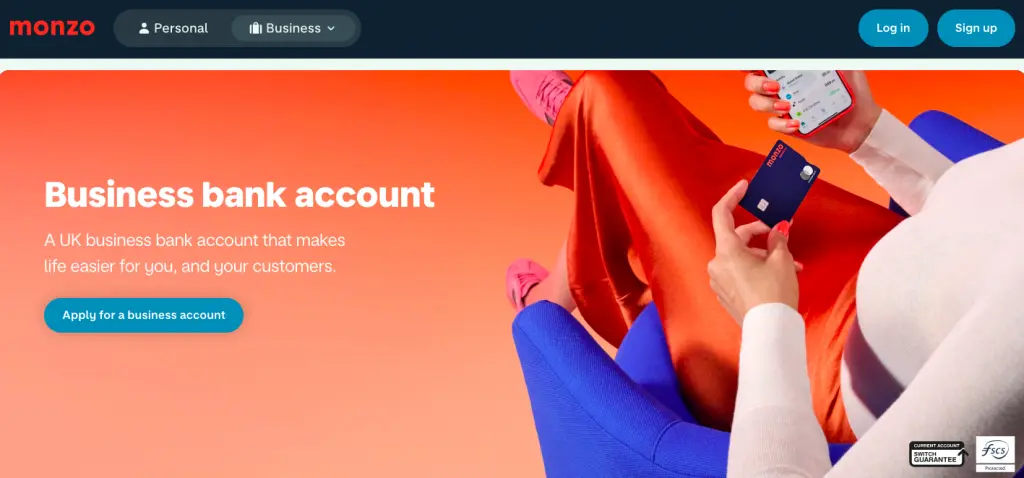
Monzo Business1 is a bank account designed for small businesses and sole traders looking for straightforward digital banking services. It’s best for UK-based entrepreneurs who value simplicity, transparency and low fees.
Monzo’s basic ‘Lite’ plan has no monthly charge and covers everyday banking essentials like UK transfers, direct debits and spending notifications. For those who need more, paid tiers start at £9/month and unlock features such as multi-user access and accounting software integrations. Businesses can also organise money using instant-access Savings Pots that have an interest rate of 1.4% AER, which makes it easy to allocate funds for tax.
While Monzo is a popular choice for its online infrastructure and modern interface, it’s primarily suited for domestic use. There’s also no branch access or cheque handling, which may frustrate businesses that deal with cash.
Additionally, Monzo Business doesn’t mention paying any cashback, though your eligible deposits are protected by the FSCS for amounts up to £85,000. Only sole traders and limited company directors in the UK can apply.
Read more: How to pick the best online business bank account (12 options)
3. Revolut Business: A top business account for expense management
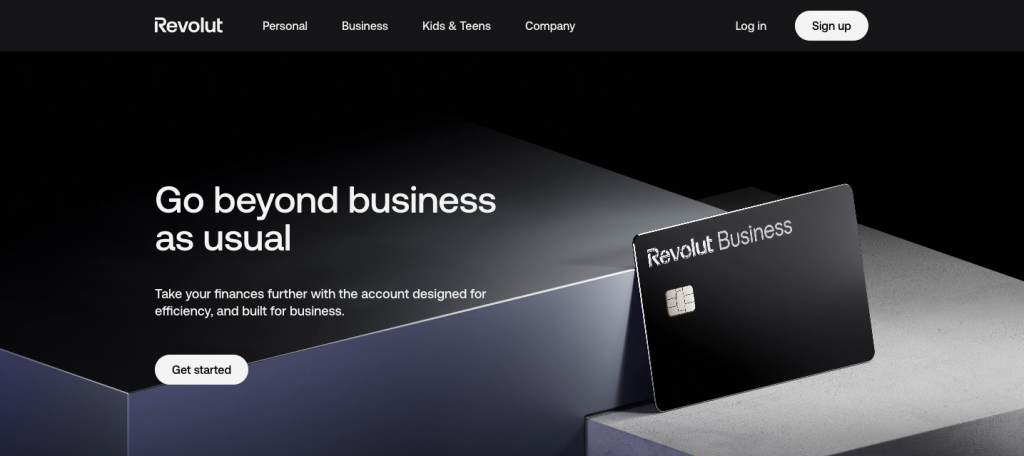
Revolut Business2 is a digital-first platform that stands out as one of the best options for expense management, giving startups and SMEs tight control over spending across teams.
You can issue up to three physical and 200 virtual cards per team member, each with custom limits and permissions, making it easy to track and manage company expenses. Every transaction appears instantly in the app, giving you real-time visibility of cash flow and helping you stay on top of budgets. You can also automate accounting by integrating with Xero, QuickBooks or 45+ other software options.
Beyond expense management, Revolut offers flexibility for growing businesses. Paid plans allow businesses to easily switch when scaling, and plans range from £10–£90 per month. It supports 34 currencies and offers local GBP and EUR account details, making it a flexible choice for UK-based companies that occasionally operate overseas.
However, Revolut Business is not a fully licenced bank in the UK, meaning funds are not covered by the financial services compensation scheme (FSCS). Instead, customer funds are safeguarded in separate accounts. Revolut doesn’t support cash or cheque handling, and there’s no in-person branch access.
4. Starling Business Bank Account: The best for ATM withdrawals abroad
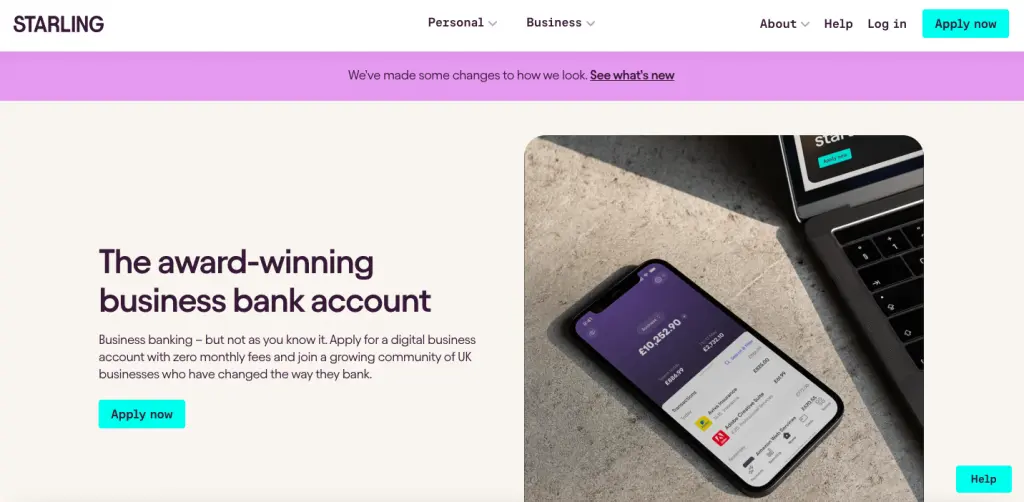
Starling Bank’s Business Account3 is ideal for startups, freelancers and SMEs that want low-cost online banking in the UK and abroad.
Card payments abroad come with no transaction charges, and you can make free cash withdrawals up to six times a day with a daily limit of £300, regardless of currency. International payments are supported in 34 countries, and Starling uses the real exchange rate with a small 0.4% conversion fee on top.
The Starling business account gives users instant notifications, automatic spending categorisation, and virtual cards which can be connected to “Spaces”. Cards all have security controls and can be customised with unique parameters.
However, all deposits are subject to a £3 or 0.7% charge (whichever is higher) on the total deposit value. Businesses can pay a £2 monthly fee to hold EUR, or a £5 monthly fee to hold USD, but multi-currency functionality is otherwise not included.
Read more: How to open a GBP account: Your options as a cross-border business
5. Tide: best for sole traders and startups
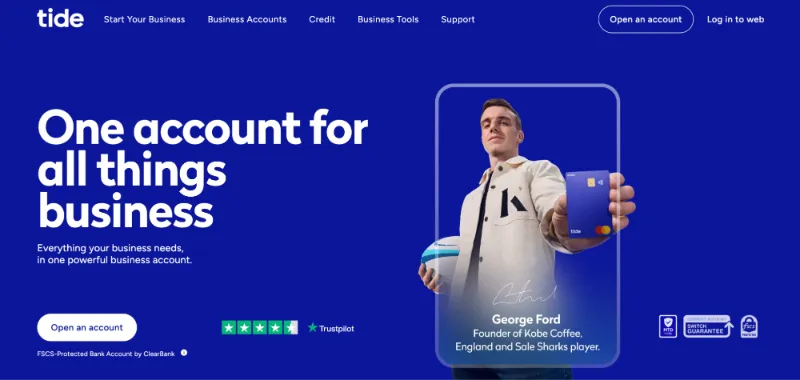
Tide is the best-known digital business banking brand in the UK, serving more than 700,000 small businesses. Its Free plan gives you a sort code, account number, card and core banking, with a small per-transfer fee, and paid plans from around £12 per month add higher transfer allowances and features.
Tide is an e-money provider rather than a bank, with funds safeguarded through a partner bank rather than held under Tide’s own banking licence, so check the current protection arrangement. It shines for fast phone-based setup, invoicing and accounting integrations, which makes it a go-to for new businesses.
6. HSBC Business Banking Account: The best for extensive in-branch access
The HSBC Business Banking Account4 is best suited to established companies that either deal in large sums of cash, value face-to-face service or have high borrowing needs. While HSBC operates in 66 countries and territories, it has 327 branches (and post-office locations) across the UK alone.
New customers can enjoy 12 months of free banking, after which a £10 monthly fee applies. HSBC offers full overdraft and lending options, and it also offers access to a Visa Commercial Card with no annual fee for the first year.
They offer a switching service where HSBC assists with transferring your balance, payment setups, and notifying your payers, making account transition smooth and hassle-free.
They do have a virtual card for business accounts, though from their website it’s unclear if users can create multiple virtual cards.4b
However, they charge £1.50 + 1.50% on the value of your deposits when paying into your account with cash.4a There’s also a charge of 25p + 0.60% on the value of your ATM withdrawals.4a
Read more: What’s the best bank account for a small business? 5 options
7. NatWest Business Bank Account: The best switch offer
The NatWest Business Bank Account5 is available for enterprise clients with an annual turnover above £1 million, or for scaling SMEs with turnover below that sum but who have been trading for over a year.
One of its most attractive offers is two years of free banking for small businesses that switch using the Current Account Switch Service. Everything will be moved across from your old account to your new account for you, all within seven working days, including direct debits and standing orders. Depending on your turnover (and other eligibility criteria), you’ll be assigned a dedicated relationship manager and won’t have to go through general support lines if you require help.
NatWest provides free access to the FreeAgent accounting software, and FSCS protection applies to eligible deposits. They also give you access to business lending and unarranged overdrafts.
However, there’s no multi-currency functionality, and regular banking fees (such as service charges) apply after the two-year free period ends. NatWest has high FX margins that vary between 2.5% and 3.5%,6b and they also charge £15 for sending international payments in most currencies.6c
8. ANNA Business: The best business account for quick reconciliation
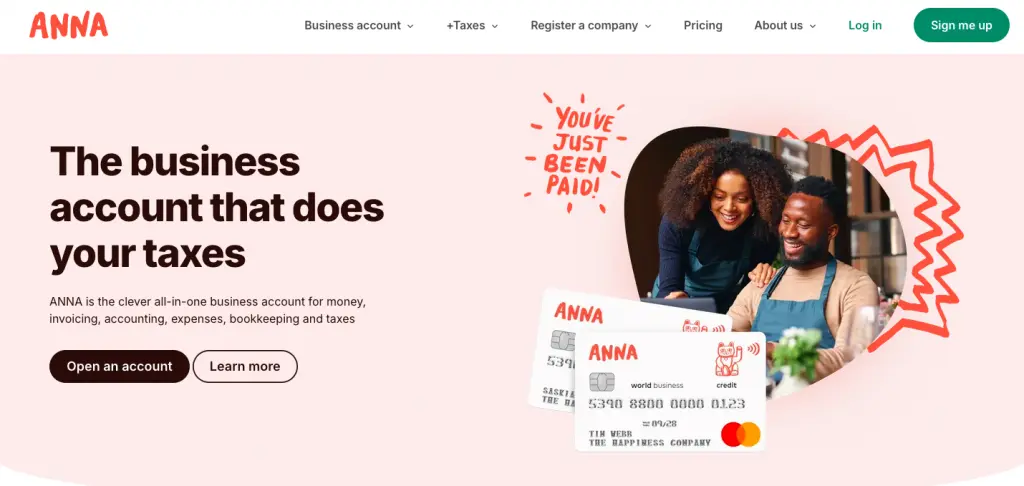
ANNA6 is an all-in-one business account provider designed for sole traders and small businesses in the UK. It’s best suited for businesses that need quick reconciliation because of its all-in-one capabilities, including handling banking, invoicing, bookkeeping and tax administration.
While it’s one of the pricier options at £19.90 per month plus VAT, ANNA’s built-in accounting and tax tools can save time for businesses with complex reconciliation needs.
ANNA’s standout feature is its +Taxes add-on, which automatically calculates payroll, manages VAT registration and submits returns. +Taxes costs an additional £24 per month. ANNA also integrates with Xero and includes a conversational AI assistant, Tax Terrapin, which answers HMRC-related questions and links users directly to official guidance.
However, ANNA isn’t covered by the FSCS £85K protection scheme, and doesn’t provide any lending or overdraft options. Cash deposits are limited up to £1,000 per day and up to £10,000 per month.
Business bank accounts and their alternatives
During your research, you might have noticed that some providers offer a “business bank account”, while others offer a “business account”. Both are legitimate and trustworthy ways to store your funds, but there are some key differences that you should be aware of:
A business bank account is provided by a financial institution with a banking licence, meaning your funds are protected by regulations like the FSCS. Banks take risks by using customer deposits for lending and investments, which is why you’re insured up to £85,000 if the bank fails.
A business account is provided by an e-money or other non-bank financial institution. E-money institutions must keep customer funds separate from their own and store them in regulated accounts with a licensed bank. They’re authorised by the Financial Conduct Authority (FCA). This means if the e-money provider fails, your funds should still be available, but it doesn’t guarantee full compensation.
| Business bank account | Business account (e-money) | |
| Hold funds, make and receive payments | Yes | Yes |
| Authorised by the FCA | Yes | Yes |
| Money protection | FSCS up to £120,000, or £240,000 for joint holders | Funds safeguarded in ring-fenced accounts, no upper limit |
| Banking licence | Yes | No |
| How your funds are held | Deposits may be used for lending | Kept separate and safeguarded |
| Hold funds, make and receive payments | Yes | Yes |
How to compare business bank accounts
Finding the right account depends on your business model, cash flow needs and whether you operate locally or internationally. That means that not all accounts will be the right fit for you.
Here are some questions you should ask when comparing business bank accounts:
- What’s the fee structure? Many accounts charge fees to open an account, keep it open, and even to make transactions. You’ll need to assess what the best structure is for you. For instance, if an account charges flat rates on each international transaction, these are likely to add up if you’re making many small payments. In this case, percentage-based transaction fees might make more sense.
- How easy is it to set up and use the account? Setting up a business bank account can take anywhere from a few hours to several months. Many banks can also require you to visit a branch to open your account, while others offer a fully-online service. And, if you’re looking to hold multiple currencies, you’ll often have to set up a separate account in each country. Once you’re set up, you’ll also want to be sure that the account is easy to use too. For instance, it can be useful to have an app or online portal in which you can make payment and see all your transactions.
- How long do transactions take to settle? Most traditional accounts will offer same-day payments within the UK. But if you’re sending money abroad, you may be looking at much longer settlement times. For instance, with the SWIFT network used by most banks, international payments can take up to five business days to settle. Accounts that are built specifically for overseas transactions have much faster systems for sending money abroad. With WorldFirst, 80% of payments settle on the same day.
- What extras does the account offer? You may also be looking for accounts with an overdraft, credit cards, virtual cards or cashback. Similarly, many new accounts have built-in tools for expense management, tax payments and reconciliation.
Choose WorldFirst as your business account and start making cross-border payments today
We’ve compared some of the most popular business accounts in the UK and outlined which types of businesses they’re most suited to. For cross-border businesses, the World Account stands out as the best choice of business account.
You can hold and manage 20+ currencies, receive local account details to get paid like a local and make fast, low-cost payments to 200+ destinations. With 80% of transfers settling the same day and no hidden fees, WorldFirst helps you move money globally with confidence.
Unlike traditional banks, setup is free and fully online, with no need for foreign entities or complex paperwork. You can also integrate directly with 130+ global marketplaces, manage global expenses with virtual cards and lock in exchange rates to protect your margins.
Ready to get started? Register for a World Account today.
FAQs:
1. What is the best business account in the UK?
It depends on your priorities. Starling leads free accounts for limited companies, Tide and Mettle suit sole traders and startups, Revolut is strong for expense management, HSBC for branch access and lending, and WorldFirst for cross-border trade and multi-currency payments.
2. Which business account is best for cross-border businesses?
The World Account. It lets you receive and hold funds in 20+ currencies and pay in 100+, with 80% of payments settling the same day, plus forward contracts and marketplace integrations. WorldFirst is not a bank, but an FCA-authorised electronic money institution.
3. Which business bank account is best for small businesses?
If you plan to sell or pay suppliers abroad, WorldFirst offers far more flexibility. Alongside low fees, WorldFirst offers a multi-currency account for 20+ currencies, and allows you to receive payments from overseas customers and marketplaces for free. It’s also completely free to open and maintain your World Account.
4. Is my money protected in a business account?
In a bank, eligible deposits are FSCS-protected up to £120,000 per person, per firm, since December 2025. In an e-money account like WorldFirst, funds are safeguarded in ring-fenced accounts instead, which is a different form of protection with no upper limit.
5. Which is the best free business account?
Starling is a strong free option for limited companies with FSCS protection, and Mettle is a strong free option for sole traders. WorldFirst is also free to open and maintain, and is best if you make international payments.
6. How do I switch my business account?
Check whether your new provider offers a switching service. Many UK banks use the Current Account Switch Service, which moves your payments and direct debits automatically. If you are moving to an e-money provider like WorldFirst, apply online and keep your existing bank for domestic use if you wish.
7. How do I sign up for a World Account?
You can sign up for a World Account by following these steps:
- Go to our online signup portal and create an account
- Provide your personal and business details
- Submit your ID and business verification documents
You’ll receive an acceptance email within two days (or faster). For account opening help, click here.
Sources:
- https://monzo.com/business-banking
- https://monzo.com/help/monzo-plus/virtual-cards-what
- https://monzo.com/help/business-accounts/wise-receive-international-payments-business-banking
- https://www.revolut.com/business/
- https://www.revolut.com/en-PL/revolut-pro/
- https://www.revolut.com/business/cards/
- https://www.starlingbank.com/business-account/
- https://www.starlingbank.com/business-account/multi-currency/
- https://www.business.hsbc.uk/en-gb/products/business-banking-account
- https://www.business.hsbc.uk/-/media/media/uk/pdfs/regulations/business-price-list.pdf (clicking this will download the PDF to your computer!)
- https://www.business.hsbc.uk/en-gb/products/virtual-card
- https://www.natwest.com/business/bank-accounts/business-bank-account.html
- https://www.natwest.com/business/cards/business-plus-credit-card.html
- https://www.natwest.com/business/support-centre/making-and-accepting-payments/electronic-payments/international-transfers/fx-currency-calculator.html
- https://www.natwest.com/business/support-centre/making-and-accepting-payments/electronic-payments/international-transfers.html
- https://www.natwest.com/current-accounts/virtual-debit-cards.html
- https://anna.money/
- https://anna.money/business-account/compare-bank-accounts/#the-cheapest-business-bank-account
- https://anna.money/pricing/
- https://anna.money/business-account/currencies/outbound/