

























For UK businesses, opening a traditional bank account in South Africa can be a challenge.
To start with, most banks require you to incorporate your business with South Africa’s Companies and Intellectual Property Commission (CIPC), either as a private company or an external branch.
But, to make things more complicated, South African law also typically requires at least one director to be a South African resident or a foreigner with a valid business visa.
Luckily, there’s a faster and simpler way to start holding ZAR.
Instead of opening a traditional bank account, UK businesses can use WorldFirst’s World Account to send, hold and receive international payments.
With a World Account, it’s free to create accounts in 20+ currencies (including ZAR, GBP and EUR) all without needing to register your company overseas or visit South Africa in person.
In this guide, we share the key features of our World Account for UK businesses looking to set up a bank account in South Africa.
We also share the exact steps foreign companies should take to open a traditional bank account, plus three of the best business accounts available for both foreign and domestic companies.
We cover:
- Why WorldFirst’s World Account is the best option for UK cross-border businesses
- How to open a World Account online for free
- How to open a traditional business bank account in South Africa
- 3 alternative business bank accounts in South Africa
Ready to start holding, sending and receiving funds in ZAR? Sign up for a World Account today.
Why WorldFirst’s World Account is the best option for UK cross-border businesses
WorldFirst is a digital payments platform that lets you open a ZAR currency account online for free – without the administrative challenges that typically come with opening a traditional bank account in South Africa.
WorldFirst is regulated by major financial institutions globally, including the FCA in the UK. Since 2004, we’ve helped over 1.5 million business customers send more than US$500 billion across the globe.
With our multi-currency World Account, you can hold GBP and ZAR in the same account, convert currency at low FX rates and even make fast international transfers.
Here’s what you get when you sign up for a World Account:
Open a ZAR receiving account within minutes and pay zero account fees
With WorldFirst, you can create a ZAR account within minutes to start holding and receiving rand right away.
Plus, since the World Account is multi-currency, you can also use it to hold funds in GBP – as well as EUR and 20+ other currencies – alongside your ZAR balance.
This makes it easy to send payments to South African contractors without conversion fees when you already hold rand. And, you can hold your balances for as long as you like without ongoing fees.
For example, you could receive funds in ZAR, then hold them in your World Account until you’re ready to pay a South African supplier. Then, when you make the transfer, your payment will draw directly from your existing rand balance and avoid currency conversion entirely.
Opening a World Account is completely free, and we charge no monthly account fees, hidden fees, fall-below fees or transaction fees for receiving payments. It’s also completely free to send payments to other World Accounts, which is especially useful if your suppliers already have an account with WorldFirst.
Read more: Receiving foreign currency? Here’s what you need to know
Make fast global payments at low and transparent FX rates
We use the mid-market exchange rate to convert your funds, only adding a small 0.75% markup for ZAR conversions. For major currencies like EUR, GBP or USD, our conversion markup is even lower, at 0.5%.
Plus, we’ll never roll hidden fees into your conversion rate (unlike many South African banks, which add between 2% and 4% to the mid-market rate).
Additionally, traditional banks primarily rely on the SWIFT network for sending international payments, but this is slow and expensive for the businesses actually making the transfer.
In contrast, 80% of WorldFirst payments land on the same day, and 90% settle on the next day.
Read more: How to make same-day international money transfers as a cross-border business
Create up to 50 virtual cards to help keep your funds secure
With WorldFirst, you can create up to 50 World Cards for free and earn up to 1.2% cashback when you use them for your daily business spending.
Unlike other card providers or banks, we don’t limit you to certain vendors or spending categories, and your cashback earning potential is unlimited.
Instead, you can use virtual cards to budget for your everyday spending needs. Manage your cards from your World Account dashboard and assign them to employees, vendors, teams or specific currency balances. You can even add parameters like daily spending limits to help control your expenditure.
Additionally, if you suspect your card data has been stolen, it’s easy to freeze, delete and instantly create a new card with fresh details.
This is especially useful if you’re planning to purchase from new vendors, since you can create a card, pay your vendor, then immediately delete your virtual card to prevent your details from being stored without your consent.
Read more: Multi-currency virtual cards: Top 5 options for global businesses
How to open a World Account online for free
To start holding rand with WorldFirst, you’ll first need to sign up for a World Account. It’s free to open and maintain an account with us, and the application process is entirely online.
Here’s how to sign up:
- Head to our World Account signup portal and enter your personal details
- Fill in your account information and verify your identity with a passport or driver’s licence
- Upload your business documents, including shareholder IDs, company ownership documents, proof of address, as well as source of documents
- Once you click ‘Submit’, you’ll receive an acceptance email (usually within 48 hours)
Then, to open a local ZAR currency account:
- From your World Account dashboard, click ‘Shortcuts’ and then ‘Manage accounts’
- Click the ‘Add a new receiving account’ button on the top right of your screen
- Choose ZAR as your currency and give your account a nickname, then click ‘Confirm’
- Your local ZAR account will be created instantly
Read more: How to open a local currency account online
How to open a traditional business bank account in South Africa
If WorldFirst isn’t the right option for your business, here’s a step-by-step guide for how to open a traditional business bank account in South Africa:
1. Register as a South African business entity
In order to open a bank account in South Africa, you first need to register your business with the Companies and Intellectual Property Commission (CIPC). You can either incorporate as a private company or register your UK company as an external branch.
Foreign ownership of up to 100% is allowed, but you’ll need at least one local director to be a South African resident or a foreigner with a valid work permit tied to your company.
After you’ve registered, you can register with the South African Revenue Service (SARS) for a company tax number within 21 days of incorporation. To apply, you’ll need:
- Certified copies of passports for all foreign directors
- CIPC company registration documents
- Proof of a local South African business address
We recommend contacting a local attorney to help you through the application processes. If you use an agency, expect to pay around R2,000 to R5,000 (£90 to £225) in fees for both the business registration and the company tax number application.1
Read more: How to open a business bank account (step-by-step guide)
2. Prepare and legalise documents
All of your business documents must be officially certified by a solicitor or notary public.
UK documents may also require an apostille, which is a legal certification that makes a document from one country valid in another. Apostilles can be obtained from the UK’s Foreign, Commonwealth & Development Office (FCDO).
You generally don’t need to translate UK business documents since English is the primary language for business, commerce and law in South Africa.
The main documents you’ll need to prepare include:
- CIPC Certificate of Incorporation
- Memorandum of Incorporation
- Certified passports and IDs for directors and major shareholders
- Proof of a local South African business address – you can use a utility bill from less than three months ago
- Residential proof for at least one South African director
- Three months worth of UK bank statements
- A SARS tax number
- A short business profile to show your planned income, operations and proof of the source of your business’ funds to ensure compliance with international AML standards
Generally, sole proprietors and entrepreneurs must hold a South African (RSA) ID card in order to open a personal account in South Africa (or use personal banking services).
3. Choose a bank
Major banks such as Standard Bank, FNB, Absa and Nedbank are experienced in handling non‑resident KYC checks, which can help your application get approved faster. Several also offer Islamic banking products and Shari’ah‑compliant business accounts, which may be applicable to your business.
After choosing a bank, assess their account offerings to see which features they support. As a starting point, look for:
- Multi-currency capabilities
- Online banking
- Fast support
- Lending options
- Virtual/physical card availability
- Contact via email or phone
It’s also worth comparing account fees, since banks like Absa can charge up to R335 per month for certain accounts.3
Read more: How to pick the best online business bank account (12 options)
4. Submit your application
While many banks support online applications, most will also require at least one director to attend an in-person meeting in South Africa. This is so the bank can verify ID, complete compliance checks and physically sign documents.
Once your account is approved, you’ll receive your new bank account details and can activate your online banking profile, as well as your business cards.
3 alternative business bank accounts in South Africa
Now that you know how to apply for an account, here are three of the best South African banking solutions for UK businesses:
1. Absa Bank’s Business Evolve Start Account
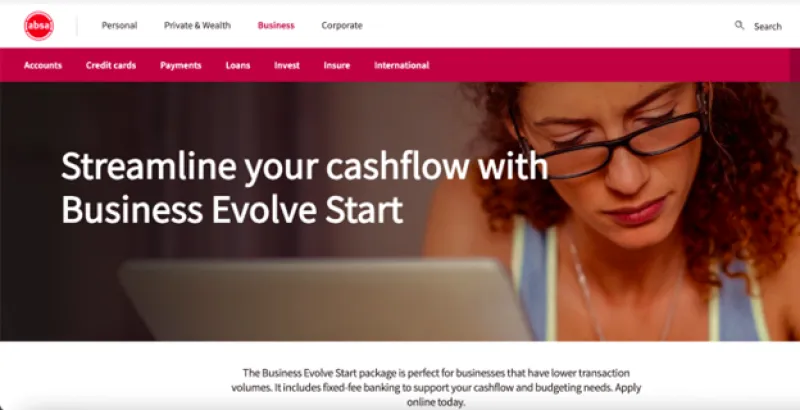
Absa Bank’s Business Evolve Start Account2 is a great option for startups and SMEs that have transaction volumes up to R1 billion.2a
With an Evolve Start Account, you can make unlimited Absa interaccount transfers or EFT debit orders, plus 10 cash deposits/withdrawals at any Absa ATM (though this is capped at R50,000 per month).
All account-holders receive a Visa debit card as well as 24/7 access to Absa’s online banking app. You’ll also be granted a Liquidity Plus Investment Account, which is a high-interest, quick-access savings account with no monthly fees (though it’s not available if you hold an Islamic Absa account).
However, you’re only permitted to make 50 electronic fund transfers (EFT) per month, and anything above this costs R5.50 per transaction.3a Digital payments, external debit orders and POS transactions all contribute to your EFT limit. You can also only make two immediate payments per month.
Read more: What’s the best bank account for a small business? 5 options
Monthly account fee
- The Business Evolve Start account has a monthly account fee of R335.
2. Standard Bank’s Business Current Account
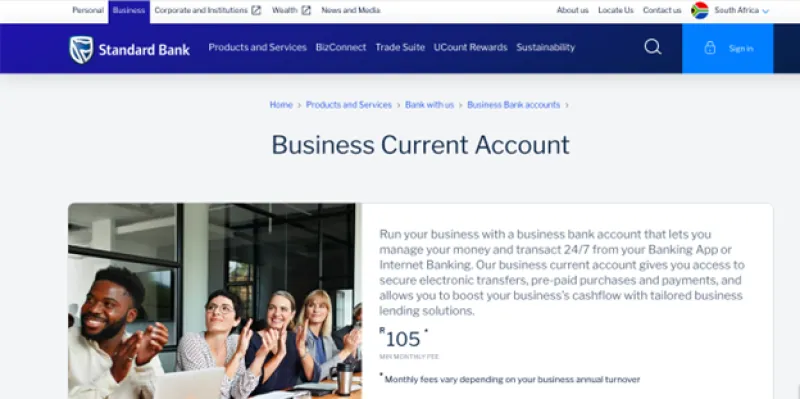
Standard Bank’s Business Current Account3 is best for UK business owners that need to access traditional bank lending such as business overdrafts, loans or structured finance options. It suits companies needing reliable, 24/7 digital banking through a banking app.
You can also make secure EFT payments and pre-paid purchases with your account, and you’ll even be able to create eStatements to help you reconcile your payments.
When you sign up for a Business Current Account, you’ll receive a free business debit card which you can use to earn rewards points whenever you swipe your card. However, you’ll need to pay a R25 monthly fee to be part of the program.
Additionally, most lending options require an established credit history in South Africa, which may limit your company from securing a loan, especially if you’re registered as a new or private company.
This account also doesn’t have multi-currency support, which means foreign currency payments will be auto-converted into ZAR at Standard Bank’s undisclosed forex rate.
Read more: International digital bank accounts: The best fit for cross-border businesses
Monthly account fee
- Monthly fee ranges from R105 to R180, depending on your annual turnover.
3. First National Bank’s Gold Business Account
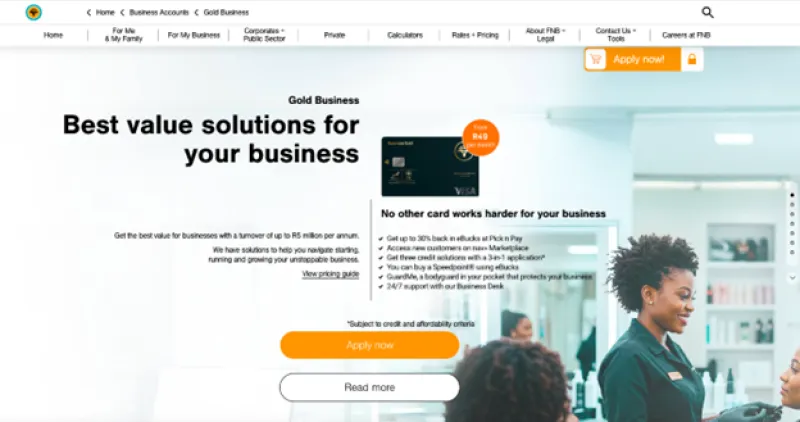
First National Bank’s Gold Business Account4 is best suited for businesses with a turnover of up to R5 million per annum. However, other account options are available for sole traders and enterprise businesses that earn R5 million or more per year.
With a Gold Business Account, you’ll get access to business loans and commercial property finance alongside other borrowing options. You can also create a virtual card, where your CVV number changes every hour and you can cancel, delete or block your card at any time.
On the downside, you’ll only be able to make 10 free electronic transactions per month, with fees applying beyond that, though exact rates vary. It’s also tailored for businesses with turnover up to R5 million annually, so sole traders or larger enterprises may need to upgrade to other tiers with potentially higher fees.
Monthly banking fee
- FNB’s Gold Business account has a monthly fee of R99.
Open a World Account today and start holding ZAR
In this guide, we’ve outlined the steps UK businesses need to follow to open a business bank account in South Africa.
We’ve also shared three traditional bank account options in addition to WorldFirst’s World Account – the fastest and simplest method of holding ZAR.
For example, with WorldFirst you can:
- Set up a ZAR local account within minutes without having a foreign business address or registering your company in South Africa
- Benefit from low and transparent foreign exchange fees when converting between GBP, ZAR and 100+ global currencies
- Create up to 50 virtual World Cards and earn up to 1.2% uncapped cashback on all spending
Ready to start holding ZAR for business payments? Sign up for a World Account today.
Sources:
- https://en.simengqifu.com/SouthAfricaCompany/6361.html
- https://www.absa.co.za/business/bank-my-business/business-evolve-accounts/evolve-start/
- https://www.absa.co.za/business/bank-my-business/business-evolve-accounts/compare/
- https://www.standardbank.co.za/southafrica/business/products-and-services/bank-with-us/business-bank-accounts/business-current-account
- https://www.fnb.co.za/business-banking/turnover/goldBusinessAccount.html