



























If your business deals with US-based clients, suppliers or platforms, holding USD directly can save you time and money. Here’s how to open a USD account in Singapore
Key takeaways
- A USD account lets you receive, hold and send US dollars without needing to convert to SGD on every transaction
- It removes friction for businesses receiving marketplace payouts, paying overseas suppliers or covering USD-billed SaaS tools
- Holding USD gives you control over conversion timing, so you can convert when rates suit your business
- Singapore-registered businesses can open a USD account through traditional banks or international payment providers like WorldFirst
- WorldFirst’s World Account is a multi-currency account with USD support, fully online setup and no monthly or minimum balance fees.
The US dollar is the most widely used currency in international trade, and many Singapore businesses deal with it daily. You may be receiving marketplace payouts from Amazon or Etsy, paying for SaaS tools and ad platforms, or settling invoices with overseas suppliers–all in USD.
Without a dedicated USD account, every transaction triggers an FX conversion, and the costs add up fast.
A USD account lets you receive, hold and spend US dollars without forced conversion to SGD. This guide covers why a USD account is useful and how to open one in Singapore.
Why many businesses need a USD account in Singapore
The US dollar is the most widely used currency in international trade. For Singapore businesses operating across borders, a USD account removes friction from a large portion of day-to-day operations.
- Receive marketplace payouts in USD: Global marketplaces such as Amazon, Etsy and Shopify often pay out in USD. With a USD account, e-commerce sellers can collect those earnings in USD only without your bank converting them to SGD on arrival, which usually means losing margin to FX fees on every payout
- Pay overseas suppliers and partners directly: Many overseas suppliers prefer to invoice in USD even when they’re not based in the US. Paying them from your USD balance avoids double conversion–you don’t need to convert your USD earnings into SGD first, only to convert back to USD when paying suppliers
- Manage FX timing: Holding funds in USD lets you choose when to convert to SGD based on favourable rates, rather than accepting whatever the rate is on the day your payment arrives
- Manage SaaS subscriptions and ad spending: Most global SaaS tools and advertising platforms, including Google Workspace, Meta Ads, Shopify and others, bill in USD. Paying these directly from a USD account simplifies reconciliation and avoids per-transaction FX charges on your card. Of course for this you will need a USD account that comes with a payment card linked with it
- Centralise cross-border operations: A USD account brings your USD inflows and outflows into one place, making it easier to track payments, reconcile invoices and manage US dollar cash flow
→ Take a look at the best USD accounts in Singapore
How to open a USD account with WorldFirst
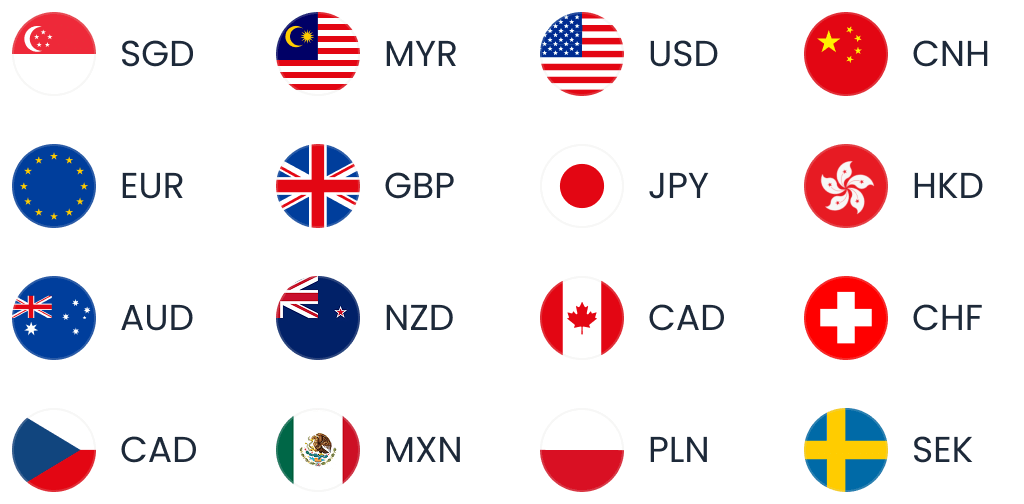
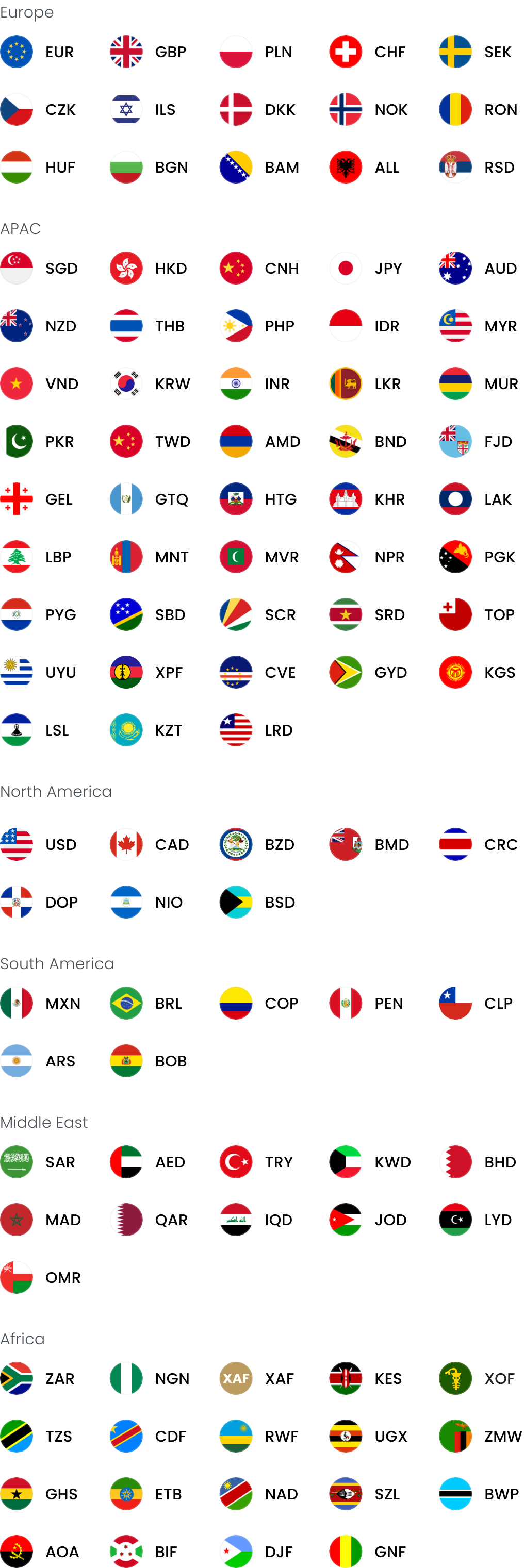
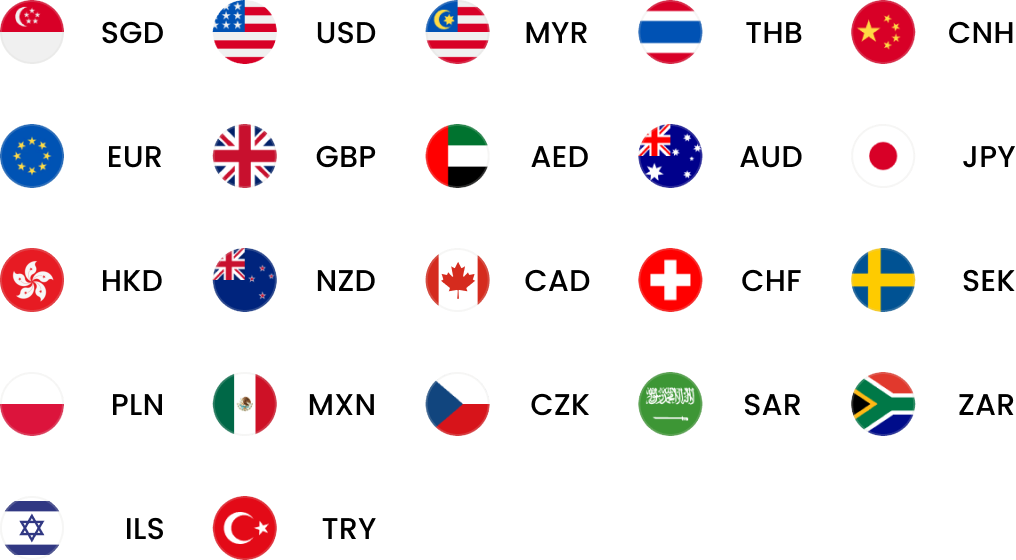
WorldFirst is an international payments provider that helps businesses manage cross-border payments. The World Account is a multi-currency account that allows you to hold and send funds in 15+ major currencies including USD, GBP, EUR, CNH, SGD and AUD. For each currency, you get local currency account details and bank code for receiving payments.
A USD account is automatically generated when you open a World Account.
With a World Account, you can:
- Open local currency accounts in 15+ currencies, including USD, SGD, GBP, EUR, CNH and AUD
- Receive USD payments with account details, with no fee on incoming funds
- Send payments in 100+ currencies across 200+ countries and regions
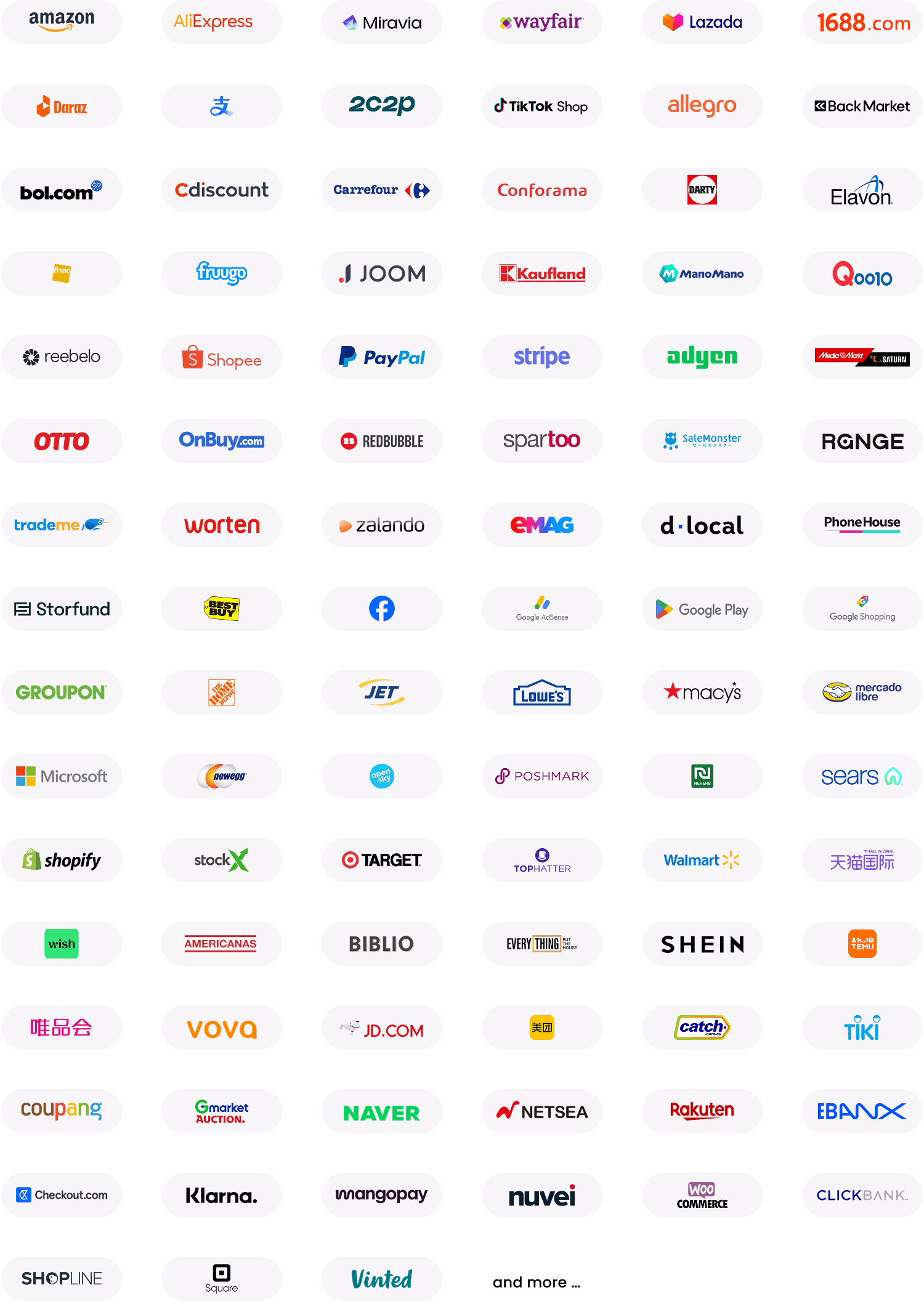
- Collect from 130+ global marketplaces and payment gateways including Amazon, Etsy, Shopify and PayPal
- Issue up to 20 World Cards, which are Mastercard-powered business payment cards that support transactions in 150+ currencies with no FX fees when paying in the 15 supported currencies as long as you have sufficient balance
- Earn cashback on eligible card spend (Terms and Conditions Apply)
- Pay 1688.com suppliers directly via World Pay, the only authorised international payment provider for 1688.com
- Integrate with Xero and NetSuite for streamlined accounting
Steps to open a USD account with WorldFirst
Step 1: Start your application: Visit the WorldFirst website and click on the ‘Sign up’ button. You’ll be asked for basic details about your business, including company name, registration number, address, and type of business
Step 2: Verify your identity: Upload supporting documents including your ID and any required company ownership documentation. The WorldFirst team will review your application and verify your business account, typically within one to two business days
Step 4: Access your USD account:Once approved, your USD account will be generated automatically and become accessible through your World Account
Step 5: Start sending, receiving and converting Receive USD payments, send to suppliers in 100+ currencies, and convert between held currencies whenever the rate suits you. You can also spend your USD balance using the World Card
FAQ
Can I open a USD account in Singapore as a business?
Yes. Singapore-registered businesses can open foreign currency accounts in USD through traditional banks, or through fintech payment providers like WorldFirst. Fintech providers typically allow fully online setup, while traditional banks may require a branch visit or video verification.
What is the best bank to open a USD corporate account in Singapore?
The right choice depends on your business needs. Traditional banks suit businesses needing integrated services like loans and trade financing. Fintech providers like WorldFirst suit businesses focused on cross-border payments, multi-currency management and fast online setup. You should make sure to compare features, monthly fees, minimum balance requirements, FX rates and supported currencies before deciding.
Do I need a US address to open a USD account from Singapore?
No. Singapore businesses can open a USD account without a US address or US-registered entity through fintech providers such as WorldFirst. Some traditional banks may have additional requirements depending on the account type.
How long does it take to open a USD account in Singapore?
Fintech providers typically approve applications within one to two business days once documents are submitted. Traditional banks can take longer, depending on their verification process.