





























As a Singaporean business, dealing with US dollars may be a big part of your day-to-day life. However, relying on a domestic Singaporean bank account to manage international payments can get costly, especially if you’re making frequent transfers.
With traditional banks, exchange rates are often marked up, sometimes as high as 3.25%. And on top of that, slow international payments make managing USD through a standard Singaporean account all the more frustrating.
Luckily, you don’t have to be a North American resident in order to open a USD account.
To help you find the right USD account for your business, this article will cover five of the best account options available in Singapore. While some of the providers on this list also offer personal USD accounts, we’ll focus specifically on the best business accounts.
We’ll start by introducing you to WorldFirst’s World Account, our multi-currency business account that allows you to receive and hold USD entirely for free.
In this article:
- What to look for in a USD account
- 5 best USD accounts in Singapore compared
- WorldFirst’s World Account
- Wise Business Account
- Airwallex’s Business Account
- DBS Business Multi-Currency Account
- OCBC Multi-Currency Business Account
Ready to start holding funds in USD (and 20+ other currencies)? Open a World Account for free.
What to look for in a USD account
As a Singaporean business based outside of the US, you might be feeling overwhelmed by the ever-growing list of international USD accounts out there.
To help you find the right account for your business, you should look out for these features:
- Local account details: Your USD account should provide you with a US routing number and account number. With these details, you’re able to take advantage of local payment rails, which means your payments get treated as domestic transfers (rather than international ones).
This helps you keep costs down by speeding up processing time, and it cuts out any intermediary banks from the process. Having US account details also allows you to start selling on any marketplace platforms that require local USD accounts.
- Fast USD settlement times: Look for providers that support same-day (or next-day) transfers. This helps you take advantage of limited-time deals when paying suppliers, and, more generally, it helps keep your cash flow up-to-date by avoiding payment delays.
- Supported currencies: If you regularly deal with other currencies beyond just SGD and USD, then opening a multi-currency account is likely best for you. It lets you hold balances in multiple currencies, so you can bypass any unnecessary FX fees (by limiting the number of times you exchange currency). Plus, you don’t have to switch between accounts to view or reconcile your balances.
- Clear fees and charges: Hidden costs can snowball, but so can ongoing account maintenance fees or service charges. To avoid paying more than necessary, it’s best to choose an account provider that’s clear, upfront and transparent about how they make their money. Watch out for exchange rate markups, as well as fees for sending or receiving funds.
- Physical or virtual cards: While physical cards are more traditional, you might benefit more from virtual cards, since they’re great for separating and budgeting your expenses. Some cards even come with cashback programs, though it’s best to check your provider’s terms to ensure they align with your existing business spending.
Ready to open a USD account that lets you hold and spend like a local? Sign up for a World Account today.
Comparison table: 5 best USD accounts in Singapore
Below, we’ve compared the features, cost and eligibility for five of the best USD accounts available for Singapore:
*Disclaimer: All information presented in this blog has been sourced from provider websites and is accurate to the best of our knowledge at the time of writing (November 2025). However, providers may update their offerings, and details are subject to change over time.
| WorldFirst’s World Account | Wise Business Account1 | Airwallex Business Account2 | DBS Business Multi-Currency Account3 | OCBC Multi-Currency Business Account4 | |
|---|---|---|---|---|---|
| Best for | Cross-border businesses making frequent US and international transfers | SMEs and startups needing transparent fees for global spending | Businesses of all sizes, from startups to global enterprises | International SMEs, startups and entrepreneurs with overseas clients | Businesses of all sizes, but particularly for SMEs |
| Multi-currency support | Make payments in 150+ currencies and hold funds in 20+, including USD | Hold and transact in 40 currencies including USD1e | Collect and hold funds in 20+ currencies, including USD | 13 currencies supported, including USD | Transact in 13 supported currencies, including USD |
| USD settlement time | 80% of transfers are instant, 90% settle next-day | Over half of payments arrive in 20 seconds, and 95% take less than 24 hours | Within one business day | Not explicitly mentioned for business accounts, though for personal accounts DBS claims it’s between two and four working days4e | One to three working days4c |
| Account fees | Free to open and maintain | SG$99 one-time set up fee for business accounts | Free to open and maintain. Paid plans are available from SG$79 per month 2a | SG$10 monthly for businesses active less than three years), or SG$50 annually | SG$10 monthly account fee4b |
| FX fees | Zero FX fees when you spend in 15 major currencies. | No markup on exchange rates, but each conversion incurs a small variable fee1d | Between 0.4% and 4% (depending on whether you automate conversions or not) | Exact exchange rates are variable and not clearly stated in their web resources3c | OCBC updates their published exchange rates daily, but their exact markup is not explicitly mentioned4a |
| Virtual cards / physical cards | Up to 25 virtual cards, with physical cards coming soon | Up to three virtual cards, and one physical card per user | Up to 10 virtual and physical cards (with a free plan) | Get a physical DBS Business Advance+ Card3a | Not mentioned for this account |
| Integrations with accounting software | Xero, Netsuite and others. Offers API for integrations with other systems | Xero, QuickBooks, FreeAgent and 9+ others 1a | Xero, QuickBooks, Sage and 17+ others | Xero, QuickBooks and Financio | You can integrate with Xero if you also have OCBC Velocity4d |
| Opening requirements | Supports businesses from most countries worldwide. You must be a registered business or sole trader and provide the necessary ID and business information during the application process. |
You must be a registered business or sole trader and provide the necessary ID and business information during the application process. | Your company must be an officially registered and active business. Your company must be registered in one of Airwallex’s eligible countries. Your company must not operate in any of Airwallex’s unsupported industries. Your company cannot be on a sanctions list, be a shell bank or be a bearer share entity.2c |
Your company should be registered in Singapore and fully-owned by Singapore citizens or permanent residents. All your company information should also be retrievable via government-verified sources such as MyInfo or ACRA. If you meet these criteria, you can open your business bank account online.3b |
Your company must be officially registered in Singapore. Instant account opening is only available for Singapore-registered businesses that are opening their first OCBC Business Account and are wholly owned by Singapore citizens or permanent residents. If your business does not meet this criteria, you may still apply online, after which the Bank will contact you to assist with the application. |
1. WorldFirst’s World Account
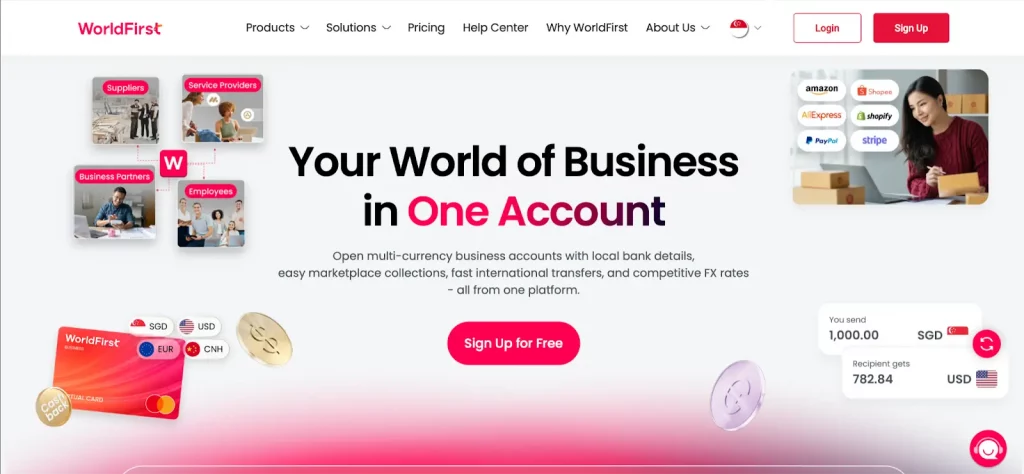
WorldFirst is an international payments platform that helps Singaporean businesses send, hold and receive funds in USD (as well as 150+ other currencies).
We’re regulated by the Monetary Authority of Singapore (MAS), and we partner with leading banks including Barclays, HSBC and J.P. Morgan to ensure your funds are safeguarded.
Our World Account functions like a local US account. Opening an account allows you to hold and spend USD safely, either in Singapore or overseas, and you don’t need a US business address to do so.
With WorldFirst, holding funds is entirely free, and you can continue to hold your balances for as long as you’d like. We also have no account opening fees, no monthly fees, no charges for receiving payments and no fall-below fees (since we don’t require minimum deposits).
Here’s what you get when you sign up for a World Account:
Open a USD account for free in Singapore
With a World Account, you can open a USD currency account online for free from anywhere in the world. No initial deposits, no social security number and no US business presence required.
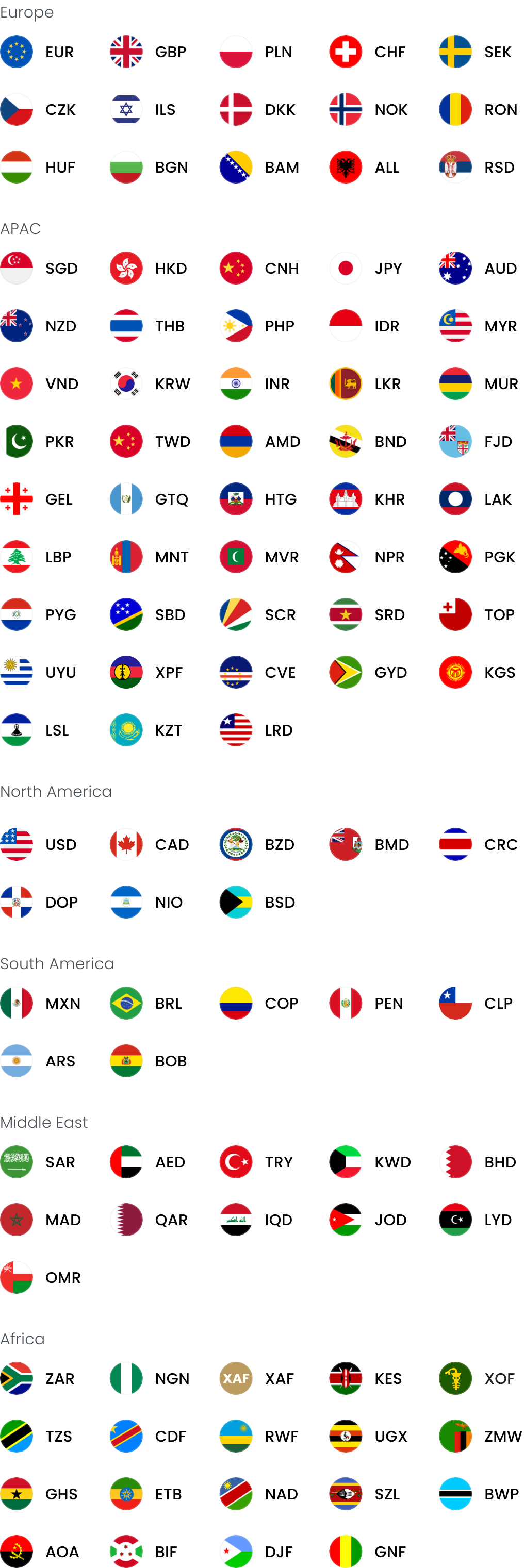
Once you open an account, you can easily pay and get paid like a US resident. We’ll provide you with local account details for USD and 20+ other currencies – including GBP, CNH, JPY and more – which cover a total of 40 countries worldwide.
Everything can be managed online from your World Account dashboard. You can see your USD balance in real time, track upcoming payments and view all your recent transactions from one place. This means you don’t need to switch between multiple accounts to view (or reconcile) your available funds.
WorldFirst also lets you create up to 25 virtual cards that you can use to separate your funds. World Cards can be assigned to budgets, subscriptions, teams or even currencies.
With a dedicated USD World Card, your team members can spend in USD without having access to your SGD or other currency balances. It also ensures their payments draw directly from your existing USD balance instead of triggering unnecessary conversions.
Read more: Business virtual cards: 4 options for smarter expense management
Create US account details and make same-day USD transfers
With WorldFirst, you can get local US account details (including an account number and routing number) that are separate from your World Account details. This allows you to access local payment rails and make same-day USD transfers to your clients.
For example, instead of waiting 7–10 business days for an international SWIFT transfer to clear, your USD payments can be fast-tracked through the ACH, RTP or FedNow local networks. Your transactions will be treated as local transfers (rather than international ones), meaning you’ll benefit from faster processing times.
With WorldFirst, 80% of USD payments settle on the same-day and 90% settle next-day.
Having access to local account details also makes it easier for you to sign up to marketplace platforms in the US (and abroad) that require local bank details in order to receive payouts.
Pay zero FX fees when spending from existing currency balances
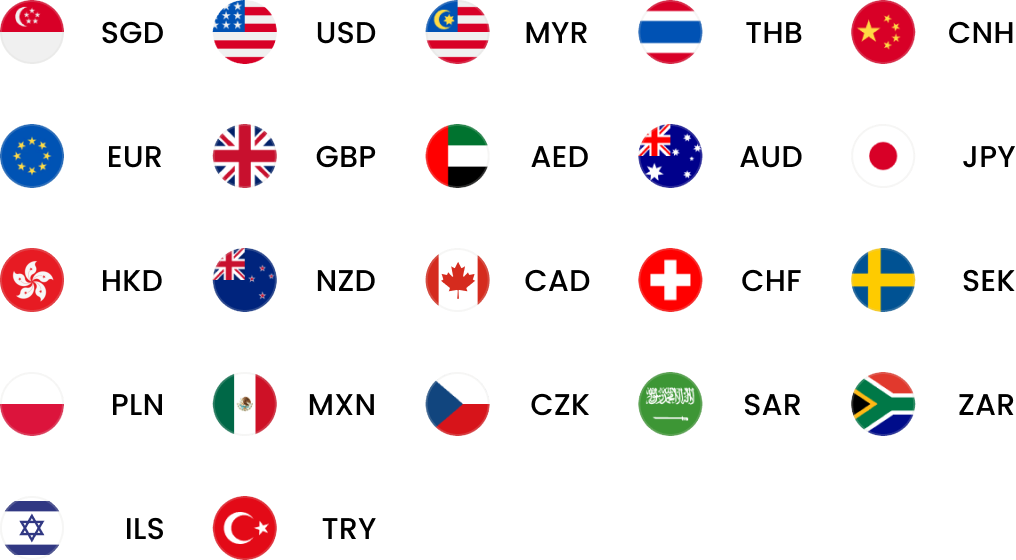
You can hold USD and 20+ other currencies in your World Account for as long as you’d like, entirely for free. Plus, when you spend from an existing currency balance, you’ll pay zero FX fees since your funds don’t need to be converted.
For example, if you’re receiving USD from a marketplace payout, you can hold it in your USD currency account indefinitely. Then, if you pay for stock in USD, your payment will draw directly from your existing USD balance. This bypasses currency conversion, and by extension, currency conversion fees.
Another way to manage FX risk from your World Account is to lock in exchange rates with our forward contracts for up to two years. Alternatively, you could use rate alerts to get notified once your target exchange rate has been reached. We also offer firm orders, which function like rate alerts, but allows us to act on your behalf once your desired rate is hit.
Read more: Foreign exchange risk management: How to make international business more affordable
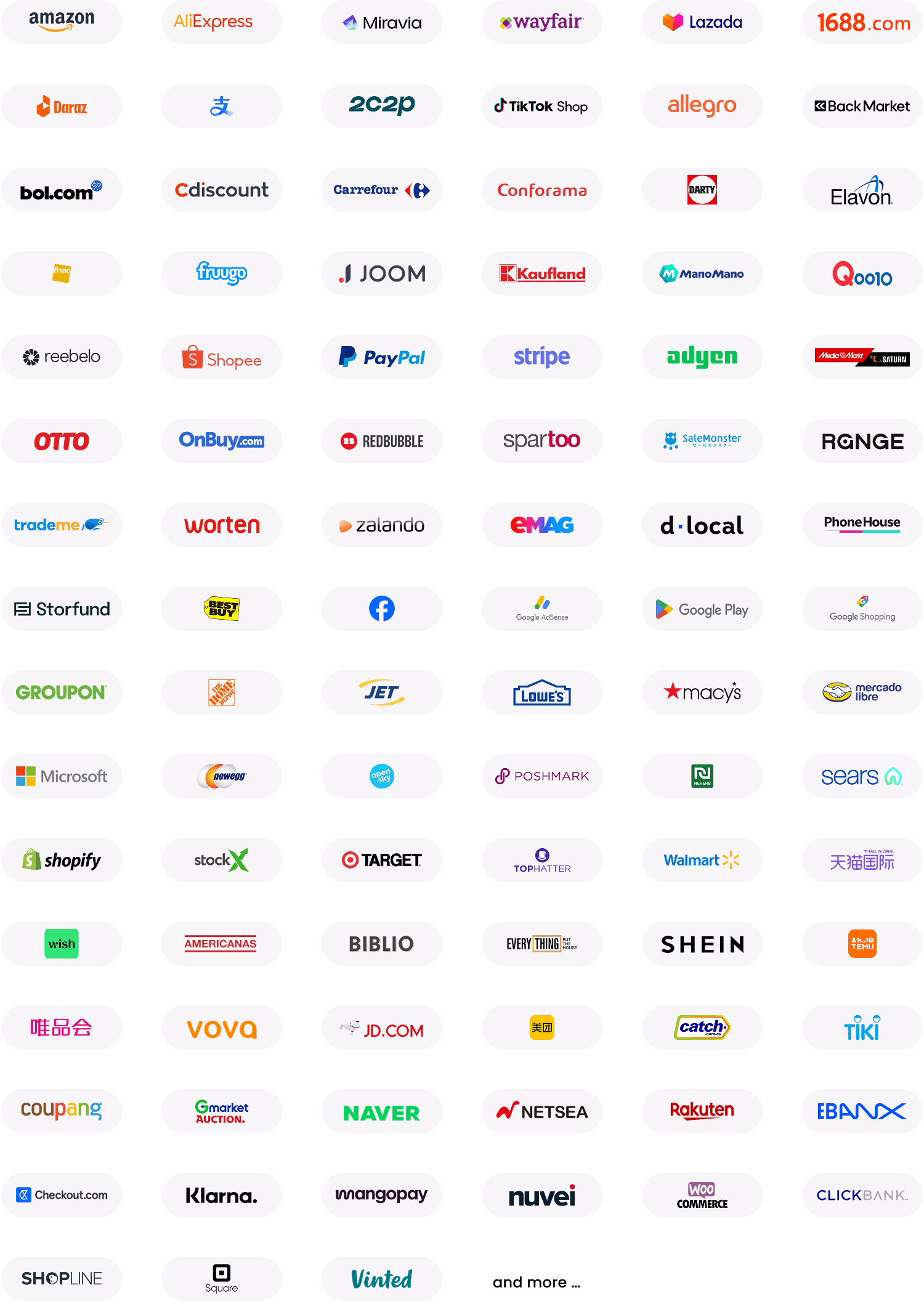
Integrate your World Account with 130+ marketplace platforms and streamline your payouts
Your World Account integrates with 130+ marketplace platforms, which means all your payouts will automatically arrive in your account. This is useful if you sell on several marketplace platforms, since you can connect each one to your World Account and have all paunt and keep your records organised. However, you can go a step further by connecting your World Account to your accounting software like Xero or NetSuite and automating reconciliation.
Marketplaces often require proof of account ownership to change the bank account details linked to your marketplace storefront. WorldFirst simplifies and automates the process for you, and you can download an account verification letter or e-statement directly from your account dashboard within minutes.
Read more: Get paid by marketplaces the easy wayyouts flow into a single place.
By streamlining all your marketplace earnings, WorldFirst makes it easier to reconcile your acco
How to open a USD account with WorldFirst
To start holding USD with WorldFirst, you’ll first need to sign up for a World Account. It’s free to open and maintain, and the application process is fully online.
Here’s how to sign up:
- Head to our World Account signup portal and enter your personal details
- Fill in your account information and verify your identity with a passport (or drivers licence) and your NRIC number
- Upload your business documents, including your certificate of incorporation, proof of address and director/shareholder ID for KYC verification
- Once you click ‘Submit’, you’ll receive an acceptance email (usually within 48 hours)
Then, to open a local USD currency account:
- From your World Account dashboard, click on ‘Manage accounts’ under ‘Shortcuts’
- Click on the white ‘Add a new receiving account’ button on the top right of your screen
- Select the currency of the account you would like to open and give your account a nickname, then click ‘Confirm’
- Your local USD account will be created instantly
For more information, read: How to open a local currency account online
2. Wise Business Account
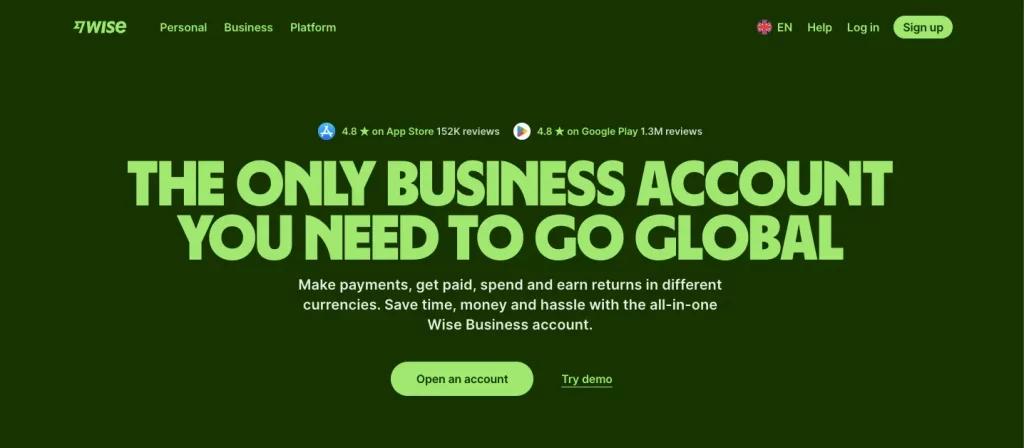
Wise Business is best suited for SMEs and startups that make frequent international payments and want low, transparent transfer fees. With Wise, you can hold 40+ currencies (including USD), and you can get local account details in 22 currencies, including a US routing number and account number.
In terms of features, Wise Business allows multi-user access and integrations with third-party accounting software, both of which aren’t available with Wise personal accounts.
Wise Business allows you to earn interest on your balances at an average rate of 1.66% for SGD, and 3.91% for USD. This is particularly useful if you plan on storing your business savings for a long period of time.
While Wise doesn’t add a markup to the mid-market exchange rate, they do charge a small variable fee for the act of converting currency. The exact amount of this fee is not stated on their website.
Fees for the Wise Business Account
- One-time SG$99 account opening fee
- Fixed fees (per payment) of US$6.11 for receiving USD wires and SWIFT payments
- Receiving ACH payments are free
- Fees for sending money in different currencies start from 0.26%, though exact amounts vary
- It’s free to pay with a Wise card when you have an existing currency balance
3. Airwallex Business Account
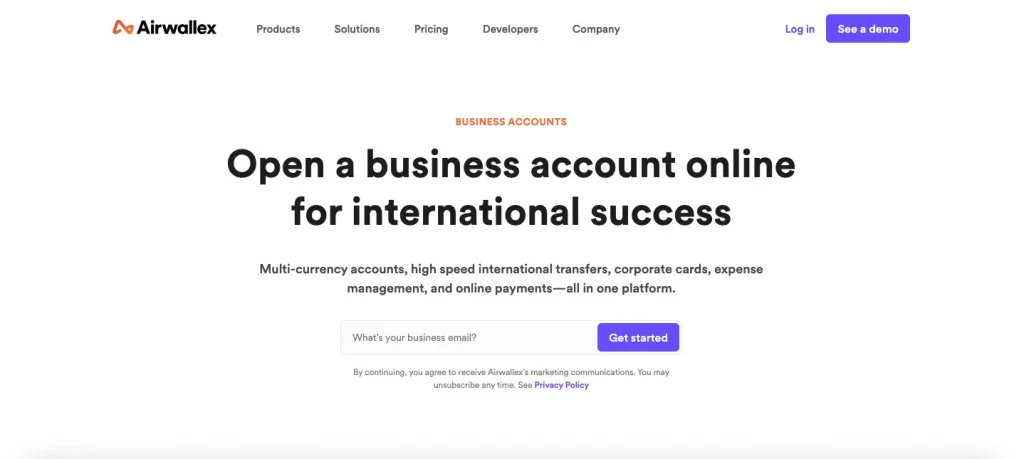
Airwallex2 is a global payments company that provides multi-currency accounts for businesses of all sizes, from startups to global enterprises. With an Airwallex Business Account, you can hold funds in USD and 20+ other currencies.
You’re able to create local US bank details, including an account number and a routing number, so that you can transact like a US resident. This also gives you access to local payment rails, which speeds up the settlement times of your transfers.
It’s free to make batch and local transfers to over 120 countries, and transfers to other Airwallex accounts are also free. You can spend without FX fees when you spend directly from an existing currency balance.
Plus, if you’re looking to store your funds in USD over a long period of time, Airwallex offers an investment service called Airwallex Yield. Yield invests your funds into low-risk money market funds, allowing you to earn returns of up to 3.85% on USD and 1.19% on SGD.
Fees for Airwallex’s Business Account
- Free to open and maintain, though paid plans are available from SG$79
- Conversion rates for major currencies are marked up by 0.4%, and 0.6% for all other currencies
- SWIFT transfers cost between SG$20 and SG$35 per transfer
- Airwallex’s ATM withdrawal fee costs 0.2% of the amount withdrawn
- Additional conversion fees may apply if you use the ‘Automatic Currency Conversion’ feature (markup could be as high 2-4% on top of the interbank exchange rate)
4. DBS Business Multi-Currency Account
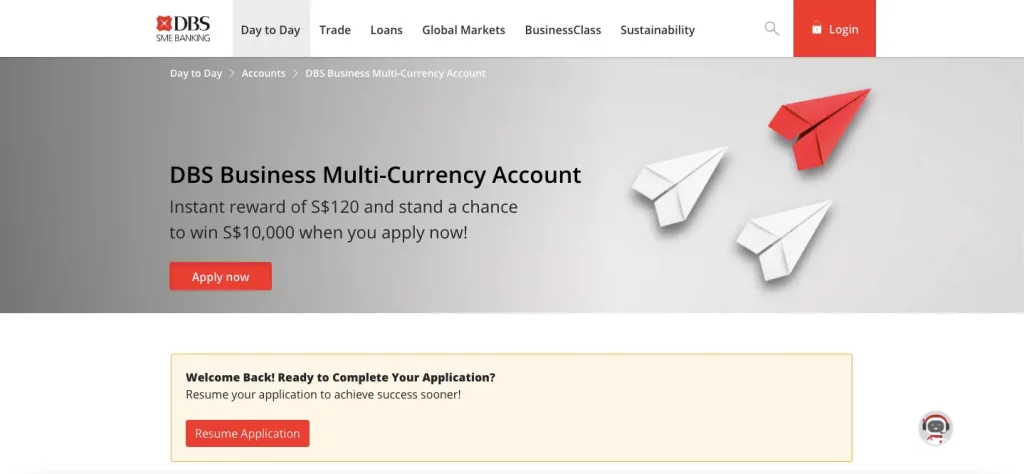
The DBS Business Multi-Currency Account is suitable for international SMEs, startups and entrepreneurs with an international client base. It supports 13 currencies, including USD, SGD, HKD, EUR and GBP, among others.
DBS doesn’t publish their exact exchange rates, but they do allow you to lock in exchange rates for up to one month using their SecureFX service. You can secure rates for key currency pairs, including USD/SGD, EUR/SGD and EUR/USD. Alternatively, you can book FX transactions online (across 40+ currency pairs) up to a year in advance with DBS FX Online.
Upon opening this account, you’ll receive a complimentary DBS Business Advance+ Card, which is a physical Visa debit card. You can link it to your multi-currency account and earn unlimited 1% cashback on certain B2B purchases (with a minimum spend of SG$2000 per month).
Since DBS is a bank, all of your funds are protected by the deposit insurance scheme SDIC for up to SG$100,000. Applying for the Multi-Currency Account is entirely online if your company is incorporated in Singapore and fully owned by Singaporeans or permanent residents. If you have some foreign ownership, then you may need to apply in-branch.
Fees for DBS Business Accounts
- SG$10 monthly for businesses that have been active for less than three years, or SG$50 annually for businesses active for three+ years.
- You can make over-the-counter transactions in-person at a DBS Bank branch, but this costs SG$40 per transaction.
- The DBS Business Multi-currency Account requires an initial deposit of at least $3,000
- You’re required to maintain an account balance of at least SG$10,000. If you fail to maintain this balance, account holders will be charged a fall-below fee of S$35.
- Monthly service charge of SG$40 if your business is at least three years old, but it’s waived if you meet the account balance requirements.
5. OCBC Multi-Currency Business Account
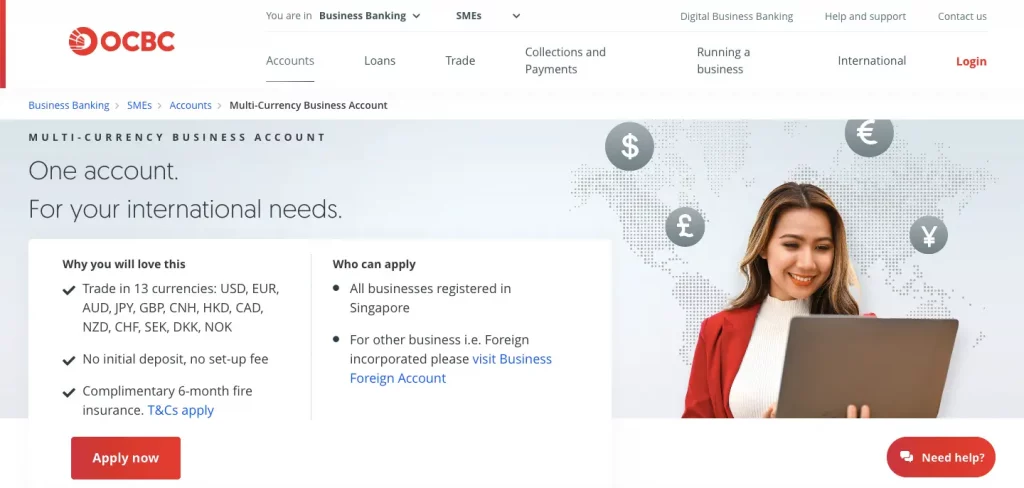
OCBC is well-established in ASEAN and China, which makes it a great choice for Singapore SMEs planning to expand into these regional markets. OCBC’s Multi-Currency Business Account4 allows users to store USD and 12 other currencies with no setup fees or initial deposit.
If you receive funds in a new (supported) currency, then OCBC will automatically create a new currency account for you to use. However, if your foreign currency deposits aren’t in one of OCBC’s supported currencies, then those funds will automatically be deposited as USD. The settlement time for USD payments ranges between one and three working days.4c
OCBC updates their published currency exchange rates daily, but their exact markup isn’t explicitly mentioned.4a Their website also doesn’t mention whether or not you can create virtual or physical cards and link them to your Multi-Currency Account.
Fees for OCBC Business Accounts
- SG$10 monthly account fee, though this is waived if you open a Business Growth Account together with the OCBC Multi-Currency Business Account).
- Receiving a wire transfer into your SGD account or your foreign currency account costs SG$10 per transfer, and sending a wire transfer from either account costs SG$30 per transfer.
- If you take out an unarranged overdraft for a USD account, the minimum charge is either US$10 or the OCBC’s USD interest rate + 4% per annum– whichever is higher.
- Over-the-counter branch transactions cost S$20 per transaction.
- Depositing a standard USD cheque costs US$1.00 per cheque.
Open a USD account with WorldFirst and make same-day USD payments
In this article, we’ve shared five of the best USD accounts for companies in Singapore, with WorldFirst’s World Account standing out as the best option for cross-border businesses.
With a World Account, you’ll benefit from low exchange fees when you convert between SGD and USD (and 150+ other currencies). You can even avoid FX fees entirely by spending from existing currency balances. WorldFirst charges no account opening fees, no maintenance fees, no fees for receiving payments and no fall-below fees.
You can create local USD account details and gain access to US payment rails, which speeds up the settlement time of your transfers. Plus, you can integrate with 130+ marketplaces, which makes doing business in the US and collecting payouts even easier.
It’s easy to get set up with a World Account, and you can do so online within minutes. Ready to get started with WorldFirst? Sign up for a World Account today.
FAQs
What’s the best USD account for businesses in Singapore?
The best USD account for Singaporean businesses depends on your priorities, but one of the best options for fast overseas transfers is WorldFirst’s World Account.
With a World Account, you can open a USD currency account and receive local bank details for free. This allows you to send payments via local payment rails (rather than the lengthy SWIFT network) which helps to speed up the settlement times of your transfers.
WorldFirst also offers favourable exchange rates, though you don’t have to convert immediately – instead you can hold US dollars indefinitely (and entirely for free). WorldFirst charges no account opening fees, no fees for holding or receiving payments, no maintenance fees and has no minimum balance requirements.
Which USD account in Singapore is best for selling on US marketplaces?
One of the best USD accounts for selling on US marketplaces is WorldFirst’s World Account, since you can obtain US account details in an instant. This allows you to set up and sell on US marketplaces (such as Amazon or eBay) that require a local account in order for you to receive payouts.
You can also integrate your World Account with 130+ marketplace platforms in order to streamline all your USD earnings into the same account. And if you accept payments via gateways like Stripe, PayPal or Shopify, you can also withdraw your sales proceeds by integrating directly with these platforms.
Is a USD account from a bank or fintech better?
Whether a USD account from a bank or a fintech company is better depends on your specific business needs.
For example, if you’re an SME that needs to get an account set up quickly or you prefer managing everything online, then a fintech account is likely best.
Whereas if you’re an enterprise-level business that relies on traditional lending or needs to deposit cash at in-person branches, then a bank account will probably suit you better.
How do I open a USD account with WorldFirst?
To start holding USD with WorldFirst, you’ll first need to sign up for a World Account for free. Here’s how to apply:
- Head to our World Account signup portal and enter your personal details
- Fill in your account information and verify your identity with a passport or drivers licence
- Upload your business documents, including your certificate of incorporation, your director/shareholder ID for KYC verification and proof of address (utility bill, etc.)
- Click ‘Submit’
You’ll receive an acceptance email within 48 hours. After being approved, login to your World Account and follow these steps to open a USD account:
- From your World Account dashboard, click on ‘Manage accounts’ under ‘Shortcuts’
- Click on the white ‘Add a new receiving account’ button on the top right of your screen
- Select the currency of the account you would like to open and give your account a nickname, then click ‘Confirm’
- Your local USD account will be created instantly
Sources:
- https://wise.com/sg/business/
- https://wise.com/sg/business/accounting-software
- https://wise.com/sg/pricing/business
- https://wise.com/sg/business/interest
- https://wise.com/gb/pricing/business/hold-fees?
- https://wise.com/sg/blog/wise-business-account-requirements
- https://www.airwallex.com/sg/business-account
- https://www.airwallex.com/sg/pricing
- https://www.airwallex.com/docs/payments__automatic-currency-conversion
- https://help.airwallex.com/hc/en-gb/articles/900001757026-Eligibility-to-open-an-account
- https://www.dbs.com.sg/sme/day-to-day/accounts/dbs-business-multi-currency-account?
- https://www.dbs.com.sg/sme/day-to-day/business-cards/dbs-visa-business-advance-plus-debit-card?pk_source=google&pk_medium=organic&pk_campaign=seo
- https://www.dbs.com.sg/sme/businessclass/articles/finance-and-operations/opening-a-business-bank-account-read-this-first?pk_source=google&pk_medium=organic&pk_campaign=seo
- https://www.dbs.com.sg/documents/276102/282855/pricing-guide.pdf/0773e2ea-4475-834e-d328-8aa396d0679b?
- https://www.ocbc.com/business-banking/smes/accounts/multi-currency-business-account
- https://www.ocbc.com/rates/daily_price_fx.html
- https://www.ocbc.com/business-banking/help-and-support/accounts-and-services/business-pricing-guide
- https://www.ocbc.com/business-banking/outward-telegraphic-transfer
- https://www.ocbc.com/business-banking/smes/business-tools/xero?qualtric=faq
- https://www.dbs.com.sg/personal/support/bank-overseas-funds-transfer-service-standards.html
- https://www.dbs.com.sg/personal/cards/cards-rates-fees.page
![How to set up Stripe payments in Singapore [2026]](https://mdn.marmot-cloud.com/worldfirst/sites/9/2026/10/20261027231135498-300x200.webp)




![Volopay Singapore review [2027]: Features, fees and more](https://mdn.marmot-cloud.com/worldfirst/sites/9/2026/10/20261026132437556-300x164.webp)