Business
Multi-currency accounts, competitive FX, and global transfers — Everything you need to pay and get paid internationally
Products
Enterprise
Built for faster payments, smarter liquidity, and robust compliance-all powered by our next-gen API toolkit and Al-native architecture.
Products
Resources
About us
Named a Top Global Fintech Company by CNBC & Statista, we’ve supported 1.5M+ businesses since 2004.
About WorldFirst
Europe
Asia
Oceania
Africa

We provide coverage in South Asia and Middle East: servicing 210+ countries and territories.

How Shopify works: payments, payouts and FX for UK sellers

If you’re sourcing products from an overseas supplier and trying to work out where to sell them, you’ve probably landed on Shopify.

It’s the platform behind more than 216,000 UK stores, but knowing it exists and knowing how it actually moves your money are two different things.

Globally, Shopify now powers over 5.4 million stores, and understanding the mechanics before you commit a subscription and a supplier deposit will save you from expensive surprises later, particularly around currency conversion.

This article walks through how Shopify works from setup to payout, then shows you where the platform’s built-in currency conversion can quietly cost a new importer money, and what you can do about it.

Key takeaways:

  • Shopify keeps store management simple: sellers can manage products, orders, inventory and payments from one hosted platform without running their own technical infrastructure
  • Shopify Payments handles the checkout flow: card processing is built in, but rates vary by plan and international sales can introduce additional currency costs
  • Three currencies can affect what you receive: store, presentment and payout currencies may differ, so conversion can happen before funds reach your account
  • International selling adds FX costs: Shopify Markets can apply a currency conversion fee when customer payments need to be converted into your payout currency
  • Your payout setup can reduce unnecessary conversions: Multi-Currency Payouts let eligible merchants receive supported currencies directly instead of routing every payout through GBP
  • WorldFirst can extend that multi-currency setup: eligible Shopify sellers can connect WorldFirst receiving accounts to supported payout currencies, then hold, convert or use those balances for international business payments

Open a World Account to receive supported Shopify payouts in multiple currencies and manage international supplier payments from the same account.

What Shopify actually is

Shopify is a software-as-a-service (SaaS) commerce platform launched in 2006 that lets you build an online store, process payments, and sell across multiple channels without hosting anything yourself. You rent the software, Shopify runs the infrastructure, and you focus on products, pricing, and marketing.

Shopify is a software-as-a-service (SaaS) commerce platform launched in 2006

For a new importer, that division of labour matters.

You’re already dealing with supplier lead times, shipping, and customs paperwork since the UK’s departure from the EU single market and customs union on 1 January 2021. A platform that removes the technical overhead of running a store lets you spend that attention on sourcing and cash flow instead.

How Shopify’s platform works

Shopify is cloud-based and hosted, so there’s no software to install and no server to maintain.

Everything happens through a web-based admin dashboard that acts as your control centre for products, orders, inventory, customers, and marketing:

  • The admin dashboard centralises operations: you add products, track stock, process orders, and view sales analytics from one screen, which matters when you’re running the business solo or with a small team
  • Themes handle the storefront design: Shopify offers hundreds of pre-built themes, so you can launch a professional-looking store without hiring a developer
  • The App Store extends functionality: with over 8,000 third-party apps covering dropshipping, email marketing, shipping labels, and SEO, you can bolt on features as your import business grows
  • Uptime is enterprise-grade: Shopify reports 99.9% uptime across its major services over rolling 90-day periods, which matters if a supplier delay means you’re relying on the store to stay live during a promotional push
  • Multichannel selling syncs automatically: you can list products on Facebook, Instagram, TikTok, Amazon, eBay, and Etsy, or sell in person through Shopify POS, with inventory and customer data staying consistent across every channel

Setting up a Shopify store: the step-by-step overview

Getting a store live is largely a sequence of configuration decisions rather than technical build work.

Shopify offers new stores a short free trial followed by a £1 per month introductory rate for three months, after which standard plan pricing applies.

Here’s how to set up a Shopify store:

  1. Sign up and choose a plan: you’ll pick between Starter, Basic, Grow, Advanced, or Plus depending on how much functionality and how many staff accounts you need
  2. Select a theme and customise the storefront: this is where your branding, product photography, and navigation come together
  3. Add products and set pricing: including variants, weights for shipping calculations, and any supplier-specific SKUs
  4. Configure sales channels: connect your store to marketplaces and social platforms if you plan to sell beyond your own website
  5. Set up Shopify Payments: this is the step that determines how and where your money lands, and it’s worth slowing down for

Shopify UK pricing at a glance

The table below compares Shopify’s main UK plans, monthly costs, card processing rates and third-party payment fees:

Plan Monthly cost (annual billing) Online card rate (Shopify Payments) Third-party gateway fee
Basic £19/mo 2% + 25p 2%
Grow £49/mo 1.7% + 25p 1%
Advanced £259/mo 1.5% + 25p 0.6%
Plus From £1,800/mo Negotiated Negotiated

Source: Shopify UK pricing page. Monthly billing (rather than annual) typically adds around 25–35% to these prices.

As a new importer, the temptation is to start on Basic and stay there. That’s often the right call early on, but note that your card processing rate drops as you upgrade, so if you’re growing sales volume fast, the maths on Grow or Advanced can work in your favour sooner than expected.

How Shopify Payments works

Shopify Payments is the platform’s built-in payment processor. It handles cards, Apple Pay, Google Pay, and regional payment methods, and once a customer pays, funds move through Shopify’s system before landing in your nominated payout account.

The part most new sellers miss is that Shopify tracks three distinct currencies, and understanding the difference is the first step to protecting your margin:

  • Store currency: the currency your admin dashboard and reports use, typically GBP for a UK-registered business
  • Presentment currency: what your customer actually sees and pays in at checkout, which might be USD, EUR, or AUD if you’re selling internationally
  • Payout currency: the currency Shopify actually deposits into your linked bank account

If those three don’t match, conversion happens somewhere in the chain, and that conversion has a cost attached whether or not it’s obvious at checkout.

Selling internationally with Shopify Markets

Shopify Markets is the feature that lets you manage cross-border selling properly: localised currencies, translated content, and duties or import taxes shown at checkout on eligible plans.

It’s a genuinely useful tool if you’re sourcing globally and want to sell globally too, but it comes with a cost: most sellers don’t clock until they check their payout reports.

For UK Shopify Payments stores, Shopify currently applies a 1.5% currency conversion fee when converting a customer’s payment currency into the merchant’s payout currency. The formula is straightforward: customer price equals your base price multiplied by the exchange rate, multiplied again by one plus the conversion fee. You can switch to manual rates for pricing stability, but that shifts currency risk onto you instead.
Local-currency pricing isn’t optional if you want conversions, though. Research cited by WorldFirst shows 94% of shoppers prefer to buy in their local currency, and around one in three will abandon their cart if it isn’t offered. So the trade-off is real: offer local pricing and pay a conversion fee, or don’t, and lose sales at checkout.

Shopify has also relaxed a previous restriction on Multi-Currency Payouts. Merchants can now add one bank account per supported payout currency rather than being capped at eight, though non-domestic payouts still attract a Multi-Currency Payout fee depending on plan and region.

For a UK store, GBP is your domestic payout currency, but additional currencies including USD, EUR, AUD, CAD, and SGD are available as non-domestic payout options.

The FX cost problem for a new importer

Here’s where currency conversion can become expensive for an import business. If an international sale is converted into GBP before payout, Shopify’s applicable currency conversion fee may apply at that stage. If you later need USD, EUR, RMB or another currency to pay an overseas supplier, you may then need to convert those GBP proceeds back into foreign currency.

That means the same revenue can pass through two separate FX events: once when customer revenue is converted into your payout currency, and again when you convert funds to pay an overseas supplier.

Bank FX margins on international receipts typically run at 1% to 3%, and marketplace automatic converters can add a further 0.75% to 1.50%, sometimes reaching 2.5%. Stack Shopify’s own 1.5–2% Markets fee on top of a bank’s conversion margin, and you can be losing a meaningful slice of revenue before you’ve even paid your supplier.

For an import business, this matters because sales revenue and supplier costs are often denominated in different currencies.

Converting foreign-currency revenue into GBP and then converting GBP back into another currency for supplier payments can create an unnecessary round trip through FX. Cash flow also fragments: money sitting in different currencies across different accounts is harder to track and reconcile, especially if you’re trying to time a supplier payment against a favourable rate.

How the World Account works alongside Shopify

This is where a multi-currency payment account changes the shape of the problem rather than just discounting it.

The World Account is a multi-currency account that lets you collect payments in 20+ currencies without forced conversion, and pay out in 100+ currencies to 200+ countries. Connecting it to Shopify is a three-step process:

  1. Create a receiving account in WorldFirst: in your WorldFirst dashboard, go to the Collection tab, select Manage Accounts, then Add a New Receiving Account, and choose your currency
  2. Link it as your Shopify Payments payout account: in Shopify admin, navigate to Settings, then Payments, then Shopify Payments, then Manage, then Payout details, and enter your WorldFirst account details as the payout bank account
  3. Configure additional payout currencies if your Shopify plan supports them: UK merchants on Advanced or Shopify Plus can use Shopify’s Multi-Currency Payouts for supported currencies. You can add a matching WorldFirst receiving account for an eligible payout currency, such as USD or EUR, and use it to receive, hold, convert, or spend those funds. Availability and payout fees depend on your Shopify plan, region, and selected currency

Once connected, a WorldFirst receiving account can be used as a payout destination for supported Shopify settlement currencies.

However, connecting WorldFirst does not by itself prevent Shopify from converting international sales. Whether a payout is converted depends on your Shopify plan, payout currency settings, and whether the customer’s payment currency matches a supported payout currency.

For UK merchants on Advanced or Shopify Plus, Shopify supports Multi-Currency Payouts in eligible currencies. This can allow you to receive certain non-GBP payouts into a matching WorldFirst receiving account rather than converting everything into GBP first. Shopify may still apply Multi-Currency Payout fees, so the total cost should be compared with the cost of converting funds later through your payment provider.

From Shopify payout to supplier payment: the full loop

Think about the flow end to end rather than as two separate events. A customer in Sydney buys from your Shopify store and pays in AUD. What happens next depends on your Shopify payout setup.

If AUD isn’t configured as an eligible payout currency, Shopify converts the payment into the applicable payout currency before settlement. If you’re on an eligible plan and have AUD configured through Multi-Currency Payouts, the payout can instead be sent to a matching AUD receiving account, such as a WorldFirst receiving account. Shopify’s applicable Multi-Currency Payout fees may still apply.

Once the AUD reaches your World Account, you can hold it, convert it later, or use available balances toward supported business payments.

  • Hold the balance: wait until the AUD/GBP rate moves in your favour rather than converting on Shopify’s schedule
  • Convert when you need to: eligible new UK customers can currently access a promotional 0.30% FX fee for a limited period, subject to eligibility and offer terms
  • Pay suppliers directly: WorldFirst supports payments to Chinese suppliers, including fast transfers to suppliers already using WorldFirst, and provides payment functionality for purchases through 1688.com via World Pay

For day-to-day spending, whether that’s ad spend to drive traffic to your Shopify store, software subscriptions, or product sourcing costs, the World Card offers zero FX fees across 15 currencies along with cashback, which keeps small recurring costs from quietly leaking margin the same way one-off supplier payments can.

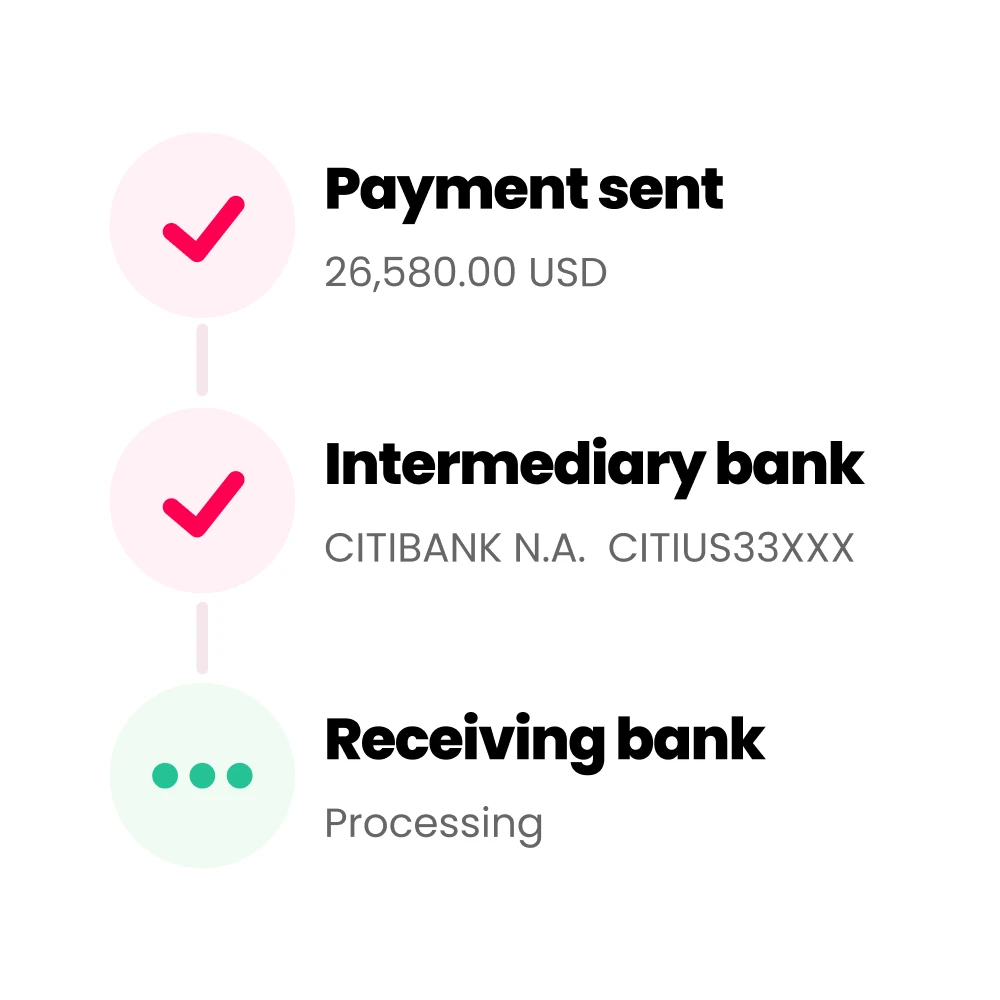
WorldFirst uses local payment rails where available, which can reduce reliance on traditional SWIFT routing for eligible transfers.

Shopify payout journey: before and after

The table below shows how a standard GBP payout compares with an eligible Multi-Currency Payout to WorldFirst, from customer payment through to supplier payment:

Stage Standard GBP payout Eligible Multi-Currency Payout to WorldFirst
Customer pays in AUD Shopify may convert AUD into GBP before payout AUD can remain the payout currency if supported and configured
Shopify currency cost Applicable currency conversion fee may apply Multi-Currency Payout fee may apply
What reaches the account GBP AUD in a matching receiving account
After payout Merchant holds GBP Merchant can hold AUD, convert it later, or use supported balances for business payments
Paying an overseas supplier Another FX conversion may be needed if the supplier requires a different currency Existing foreign-currency balances may reduce the need to convert through GBP first

Running multiple currencies across a growing import business only works if you can actually reconcile it. WorldFirst integrates with Xero and NetSuite, so incoming Shopify payouts, currency conversions, and supplier payments can flow into your existing bookkeeping without manual re-entry. Multiple users and permission controls mean you can bring in a bookkeeper or accountant without handing over full account access.

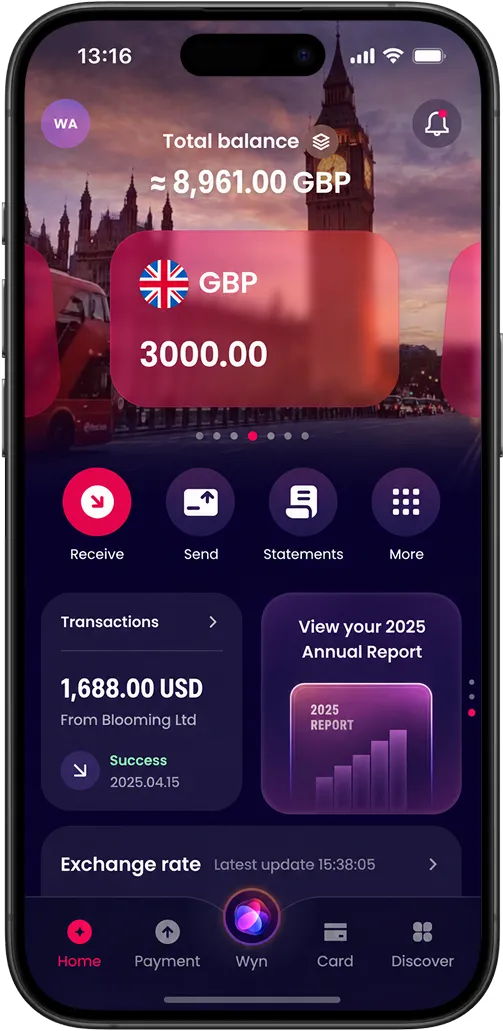
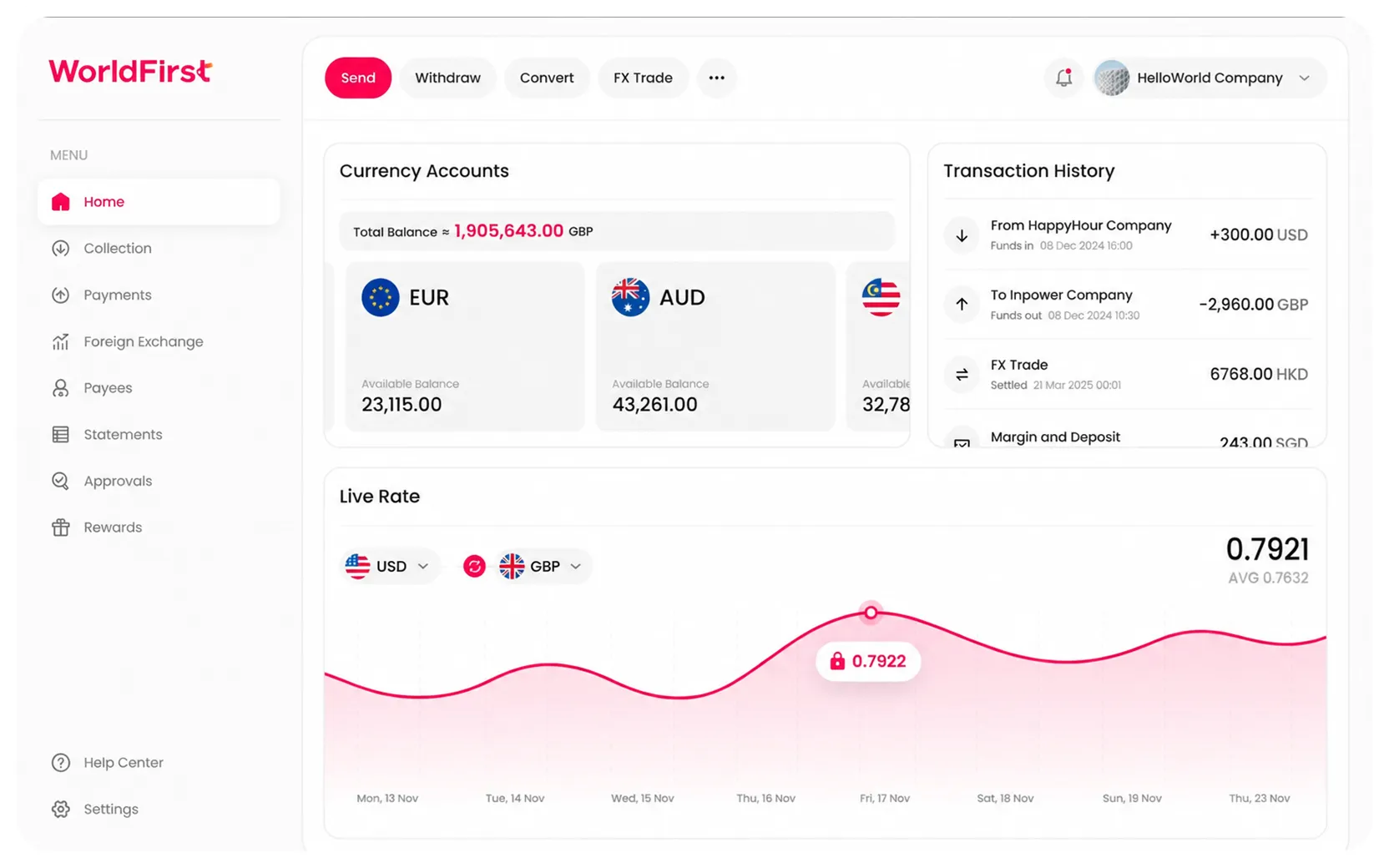
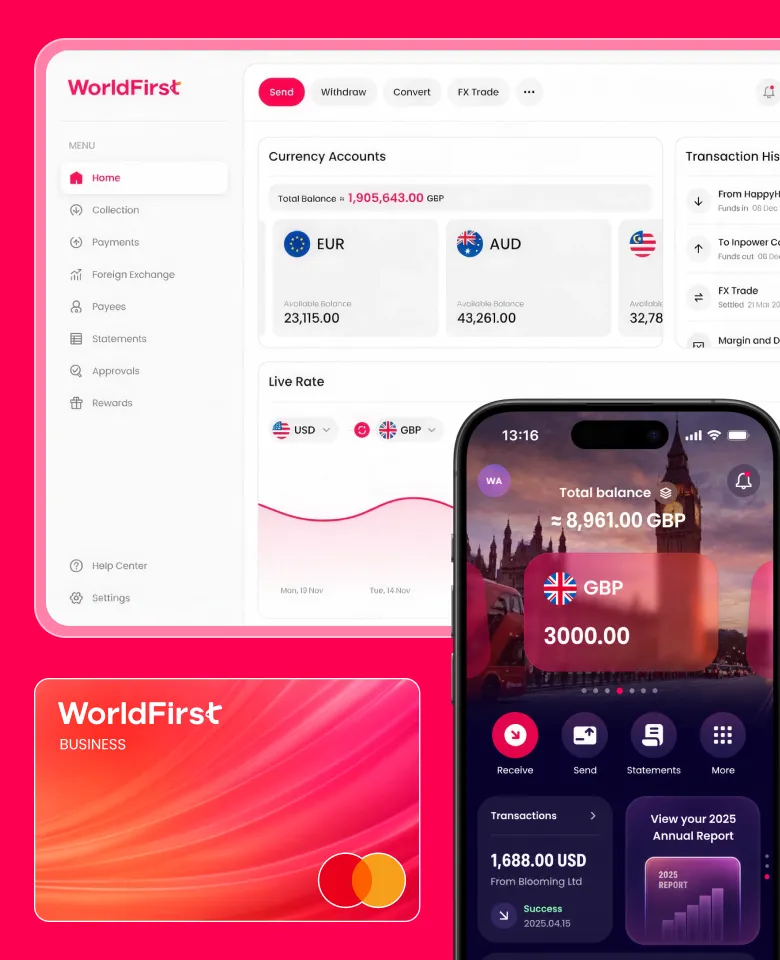
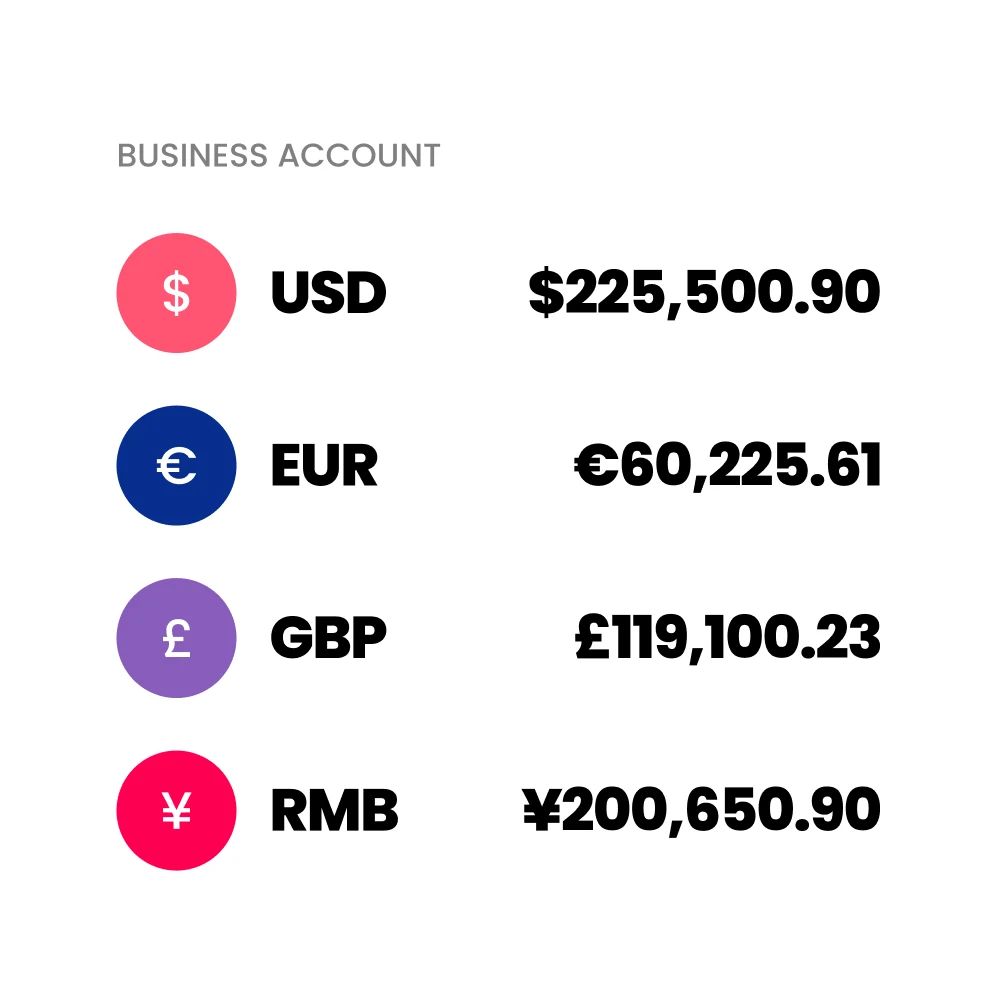
A single dashboard showing every currency balance, alongside real-time alerts when a payment lands, replaces the old habit of logging into separate bank portals to check whether a customer payment or supplier remittance has cleared.

For a new importer juggling supplier deposits, balance payments, and Shopify payouts across several currencies, that visibility is often the difference between spotting a cash-flow gap early and discovering it when a shipment is already due.

Getting started

Shopify handles the storefront, the checkout, and the customer experience. What it doesn’t optimise for is the currency layer sitting underneath every international sale and every supplier payment. Once you understand how Shopify works end to end, the practical next decision is where those payouts land and how much of your margin gets absorbed by conversion before you ever see the money.

If you’re setting up a new Shopify store to sell internationally while sourcing from overseas suppliers, it’s worth separating the platform decision from the payments decision entirely. 

WorldFirst isn’t a bank. It’s a regulated payments provider, and WorldFirst is authorised by the FCA as an electronic money institution (World First UK Limited, company number 05022388, FCA Firm Reference 900508) under the Electronic Money Regulations 2011. Client funds are held in segregated safeguarded accounts, which is a different protection model to FSCS-protected bank deposits, so it’s worth understanding that distinction before you move volume through any EMI.

Open a World Account to connect it to Shopify Payments and start controlling FX costs on both sides of your business, sales in and supplier payments out.

FAQs

1. How does Shopify work for sellers?

Shopify provides the software and infrastructure needed to build an online store, manage products and inventory, process orders and accept payments. Merchants choose a plan, configure their storefront and payment settings, and manage the business through Shopify’s admin dashboard.

2. How does Shopify Payments pay sellers?

Shopify Payments processes eligible customer payments and sends the resulting funds to the merchant’s configured payout account. The payout currency depends on the merchant’s country, Shopify plan and payout settings.

3. Does Shopify automatically convert currencies?

It can. If a customer’s payment currency differs from the applicable payout currency, Shopify may convert the payment before payout and apply its current currency conversion fee. If an eligible Multi-Currency Payout is configured for that currency, conversion may not be necessary at that stage.

4. Can UK Shopify stores receive payouts in multiple currencies?

Eligible UK merchants on supported Shopify plans can use Multi-Currency Payouts for supported currencies. Additional payout fees and currency-specific requirements can apply.

5. Can I connect a multi-currency account to Shopify Payments?

Yes, provided the receiving account meets Shopify’s requirements for the relevant payout currency. A WorldFirst receiving account can be used for supported Shopify settlement currencies, subject to Shopify’s plan, region and payout rules.

Sources:

  1. https://help.shopify.com/en/manual/intro-to-shopify/overview
  2. https://www.shopify.com/blog/what-is-shopify
  3. https://www.pymnts.com/tracker_posts/going-global-how-payments-optimization-can-power-an-international-commerce-strategy/
Read more

The simpler way to pay and get paid

Save money, time, and have peace of mind when expanding your global business.

Scan the QR code to download the app.
Scan with your phone
扫描二维码下载WorldFirst app
打开手机扫一扫

It looks like you're sending money to family or friends — that's a personal transfer, which is best handled through our app.

Sending money to family or friends? Download our app for the best experience.

Pay in 15 currencies with World Card, no FX fees

Enjoy zero FX fees when paying in the following 15 currencies with World Card.

Send money in 100+ currencies

You can send money in your WorldFirst account to any of the currencies we support.

Get Paid by 130+ marketplaces

Seamlessly get paid by 130+ marketplaces and pay your suppliers anywhere.

Collect money in 20+ currencies

You can collect money in 20+ currencies. It only takes a few minutes to open an account in the currency you need.