





























PayNow helps Singapore businesses send and receive SGD payments. See how businesses can register and use PayNow for everyday transactions
Key takeaways
- PayNow enables Singapore businesses to send and receive SGD payments using PayNow QR codes and UENs (Unique Entity Numbers)
- PayNow Corporate links a business UEN to a Singapore bank account for receiving customer payments
- PayNow operates through participating banks and major payment institutions, with the current network covering 23 banks and six non-bank financial institutions
- A multi-currency account like the World Account can sit alongside PayNow for businesses receiving or sending payments in foreign currencies
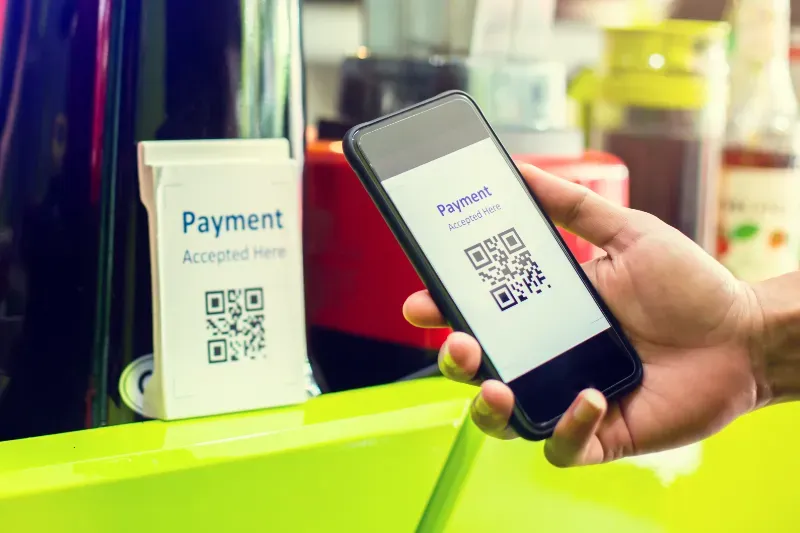
For Singapore businesses, PayNow offers a way to collect Singapore Dollar payments using a registered UEN or PayNow QR code instead of sharing business bank account details with each customer.1 PayNow can be used by SMEs, sole proprietors, e-commerce sellers and freelancers invoicing Singapore clients.1
This guide talks about how PayNow works for businesses and also explores a multi-currency account by WorldFirst that supports handling international payments globally.
What is PayNow?
PayNow, launched in 2017, is a Singapore-based electronic funds transfer service owned and developed by the Association of Banks in Singapore (ABS).1 It allows participating banks and financial institutions to transfer SGD using a registered identifier instead of the recipient’s bank account number.1 Depending on the recipient, this identifier can be a mobile number, NRIC (National Registration Identity Card) or FIN (Foreign Identification Number), UEN (Unique Entity Number), or Virtual Payment Address (VPA).1
PayNow Corporate extends the service to companies and other business entities.1 A business can link its UEN to an eligible Singapore bank account and receive SGD payments through that registered proxy.1 The sender can make the payment without knowing the business’s bank or account number.1 PayNow Corporate can be used for transactions through FAST, depending on the participating bank and transaction type.1
What banks offer PayNow in Singapore?
The current PayNow Singapore network includes 23 participating banks and six non-bank financial institutions1:
Banks
- ANEXT Bank
- ANZ
- BNP Paribas
- Bank of China
- CIMB
- Citibank
- DBS Bank
- Deutsche Bank
- Green Link Digital Bank
- GXS Bank
- Hong Leong Bank
- HSBC
- ICBC
- JPMorgan
- MariBank
- Maybank
- OCBC
- RHB Bank
- State Bank of India
- SMBC
- Standard Chartered
- Trust Bank
- UOB
Payment institutions
- Grab
- Liquid Group
- Nium
- Singtel Dash
- Wise
- Xfers
How does PayNow work?
For receiving customer payments
A business first registers its UEN with a participating bank or payment institutions and links it to a Singapore-based account.1 Once registered, customers can use the business’s UEN to make a PayNow payment through their bank or participating payment application.1
Businesses can place the UEN on their invoices, websites, emails or other documents to receive payments from clients.1 The incoming SGD payment is credited to the linked account, subject to the bank’s applicable processing arrangements and limits.1
For paying suppliers or vendors
Businesses can use PayNow to send SGD payments to registered individuals or businesses using a mobile number, NRIC/FIN, UEN or VPA, depending on the recipient.¹ PayNow also enables cross-border payments through links with systems such as Malaysia’s DuitNow and Thailand’s PromptPay, allowing users of participating institutions to send and receive funds using registered mobile numbers, VPAs or UPI IDs.¹
PayNow QR code for merchants
PayNow QR lets customers scan a business’s QR code through a participating banking or payment application and make an SGD payment.1 PayNow QR is integrated with SGQR (Singapore Quick Response Code), which can combine PayNow with other QR payment options accepted by a merchant.1
For example, a business can display its PayNow QR code at a checkout counter, on an invoice or through an online payment flow.1 Customers scan the code, enter the payment amount when required and confirm the transaction through their banking application.1
How to set up PayNow with your bank
- Open an eligible Singapore business account with a participating PayNow bank or payment institution.
- Access the bank’s business banking service such as DBS IDEAL, OCBC Velocity or the relevant corporate banking application.
- Select PayNow Corporate or PayNow registration.
- Enter the business UEN and select the account to receive payments.
- Complete the bank’s registration and verification process.
- Publish the registered UEN or PayNow QR code on invoices, websites, apps or at the point of sale.
The World Account: built for global businesses
WorldFirst is an international payments provider offering the World Account, a multi-currency account that lets businesses receive, hold, send and convert funds across 20+ currencies. The account also connects with a World Card, a Mastercard-powered virtual card for business spending in 150+ currencies. No fees apply when paying via the card in 15 supported currencies as long as there is sufficient balance available in the matching currency.
Key features of the World Account
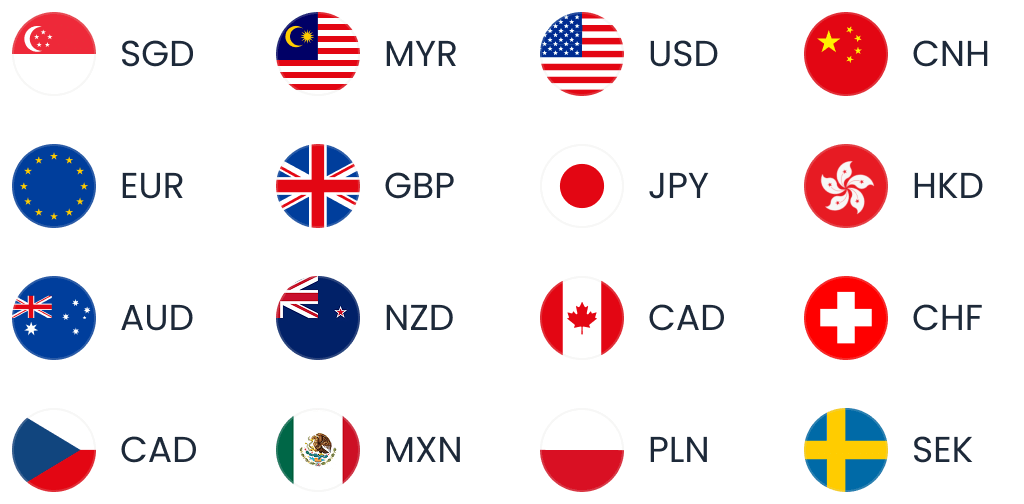
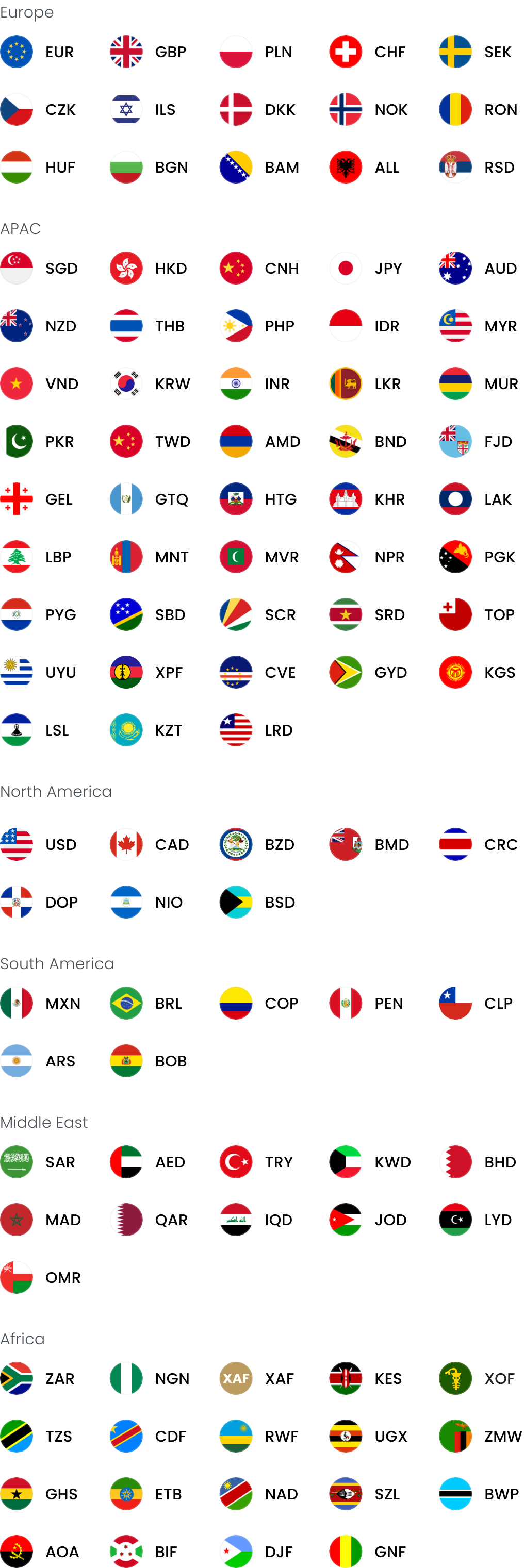
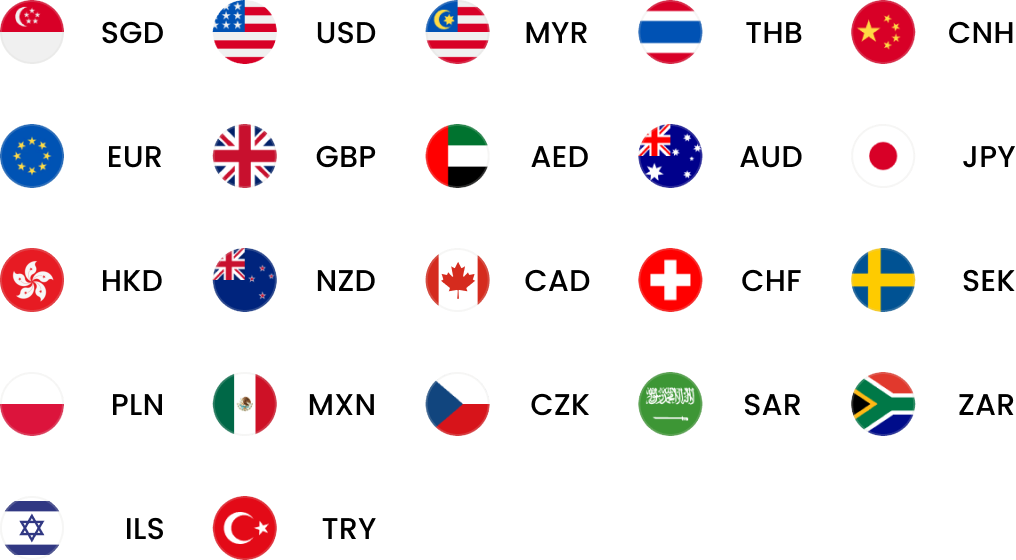
- Open local currency accounts in 20+ currencies, including SGD, USD, GBP, EUR, AUD, NZD, CNH, HKD and JPY
- Send payments in 100+ currencies across 200+ countries and regions
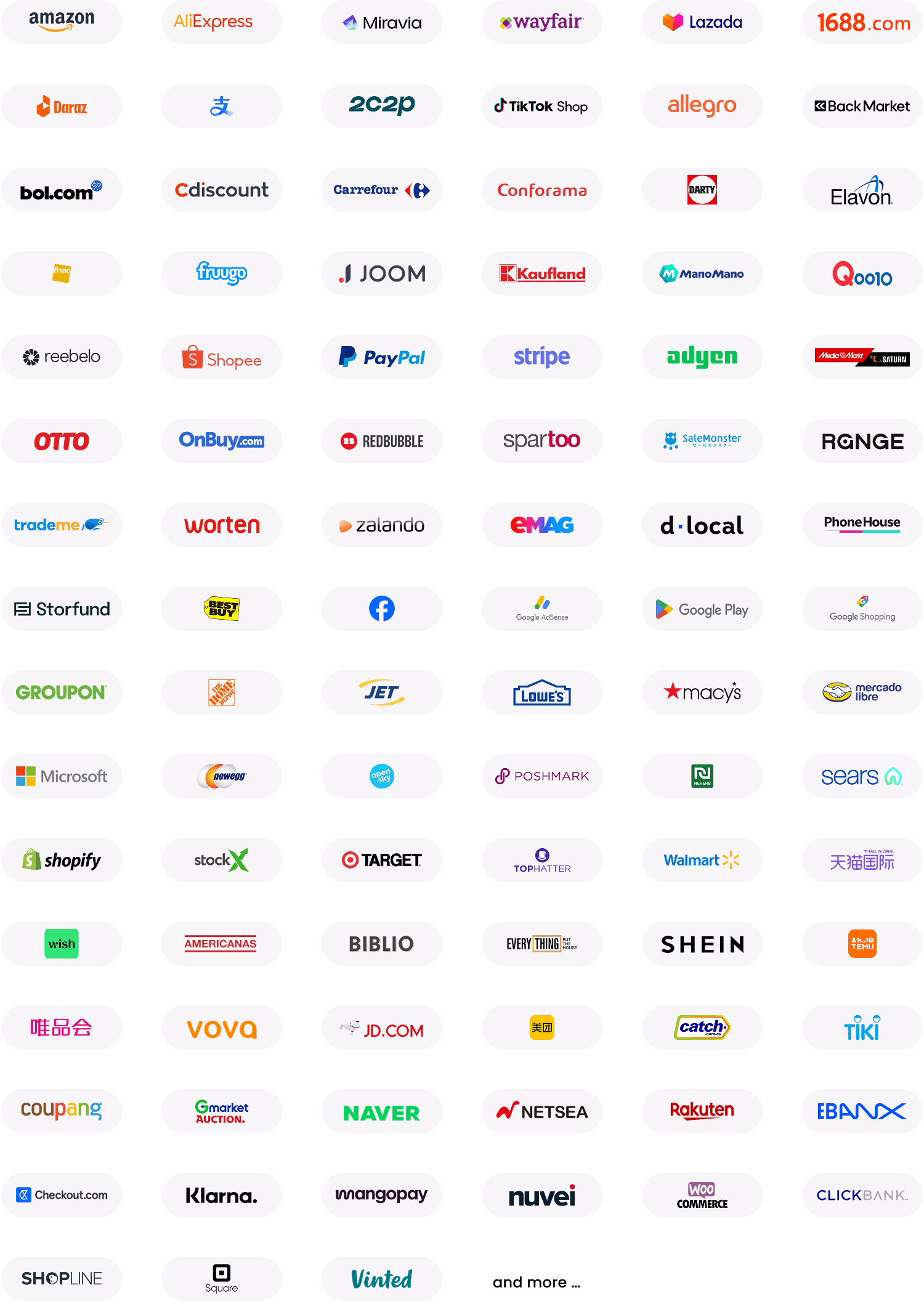
- Receive payments from 130+ e-commerce platforms and payment gateways, including Amazon, Stripe and Shopify
- Transfer funds between World Account holders at zero cost
- Lock in exchange rates for future payments through forward contracts
- Integrate with Xero for accounting and reconciliation
- Create up to 20 multi-currency cards from one account at no additional cost
- Earn cashback on eligible World Card spending, subject to terms and conditions
- Pay suppliers through World Pay, the authorised international payment provider for 1688.com
| Fee type | World Account fees |
| Account opening fee | Zero |
| Monthly account fee | Zero |
| Opening local currency accounts | Zero |
| Receiving payments | Zero |
| Holding funds in multiple currencies | Zero |
| Sending payments to other World Account holders | Zero |
| Sending payments to other accounts | US1forlocaltransfers,US5 for international transfers |
| Currency conversion | Up to 0.6% |
| World Card issuance | Zero for up to 20 cards |
| Payments to 1688.com suppliers via World Pay | Up to 0.8% currency conversion fee |
*Fees checked in September 2026
FAQs
1. What is the difference between PayNow and PayLah?
PayNow is a payment service operating across participating banks and financial institutions in Singapore.1 PayLah! is DBS’s mobile wallet service.2 PayNow can use identifiers such as a mobile number, NRIC/FIN or UEN to transfer SGD, while PayLah! is accessed through the DBS PayLah! app and provides wallet-based payment functions.2
2. How do I register for PayNow?
For a business, register for PayNow Corporate through the business banking service of a participating bank, link the UEN to an eligible account and complete the bank’s registration process. The exact steps depend on the bank you have an account with.
3. How do I link my NRIC to PayNow?
NRIC linking applies to individual PayNow users rather than PayNow Corporate. The process varies by bank.1 For example, DBS customers can log in to digibank, open the PayNow profile and select the option to register their NRIC/FIN, then link it to an eligible account.3
Sources
- https://abs.org.sg/e-payments/pay-now
- https://www.dbs.com.sg/personal/deposits/pay-with-ease/dbs-paylah
- https://www.dbs.com.sg/personal/support/bank-ssb-paynow-register-profile.html
This article is intended for informational purposes only and does not constitute legal advice or professional advice. This article should not be regarded as constituting an offer or a solicitation to buy or sell any regulated or financial products or services. WorldFirst makes no representations or warranties regarding the accuracy, completeness, or applicability of the content, and readers are encouraged to consult with legal professionals or other professionals for advice tailored to their specific situation. WorldFirst does not guarantee the accuracy and completeness of this article and expressly disclaims any and all liability to any person in respect of the consequences of anything done or omitted to be done wholly or partly in reliance on this article.
![AliExpress dropshipping: How to source and pay suppliers from Singapore [2026]](https://mdn.marmot-cloud.com/worldfirst/sites/9/2026/10/20261021131155864-300x200.webp)

![Trust card review [2027]: Features, fees and more](https://mdn.marmot-cloud.com/worldfirst/sites/9/2026/10/20261020214810193-300x200.webp)
![HSBC business account review [2026] Singapore: Features, fees and more](https://mdn.marmot-cloud.com/worldfirst/sites/9/2026/10/20261020213428771-300x200.webp)