



























If you’re looking for a multi-currency business account, it’s likely you’re facing some of the following problems:
- You need to hold and receive multiple currencies, but you don’t want to open separate bank accounts for each one
- You’re losing money to FX fees, unfavourable conversion rates, account maintenance fees and other (sometimes hidden) costs associated with handling different currencies
- You need a local bank account to do business in certain countries or on certain marketplaces. But these accounts can take weeks or months to open and be expensive to maintain
If this sounds familiar, a multi-currency account can simplify your finances by letting you hold, receive and send payments in multiple currencies – all through a single platform you set up online.
In this article, we’ll cover some of the top multi-currency accounts on the market and share why WorldFirst is the best choice for your business.
We’ll explore:
- 5 features to look for in a multi-currency business account
- The best multi-currency business accounts compared
- Why WorldFirst is the best choice for a multi-currency account
- Top 6 alternative multi-currency business accounts in 2026
Want to scale your business to multiple countries and currencies? Sign up to WorldFirst for free today for an international business account with transparent fees.
Key Takeaways
- A multi-currency business account solves common problems with global payments
If you’re dealing with multiple currencies, traditional banking setups can be inefficient and expensive. A multi-currency account lets you hold, receive, and send money in different currencies from one place, reducing complexity and admin. - Not all multi-currency accounts offer the same level of coverage or flexibility
Some accounts only support a handful of currencies or regions, while others provide broader global coverage. The right choice depends on where you operate and which currencies your business actually uses. - Speed and payment infrastructure have a direct impact on cash flow
Traditional international transfers can take several days due to intermediary banks. Accounts that use local payment networks and provide local receiving details enable faster payments and smoother global operations. - Fees and FX rates are one of the biggest cost drivers in international business
Even small differences in FX markups or transaction fees can add up quickly. Choosing an account with transparent pricing and competitive exchange rates is key to protecting your margins. - For businesses scaling internationally, WorldFirst is positioned as the strongest solution
The article positions WorldFirst’s World Account as a purpose-built option, offering local receiving accounts in 20+ currencies, fast transfers via local payment rails, and competitive FX rates designed for global businesses.
5 features to look for in a multi-currency business account
A multi-currency business account enables businesses to hold, send, receive and transfer money in different currencies from a single account. However, features, fees and ease-of-use can vary widely between each product.
Not every account will be the right fit for your business, so here are some of the key features to look for in a multi-currency account.
1. Support for the currencies and countries in which you do business
Some of the top “multi-currency” accounts offer pretty slim pickings when it actually comes to currencies, with a few only letting you open accounts in four or five currencies. Others may have higher numbers, but only stick to one geographic region, such as Europe.
Look for a multi-currency account that enables you to do business in the countries and currencies that matter to you, for instance in key regions like China and Southeast Asia.
2. Fast cross-border payments and local account details
To scale globally, you need to be able to pay your partners, vendors and suppliers on time. But international transfers, like SWIFT payments, can sometimes take up to five working days to arrive, or even longer in some cases.
A good multi-currency account should set you up with local account details in all the countries where you do business, so you can make payments faster via domestic networks instead.
Local account details are also often a requirement to open an account on many e-commerce marketplaces. If you’re an e-commerce seller, look for a multi-currency account that lets you easily connect to global marketplaces without applying for multiple local accounts.
3. Low fees and transparent pricing
One of the main reasons to open a multi-currency business account is to save money when you work with international currencies. But some multi-currency accounts still charge a commission on nearly every transaction or have high monthly account fees.
Some institutions don’t list or explain their fees clearly when you register, so it’s important to dig deep and understand the potential costs. Look for an account with no holding, receiving or monthly account fees, and one that’s transparent about its pricing.
4. Competitive FX rates
Most multi-currency accounts tie their FX rates to the mid-market rate (MMR), then add a fee or a markup to each transaction. Choose an account that offers the most competitive rates, along with options like forward contracts and firm orders, so you can lock in the best exchange rates for future dates.
5. Easy online management
When you work directly with traditional banks to open your business accounts, you may have to schedule appointments, complete lengthy paperwork and wait weeks or months for application approval before you can start transacting.
Many traditional banks also still rely on outdated systems, meaning you have to call customer service to make a large transfer or update account settings. Instead, look for a multi-currency account that offers a quick, online application and lets you manage all your details from one single, self-service dashboard.
In the rest of this article, we’ll share more about different multi-currency accounts so you can see how their features stack up. We’ll start with WorldFirst.
The best multi-currency business accounts compared
The table below shows how the leading multi-currency accounts stack up in 2026, making it easier to choose the one for your business:
| Provider | Currency accounts | Local receiving details | FX fees | Account fees | Transfer fees | Notable features |
|---|---|---|---|---|---|---|
| WorldFirst | 20+ | USD, EUR, GBP, AUD, CNH, JPY, SGD | Up to 0.5% | Free | £0.30 for local; £4 international | Marketplace payouts, World Card |
| Revolut Business | 25+ | IBAN, GBP, USD | 0% within plan, 0.6% to 1% after | £10 to £125 per month depending on plan | Domestic free in-plan; SWIFT fees apply | Team cards, UK banking licence on Bank UK Ltd balances |
| Wise | 40+ to hold; 22+ for receiving | Local in 22+ (USD, EUR, GBP, etc.) | Mid-market, from 0.33% | Free to open; £50 one-off to unlock receiving payments | Local low-cost; USD wire from ~US$6 | Batch payments, debit and virtual cards |
| Airwallex | 20+ | USD, EUR, GBP, AUD, HKD, SGD | 0.5% majors, around 1% others | UK plans from £19 to £999 per month, entry tier often waived above a minimum balance | Local free; low-cost SWIFT | Unlimited cards, cashback |
| Payoneer | 30+ | USD, EUR, GBP, CAD, AUD | Up to 3.5% | US$29.95, waivable for active accounts | Receiving free; withdrawals from around 1.2% | Marketplace links, debit card |
| Barclays | 17 | SWIFT only for foreign | Bank FX mark-ups | Free | International £15 to £25; debit card 2.75%, credit card 2.99% | UK banking, negotiable terms |
| OFX | 30+ | USD, GBP, EUR, AUD, CAD | Near mid-market, varies by corridor | Free | No fixed transfer fee on UK accounts; cost sits in the FX margin | Forwards, batch payments |
Pricing changes often in this market. We’ve checked every figure above against each provider’s current terms, but it’s worth confirming directly before you commit, particularly for Wise, Revolut and Airwallex, which have all restructured their pricing since late 2025.
Why WorldFirst is the best choice for a multi-currency account
For over two decades, at WorldFirst, we’ve been simplifying global e-commerce payments, handling over $300 billion in business payments and empowering over a million businesses to scale internationally.
A multi-currency World Account gives you fast international transfers, competitive FX rates and payments in 200+ currencies – all from one platform.
With WorldFirst, you can:
Collect and hold funds in 20+ currencies
WorldFirst lets you receive and hold funds in over 20 currencies with no receiving or holding fees.
With just one World Account, you can collect funds in currencies including USD, CAD, CNH, HKD, SGD, GBP, EUR, AUD, NZD, JPY, AED, CHF, CZK, SAR, MXN, PLN, SEK, ZAR, THB and MYR. For each of these currencies, you get local receiving account details, which enable you to pay international suppliers using domestic payment networks.
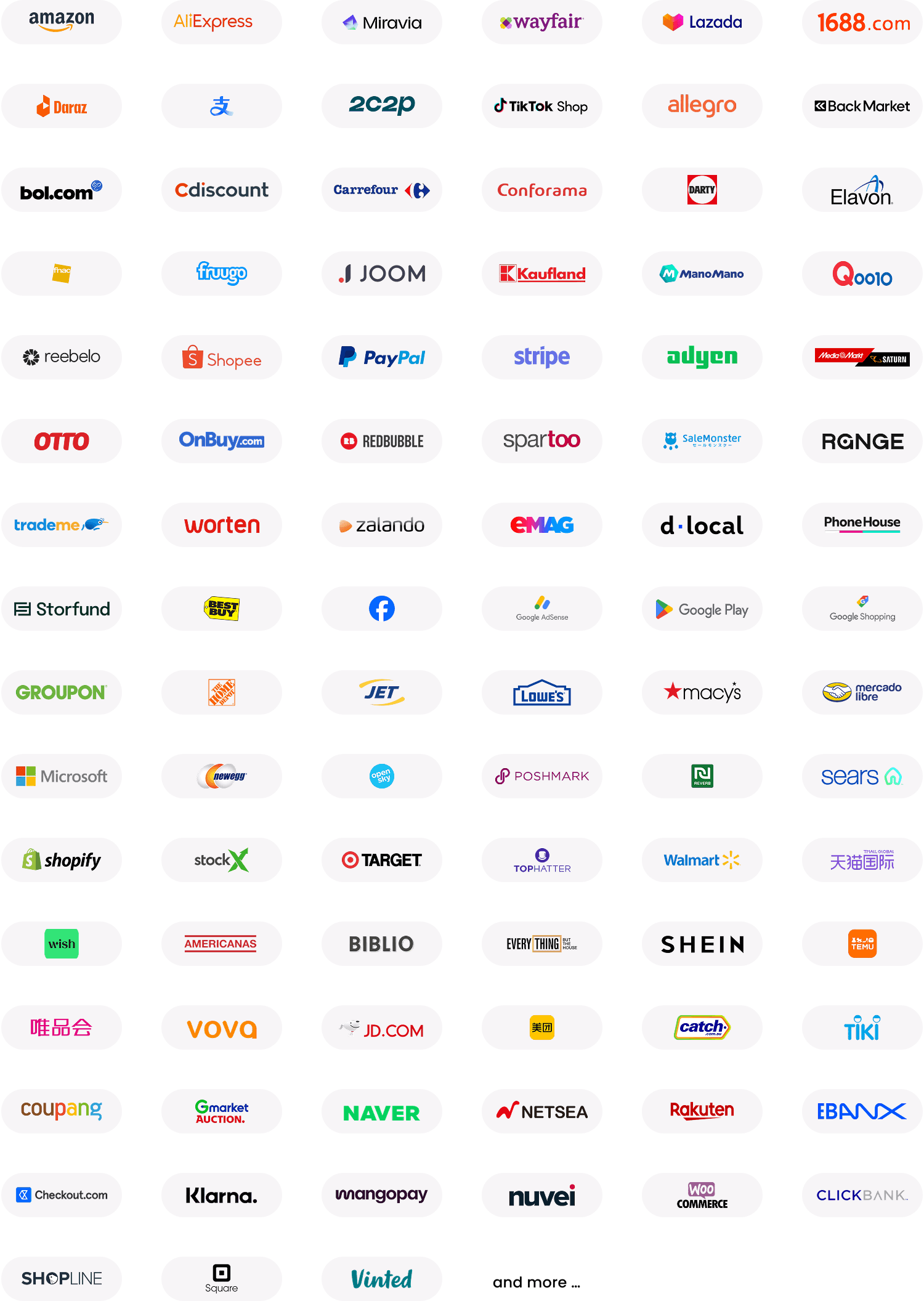
Local account details also make it easier to collect international payments from overseas buyers, payment gateways and more. With local account details, you can start selling and getting paid on global marketplaces like AliExpress, Amazon, Etsy, Rakuten and others without opening each account on the ground.
In addition to these local account details, WorldFirst also enables simpler e-commerce payments. We have direct connections with 130+ global marketplaces and payment platforms, so you can receive e-commerce payments in local currencies and collect payments worldwide.
Pay suppliers and partners faster
WorldFirst enables faster payments in more currencies than many other multi-currency accounts, so you can secure and maintain better supplier, vendor and partner relationships.
With a World Account, you can make fast, secure payments in 100+ currencies to 200+ countries, with 90% of transfers arriving within one working day.
The ability to pay more countries in more currencies makes it easier to source globally and pay suppliers in local and international currencies. You can also use your funds to pay employees or tax authorities via local networks, and make mass payments of up to 200 payments at once.
WorldFirst also enables free instant payments between World Accounts. That means that if you do business with other World Account holders, you can pay them in the same currency in just seconds, with zero fees.
What’s more, through WorldFirst’s exclusive integration with 1688.com, you get access to 10 million suppliers in China across 1,700 subcategories, without needing a Chinese bank account, sourcing agent or mainland partner. Paired with our Pay to China service, this means you can form faster supplier relationships and save even more as you source profitable products at lower prices.
Read more: How to source wholesale using 1688.com outside China
Save money on fees, currency conversions and FX rates
With WorldFirst’s transparent pricing, there are no hidden fees or surprises. It’s free to open a multi-currency account with 10 currencies, and there are no monthly account fees. It’s also free to receive and hold over 20+ currencies.
WorldFirst also makes it affordable to exchange currencies, with competitive exchange rates based on the MMR. Fees for converting major currencies – including USD, EUR, GBP, AUD, CAD and JPY – are capped at 0.50%. The ability to hold, receive and pay in 20+ currencies without needing to exchange your funds also makes it easier to avoid conversion fees.
If you’re worried about future rates or need to make a larger transaction, you can use forward contracts and firm orders to lock in the best exchange rates.
With firm orders, you pick a target FX rate and expiration date, and we watch the market until it hits your target to make the exchange for you. With forward contracts, you can choose a specific currency conversion rate to use on a predetermined date up to 24 months in the future.
Manage all your accounts, payments and currencies online
It only takes a few minutes to register for a WorldFirst account online. Once it’s active, you can:
Instantly generate up to 20 local receiving accounts (or more by contacting your Relationship Manager). To open a receiving account, you just:
- Go to your World Account dashboard
- Head to the “Collection” tab
- Click “Manage Accounts,” then “Add a New Receiving Account”
- Select the currency
- Click on “Details” to get your new account details
It’s a far cry from calling or visiting a local bank to open an account in each country where you want to do business.
Then, from a single online platform, you can view and manage all your currencies. With just one login, you can open multiple accounts, make payments, receive marketplace payments, trade and convert currency, view statements and more.
You can also seamlessly connect your World Account to your accounting software. It’s easy to connect WorldFirst with Xero to reconcile transactions, send invoices and generate tax records. Or, connect your account to NetSuite for inventory and supply chain management, operational support, business analytics and more.
For additional assistance, WorldFirst can provide a dedicated account manager to help you optimise your currency strategy, who you can contact via live chat, phone or email.
Top 6 alternative multi-currency business accounts in 2026
1. Revolut Business
Revolut Business is a digital business account built for teams, with a strong multi-currency offering and lots of tools for managing expenses, cards and international transfers.
If you’re comfortable with an app-first experience and want more control over spending, Revolut can be compelling. Still, trade-offs depend on how often and how much you’ll transact internationally.
Key features:
- Local receiving accounts: Access IBANs, routing numbers, and account details for major currencies, with balances across 25+ supported currencies
- Cards & spend control: Issue physical and virtual cards; set team permissions, track spending in app; live notifications and spend controls
- FX & exchange allowances: Free currency conversion up to defined limits per plan (e.g. ~£1,000 Basic, ~£15,000 Grow, ~£60,000 Scale in UK); ~0.6% markup applies beyond those; premium interbank rate only during market hours
- Expense & integrations: Budgeting and approval workflows built in; accounting syncs with popular platforms (varies by plan and region)
Best for:
Tech-savvy small and medium-sized enterprises (SMEs), start-ups and service providers that require robust expense management features.
Pricing:
- Basic: £10 per month
- Grow: £35 per month, or £360 billed annually
- Scale: £125 per month, or £1,080 billed annually
- Enterprise: Custom pricing
Note: Plan names, allowances and FSCS eligibility may differ by region.
2. Wise Business Account
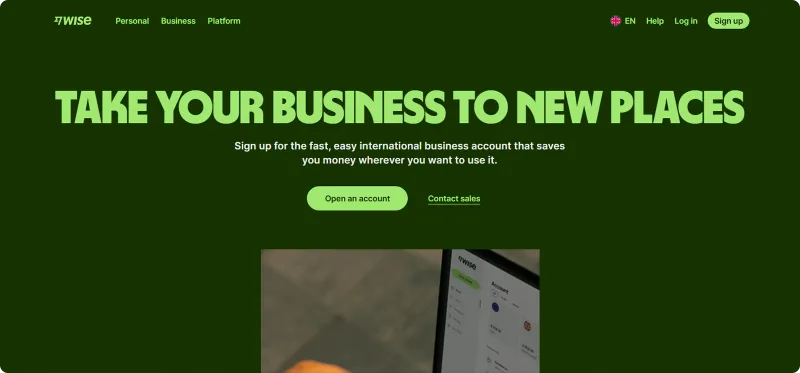
What makes Wise distinctive is its focus on real exchange rates and cost transparency, so you know exactly what you’re paying. Instead of bundling international transfers into complex fee structures, Wise breaks them down into one-off, visible charges that are usually a fraction of what banks or PayPal take.
Wise restructured its UK pricing in November 2025. The Essential plan is free to open but can no longer receive payments or set up direct debits. Most businesses will need the Advanced plan, which carries a one-off £50 setup fee and unlocks local receiving details in 22+ currencies, invoicing tools and direct debits. It’s worth factoring this into your comparison, since a “free” Wise account no longer covers what most importers and sellers actually need it for.
Key features:
- Local receiving accounts: Get local account details in 22+ currencies (IBAN, sort code, routing number, etc.) on the Advanced plan, including USD, EUR, GBP, AUD and NZD
- Currencies supported: Hold and convert 40+ currencies in the same account
- Transparent FX fees: Real mid-market rates plus a small, variable fee, from around 0.33% for many major currency pairs
- Pricing: One-off setup fee of £50 to unlock the Advanced plan; no monthly maintenance fees
Best for:
Freelancers, digital businesses, SMEs and global service providers who need low-cost, transparent international payments and are happy to pay the one-off setup fee for full functionality.
Pricing:
- Setup fee: £50 one-off, for the Advanced plan
- Monthly or account fees: None
- Currency conversion: Mid-market exchange rate plus a fee from around 0.33%
- Receiving payments: Free on the Advanced plan for supported local currencies; a small fixed fee applies to some SWIFT wires (from around US$6 for an incoming USD wire)
- Transfers: Local transfers are often free; international transfers carry a small, transparent fee depending on the payment corridor
3. Airwallex Global Account
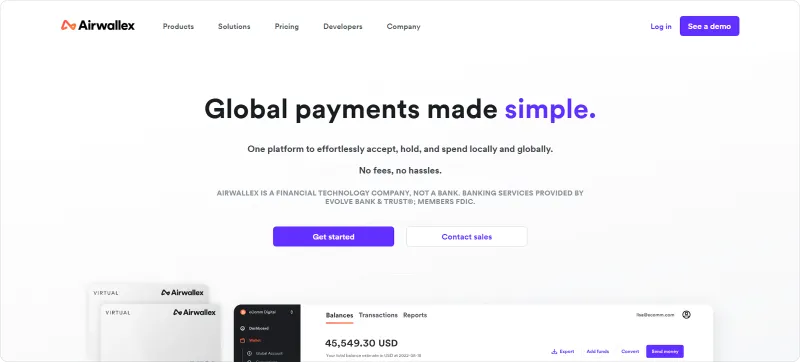
Airwallex has built its Global Account around two promises: low-cost international payments and powerful tools for digital-first businesses.
What makes Airwallex distinctive is its mix of payments, cards and integrations. You can issue unlimited physical and virtual Visa cards (with no FX fees when spending from balances you already hold), link them to expense management workflows, and even earn cashback on eligible transactions.
Key features:
- Local receiving accounts: Open local accounts in 20+ currencies, including USD, EUR, GBP, AUD, HKD and SGD
- Multi-currency holding: Manage balances across 20+ currencies in one account, with conversions at interbank rates plus 0.5% for major pairs, around 1% for others
- Fast transfers: Send local payments to 120+ countries for free; most SWIFT transfers arrive the same day
- Cards and cashback: Issue unlimited physical and virtual Visa cards with 0% FX fees on spend and cashback available on eligible transactions
Best for:
Digital-first SMEs, e-commerce sellers and service providers looking for low-cost FX, integrated cards and marketplace connectivity, and comfortable with a monthly account fee.
Pricing:
- UK plans: from £19 per month, often waived above a minimum balance, up to £999 per month for higher-tier plans
- Currency conversion: Interbank rate plus 0.5% for major pairs, around 1% for others
- Transfers: Local transfers are free; SWIFT transfers are low-cost
- Cards: Free to issue, physical and virtual; no FX fee when spending from balances you already hold
4. Payoneer Business Account
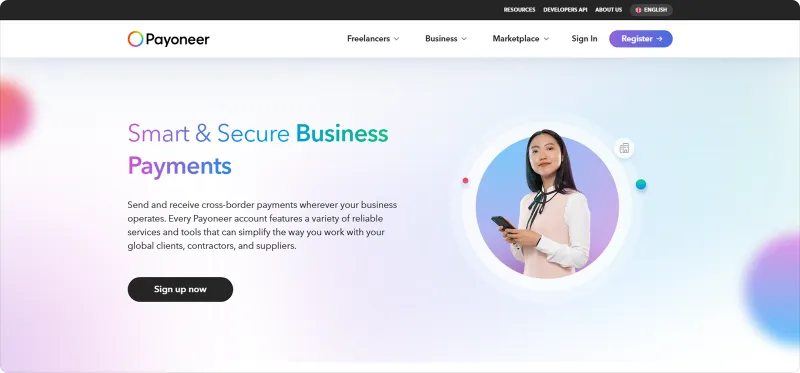
For many, Payoneer is less about having every basis point off FX costs and more about tapping into a global payment network that “just works,” especially for those tied to platforms like Amazon, Fiverr or Upwork.
What makes Payoneer distinctive is its focus on platform integrations and payout flexibility. You can connect it to marketplaces, affiliate networks, and even PayPal for smoother settlements. Once funds arrive, you have three options: hold them in foreign currency, withdraw to a local bank account, or spend directly via a Payoneer Mastercard.
Key features:
- Local receiving accounts: Get account details in USD, EUR, GBP, CAD, AUD and more, making it easier to collect like a local
- Multi-currency holding: Hold balances in 30+ currencies with the option to convert or withdraw when needed
- Global reach: Receive payments from 190+ countries in 70+ currencies, including payouts from major marketplaces and networks
- Marketplace integrations: Direct integration with Amazon, PayPal, Fiverr, Upwork and other digital platforms
Best for:
Freelancers, digital businesses, and exporters who prioritize global reach and marketplace integrations over ultra-low FX costs.
Pricing:
- Setup fee: Free
- Annual account fee: US$29.95, waived once an account passes a minimum activity threshold set by Payoneer
- Receiving payments: Free in major currencies (USD, EUR, GBP, etc.) from local accounts and platforms
- Currency conversion: Up to 3.5% above the mid-market rate
- Withdrawals: A flat fee plus a currency conversion charge on cross-currency withdrawals, so same-currency withdrawals are the cheapest option
- Cards: Payoneer Mastercard available; FX fees apply when spending in non-held currencies
5. Barclays Foreign Currency Account
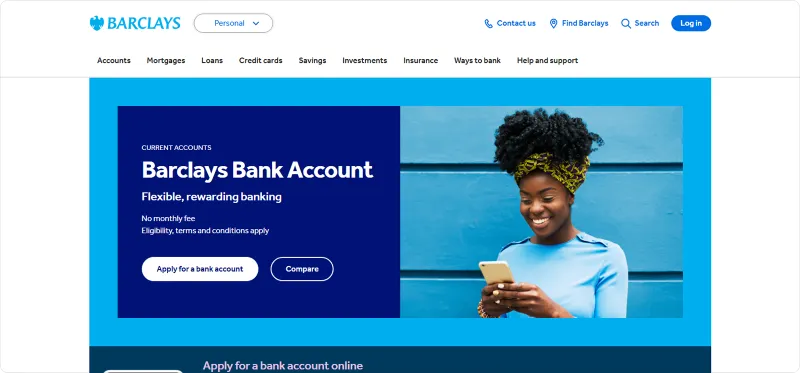
Barclays offers UK business customers the option to open dedicated foreign currency accounts alongside their main sterling account. Each account is set up in a single currency, meaning you can hold balances in USD, EUR, JPY and others without automatic conversion back to GBP.
Unlike the fintechs on this list, Barclays is a licensed bank offering onshore relationship management and the ability to negotiate terms for clients with significant volumes, along with standard FSCS protection on eligible balances. For a wider look at how it compares to other UK business accounts beyond multi-currency, see our comparison of the best UK business bank accounts.
Key features:
- Currencies supported: Open foreign currency accounts in 17 currencies, including USD, EUR, GBP, SGD, AUD, CAD, JPY, CNH, SEK, NOK, DKK, ZAR, AED and more
- Separate sub-accounts: Each currency requires its own account under your main Barclays business banking setup
- No monthly account fee: Currency accounts themselves carry no ongoing charges
- Card spending: Overseas transactions incur a 2.75% fee on debit cards and 2.99% on business credit cards
Best for:
UK-based SMEs and mid-size exporters who value FSCS-protected balances and the relationship support of a traditional bank over the lowest possible FX cost.
Pricing:
- Account setup: Free for existing Barclays business customers
- Monthly account fees: None for currency accounts
- International transfers: From £15 to £25, depending on method
- Currency conversion: Bank FX rates with significant mark-ups, often several percent above mid-market
- Card spending: 2.75% surcharge on overseas debit card transactions, 2.99% on credit cards
6. OFX Global Business Account
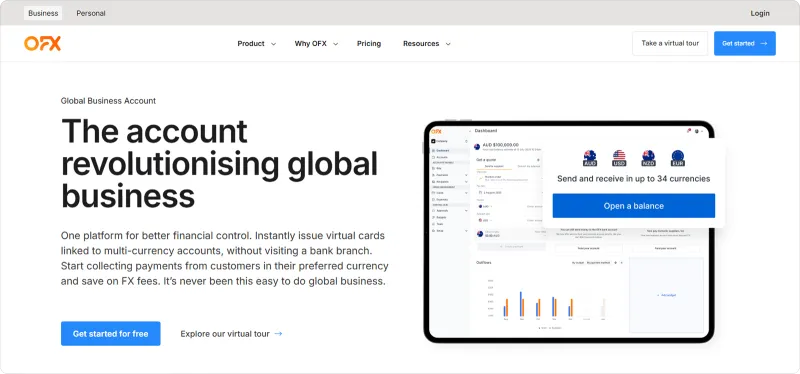
OFX combines multi-currency wallets with FX and treasury tools, making it more of a full-service payments platform than a basic holding account.
Businesses can receive, hold and pay in multiple currencies without constant conversions, while also accessing features like forward contracts and batch payments for efficiency at scale. OFX removed its fixed transfer fees from UK pricing in 2026, so its cost now sits entirely in the FX margin rather than a per-payment charge.
Key features:
- Local receiving accounts: Get local details in USD, GBP, EUR, AUD and CAD to receive funds without conversion
- Multi-currency holding: Hold balances in 30+ currencies and pay directly from them
- Global reach: Payments to 170+ countries via local rails or SWIFT
- Treasury services: Tailored support for businesses with larger international exposures, including forward contracts
Best for:
Mid-sized businesses and corporates requiring advanced FX tools, comprehensive treasury support and extensive global coverage beyond basic wallets.
Pricing:
- Account setup: Free
- Monthly or account fees: None
- Receiving payments: Free into supported local accounts
- Currency conversion: Rates near mid-market; markups vary by currency and transfer size
- Transfers: No fixed transfer fee on UK accounts; the FX margin is where the cost sits
WorldFirst: Open your multi-currency business account in 2026
There are many strong multi-currency business accounts available in 2026, each with unique features, and several have changed their pricing in the past year alone. But the best multi-currency business account for international exporters, importers, SMEs and e-commerce businesses could be WorldFirst.
What sets WorldFirst apart:
- Regulated globally: Licensed in 60+ jurisdictions, WorldFirst safeguards customer funds under strict regulations as an FCA-authorised Electronic Money Institution, not a bank
- World Card: Spend in 150+ currencies across 210 countries, with zero FX fees on 15 major currencies
- Proven scale: 1.5M+ businesses supported since 2004, and over US$300 billion processed
- Growth tools: Marketplace integrations, advanced FX tools like forward contracts and rate alerts, and expense features built to scale with your business, all without core functionality locked behind a paid tier
Read more about why WorldFirst, or open a World Account for free today and simplify your global payments from day one.
FAQs
1. What is the best multi-currency account for a business?
There’s no single best multi-currency account for every business. The right choice depends on what you need it to handle day to day: receiving overseas payments, paying suppliers, holding balances in multiple currencies or managing FX costs. Providers such as Wise Business, Revolut Business, WorldFirst, Airwallex and Payoneer all cover the basics, but they differ on fees, currency coverage, payout capabilities and marketplace support. For most businesses, the best option is the one that fits how you trade internationally, not the one with the longest feature list.
2. What’s the best account to hold multiple currencies for business?
The best account for holding multiple currencies is one that lets you keep, convert and move funds easily without creating extra admin or unnecessary conversion costs. Many businesses look at providers such as WorldFirst, Wise Business and Airwallex because they offer multi-currency balances and local account details in key markets. What matters most is whether the account supports the currencies you use, gives you enough visibility over your balances and makes it easier to manage cash flow across markets.
3. What’s the best business account for international business?
For international business, the strongest accounts are usually the ones that help you receive payments, pay suppliers and manage multiple currencies in one place. Providers such as WorldFirst, Wise Business, Payoneer and Airwallex are often considered because they support cross-border payments and multi-currency balances. The right option comes down to your business model, where you trade and what you need most, whether that’s FX management, local receiving accounts or smoother supplier payments.
4. What are the best multi-currency business accounts for SMEs that need to send and receive international payments in multiple currencies?
For SMEs, the best multi-currency account is usually one that makes international payments simpler, gives you control over FX costs and helps you manage cash flow across markets. Providers such as WorldFirst, Wise Business, Revolut Business, Payoneer and Airwallex are commonly considered because they support multi-currency balances, overseas payments and local collection accounts. The right choice depends on how your business gets paid, who you need to pay and how much flexibility you need as you grow.
5. Is a multi-currency business account the same as a bank account?
Not usually. Most multi-currency providers, including WorldFirst, Wise, Airwallex and Payoneer, are electronic money institutions rather than banks. They can hold and move your money but don’t lend or take deposits the way a bank does. Barclays is a bank, and Revolut now offers banking-licensed accounts in the UK alongside its e-money accounts. The distinction affects how your funds are protected, so it’s worth checking before you commit a large balance.
6. Is my money protected in a multi-currency account?
With an FCA-authorised electronic money institution, your funds are safeguarded, meaning they’re kept separate from the provider’s own operating funds, but this isn’t the same as FSCS deposit protection, which applies to money held with a licensed bank up to £85,000 per person. If FSCS protection specifically matters for your business, check whether the provider holds a banking licence, and for which of its account types, before you decide.