





























A step-by-step guide to getting Stripe up and running for your Singapore business, from signup through to receiving your first payout.
Key takeaways
- Stripe is fully available for Singapore businesses, with native support for PayNow, cards, digital wallets, GrabPay and Grab PayLater
- Singapore business verification runs through ACRA records using your UEN, with identity verification completed via Singpass or Stripe Identity
- A linked Singapore bank account is required to receive payouts, with a separate account needed for each payout currency
- Stripe applies a 7 to 14 day waiting period before the first payout is released
- Stripe charges 3.4% + S$0.50 for domestic card payments and 1.3% per transaction for PayNow
- The World Account by WorldFirst is a multi-currency account that holds Stripe foreign currency payouts in local balances instead of auto-converting to SGD
![How to set up Stripe payments in Singapore [2026]](https://mdn.marmot-cloud.com/worldfirst/sites/9/2026/10/20261027231135498.webp)
Stripe is one of the most widely used payment platforms globally and is fully available for Singapore businesses. Setting up Stripe here means signing up, verifying the business through ACRA (Accounting and Corporate Regulatory Authority of Singapore) records and Singpass, linking a bank account for payouts, and choosing how to integrate payment acceptance into your business.
This guide walks through each step of setting up Stripe payments including Singapore-specific documentation requirements, how to accept your first payment and what to expect with the first payout.
What payment methods does Stripe support in Singapore?
Stripe Singapore accepts a wide range of payment methods for businesses:
- Credit and debit cards: All major card networks including Visa, Mastercard and American Express¹
- Digital wallets: Apple Pay and Google Pay for faster checkouts¹
- PayNow: Singapore’s real-time payment system, which lets customers pay directly from their bank app by scanning a QR code at checkout.¹ Stripe generates the QR code, receives confirmation of the transfer and marks the payment complete
- GrabPay and Grab PayLater: Local wallet and Buy now pay later options¹
- Bank payments: PayNow (QR or PayNow ID) and iBanking redirects, where customers approve payments through their online banking¹
How do I sign up for a Stripe account in Singapore?
Getting a Stripe account live for your Singapore business takes three steps.²
Step 1: Create the Stripe account
Visit stripe.com and click Sign Up. Enter your email, full name and password. If you’re connecting Stripe to a platform partner like Shopify or WooCommerce, follow the platform’s connection flow instead of signing up directly.
Step 2: Verify your email
Stripe sends a verification email immediately after signup. Click the link to confirm your email address.
Step 3: Complete your business profile
You need a business profile to activate the account and enable live payments.² Stripe needs this information to comply with Know Your Customer (KYC) regulations which are the standard checks that financial platforms run to confirm who they’re doing business with. The business profile covers your business type, legal name and ACRA details.
What documents does Stripe require for verification in Singapore?
Stripe verifies Singapore businesses by cross-referencing details with ACRA.³ ACRA is the national regulator of business entities in Singapore and maintains the official register of businesses through BizFile+.
Business type and structure
Every Singapore-registered business has a Unique Entity Number (UEN), which is a standard identification number used across government agencies.³ Stripe uses your UEN to cross-reference your business type and structure against ACRA records.
If the business type or structure on your Stripe account doesn’t match what ACRA has on record, you’ll need to correct it in the Dashboard before verification can proceed.³
Acceptable entity documents:
- ACRA BizFile for locally incorporated businesses
- Certificate of Registration with the Registry of Societies (ROS) for societies, associations and registered charities
All documents must be issued or notarised within the last 12 months.³
Proof of liveness
Stripe requires the account representative to complete a liveness check — an identity document combined with a real-time selfie verification.³ There are two paths:
Via Singpass (MyInfo): Singpass is Singapore’s national digital identity system. Verification runs instantly through Singapore government records with no physical documents needed.³
Via Stripe Identity: If the representative doesn’t have a Singpass account, upload a supported identity document and complete a selfie check using a phone camera or webcam.³
Acceptable identity documents:
- Passport
- Driver’s license (front and back scans required)
- National Registration Identity Card (NRIC) (front and back scans required)
- Work Pass or Long Term Pass (front and back scans required)
If the account representative lives in a different country from the Stripe account country, only a valid passport is accepted, other document types won’t work in cross-border situations.³
How do I link a bank account to receive payouts?
A linked Singapore bank account is required to receive payouts from Stripe.⁴ Only users with Admin or Owner permissions can add, edit or delete bank account details. Here are the steps:⁴
- From the Stripe Dashboard, click the Settings gear in the upper-right corner
- Under Account Settings, click Business, then select the Bank accounts and currencies tab
- Under Settlement currencies and bank accounts, find the currency you use for payouts and click Add a bank account
- Verify credentials by sending a verification email or entering your password
- Enter the bank account information. The bank account must be a checking account. The account number, bank code and account holder name must match the bank statement
- Click Add bank account to save
If you accept payments in multiple currencies and want to receive payouts in each of those currencies, you’ll need a separate bank account for each payout currency.⁴
When will I receive my first Stripe payout?
Stripe applies a waiting period of 7 to 14 days before the first payout is released.⁵ This delay is for risk mitigation and cannot be waived.
The waiting period is typically 7 days but can extend to 14 days for businesses in certain industries.⁵ After the first payout, Stripe can send payouts on an automatic schedule — daily, weekly or monthly — or on-demand through the Dashboard or API. The payout schedule can be updated in the Stripe Dashboard.
Factors that can delay the first payout beyond 14 days:⁵
- Bank processing delays. Weekends and public holidays can delay bank processing
- Account verification issues. Stripe may request additional information to verify the account. Check the Dashboard or email for verification requests
If the first payout hasn’t arrived after the designated waiting period, check the Dashboard for payout status or outstanding verification requests.
How much does Stripe cost in Singapore?
Stripe charges per transaction rather than a monthly fee. The pricing depends on the payment method:⁶
| Fee type | Stripe Singapore pricing |
| Monthly fee | Zero |
| Domestic card payments | 3.4% + S$0.50 |
| International card payments (settled in USD) | 3.4% + US$0.50 |
| International card payments (settled in other currencies) | 3.4% + US$0.50 + 0.5% + 2% currency conversion |
| Currency conversion | 2% |
| PayNow | 1.3% per successful transaction |
| Alipay and WeChat Pay | 2.2% + S$0.35 |
| GrabPay | 3.3% |
| Apple Pay and Google Pay | 3.4% + S$0.50 |
| Chargeback fee | S$15.00 |
*Fees checked in October 2026.
How do I manage multi-currency payments with Stripe?
Stripe accepts payments in multiple currencies and can settle to a Singapore bank account in SGD or in the original payment currency (for supported currencies). For businesses with significant international customer bases, settling foreign currency payments to a SGD bank account triggers the 2% currency conversion fee on every payment.⁶
The World Account by WorldFirst is a multi-currency business account for Singapore businesses with cross-border operations. Settle Stripe foreign currency payouts into local currency accounts, USD, GBP, EUR and others, instead of auto-converting to SGD. Hold balances across 20+ currencies and pay international suppliers directly in the currency they invoice in.
Key features of the World Account
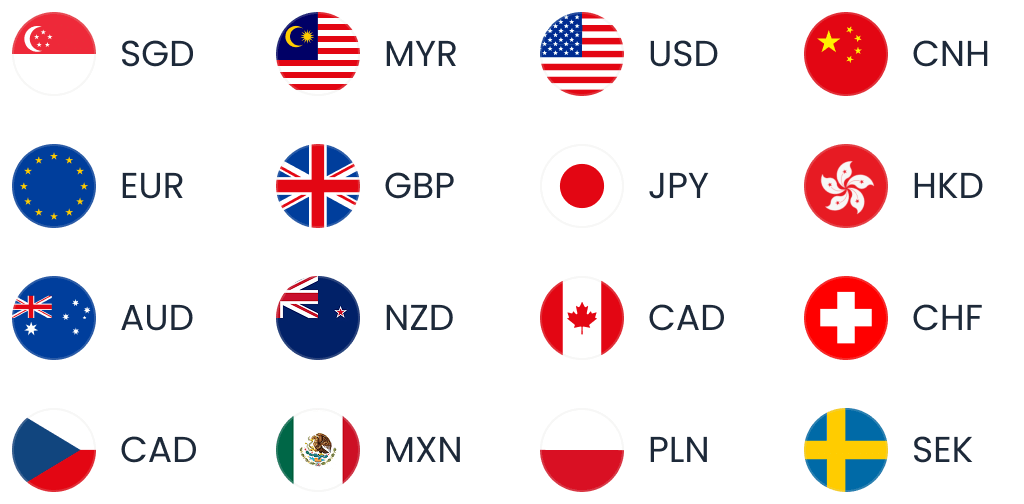
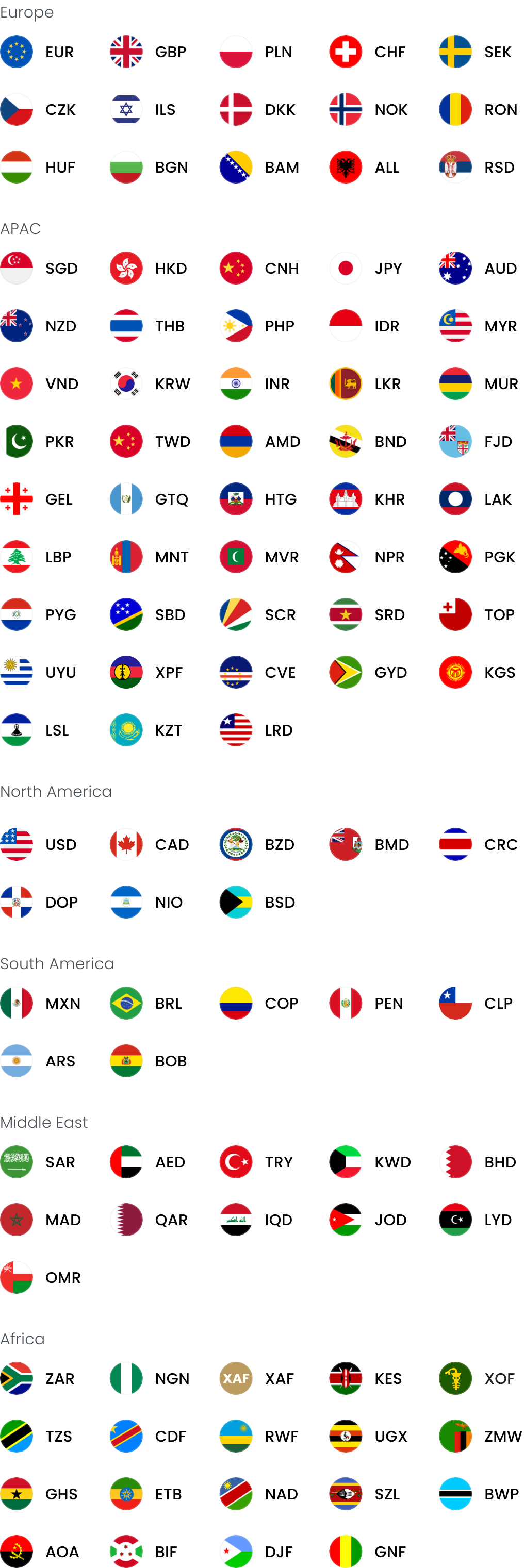
- Local currency accounts in 20+ currencies including SGD, USD, GBP, EUR, CNH, AUD, NZD, JPY, HKD and others
- Send payments in 100+ currencies across 200+ countries and regions
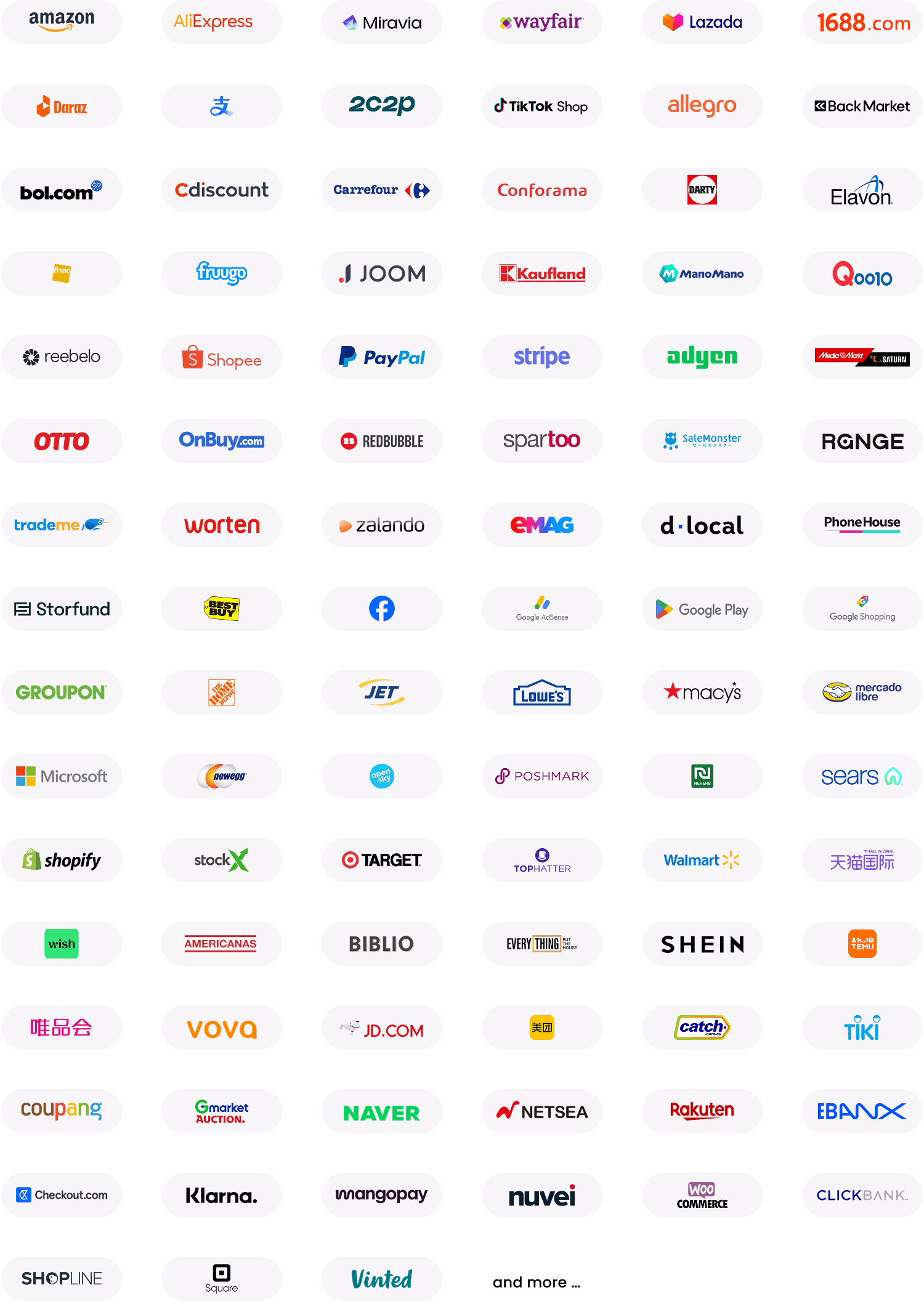
- Receive payments from 130+ marketplaces and payment gateways, including Amazon, Shopify, Stripe, Etsy and others
- Free and instant transfers between World Account holders
- The World Card — Mastercard-powered multi-currency card / virtual card / virtual debit card linked to the World Account. Physical and virtual variants available. Up to 25 multi-currency cards including up to 10 physical cards. 0% FX fees on all foreign transactions. 1.2% cashback every month on eligible spending including ads, software, travel and supplier payments, with no cap. Terms and Conditions Apply
- Forward contracts available for Singapore businesses
- Xero and NetSuite integrations for reconciliation
Pricing: Zero account opening, zero monthly fee, zero receiving fees. Currency conversion up to 0.6%.
Fees checked in October 2026.
FAQs
1. How do I set up Stripe payments in Singapore?
Sign up at stripe.com, verify your email, complete the business profile with your UEN and ACRA details, verify your identity through Singpass or Stripe Identity, and link a Singapore bank account for payouts. From there, choose a no-code setup (Payment Links, invoices), a platform integration (Shopify, WooCommerce) or a code integration using Stripe’s Payment Element.
2. What payment methods can I accept with Stripe in Singapore?
Stripe supports credit and debit cards (Visa, Mastercard, American Express), digital wallets (Apple Pay, Google Pay), PayNow, GrabPay, Grab PayLater, Alipay and WeChat Pay.
Sources
- https://stripe.com/en-sg/payments
- https://support.stripe.com/questions/getting-started-with-stripe
- https://support.stripe.com/questions/singapore-verification-requirements-for-platforms-updates-and-faq
- https://support.stripe.com/questions/add-a-bank-account-for-payouts
- https://support.stripe.com/questions/waiting-on-your-first-stripe-payout-what-you-need-to-know
- https://stripe.com/en-sg/pricing
This article is intended for informational purposes only and does not constitute legal advice or professional advice. This article should not be regarded as constituting an offer or a solicitation to buy or sell any regulated or financial products or services. WorldFirst makes no representations or warranties regarding the accuracy, completeness or applicability of the content, and readers are encouraged to consult with legal professionals or other professionals for advice tailored to their specific situation. WorldFirst does not guarantee the accuracy and completeness of this article and expressly disclaims any and all liability to any person in respect of the consequences of anything done or omitted to be done wholly or partly in reliance on this article.




![Volopay Singapore review [2027]: Features, fees and more](https://mdn.marmot-cloud.com/worldfirst/sites/9/2026/10/20261026132437556-300x164.webp)