





























This guide examines how Singapore-registered businesses can accept online customer payments with Stripe while optimising multi-currency cash flow.
Key takeaways
- Stripe is a global payment gateway available to Singapore-registered businesses, supporting 100+ local and global payment methods, including PayNow, GrabPay and major card networks
- The platform combines checkout, invoicing, subscription billing and marketplace payments (Connect) within a single account
- Stripe charges 3.4% plus a fixed fee per successful domestic card transaction, with PayNow and GrabPay priced separately
- Foreign currency payouts convert to SGD automatically, with conversion costs applied each time
- The World Account integrates with Stripe and works as a multi-currency payout destination for Stripe, so businesses can hold foreign currency payouts and convert to SGD only when they choose to
![Stripe Singapore payment guide for businesses [2027]](https://mdn.marmot-cloud.com/worldfirst/sites/9/2026/09/20260929163624511.webp)
Stripe lets Singapore businesses accept customer payments globally through cards, digital wallets and local payment methods. By default, Stripe converts foreign-currency payments to SGD before payout, which means every international transaction carries an FX conversion cost, even when the business would rather hold that currency for supplier payments or future spending.
Adding a multi-currency account as a Stripe payout destination lets businesses receive funds in the original currency, hold balances until needed and convert on their own terms.
This guide covers how Stripe works in Singapore across payment methods, fees and account setup–and how connecting Stripe to a WorldFirst World Account can help handle multi-currency payouts.
What is Stripe?
Stripe is a global payment processing platform and financial infrastructure provider that launched in Singapore in 2016.1 It lets businesses receive international payments, implement custom billing logic, embed payment capabilities, and launch an optimised checkout experience with its integrated suite of financial products.
Stripe supports 100+ local and global payment methods across 135+ currencies, with cardholder support in 195+ countries.2,3 More than five million businesses use Stripe to process US$1.9tn, equivalent to 1.6% of global GDP.4
Is Stripe available in Singapore?
Yes, Stripe is available for Singapore-registered businesses. It operates under the legal name Stripe Payments Singapore Pte. Ltd. and is licensed by MAS as a Major Payment Institution.5
Stripe Singapore payment methods
- Card networks: Visa, Mastercard, American Express, JCB and China UnionPay6
- PayNow: Allows customers to pay with PayNow, Singapore’s national payment scheme6
- GrabPay: Singapore-based digital wallet available for customers in Singapore and Malaysia6
- International wallets: Google Pay, Apple Pay, and country-specific digital wallets like Alipay (China), MB Way (Portugal), Satispay (Italy) and WeChat Pay6
- Bank-based methods: Supports bank debits, transfers, redirects, and real-time payments depending on the customer’s location. BACS direct debit (UK), Bancontact (Belgium), Bizum (Spain), Blik (Poland), EPS (Austria), iDeal | Wero (Netherlands), Przelewy24 (Poland), SEPA direct debit (36 European countries), Pix (Brazil), UPI (India), Pay by bank, and GBP bank transfers6
- Buy-now-pay-later: Scalapay6
- Cash-based vouchers: OXXO6
Stripe features for Singapore businesses
Stripe Payments (card processing)
Stripe Payments is a full-stack payments solution that allows businesses to accept, process, settle, manage, and reconcile payments through 100+ payment methods including major card networks, such as Visa, Mastercard, American Express, JCB, and UnionPay.6
Stripe Checkout
Stripe Checkout offers a prebuilt checkout flow that can be embedded on a business’s website or used to direct customers to a Stripe-hosted page to collect payments.8
Stripe Invoicing
Stripe Invoicing lets businesses create and manage branded invoices from the Dashboard in 25+ languages.9
Stripe Subscriptions and Billing
Stripe Billing lets businesses launch products with 15+ prebuilt pricing models, or program custom billing logic into Stripe with minimal overhead.10
Stripe Connect (for marketplaces)
Stripe Connect supports platforms and marketplaces that need to route payments between multiple parties.12
Stripe Dashboard and APIs
The Stripe Dashboard is the central user interface used for managing transactions, tracking local and global accounts, managing fraud, analysing revenue, and generating financial reports. 14
→ Check this guide to foreign currency accounts if you’re managing international payments
Stripe charges in Singapore
| Fees | Stripe pricing Singapore3 |
| Monthly fee | Zero |
| Card payments | Domestic card payments: 3.4% + S$0.50
International card payments: 3.4% + US$0.50 (when settled in USD) 3.4% + US$0.50+ 0.5%+ 2% currency conversion on any other currency |
| Currency conversion | 2% |
| Payment methods | Depends on the payment methods chosen
PayNow: 1.3% per successful transaction Apple Pay and Google Pay: 3.4% + S$0.50 |
| Chargeback fee | *S$15.00 |
Fees checked in September 2026.
* Refunded for disputes won manually
Pros and cons of Stripe for Singapore businesses
| Pros | Cons |
|
|
How to open a Stripe account in Singapore
- Visit stripe.com and register. Select Singapore as the country of registration when creating a Stripe account
- Provide business details. Enter the legal business name, ACRA registration details, tax identification number, and business address
- Complete identity verification. Stripe collects identification information and carries out KYC and AML checks as part of onboarding16
- Add a local business bank account, or your WorldFirst local currency receiving accounts as the destination for Stripe payouts. Enable local payment methods, and integrate Checkout on your website
- Turn on two-factor authentication (2FA) for your account security before reviewing and submitting your application17
How WorldFirst works with Stripe
WorldFirst is an international payments provider offering the World Account, a multi-currency account for businesses managing cross-border transactions. The World Account integrates with 130+ marketplaces and payment gateways, including Stripe, so Singapore businesses can collect payments across multiple currencies in one account.
For Stripe users specifically, this means payouts can land in the currency the customer paid in, instead of being converted to SGD on arrival. Stripe’s default setup converts foreign currency card payments to SGD before payout, with an FX cost applied to each conversion. Adding a World Account as a payout destination lets businesses keep the funds in the original currency and convert only when needed.
How the integration works
- Open a World Account with WorldFirst
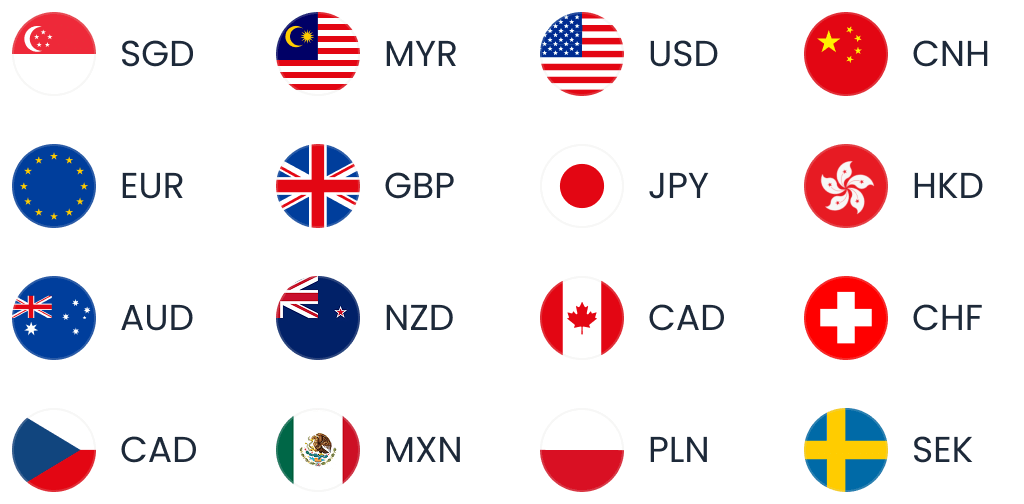
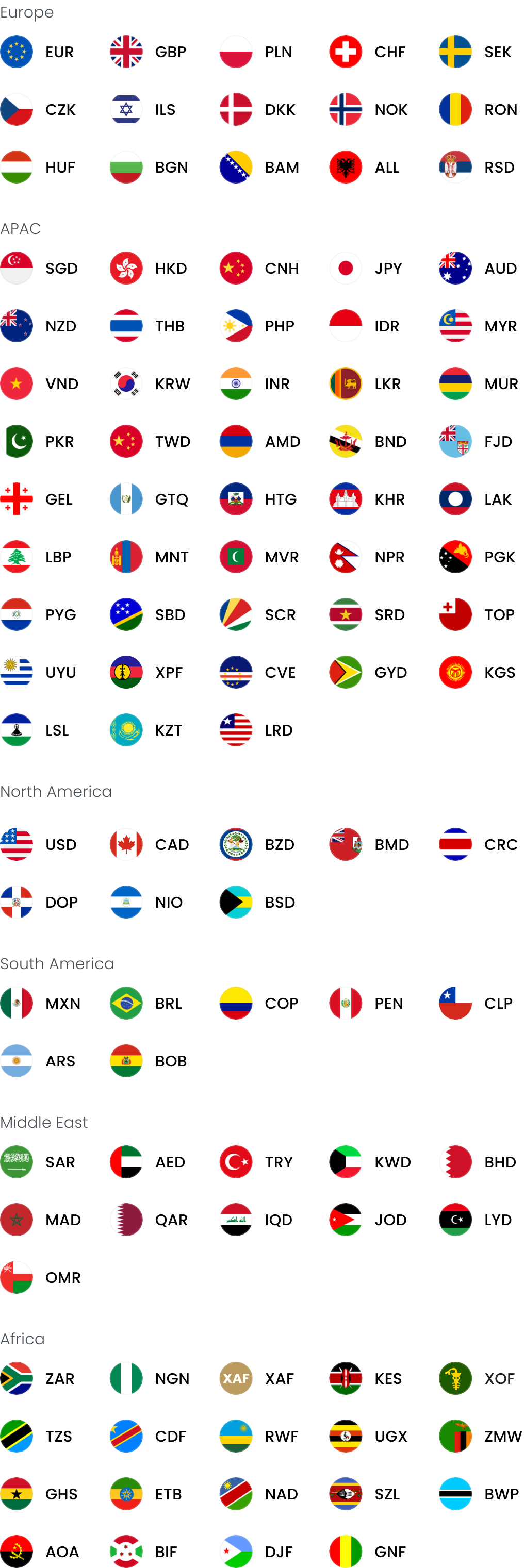
- Get local receiving details in 20+ currencies, including SGD, USD, GBP, EUR, CNH, AUD and others
- Add those details to Stripe as payout destinations, one for each currency you want to receive in
- Stripe routes international payouts to the matching-currency World Account (USD payouts to your USD balance, GBP to GBP, and so on)
- Funds are held in the received currency, without an automatic conversion to SGD on arrival.
- Convert to SGD when you choose, at the rate available on the day
→ Learn more about how to receive money from Stripe with your World Account
What to do with the collected payments from Stripe
Once Stripe payouts are sitting in your World Account, the funds can be used in a few ways without triggering a conversion.
Pay overseas suppliers and contractors in the same currency
Spend directly from your held balances on any expense in the same currency. If you are sourcing from China, World Pay is the authorised international payment provider for 1688.com, so Singapore businesses can pay 1688 suppliers directly in CNH from the same account.
Spend with the World Card on international expenses
The World Card, a Mastercard-powered business payment card linked to the World Account, lets you spend directly from your held currency balances at any merchant that accepts Mastercard. It supports payments in 150+ currencies, with no fees when paying in any of the 15 supported currencies (with sufficient balance held in that currency). Up to 20 virtual cards can be issued at no additional cost, useful for allocating card spend across team members or expense categories. Cashback is available on eligible spending (Terms and Conditions Apply).
Lock in future exchange rates with forward contracts
For businesses with regular known conversions coming up (paying a supplier in three months, repatriating funds to SGD on a set schedule), forward contracts lock in an exchange rate today for a conversion that settles later. This gives certainty on the SGD value of future payments and removes exposure to rate movements between now and the settlement date.
Reconcile through Xero and NetSuite
The World Account integrates with Xero and NetSuite for multi-currency reconciliation, so foreign currency payouts and payments feed directly into your accounting software without manual entry.
| Fees | WorldFirst fees |
| Account opening fees | Zero |
| Monthly fee | Zero |
| Local currency accounts | Zero |
| Annual card fees | Zero |
| Currency conversion | Up to 0.6% |
| International transfers | US$5 onwards (SWIFT transactions) |
Fees checked in September 2026.
→ Check this WorldFirst vs Stripe vs Airwallex guide for global payments
FAQs
1. What is Stripe’s pricing in Singapore?
Standard Stripe pricing for Singapore accounts starts at 3.4% + S$0.50 per successful domestic card transaction.
2. What payment methods does Stripe support in Singapore?
Stripe in Singapore offers 100+ payment methods supporting major card networks, digital wallets, bank debit, bank transfers, cash-based vouchers, and buy now pay later.
3. Can I use WorldFirst with Stripe?
Yes. Singapore businesses can add WorldFirst local receiving account details to Stripe as payout destinations. It lets them receive and hold foreign currency payouts in their World Account without forced conversion.
Sources
- https://stripe.com/blog/stripe-in-singapore
- https://stripe.com/en-sg
- https://stripe.com/en-sg/pricing
- https://assets.stripeassets.com/fzn2n1nzq965/3LlGw839Q6kUwxZlLZDtH6/75ddcbada4aa7743dd8ec7d0f9ca497e/Stripe-annual-letter-2025-desktop.pdf
- https://stripe.com/en-sg/legal/singapore-disclosures
- https://stripe.com/en-sg/payments/payment-methods
- https://stripe.com/en-sg/payments
- https://stripe.com/en-sg/payments/checkout
- https://stripe.com/en-sg/invoicing
- https://stripe.com/en-sg/billing
- https://stripe.com/en-sg/billing/usage-based-billing
- https://www.stripe.training/stripe-connect
- https://stripe.com/en-sg/connect
- https://stripe.com/en-sg/sigma
- https://stripe.com/en-sg/tax
- https://docs.stripe.com/get-started/account/set-up
- https://docs.stripe.com/get-started/account/checklist
This article is intended for informational purposes only and does not constitute legal advice or professional advice. This article should not be regarded as constituting an offer or a solicitation to buy or sell any regulated or financial products or services. WorldFirst makes no representations or warranties regarding the accuracy, completeness, or applicability of the content, and readers are encouraged to consult with legal professionals or other professionals for advice tailored to their specific situation. WorldFirst does not guarantee the accuracy and completeness of this article and expressly disclaims any and all liability to any person in respect of the consequences of anything done or omitted to be done wholly or partly in reliance on this article.
![AliExpress dropshipping: How to source and pay suppliers from Singapore [2026]](https://mdn.marmot-cloud.com/worldfirst/sites/9/2026/10/20261021131155864-300x200.webp)

![Trust card review [2027]: Features, fees and more](https://mdn.marmot-cloud.com/worldfirst/sites/9/2026/10/20261020214810193-300x200.webp)
![HSBC business account review [2026] Singapore: Features, fees and more](https://mdn.marmot-cloud.com/worldfirst/sites/9/2026/10/20261020213428771-300x200.webp)