


























Home > blog > Global Business Tips > Virtual cards for subscriptions: 4 top options in the UK
Virtual cards for subscriptions: 4 top options in the UK
Last update:


As your business expands, you’ll likely use an increasing number of subscription services as part of your workflows. But managing your various subscriptions can get messy, and you might end up paying for a service that you don’t actually need or use.
In our experience, the best way to manage your subscriptions is to use a virtual card to divide your spending. Virtual cards let you assign a unique card to each expense, whether it’s a subscription, ad campaign or team budget, to give you greater clarity on what you spend.
However, with so many options available, finding the right fit for your business can be time-consuming. That’s why, in this article, we’ll compare four of the best virtual cards for subscriptions, to help you decide which is right for you.
We’ll start with our World Card, WorldFirst’s virtual card built for cross-border business spending. Then we’ll share some great alternatives for business and personal use.
In this article:
- 4 best virtual cards for subscriptions compared
- WorldFirst’s World Card
- Wise Virtual Card
- Revolut’s Virtual Card
- Starling Bank’s Virtual Card
Ready to get set up with a multi-currency virtual card? Get started by opening a World Account for free today.
4 best virtual cards for subscriptions compared
| WorldFirst’s World Card | Wise Virtual Card1 | Revolut Virtual Card2 | Starling Bank3 | |
|---|---|---|---|---|
| Best for | International businesses looking for streamlined expense management and multi-currency global spending | SMEs and startups needing transparent fees and multi-currency spending with strong global coverage | Businesses and freelancers wanting flexible multi-use cards, extensive integrations and tiered pricing plans | UK-based personal and joint account holders seeking easy-to-use virtual cards linked to budgeting tools (Spaces) |
| Account required to access the virtual card | World Account | Wise Business Account | Revolut Personal, or Revolut Business | Starling Personal Current Account, or a Joint Current Account |
| Foreign transaction fees* (FX) | Free in 15 currencies when you spend from existing balances | 0.33%, but free when spending from existing currency balances | A 0.6% fee is applied to any exchanges above your fair usage allowance (allowance depends on your plan)2a | 0.4% transfer fee for international payments3c |
| Cashback | Up to 1.2% on business spending | 0.5% for eligible business spending | 0.4% (when you use Revolut Pro)2b | ❌ No mention |
| Annual account fee | Free to open and maintain | £45 one-time setup fee for business accounts | Basic plan: £10/month Grow: £30/month Scale: £90/month Enterprise: custom pricing |
Free to open and maintain |
| Virtual cards | Up to 20 | Up to 3 | Up to 20 multi-use cards | Up to 5 per person |
| Opening requirements | Supports businesses from most countries worldwide. You must be a registered business or sole trader and provide the necessary ID and business information during the application process. You must open a World Account in order to receive a World Card. |
You must open a Wise Business Account in order to receive this card. You must be a registered business or sole trader and provide the necessary ID and business information during the application process. |
Must have a Revolut account. You’ll need to verify your identity (KYC), as per Revolut’s standard onboarding rules. |
To open a Starling personal (or joint) account, you must be a UK resident, 16+ years old, and have the right to reside in the UK. Once you have your account, you must set up a “Space” in the app. The Starling virtual card is linked to a Space. |
All information presented in this blog has been sourced from provider websites and is accurate to the best of our knowledge at the time of writing (October 2025). However, providers may update their offerings, and details can change over time.
*Fees shown are fees associated with your business account. This is due to providers calculating FX costs on an account-level rather than a card-level.4
1. WorldFirst’s World Card: The best choice for international businesses
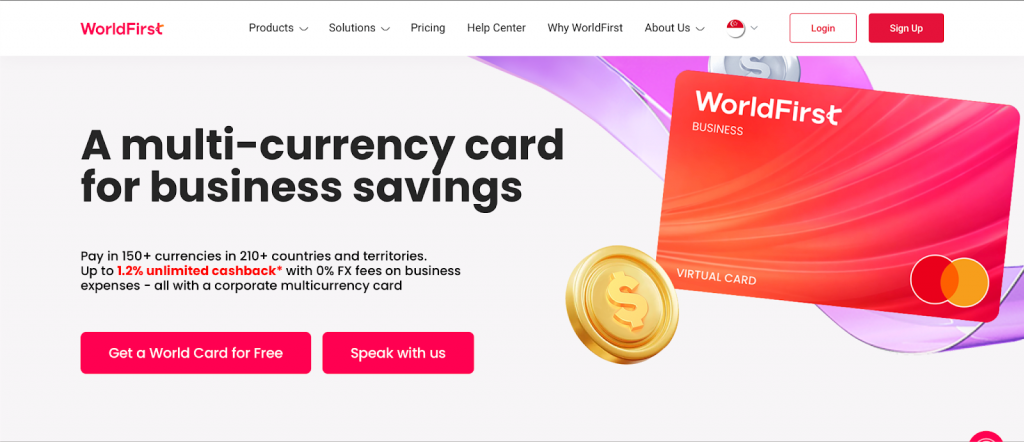
At WorldFirst, we’re a cross-border payments platform that helps businesses send and receive funds internationally, trusted by over one million business customers since 2004.
With a multi-currency World Account, you can hold 20+ currencies and pay in 100+ more, as well as benefit from faster and more affordable international business payments.
The World Card is a virtual debit card linked to the World Account that lets you make fast, low-cost transactions, both domestically and overseas wherever Mastercard is accepted. You can create separate virtual cards for different subscriptions, track payments in real time, and control spending with custom limits for each card.
Here’s how the World Card helps you manage your subscriptions:
Add up to 20 virtual cards to segment your funds and manage your business subscriptions
With the World Card, you can create up to 20 virtual cards to segment your funds and simplify expense management. You can assign a virtual card to each subscription, or even to a specific currency.
WorldFirst also lets you set different payment limits for each card. For example, if you’re running a digital ad campaign, you can allocate a virtual card specifically for PPC spend. Once the limit is reached, the card will decline further payments.
Everything is managed online from your World Account. You can view all virtual cards from your dashboard, filter through your transactions and download card statements. Alternatively, you could also integrate your World Account with accounting software like Xero or NetSuite in order to streamline reconciliation.
Freeze, delete or create new virtual cards for advanced security
Sharing one business card across multiple platforms can expose your company to fraud and unauthorised charges. That’s why each WorldFirst virtual card has its own unique payment details (card number, CVV, expiry date), and why you can create, freeze or replace cards instantly.
Worried about buying from a new platform? Use a dedicated virtual card, then once paid, simply lock or remove it for extra peace of mind. All outgoing transactions to a new vendor must be verified, and you can choose between a one-time PIN via SMS (default), or a one-time PIN via email (fallback).
All transactions are protected with 3D Secure (3DS) and address verification (AVS) to prevent misuse. Plus, WorldFirst is regulated by the Financial Conduct Authority (FCA) and partners with Barclays, HSBC, J.P. Morgan and other banks, to ensure your funds and payments are always secure.
Pay zero FX fees when you spend in major currencies
Many subscriptions will charge your account in USD or EUR. With standard bank cards, this often means high FX fees and unfavourable conversion rates – costs that quickly add up across recurring payments.
The World Card helps you save since you’ll pay zero FX fees when you spend in 15 major currencies, including: AUD, CAD, CHF, CNH, CZK, EUR, GBP, HKD, JPY, MXN, NZD, PLN, SEK, SGD, USD.
It’s a multi-currency card, so if you hold funds in one currency, your payments will draw from your existing balance to avoid unnecessary conversion fees. For example, if you hold a balance in USD and you’re charged in USD for a recurring subscription, then your payment won’t incur any FX fees.
Additionally, cardholders can earn up to 1.2% cashback on subscriptions and other business expenses when spending with a World Card.
Get set up with a World Card within minutes
Signing up for a World Card is completely free, and the process is fully online. After submitting your required documents, you’ll receive a notification of approval (usually within two days).
Here’s how to sign up for a World Card:
- First, you’ll need to create a World Account for free
- Fill in your account details and provide the necessary verification documents
- One approved, go to ‘World Card’ on the navigation page, and agree to the terms and conditions
- Submit and wait for the activation email
What else can you do with a World Account?
Aside from subscription management, WorldFirst’s World Account allows you to:
- Send payments in 100+ currencies to 210+ destinations worldwide. WorldFirst is a truly multi-currency platform, allowing you to send payment fast across the globe.
- Get local account details for 20+ different currencies, all linked to your World Account. This way, you can pay and get paid like a local, more quickly and affordably. Plus, local platforms (like Amazon US) often require you to have local bank details in order to get paid, but it’s difficult to open a local bank account without an overseas business presence.
- Access local payment rails. Avoid the costs and delays of the SWIFT network, and have your funds sent through the fastest networks available; local payments often settle faster than international ones.
- Lock in a favourable exchange rate for up to 24 months. Using a forward contract gives you cost certainty, and it allows you to plan for upcoming payments months in advance.
- Make same-day and next-day payments. This allows you to take advantage of time-sensitive business opportunities, such as limited-time supplier deals or favourable exchange rates.
Read more: How to make same-day international money transfers as a cross-border business - Make free instant payments to other World Account holders. Avoid fees entirely by making payments to suppliers that also have a World Account, including the 150,000+ Chinese suppliers who already use WorldFirst.
2. Wise Virtual Card
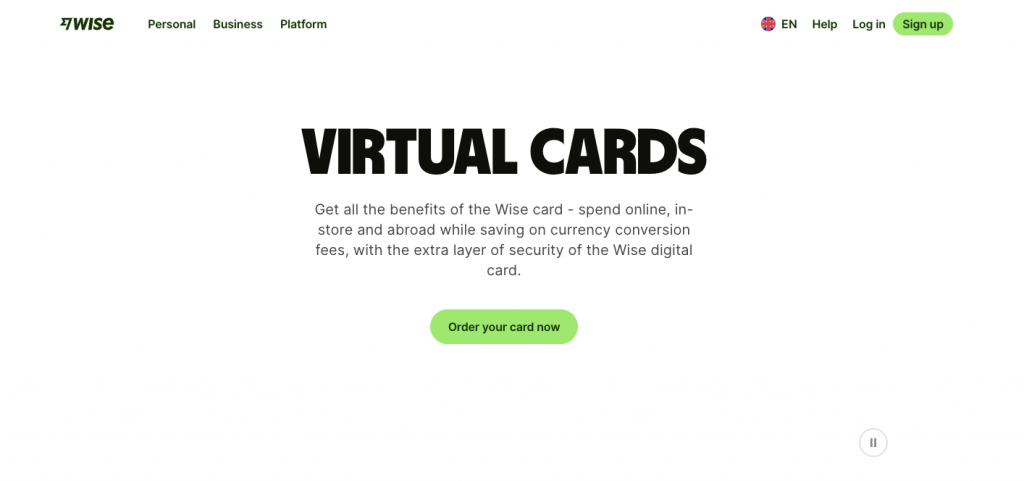
The Wise Virtual Card1 is designed for individuals and businesses that regularly send money abroad and want full transparency with low, mid-market exchange rates. It’s available in over 30+ countries, it’s authorised by the UK Financial Conduct Authority and it offers a secure and flexible way to manage international spending.
Each account can have up to three virtual cards, allowing you to assign separate cards to different subscriptions, team members, or services for easy expense tracking. The Wise virtual card is free to all customers with personal or business Wise accounts (not eligible to customers in the US), and applying online takes just a few minutes.
If you’d like a physical card, there’s a one-time £7 fee for UK customers. Currency conversion fees start from around 0.33% when spending in currencies you don’t already hold.
Read more: How to get an instant virtual debit card online: Your options
3. Revolut Virtual Card
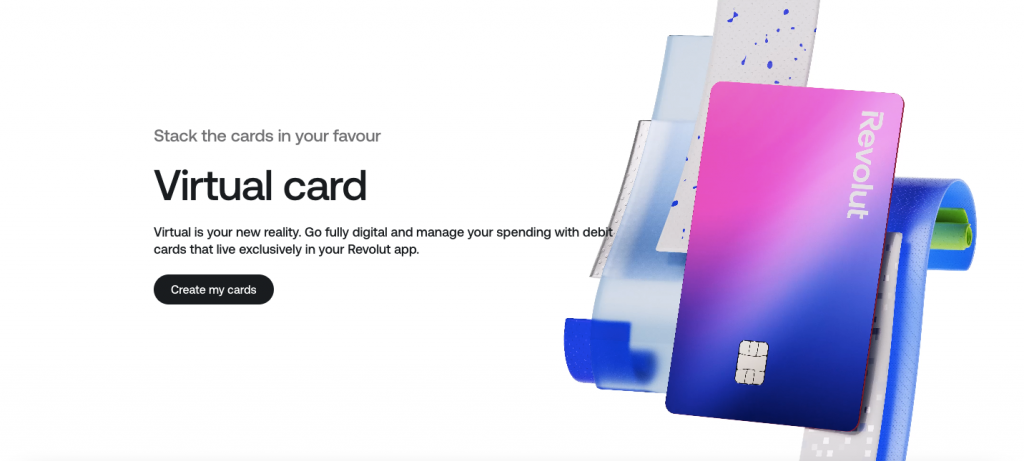
Revolut’s virtual card2 is suited for freelancers, small businesses and entrepreneurs who need a flexible, secure way to manage their business expenses and software subscriptions. Revolut offers two types of virtual cards:
- Multi-use virtual cards: These cards provide permanent card details, making it ideal for recurring payments and subscriptions. You can also use it for contactless payments via Apple Pay or Google Pay.
- Disposable (single-use) virtual cards: With single-use cards, details change after each transaction, which is useful for one-off online purchases or for scenarios where higher security is needed.
With Revolut, you can have up to 20 active multi-use virtual payment cards linked to your account, plus one disposable card at a time. For added flexibility, you can freeze your virtual cards at any time within the app.
While it’s only for freelancers, Revolut Pro (available via the retail app) provides cashback on eligible transactions via the Pro card, with up to 0.4% cashback for Standard plan users.2b
Read more: What’s the best online bank with a virtual debit card? Your options
4. Starling Bank Virtual Card
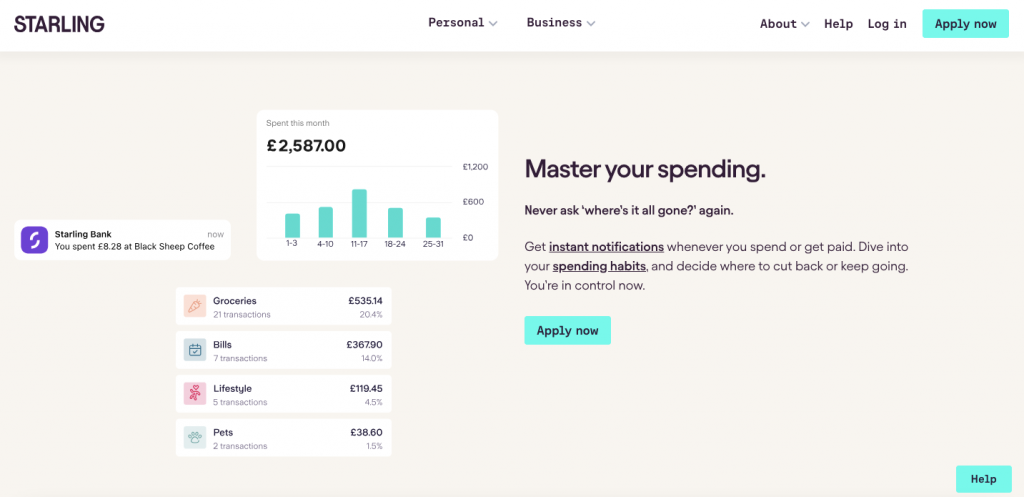
Starling Bank3 is a neobank primarily serving individuals and businesses in the UK. While their virtual cards aren’t available for business bank accounts, personal and joint current account holders can create up to five virtual cards per person, entirely for free.
Their cards are secure, and you can delete or lock your virtual card after use. All funds are FSCS-protected up to £85,000, including any money in a Space (a sub-account that your virtual cards are connected to). You can pay for subscriptions straight from a Space by using Starling’s Bills Manager, which covers both direct debits and standing orders.3a
Each virtual card has a £500 daily spending limit, and you can make up to 50 transactions per day. If there’s not enough money in the linked Space, the transaction will be declined (at no charge to you) and you’ll receive a notification. It’s important to note that virtual cards cannot be used for money transfer services, crypto exchanges or betting companies.
Easily manage your subscriptions with WorldFirst’s World Card
Managing your subscriptions doesn’t have to be complicated. The World Card is the best virtual card for cross-border businesses because it simplifies budgeting and allows you to track your spending all from one account.
With the World Account, you can create up to 20 virtual cards and assign them to different subscriptions, teams or even currencies. This allows you to easily track and manage spending across different services.
Plus, you have the flexibility to freeze, delete or create new cards instantly as your needs change. Best of all, when paying for subscriptions in 15 major currencies, you’ll enjoy 0% FX fees, keeping costs clear and predictable.
Ready to take control of your subscriptions? Get started by signing up for a World Card today.
FAQs:
Which virtual card is best for subscription management?
The World Card is one of the best virtual cards for subscription management. You can issue up to 20 free virtual cards from your World Account, assign each to a different expense or team and track spending in real time. This makes it easy to manage recurring payments and control budgets. You’ll also receive up to 1.2% cashback when you renew your subscriptions with a World Card.
Does WorldFirst charge transaction fees?
WorldFirst offers transparent, low-cost pricing with no hidden fees. There are no account opening or maintenance fees, and you can make free instant payments to other World Account users worldwide. You can create up to 20 virtual cards for free.
When converting currencies in your World Account, you’ll always see the live exchange rate before confirming the transaction. Or, spend directly from a currency balance that you already hold and avoid currency conversion costs altogether.
Is the World Card secure and safe to use?
The World Card is issued under Mastercard’s security framework, which includes advanced encryption, 3D Secure verification, and real-time transaction monitoring. You can also freeze or delete cards instantly from your World Account.
WorldFirst is regulated by the FCA in the UK and we partner with leading global banks to ensure that every transaction is secure.
How do I get a World Card?
Here’s how to sign up for a World Card:
- First, you’ll need to create a World Account for free
- Fill in your account details
- Provide the necessary verification documents
- Submit your application and wait for the activation email
- Once your account is active, log in and create your World Card
Sources:
1. https://wise.com/gb/virtual-card/
a. https://wise.com/gb/blog/wise-digital-card
2. https://www.revolut.com/cards/virtual-card/
a. https://help.revolut.com/help/wealth/exchanging-money/how-much-does-it-cost-to-make-an-exchange/will-i-be-charged-for-exchanging-foreign-currencies/
b. https://help.revolut.com/help/more/revolut-pro/pro-cashback-and-how-does-the-booster-work/
3. https://www.starlingbank.com/
a. https://www.starlingbank.com/features/virtual-cards/
4. https://www.starlingbank.com/send-money-abroad/send-money-to-europe/
5. https://help.revolut.com/business/help/merchant-accounts/fees/will-i-be-charged-for-fx-fees-for-using-a-merchant-account/

Abdul Muhit has 17 years' experience in banking and payments, spanning across regulation, payment networks, acquiring, issuing and treasury. He has served across strategic and delivery roles in product, technology and operations functions at global companies including JP Morgan, KPMG and Visa."

Abdul Muhit
Author
Continue reading


Subscribe
The Weekly Dispatch
Get the latest news and event invites. Signup for our weekly update from the worlds of fashion, design, and tech.
You might also like
Choose a product or service to find out more

E-commerce guides


Doing business with China

Exploring new markets

Business Tips

International transactions
E-commerce expansion guides
Doing business with China
The simpler way to pay and get paid
Save money, time, and have peace of mind when expanding your global business.