





























Here’s how Singapore businesses can open a business bank account online, what to look for, and how to compare your options
Key takeaways
- You can open a business account online in Singapore, but setup time and requirements can vary a lot
- Businesses can choose between traditional business bank accounts and online business accounts offered by fintech providers
- Online and traditional accounts aren’t mutually exclusive, and many Singapore businesses use both.
- WorldFirst offers the World Account, a multi-currency account with online setup, support for 20+ currencies and no monthly or minimum balance fees.
Running a global business in Singapore often means dealing with overseas customers and suppliers, along with the admin that comes with it.
If you have tried opening a business account through a traditional bank, you already know the friction that comes with setting it up in person, navigating paperwork and waiting weeks for approval.
Many business owners struggle with limited visibility across accounting and payments when juggling separate accounts for different channels and currencies.
Managing separate accounts across different channels and currencies also makes it harder to track payments and control fees. The good news is that opening a business account online in Singapore has become much easier. This guide covers what to look for, how to compare business accounts and how to get started.
Can you open a business bank account online in Singapore?
You can open a business bank account online in Singapore, but the type of accounts, its features, and the time it takes to open the account can depend a lot on the provider you choose.
Traditional Singapore banks operate under stricter regulations. While many business bank accounts may allow you to start the application online, you might still be required to complete in-person verification or visit a branch before the account is fully active. This means slower setup times, though it gives you access to a broader range of traditional banking services like business loans, trade financing and merchant services.
Fintech payment providers like WorldFirst offer fully digital onboarding. You submit your business registration documents, complete identity verification, and start using your account once approved–which usually takes a few business days.
For Singapore businesses that mainly need to send and receive international payments, hold multiple currencies, and manage day-to-day expenses, a global business account can offer a fast and simple setup.
What to look for in an online business bank account
Here are the main factors to consider for a Singapore business account opened online:
- Setup time and process: Look for fully online onboarding with no or limited in-person visit requirements, and approval within a few business days
- Monthly fees and minimum balance: Compare the monthly fees and minimum balance requirements across all accounts. Some providers may charge ongoing maintenance fees or apply fall-below charges if your balance decreases below a threshold
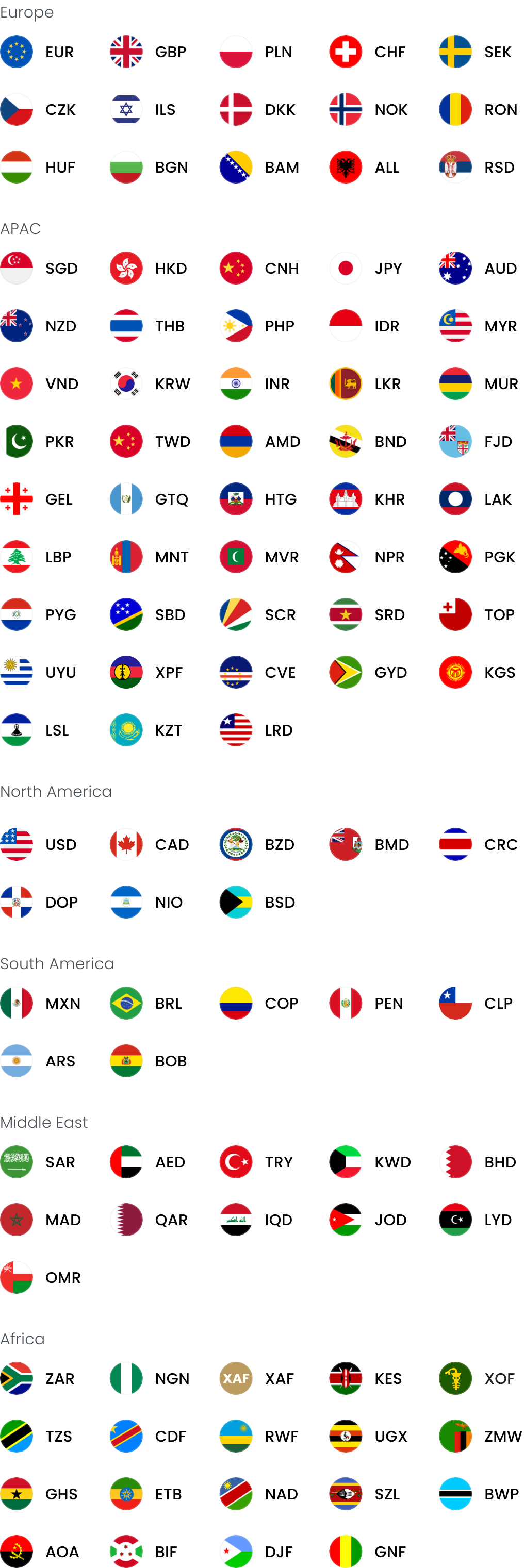
- Currency support: If you trade internationally, you’ll want a business account with multi-currency support that provides local currency account details for receiving payments in multiple currencies without forced conversion on arrival
- FX rates and conversion fees: Make sure to compare the markup for all providers because even small percentage differences can add up on large transactions
- Card support: Look for business payment cards with spend controls, custom limits and the ability to issue multiple cards for your team. If you’re opting for a multi-currency account, your cards should be multi-currency too, letting you spend from the currency you hold without extra FX fees.
- Payment reach: Check how many countries and currencies the provider supports for sending and receiving payments
- Integrations: Accounting integrations with Xero or NetSuite can save reconciliation time
Online business account options in Singapore for 2026
| Provider | WorldFirst | OCBC 1 | Airwallex2 | Revolut3 |
|---|---|---|---|---|
| Minimum deposit fee | Zero | $1,000 | Zero | Zero |
| Monthly fees | Zero | $15 | Explore plan: $0 Grow plan: $79Accelerate plan: $399 |
Basic plan: $0 Grow plan: $15 Scale plan: $84 Enterprise plan: $417 |
| Minimum balance requirements (if your account balance falls below a certain threshold) | Zero | $15 per month charge if your account falls below $1,000 | Zero | Zero |
| Number of currencies supported | 22+ | 13 | 20+ | 25+ |
Information checked as in May 2026
1. WorldFirst
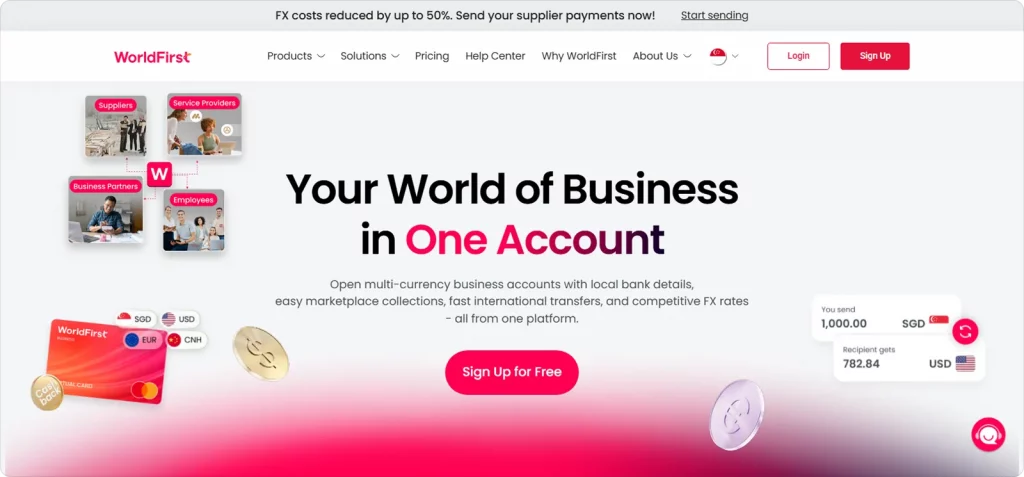
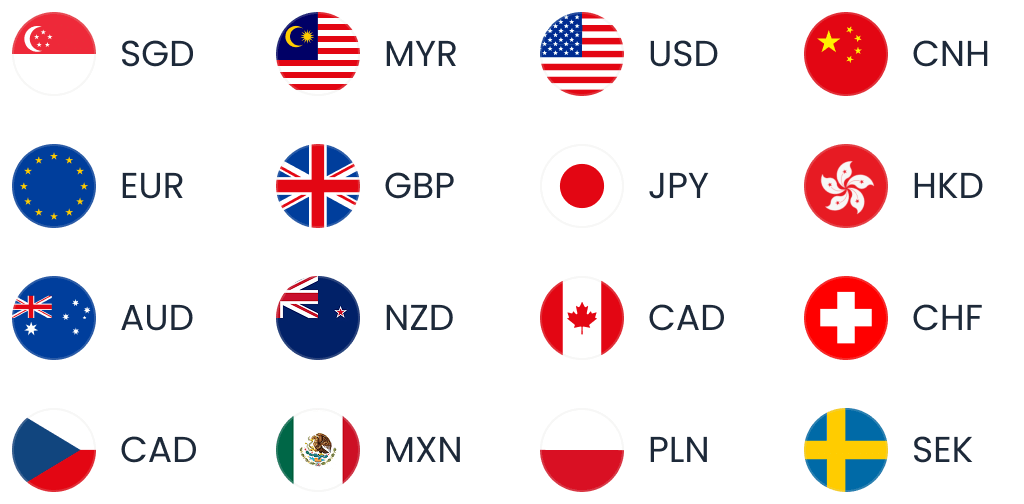
WorldFirst is an international payments provider that helps businesses manage cross-border payments. Through the World Account, Singapore businesses can hold and send funds in 20+ major currencies including CNH, USD, GBP, EUR, SGD and AUD, with local currency account details for receiving payments. Setup is fully online and approval typically takes one to two business days.
For Singaporean businesses looking to grow overseas, WorldFirst allows you to receive money in 20+ currencies for free and caps exchange rates in major currencies at 0.6%.
Here are three reasons businesses pick WorldFirst as their main account.
1. Set up your account easily and manage multiple currencies from one easy-to-use online dashboard
Many conventional banking providers require you to set up your account in person or by telephone, which takes up valuable business time and resources.
With WorldFirst, you can register for a multi-currency account online and get started as soon as you’re approved.
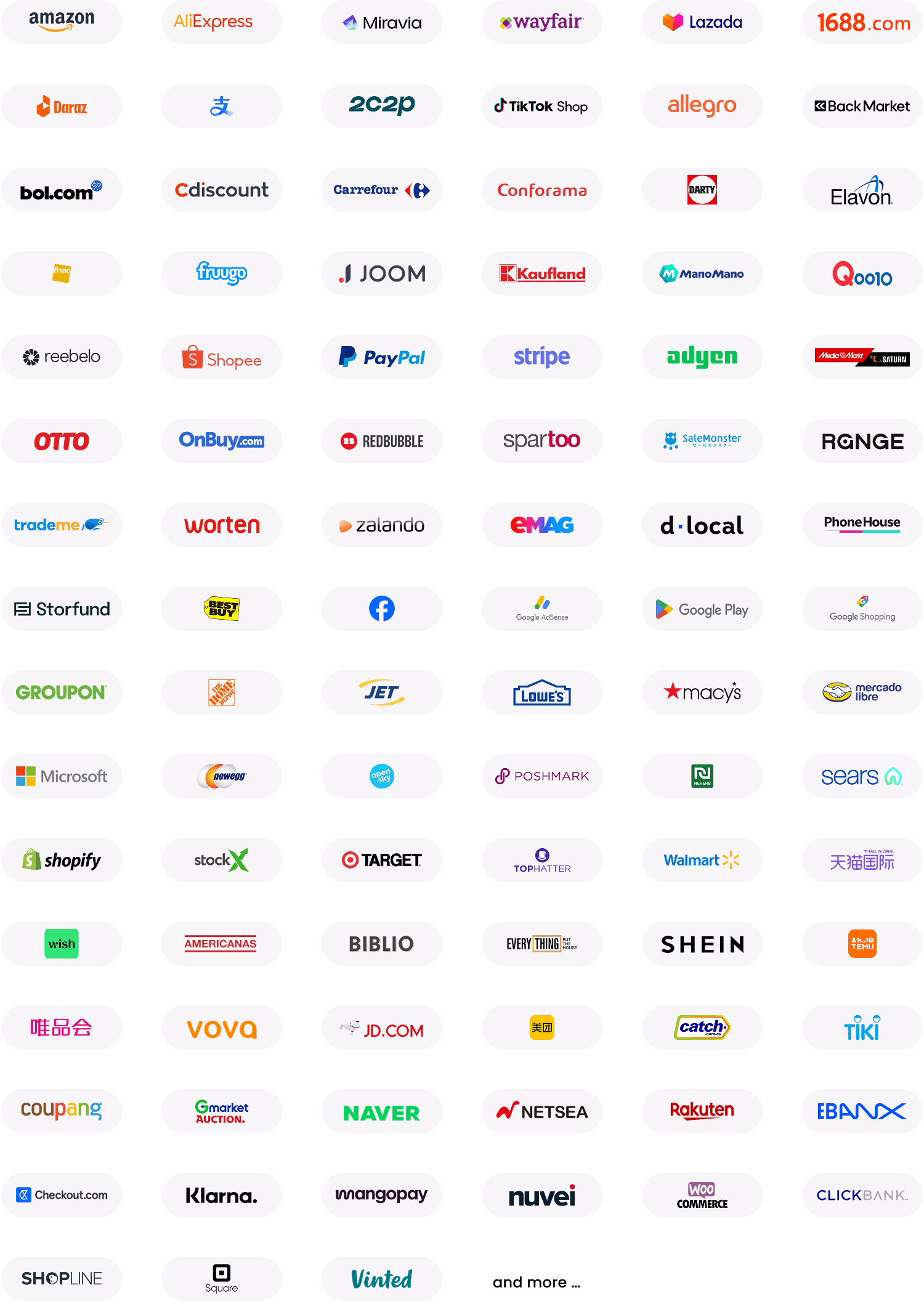
Once verified, you can set up 20+ currency accounts with local account details to receive payments from over 100 global marketplaces – as well as businesses – using one intuitive online dashboard. This gives you full transparency over your budgets and spending across your expenses, currencies and suppliers.
You can also add external users and assign customised access levels, and integrate with Xero or NetSuite to improve your accounting and attribution.
2. Make payments in 100+ currencies to 210+ countries while saving on FX costs
Traditional banks often rely on legacy systems such as SWIFT, leading to high international transfer and FX fees. Many business account providers also lack fee transparency, so you don’t know what you’re paying for maintenance, currency conversion and transactions.
Plus, if you want to pay in local currency, you often have to set up local accounts in each country, which takes up additional time and resources.
The benefits of WorldFirst are:
- You can set up a World Account online for free with no initial deposit. Start your account application here
- All fees are available to check and we don’t charge hidden maintenance costs, banking fees or fall-below fees
- You can get local account details in 20+ currencies including GBP, USD, EUR, CNH, AUD, NZD, SGD and HKD – and see your balances from one dashboard
Handling payments with local bank details also translates to faster international payments as you’ll be using domestic payment networks. For example, you can pay a supplier in the US within 24 hours instead of up to six days (via SWIFT). Faster payments mean smoother procurement processes, keeping your suppliers happy and helping you build better relationships with them.
You can also lock in foreign exchange rates for up to 24 months with a forward contract or exchange funds when they’re more favourable to maximise your budgets. WorldFirst’s firm orders allow you to set a target exchange rate. When that rate is reached, we automatically transact on your behalf so you don’t have to constantly monitor the markets.
3. Use virtual cards to pay business expenses and ads in several currencies
As a business, you’re likely paying marketing expenses, shipping costs and supplier invoices in multiple currencies and with traditional business credit or debit cards, which can come with high transaction and FX fees.
With a World Account, you can register for a virtual World Card, a multi-currency card that you can use to make business purchases anywhere Mastercard is accepted. There are zero fees on 15 global currencies, including GBP, USD, EUR, CNH, AUD, NZD, SGD and HKD.
You can also add up to 20 virtual cards to your account for free and allocate each card to a specific merchant, expense category or even currency. That means you can:
- Stay on top of your expenses by managing your spending limits across accounts in real-time
- Reconcile your business expenses across channels and territories faster and more accurately
Having a unified view of your virtual card payments across channels or campaigns also means you can track spending easily. For instance, if you’re paying for digital ads for your UK TikTok Shop and Google Ads accounts, you can set spending limits for each to see how much you’ve spent at a glance.
As an added bonus, World Card holders get 1.2% cashback on all their monthly card purchases.
| Fee type | World Account |
|---|---|
| Account opening fee | Zero |
| Monthly fee | Zero |
| Minimum balance requirement | None |
| Receiving payments | Zero |
| Holding funds in multiple currencies | Zero |
| Currency conversion | Competitive rates on major currencies |
| World Card | Zero issuance fee for up to 20 cards |
Fees last verified: April 2026.
2. OCBC Business Growth Account
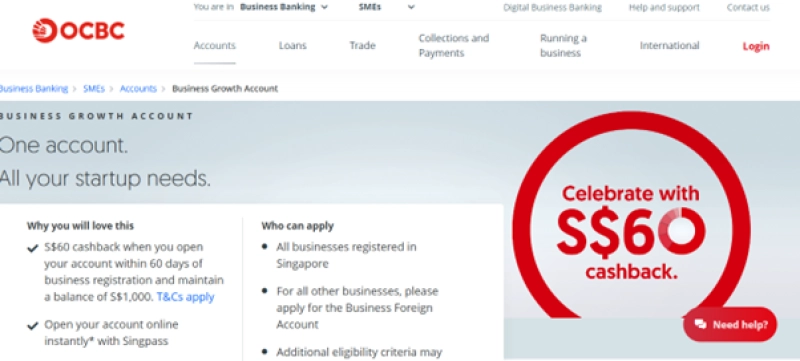
OCBC is a Singapore-based bank offering a range of business banking products. The Business Growth Account is a corporate account aimed at SMEs, with an online dashboard, a mobile banking app, and integrated tools for invoicing and cash management.¹ A separate OCBC Multi-Currency Business Account can be linked to handle payments in 13 currencies.¹
You can start the application online, but OCBC typically requires identity verification through Singpass Myinfo Business or a visit to a branch before the account is fully active.
| Fee type | OCBC Business Growth Account¹ |
|---|---|
| Minimum initial deposit | S$1,000 |
| Monthly fee | S$10 (waived for the first two months) |
| Fall-below fee | S$15 per month if balance falls below S$1,000 |
| Multi-currency account fee | Available with linked OCBC Business Growth Account |
Fees last verified: May 2026
3. Airwallex
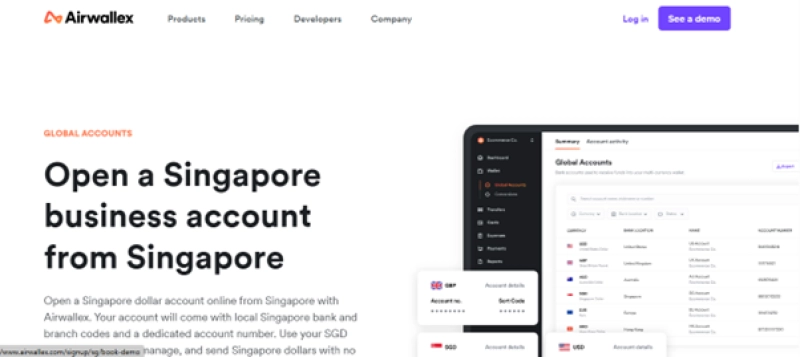
Airwallex is a multinational fintech company that offers a global business account with local currency details in 20+ currencies. Account setup is fully online with no minimum balance or maintenance fees on the base account.²
| Fee type | Airwallex² |
|---|---|
| Account opening fee | Zero |
| Monthly fee | Explore plan: $0 Grow plan: $79Accelerate plan: $399 |
| Expense management add-on | S$5 per month |
| FX markup | 0.4%-0.6% above interbank rate depending on currency² |
| Minimum balance | None |
Fees last verified: May 2026
4. Revolut Business
Revolut is a UK-founded fintech that offers business accounts across multiple tiers. You can hold funds in 25+ global currencies, but if you’re exchanging currencies, Revolut’s interbank rate applies. The specific costs or percentages of this rate is unclear. Revolut also offers a virtual card option to pay for business expenses in multiple currencies.
| Fee type | Revolut Business³ |
|---|---|
| Account opening fee | Zero |
| Monthly fee | S$0 (Basic) to S$417 (Enterprise) across four plans³ |
| FX | Interbank rate applies; specific markup varies by plan |
| Minimum balance | None |
Fees last verified: May 2026
How to open a business bank account online: Step-by-step process
Are you ready to set up a World Account and manage your global payments more effectively? Follow these steps:
- Visit our Signup page and get started
- Fill out basic details about you and your business including your residential address
- Provide all of the necessary documents including a certified true copy of your identification
- Choose your World Account requirements
- Start managing payments across accounts and currencies online.
Note: you can use our official Help Centre guide if you need any extra information.
Improve your business’s online banking activities with WorldFirst
Many conventional business accounts have long-winded set-up processes and limited online features that make accounting difficult and end up costing a lot in fees.
If you want an online payment account that gives you full transparency across channels and currencies, try World Account.
With a World Account, there are no setup or maintenance fees and you can manage all of your payment activities online through one easy-to-use dashboard. Make payments in 100+ currencies across 210+ countries – while saving on FX costs and scaling with confidence.
FAQ
Can I open a business bank account online in Singapore?
Yes. Fintech providers such as WorldFirst allow fully online business account opening in Singapore, typically with approval within one to three business days. Traditional banks usually require additional in-person or video verification before the account is fully active.
Do I need to visit a branch to open a business account in Singapore?
Not always. Fintech providers might handle the entire process online. Traditional Singapore banks may require Singpass Myinfo Business verification, a video call, or a branch visit depending on the bank and your business structure.
What documents do I need to open a business bank account online in Singapore?
Most providers require your ACRA business registration (BizFile extract), the director’s passport, and proof of business address. Some providers may ask for additional documents based on your industry, business activity or ownership structure.
How long does it take to open a business bank account online?
Fintech providers typically approve applications within one to three business days. Traditional banks can take one to several weeks depending on the verification process and any additional checks required.
What’s the difference between an online business account and a traditional bank account?
Fintech business accounts are designed primarily for payments, multi-currency management and online operations, usually with zero monthly fees and faster setup. Traditional bank accounts offer a broader range of services including loans, overdrafts, trade financing and merchant services, but typically take longer to open and may charge monthly maintenance fees.
Though the two aren’t mutually exclusive. Many Singapore businesses use a traditional account for local SGD operations and credit facilities, alongside a fintech account for cross-border payments and multi-currency management.
Is a multi-currency business account worth it for Singapore businesses?
If your business sends or receives payments in multiple currencies, a multi-currency account can reduce FX fees and improve cash flow visibility. Holding funds in their original currency lets you convert at favorable rates rather than being forced into SGD on arrival.
Sources
- https://www.ocbc.com/business-banking/smes/accounts/business-growth-account
- https://www.airwallex.com/sg/pricing
- https://www.revolut.com/en-SG/business/business-account-plans/
This article is intended for informational purposes only and does not constitute legal or professional advice. This article should not be regarded as constituting an offer or a solicitation to buy or sell any regulated or financial products or services. WorldFirst makes no representations or warranties regarding the accuracy, completeness, or applicability of the content, and readers are encouraged to consult with legal professionals or other professionals for advice tailored to their specific situation. WorldFirst does not guarantee the accuracy and completeness of this article and expressly disclaims any and all liability to any person in respect of the consequences of anything done or omitted to be done wholly or partly in reliance on this article.