





























Heading to China for work or planning supplier payments from Singapore? Learn how to set up Alipay, link a card that works, and optimise conversion costs when topping up
Key takeaways
- Alipay is one of the largest mobile payment platforms in China, supporting QR-code payments at merchants, suppliers, transport, restaurants, and e-commerce platforms
- Singapore travellers and businesses can use Alipay without opening a Chinese bank account by linking a supported international card to the wallet
- Topping up Alipay with a standard SGD-denominated card triggers real-time currency conversion at the card issuer’s rate, plus potential foreign transaction fees on every payment
- The World Card by WorldFirst can be linked to Alipay and drawn from a CNH balance held in the World Account, letting Singapore businesses lock in the SGD-to-CNH rate before they travel
If you’ve planned a trip to China or set up Alipay to handle business payments, you’ve probably hit one of two things: a frustrating card link that keeps failing, or a top-up rate that doesn’t match what the merchant actually quotes. Mobile payments are the default in China, with QR-code transactions powering everything from coffee orders to wholesale supplier deals. Cash and international cards both work less well than they used to.
Alipay (and the equally common WeChat Pay) are the two dominant wallets. For Singapore travellers and businesses, the question is less whether to use Alipay and more how to fund it efficiently. This guide walks through what Alipay is, how to set it up from Singapore, what international card-linking actually involves, and how to top up without losing margin on every conversion.
What is Alipay?
Alipay is a mobile payment platform and digital wallet used widely across Mainland China. The app lets users pay by scanning a merchant’s QR code, or by showing their own code for the merchant to scan. Funds clear in seconds.
Users in China rely on Alipay for retail purchases, restaurants, public transport, ride-hailing, utility bills, and supplier payments on B2B platforms. For Singapore businesses sourcing from China, Alipay also works as a way to pay smaller suppliers, particularly those who don’t accept international wire transfers.
The wallet itself doesn’t hold currency the way a bank account does. Instead, it links to a funding source (a bank account, debit card, credit card, or other wallet) and routes payments through that source.
How to set up Alipay in Singapore
The setup runs the same way whether the user is in Singapore or already in China. Five steps:
- Download the Alipay app from the App Store or Google Play
- Sign up with a Singapore mobile number and verify the SMS code
- Verify identity by scanning a passport and completing the face verification step
- Link a card by tapping “Add a credit card or debit card” and entering the card number, expiry, and CVV (or scanning the card)
- Test a payment with a small transaction before relying on the wallet for larger spends
How Alipay works with currency conversion for Singapore users
When a Singapore user links an SGD-denominated card to Alipay and pays a merchant in China, the transaction settles in CNY (the onshore Chinese Yuan). The card issuer converts SGD to CNY at the prevailing rate, applies the issuer’s FX margin, and may add a foreign transaction fee on top.
If the card is SGD-only and the transaction settles in CNY, some issuers may block the conversion at their end in case the card is approved for international transactions, unless the card is approved.
How WorldFirst supports Alipay for Singapore businesses
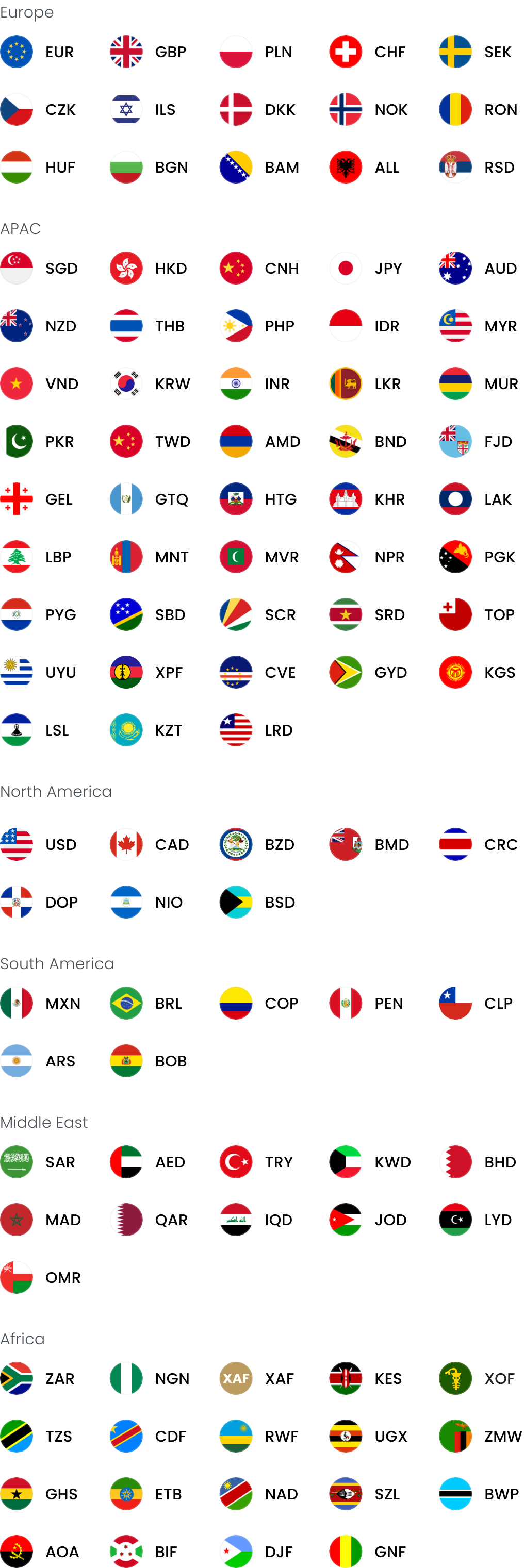
The World Account by WorldFirst is a multi-currency account that lets Singapore businesses hold balances in 20+ currencies, including SGD, USD, EUR, GBP and CNH. The account links to the World Card, a Mastercard-powered virtual business payment card that can be added to Alipay as a funding source.
The combination changes how Singapore businesses can manage Alipay spend:
- Top up the World Account in CNH at competitive exchange rates before the trip. You choose when to convert SGD to CNH, rather than letting the card issuer pick the rate at the moment of every transaction. You hold CNH balances in the same account that holds SGD, USD, EUR and other currencies.
- Link the World Card to Alipay. Once added, the card draws from the CNH balance directly, with no fees when paying in any of the 15 supported currencies, with sufficient balance held in that currency
- Use forward contracts to lock in a future SGD-to-CNH rate. For Singapore businesses with planned travel or recurring supplier payments, a forward contract through WorldFirst locks the conversion rate for a specific period, which removes exchange rate uncertainty from trip and project budgeting
- Place a firm order at a target rate. If you have a specific SGD-to-CNH rate in mind, a firm order through WorldFirst automatically converts when the market hits that rate, without having to monitor it manually
- Issue up to 20 World Cards from one account at no extra cost, so different team members travelling on business can each have their own card linked to the same CNH balance
For Singapore businesses paying suppliers on 1688.com, the World Account also supports World Pay, the authorised international payment provider for 1688.com.
The World Account also supports payments in 100+ currencies across 200+ countries and regions, and collects funds from 130+ global marketplaces and payment gateways including Amazon, Shopify, Shopee, Lazada, and AliExpress.
FAQs
1. Can I use Alipay in Singapore?
Yes. Alipay can be downloaded and set up from Singapore. Some Singapore merchants also accept Alipay payments via QR code, particularly those catering to Chinese visitors. For full functionality, the wallet is most useful for travel to or business with China.
2. How do I top up Alipay from Singapore?
Top up by linking a supported international debit, credit, or multi-currency card to the wallet. Once linked, the card funds transactions in real time as you pay merchants. A Chinese bank account is not required.
3. Can I use Alipay for paying Chinese suppliers from Singapore?
Yes, within Alipay’s transaction limits. For larger or recurring supplier payments, a multi-currency account that supports CNH payments may be more practical. WorldFirst’s World Account and World Pay are options for this use case.
This article is intended for informational purposes only and does not constitute legal advice or professional advice. This article should not be regarded as constituting an offer or a solicitation to buy or sell any regulated or financial products or services. WorldFirst makes no representations or warranties regarding the accuracy, completeness, or applicability of the content, and readers are encouraged to consult with legal professionals or other professionals for advice tailored to their specific situation. WorldFirst does not guarantee the accuracy and completeness of this article and expressly disclaims any and all liability to any person in respect of the consequences of anything done or omitted to be done wholly or partly in reliance on this article.
![How to set up Stripe payments in Singapore [2026]](https://mdn.marmot-cloud.com/worldfirst/sites/9/2026/10/20261027231135498-300x200.webp)




![Volopay Singapore review [2027]: Features, fees and more](https://mdn.marmot-cloud.com/worldfirst/sites/9/2026/10/20261026132437556-300x164.webp)