





























Reviewing Volopay’s features, fees and application process for Singapore businesses, and introducing the World Account for businesses with frequent international transactions
Key takeaways
- Volopay is a Singapore-based spend management platform that lets you manage account payables, reimbursements, SaaS subscriptions, payroll and other business remittances through a single unified platform1
- Volopay’s global business account offers USD and SGD accounts by default, with EUR, AUD and GBP accounts available upon request2
- Volopay does not publicly disclose its subscription pricing plans3
- World Account by WorldFirst lets you hold and receive marketplace payouts in 20+ currencies without converting funds to SGD on receipt
![Volopay Singapore review [2027]: Features, fees and more](https://mdn.marmot-cloud.com/worldfirst/sites/9/2026/10/20261026132437556.webp)
Volopay is a spend management platform that offers a centralised system for automating and managing company-wide expenses. It also provides multi-currency business accounts and corporate cards to make payments across 180+ countries.1 Businesses can hold up to five currencies in their Volopay account. There’s an associated fee for receiving funds via SWIFT and local account transfers.2
This guide offers a detailed overview of Volopay’s features and fees and shows how World Account can suit businesses with high-volume international receiving.
What is Volopay?
Volopay is a Singapore-headquartered spend management platform offering a multi-currency business account, corporate cards, automated bill payments, procurement tools and accounting software integrations in a single unified system.1,4 Founded in 2020, it serves businesses in Singapore, India, Australia, the United Kingdom, Canada, the United States, Saudi Arabia and the UAE.4
Quick look: Pros and considerations of Volopay
| Pros | Cons |
|
|
Key features of Volopay
Business accounts
Volopay offers multi-currency business accounts that let you hold funds in 5 currencies and send payments across 180+ countries via SWIFT and non-SWIFT routes. Receiving funds via local account transfer carries a fee: S$2 for SGD collections and 0.2% of collection in currencies other than SGD.2
Corporate cards
Volopay offers Visa-powered physical and virtual corporate cards for cross-border payments. You can dedicate a virtual card for each subscription or generate single-use cards for one-off travel and business expenses. Comes with spending controls to set transaction limits, merchant blocks, department-specific controls, and a budget allowance for each card.9
Accounts payable
Volopay automates invoice management through built-in OCR. It supports bulk invoice uploads, three-way verification, up to 5 levels of approval workflows, scheduling, and invoice tracking from a single dashboard.10
Expense management
Volopay offers a real-time view into the company’s spending across payroll, reimbursements, SaaS subscriptions, and accounts payable from a single dashboard.6
Procurement
Volopay’s procurement software routes your purchase requisitions through multi-level approvals and budget checks before converting them into purchase orders. It also digitises your vendor and supplier contracts.11
ERP integrations
Volopay integrates with Xero, QuickBooks, NetSuite, Zoho Books and MYOB. It syncs data in real-time and supports custom integration workflows with personalised data mapping.5
Mobile app
Volopay’s iOS and Android app supports receipt capture, claim submission and payment approval with secure 2FA. Finance teams can set push notifications for transactions, approvals and spend alerts.7
Volopay fees in Singapore
| Fees | Volopay fees |
| Account opening fees | Not disclosed |
| Monthly subscription fees | Not disclosed |
| Cards issuance fee | Virtual cards: S$09 Physical cards: S$512 |
| Cashback on cards | 1% on amount spent for all FX transaction monthly13 |
| Annual card fees | Not specified |
| Currency conversion | Not specified |
| International transfers | Not specified |
| Receiving funds from local third parties | SGD transfers: S$2 per transfer Collections in non-SGD currencies: 0.2% |
Fees checked in October 2026
Who is Volopay for?
- Distributed teams: Startups and SMEs where employees frequently spend via card on software subscriptions, marketing campaigns and travel expenses, requiring centralised spending controls and line-level expense categorisation
- High-volume payment operations: Finance teams processing invoices, reimbursements, foreign payments and subscriptions, requiring multi-level approval workflows and automated bill processing to keep payments on schedule
- Multi-system finance teams: Volopay’s adjustable data syncing and advanced data mapping suits teams standardising reconciliation across accounting platforms such as Xero and QuickBooks
- Consolidated spend management: Volopay replaces separate point solutions for corporate cards, vendor payments, reimbursements, payroll and procurement, giving businesses unified visibility into spend
How to open a Volopay account in Singapore
Step 1: Sign up: Visit volopay.com/sg and fill in your initial details, including business name, corporate email address and operating location
Step 2: Book a demo: Get a demo from Volopay’s sales team and receive a customised pricing proposal
Step 3: Submit KYB documentation: Submit your ACRA registration details, identity documents, UEN number and other personal and business documents requested for KYB verification
Step 4: Complete verification: Volopay’s team manually reviews and verifies each application; verification for opening a Volopay business account generally takes up to four weeks
Step 5: Onboarding: Once approved, you will be invited to an onboarding session with Volopay’s team. After setting up your account and configuring team access, you can start using your account
The World Account: Built for global businesses
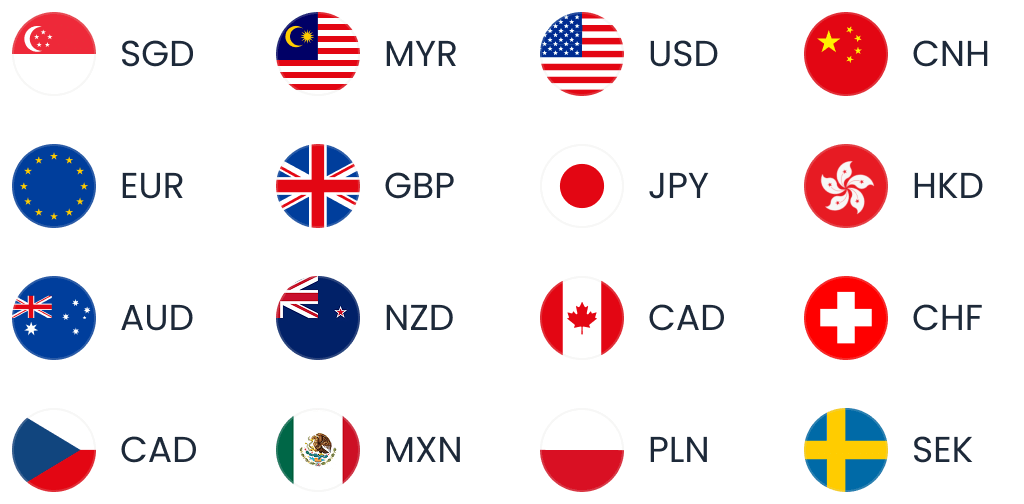
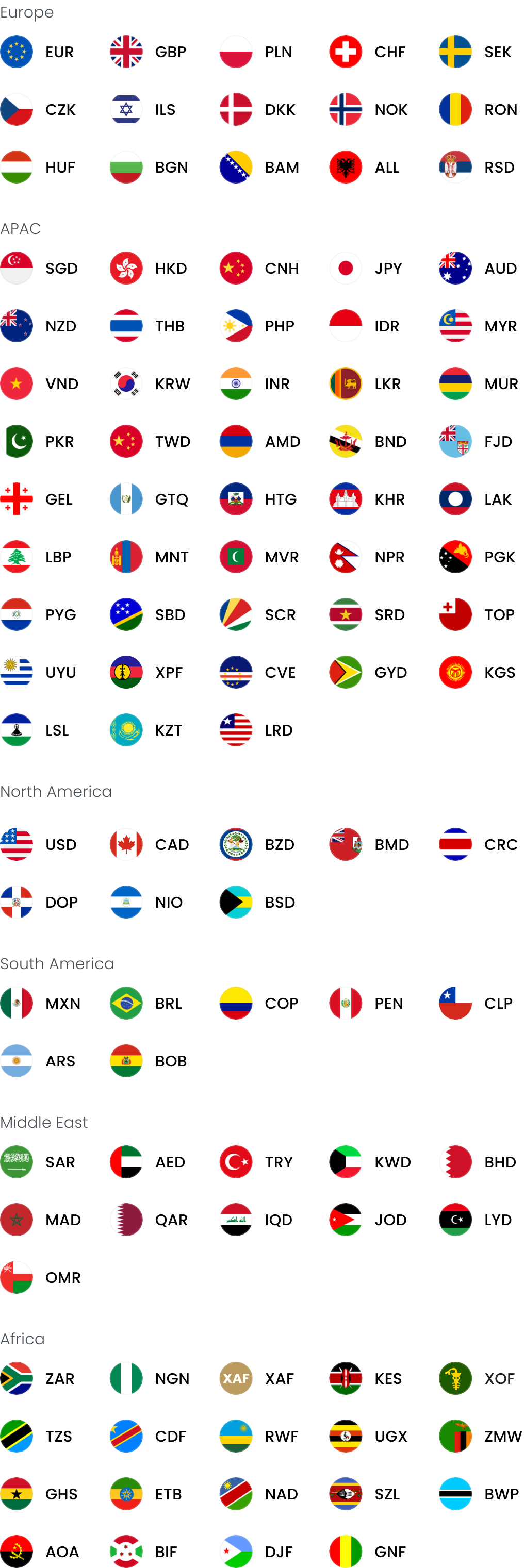
WorldFirst is an international payments provider offering the World Account, a multi-currency account for businesses that frequently send and receive international payments. World Account lets you receive payments as a local in 20+ currencies through local currency accounts for zero fees.
Here’s how World Account supports your business:
Collect international payments
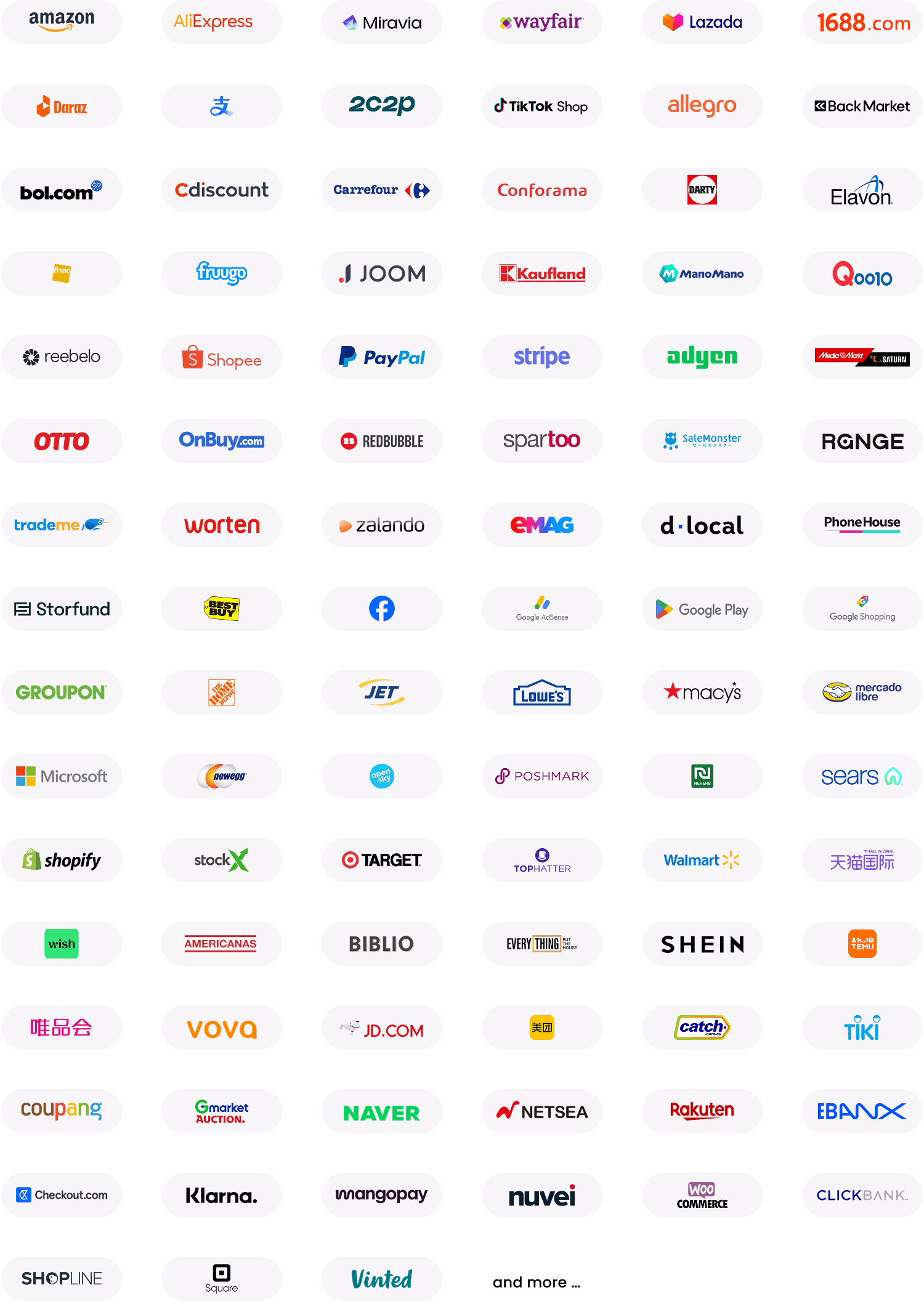
World Account connects to 130+ marketplaces and payment gateways, allowing you to collect multi-currency payouts in corresponding local wallets (USD payouts in USD wallets), without converting every foreign payment to SGD at receipt.
Pay vendors and suppliers globally
World Account holders can send payments in 100+ currencies across 200+ countries and regions. Transfers between World Account holders are free and instant. You can also pay your 1688 suppliers directly in CNH from your World Account balance using World Pay, an authorised international payments provider for 1688.com.
Lock an exchange rate with forward contracts
Businesses can lock today’s exchange rate or set auto-conversion for their preferred rate with forward contracts
Spend with a World Card
World Card is a Mastercard-powered multi-currency card linked to your World Account. It supports payments in 150+ currencies and offers 1.2% cashback on eligible spending, T&C Apply. You pay zero fees when paying in one of the 15 supported currencies, provided you have sufficient balance in the transaction currency. Businesses can issue up to 25 cards, including 10 physical cards with their World Account.
Reconcile through Xero and NetSuite
The World Account integrates with Xero and NetSuite for multi-currency reconciliation, so foreign currency payouts and payments feed directly into your accounting software without manual entry.
WorldFirst fees in Singapore
| Fees | WorldFirst |
| Account opening fees | Zero |
| Monthly fee | Zero |
| Local currency accounts | Zero |
| Receiving payments | Zero |
| Sending payments | US$5 onwards (SWIFT transactions) |
| Holding funds in multiple currencies | Zero |
| Currency conversion | Up to 0.6% |
| World Card issuance | Zero for up to 20 virtual cards per business |
| World Card annual fee | Zero |
| World Card foreign exchange fees | Zero when paying in any of the 15 supported currencies (with sufficient balance held in that currency); up to 0.6% currency conversion for payments outside the 15 supported currencies |
| World Card cashback | Available on eligible spending (Terms and Conditions Apply) |
Fees checked in October 2026
FAQs
1. Is Volopay available in Singapore?
Yes. Volopay’s spend management platform is available to Singapore businesses, offering them access to corporate cards, business accounts, automated expense management, a procurement system and ERP integrations through a single unified system.
2. How much does Volopay cost?
Volopay does not disclose its pricing publicly. Companies must contact Volopay’s sales team to receive a custom pricing quote for platform access and corporate cards.
3. What is the best expense management software in Singapore?
Volopay is an expense management software in Singapore for businesses that need a centralised system to manage company expenses, vendor payments, reimbursements and card payments. However, for businesses prioritising cross-border payments, marketplace payouts and international collections, World Account by WorldFirst is a suitable fit.
4. Does Volopay integrate with Xero and QuickBooks?
Yes, Volopay integrates natively with Xero and QuickBooks and syncs your expense data in real time.
5. What are the alternatives to Volopay in Singapore?
Alternatives to Volopay in Singapore include international payments providers like WorldFirst, offering a multi-currency World Account. It lets you receive in 20+ currencies, collect payouts from 130+ marketplaces and payment gateways, lock in exchange rates, and spend through physical and virtual cards in 150+ currencies.
This article is intended for informational purposes only and does not constitute legal advice or professional advice. This article should not be regarded as constituting an offer or a solicitation to buy or sell any regulated or financial products or services. WorldFirst makes no representations or warranties regarding the accuracy, completeness, or applicability of the content, and readers are encouraged to consult with legal professionals or other professionals for advice tailored to their specific situation. WorldFirst does not guarantee the accuracy and completeness of this article and expressly disclaims any and all liability to any person in respect of the consequences of anything done or omitted to be done wholly or partly in reliance on this article.
Sources
- https://www.volopay.com/sg/
- https://help.volopay.co/en/articles/9223175-top-up-your-volopay-account#h_3e3fbbe52c
- https://www.volopay.com/sg/pricing/
- https://www.volopay.com/about/press-kit
- https://www.volopay.com/sg/integration/
- https://www.volopay.com/sg/expense-management/
- https://www.volopay.com/sg/mobile-app/
- https://www.volopay.com/sg/business-accounts/
- https://www.volopay.com/sg/corporate-cards/
- https://www.volopay.com/sg/accounts-payable/
- https://www.volopay.com/sg/procurement-software/
- https://help.volopay.co/en/articles/9223194-order-a-physical-card-as-a-user
- https://help.volopay.co/en/articles/10037557-how-to-earn-cashback-rewards#h_2bfd85f03e




![Best credit cards for overseas business spending in Singapore [2027]](https://mdn.marmot-cloud.com/worldfirst/sites/9/2026/10/20261026121801216-300x200.webp)