



























Closing your WorldFirst account is a straightforward process tailored to your stage in the registration journey. Whether you decide to close your account immediately after registration or after you have onboarded, we provide clear steps to guide you through the process.
Close account before you have onboarded
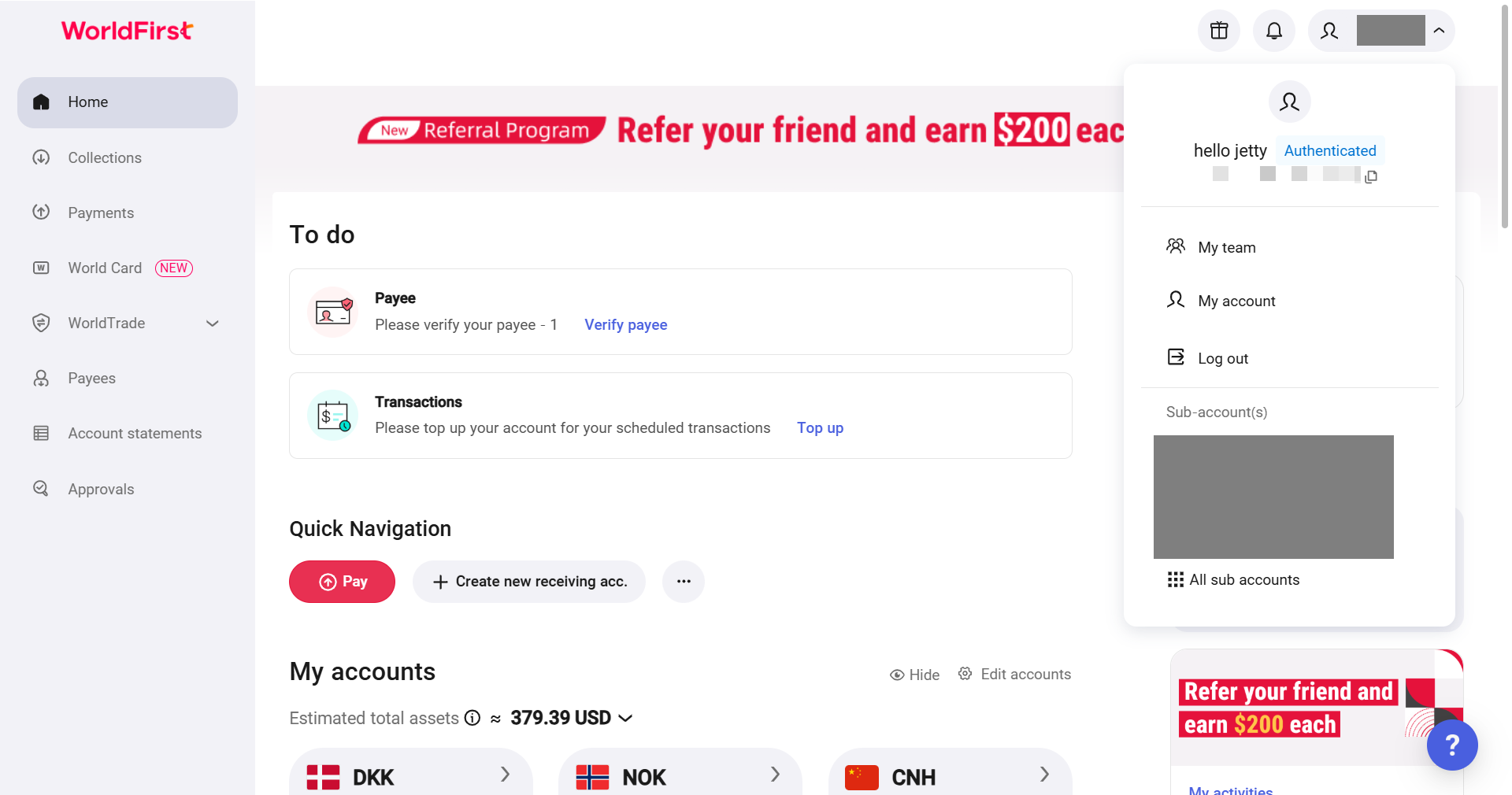
- On your WorldFirst dashboard, go to my account on the top-right corner
- Click on the button “Close your account” at the bottom of Account Setting page
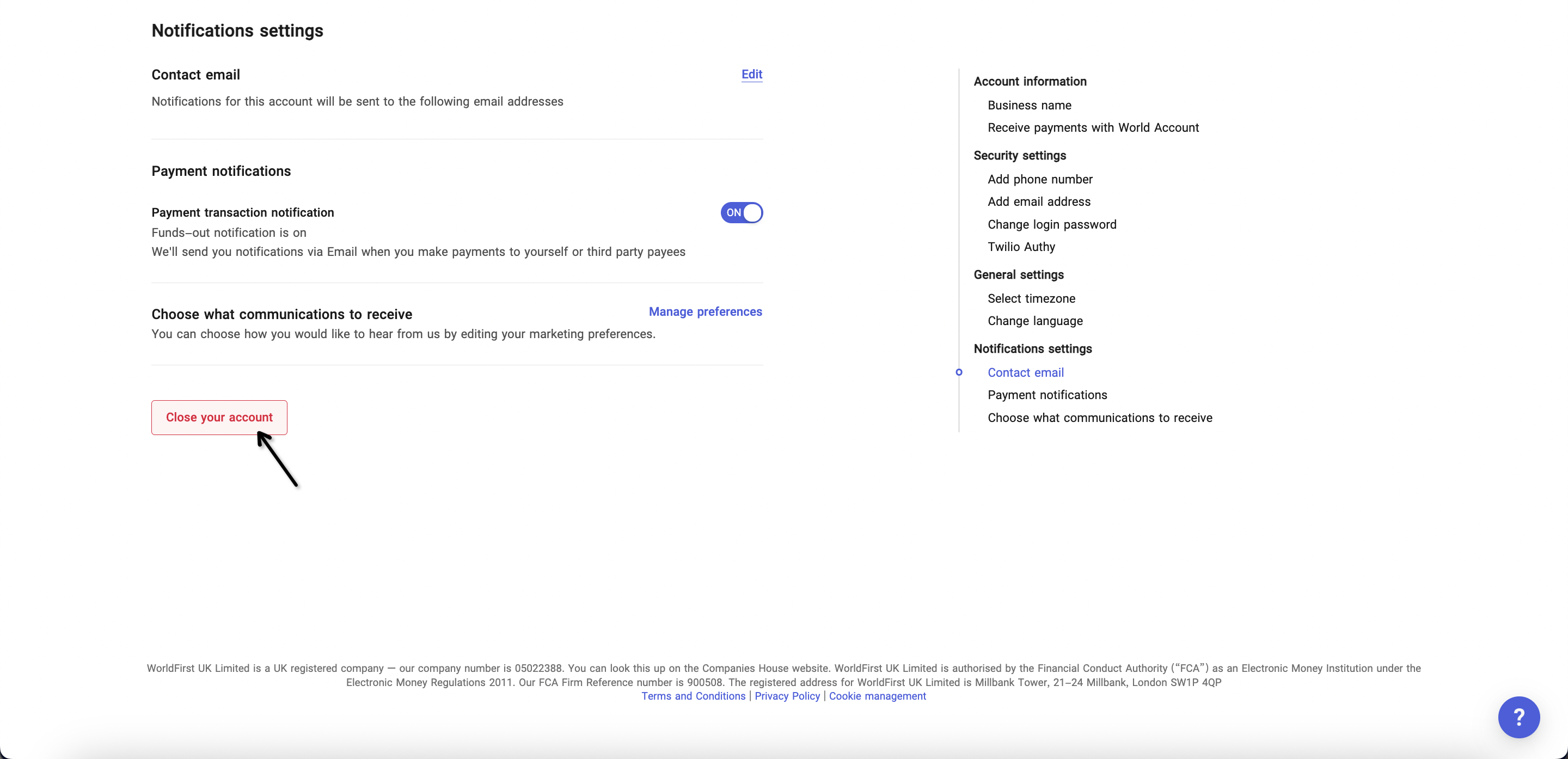
- Please withdraw the balance and ensure your account balance is 0 before you click the button
- Next, choose a reason for the account closure and click “OK” to confirm
- Re-register another account or exit directly
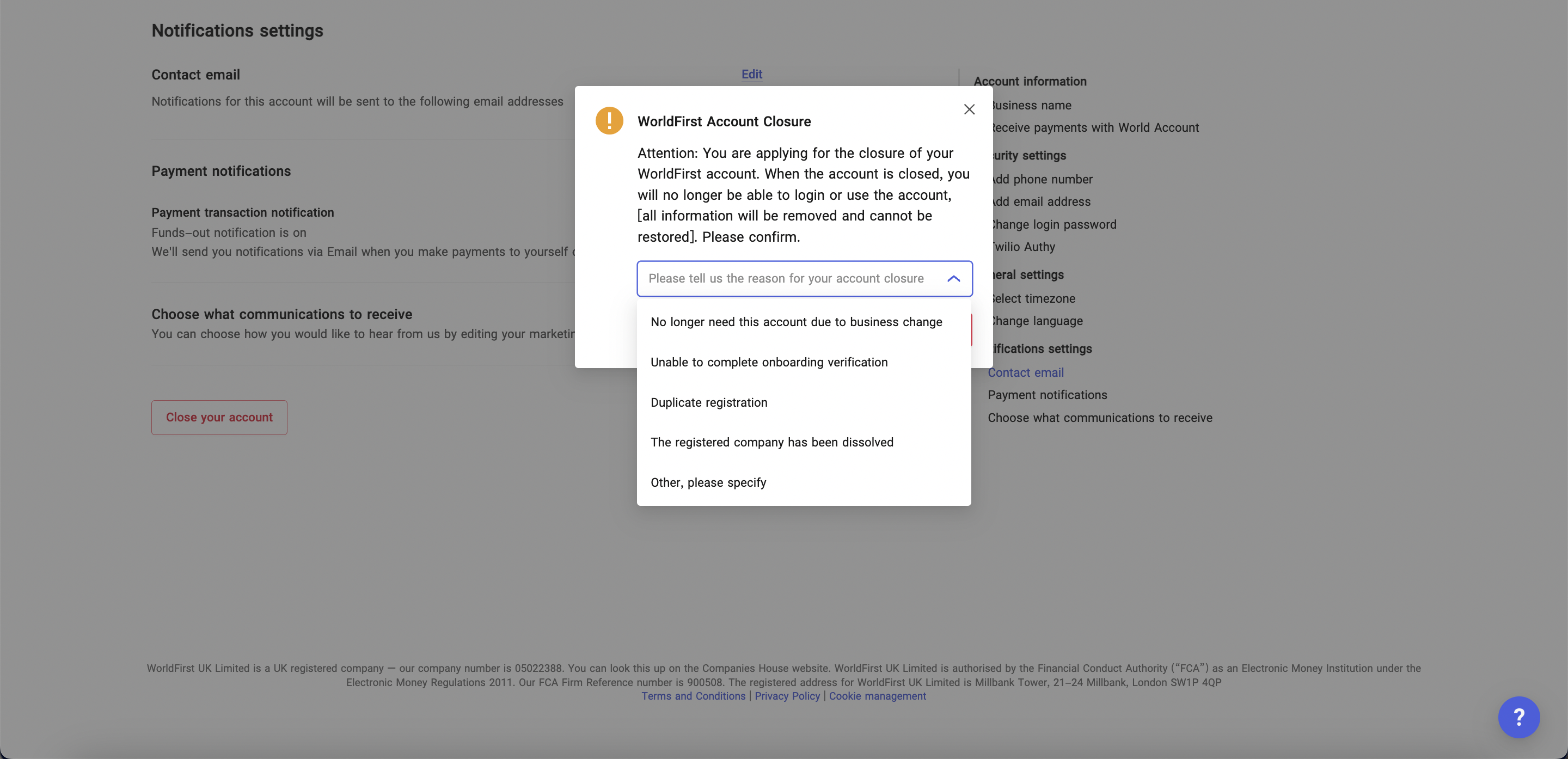
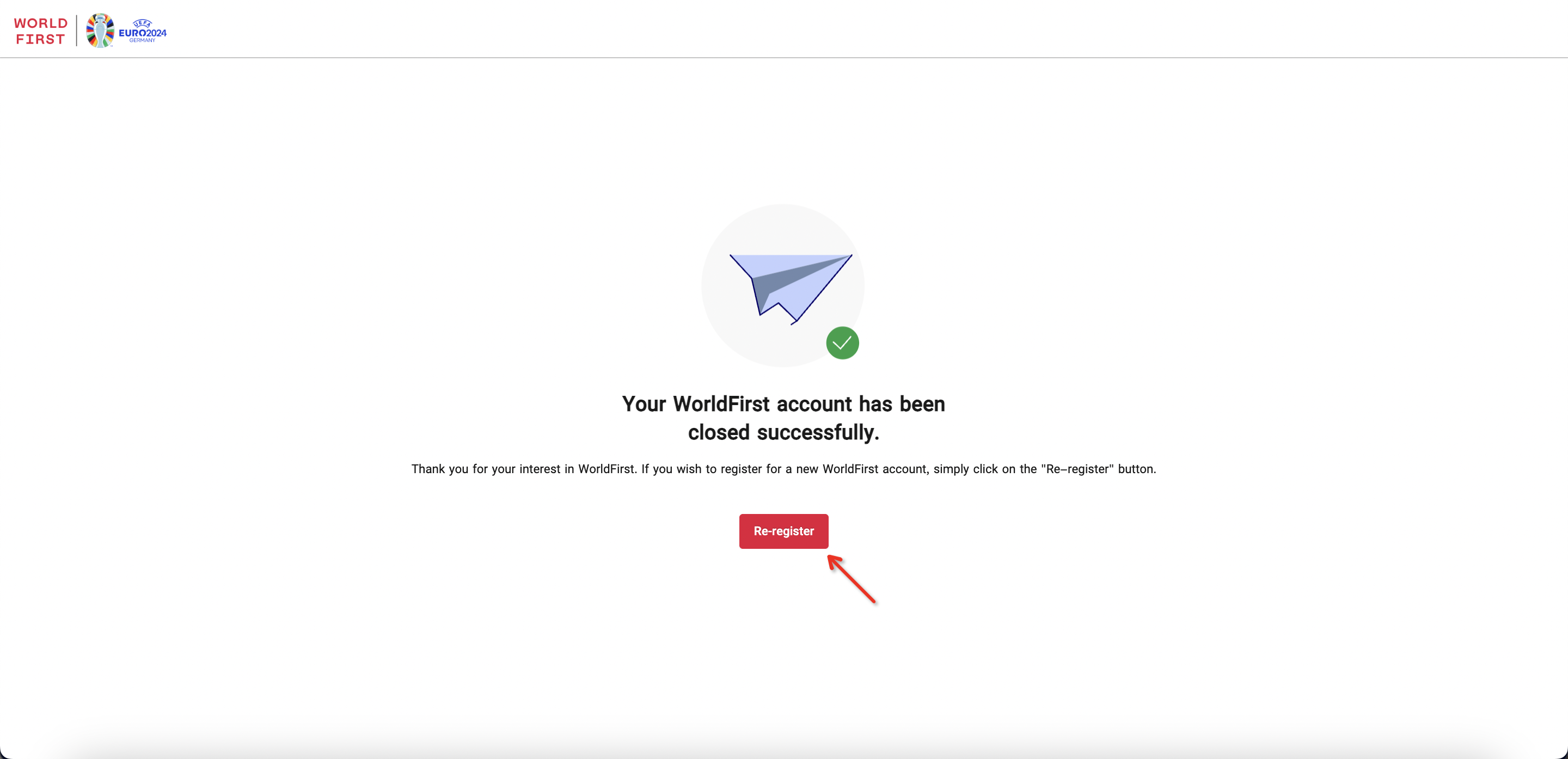
- After confirming you would like to close your account, you will be directed to a result page with a “Re-register” button
- You could click on it to restart the registration process, or exit right away
Close account after you have onboarded
Please contact WorldFirst to assist with closure of account when you meet this situation.

























