




























Home > blog > International Transactions > How to open a business bank account in Malaysia from Singapore
How to open a business bank account in Malaysia from Singapore
Last update:


Opening a business account in Malaysia with traditional banks can be a challenge.
For one thing, you’re typically required first to register your business with the Companies Commission of Malaysia (SSM) and provide a valid physical business address in the country. Then, in many cases, you’re also required to visit a branch in person to sign a mountain of official documentation.
However, there’s an easier way to start accepting and sending payments like a Malaysian local.
Instead of a traditional bank account, you can open a multi-currency business account online with a digital payments platform like WorldFirst. Our World Account allows you to create a local ringgit currency account, where you can receive, hold and send international business payments all in one place.
In this guide, share why a World Account is the best option for global businesses that need a Malaysian business account. We also share some traditional bank accounts, the documentation you’ll need to apply and what to watch out for before starting an application.
We cover:
- What to consider before opening a Malaysian business bank account
- How WorldFirst’s World Account streamlines your MYR payments
- How to open a World Account online for free
- 3 alternative Malaysian business bank accounts to consider
- Documents you’ll need to open a bank account in Malaysia
Ready to start holding, sending and receiving funds in MYR? Sign up for a World Account today.
What to consider before opening a Malaysian business bank account
Some business bank accounts will be better suited to your needs than others, whether that be a traditional bank, or a digital business account like WorldFirst. To find the one that’s best for you, watch out for:
- The type of bank: Malaysia is a global leader in Islamic finance, and several banks offer Shariah-compliant banking services. This may be of interest to companies operating in certain sectors or those that have ethical banking requirements.
Alternatively, you could opt for an international bank (like HSBC), or a local commercial bank (like Maybank, CIMB Bank or Public Bank), since they often have extensive branch networks. Another option is to use a payments platform such as WorldFirst.
- Minimum deposits or balance requirements: Though they can be as low as RM 500, a lot of Malaysian banks have minimum deposit requirements for opening a bank account. For banks like CIMB, the initial deposit amount can stretch up to RM 3000, which means you might have to tie up a lot of cash in order to maintain your account.3
- Hidden transfer fees: Singapore and Malaysia have linked their PayNow and DuitNow payment systems, so it’s free for consumers to make instant transfers between the two countries. However, businesses are sometimes subject to charges for the DuitNow system, especially for transfers above RM 5,000. For PayNow, while there’s no direct transaction fee, the exchange rate for converting SGD to MYR may apply.4
- Clear setup process for Singaporean companies: Some Malaysian banks have a dedicated application process for Singaporean customers. This can make obtaining a Malaysian bank account easier, though you’ll still be required to register your company with the SSM and sign documents in-person.
Read more: What to know about scaling an international business in Malaysia
How WorldFirst’s World Account streamlines your MYR payments
Opening a traditional Malaysian bank account can take weeks of preparation, in-branch visits and gathering the right documents. But with WorldFirst, you can hold, send and receive payments within a matter of days, if not hours.
WorldFirst is a digital payments platform that helps you open a Malaysian business account online easily, without having to register your company in Malaysia or have an overseas business address.
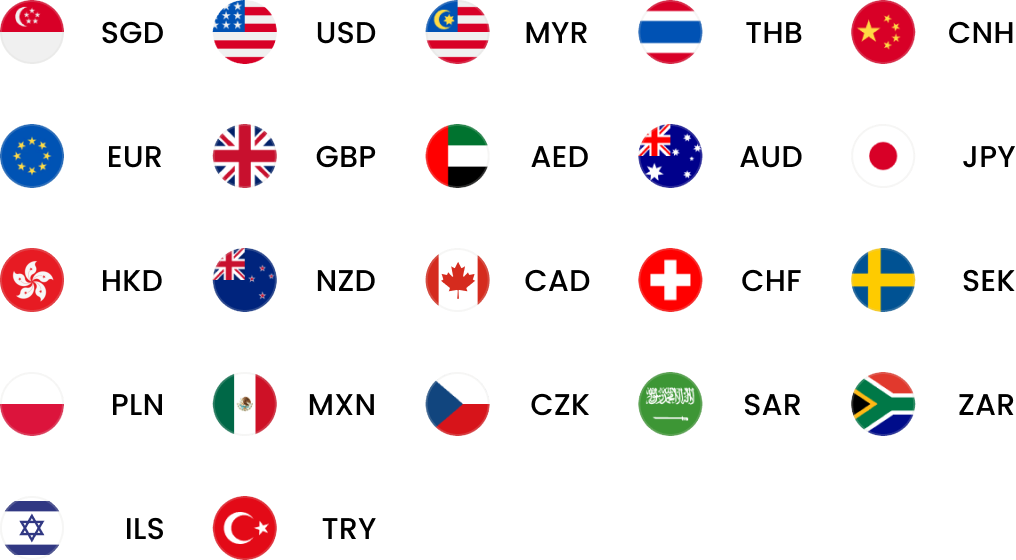
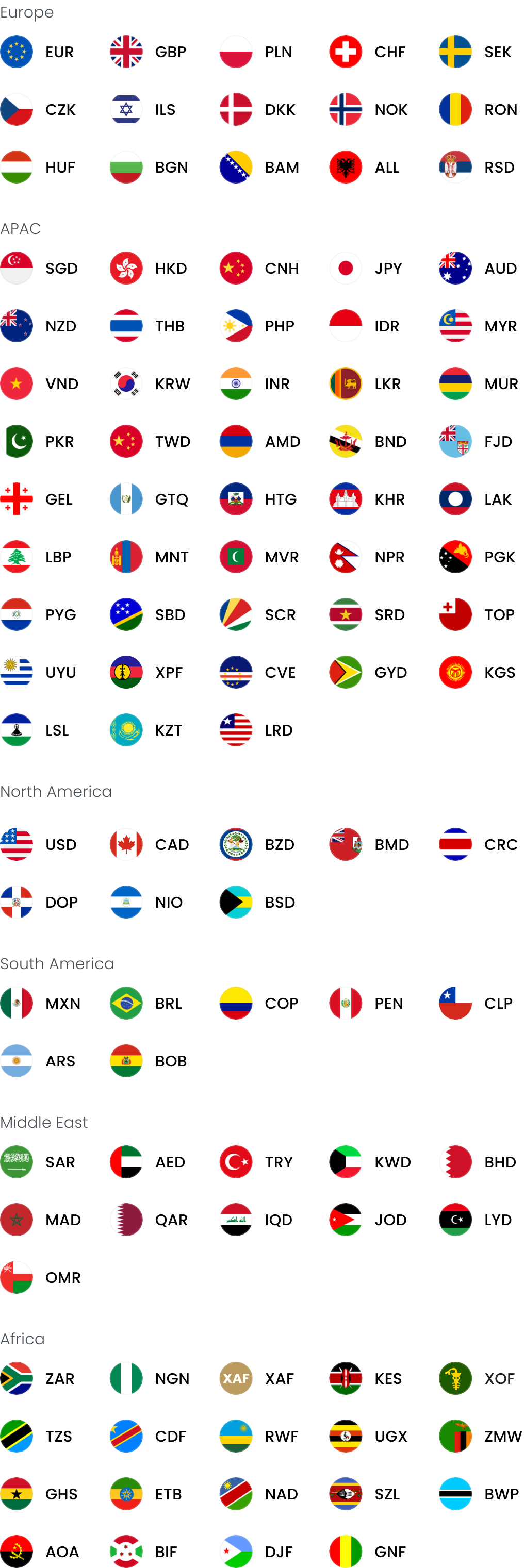
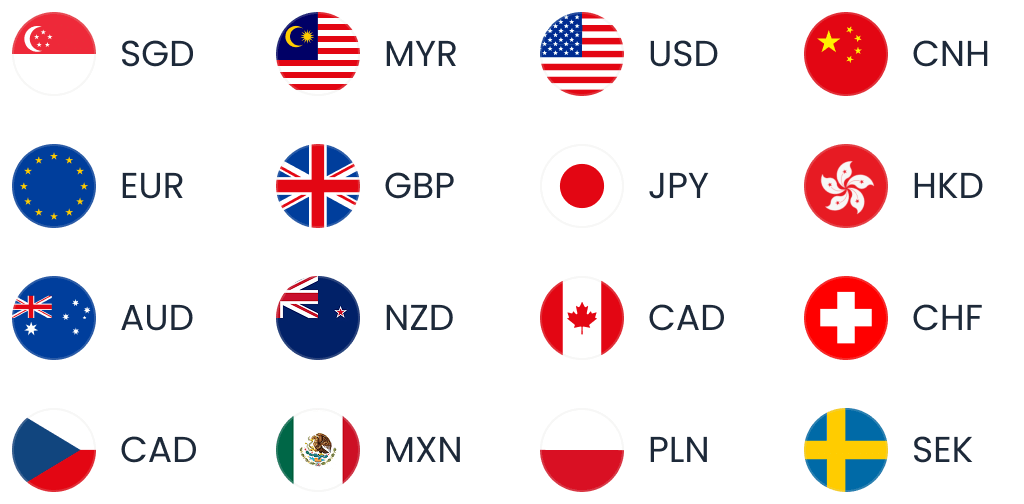
With our multi-currency World Account, you can hold both SGD and MYR (and 20+ other currencies) in the same account, which helps you collect and reconcile your funds more easily. This way, you won’t need to worry about setting up a foreign bank account every time you want to expand into a new market.
Here’s what you get when you sign up for a World Account:
Power your global growth with one account
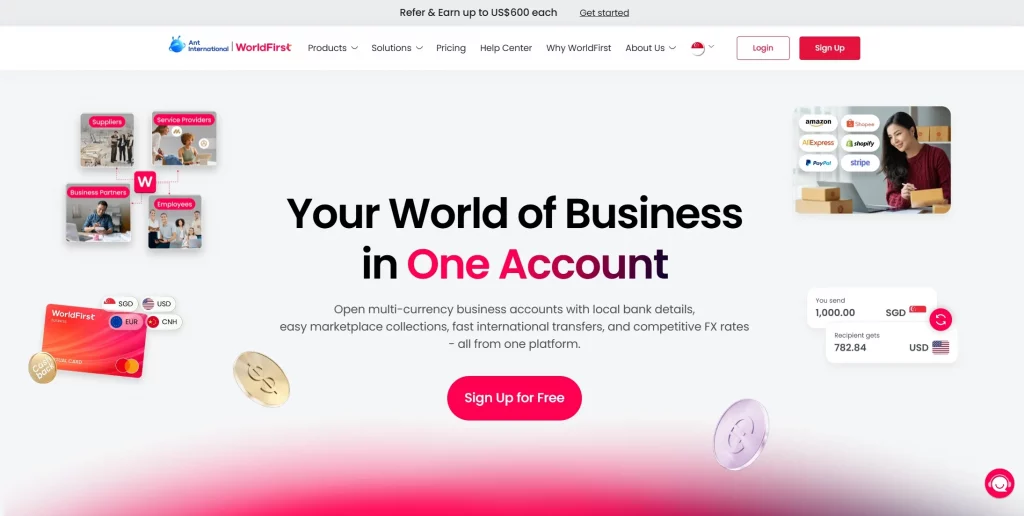
Get local currency accounts, fast payments and competitive FX – all in one place.
Create and manage your local MYR receiving account and pay zero account fees
With a World Account, you can get set up with a MYR local account within minutes. It’s completely free to sign up, and we don’t charge account opening fees, monthly fees or fees for receiving payments.
Plus, if you hold funds in MYR, you can pay local suppliers, staff or tax authorities without international transfer fees. It’s also free to transfer funds between two World Accounts.
Unlike most Malaysian banks, our foreign exchange markups are low and transparent. Our standard exchange rate markup is capped at 0.5% for major currencies (like MYR, SGD and 13+ others), and for all non-major currencies our markup will never exceed 0.75%.
Please note that the WorldFirst MYR currency account is only available to businesses registered in Singapore, not for clients domiciled in the UK, EEA or ANZ.
Read more about our clear, competitive pricing.
Get local MYR account details and start selling on Malaysian marketplaces
Many Malaysian e-commerce platforms expect you to have a local settlement account to receive funds, and they’ll likely reject your business without one.
That’s one of the reasons why your World Account gives you local account details, including SWIFT codes and BICs that can be used in place of traditional Malaysian bank details. This removes one of the biggest barriers to entry for foreign sellers.
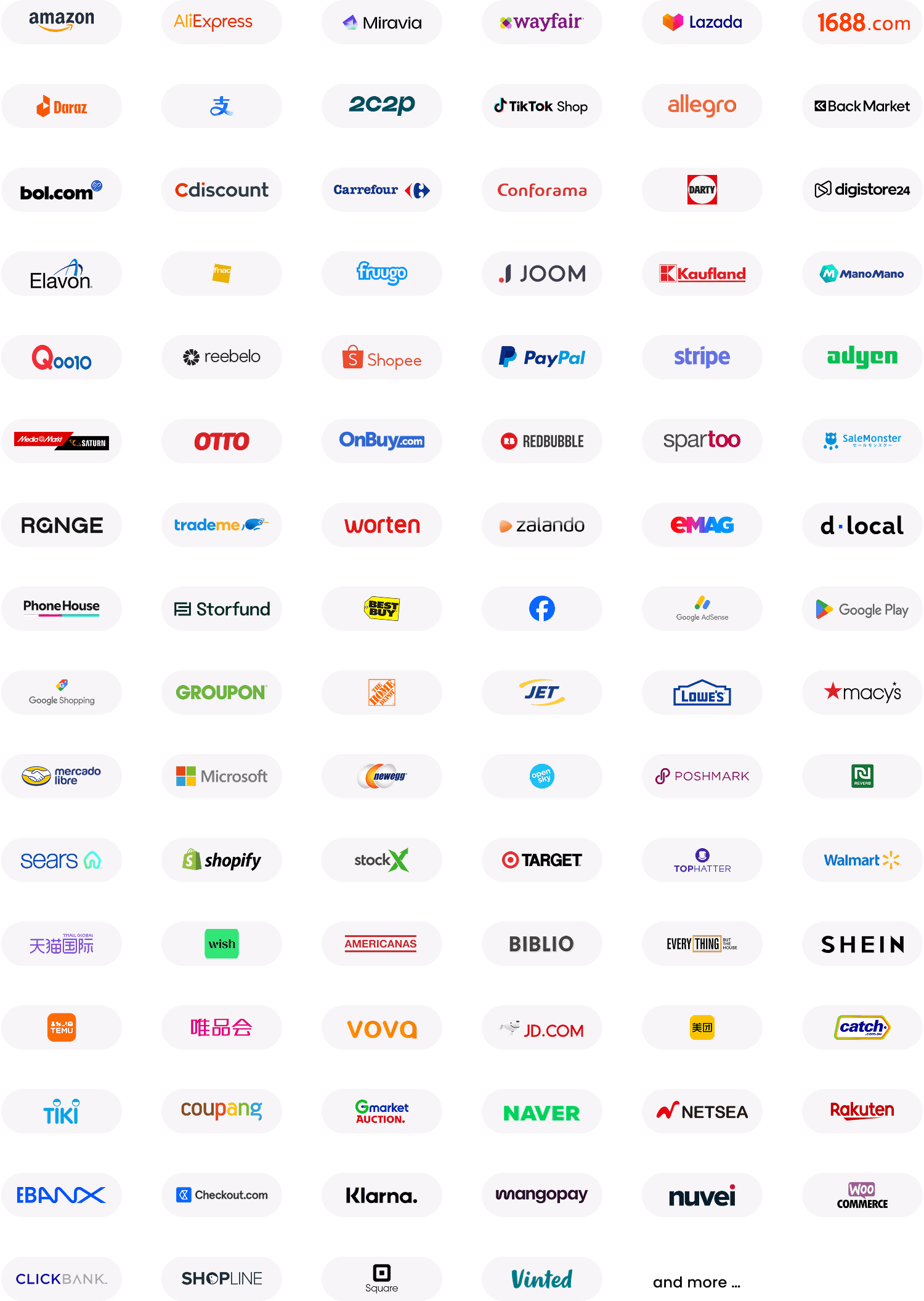
If you sell across Shopee Malaysia, Lazada Malaysia or TikTok Shop, withdrawals from each marketplace can be settled into your MYR receiving account on the same business day. You can even automate these payouts by directly integrating your World Account with 130+ global marketplace platforms.
To streamline your operations further, you can also integrate with third-party accounting software like Xero or Quickbooks. Automating the entire reconciliation process is especially useful if you sell across multiple marketplaces.
Create up to 25 World Cards and earn up to 1.2% cashback on your spending
With WorldFirst, you can create up to 25 virtual World Cards for free to help separate and budget your expenditure, and you can spend them anywhere that Mastercard is accepted.
All of your cards can be managed from your World Account dashboard, where you can keep track of your spending, assign cards to teams, suppliers, vendors and currencies, and set custom limits for each card. Plus, if you suspect your card has been compromised, you can freeze or delete it instantly.
When you use your World Card to spend from an existing currency balance, you’ll pay zero FX fees. Plus, you can benefit from 1.2% unlimited cashback on all expenses. We don’t limit you to certain categories or specific vendors unlike some traditional Malaysian banks.
Read more: How to choose a virtual debit card for international payments
How to open a World Account online for free
To start holding ringgits with WorldFirst, you’ll first need to sign up for a World Account. It’s free to open and maintain, and the application process is entirely online.
Here’s how to sign up:
- Head to our World Account signup portal and enter your personal details
- Fill in your account information and verify your identity with a passport or drivers licence
- Upload your business documents, including shareholder IDs, company ownership documents, proof of address and proof of source of documents.
- Once you click ‘Submit’, you’ll receive an acceptance email (usually within 48 hours)
Then, to open a local MYR currency account:
- From your World Account dashboard, click ‘Shortcuts’ and then ‘Manage accounts’
- Click the ‘Add a new receiving account’ button on the top right of your screen
- Choose MYR as your currency and give your account a nickname, then click ‘Confirm’.
- Your local MYR account will be created instantly
3 alternative Malaysian business bank accounts to consider
If WorldFirst isn’t the right fit for you, here’s three Malaysian bank accounts to consider:
1. Maybank’s SME First Account
Maybank’s SME First Account1 is tailored to small and medium-sized businesses that need flexible banking. It’s a versatile account that lets you choose from Maybank’s list of add-ons, which includes:
- A commercial credit card with cash rebates and reward miles
- Quick SME financing for loan amounts of up to RM500,000, approved within minutes
- Bulk payments for up to 100 payees through a fully automated payment system
- Overseas fund transfers with a 20% discount on service fees when you send to more than 100 countries
- Access to the Maybank QRPayBiz app, which lets you receive cashless payments using a unique QR code
The SME First Account charges no monthly fees and allows you to make unlimited withdrawals at over 400 Maybank branches across Malaysia. Because of this, it’s a great option if you handle large volumes of cash.
Maybank aims to give you 0.15% per annum interest on your balances. This rate of interest isn’t guaranteed, since Maybank invests your funds then deducts their portion of the profit share before paying out to you. The percentage that Maybank keeps is 96% of the actual profit made from investing your balance.
How to apply for this account
In order to apply, your business must be registered as a sole proprietorship, partnership or private limited company in Malaysia. You’ll need to visit a branch in-person to complete your application.
Here’s how to apply:
- Fill in the online form and upload your required documents online
- Make a Premier Lane appointment at your nearest Maybank branch via Maybank EZQ, an appointment booking service
- Deposit a minimum of RM1,000 at the branch to activate your account
- Create your M2U ID for online banking access and activate your account within minutes
2. OCBC eBiz Account
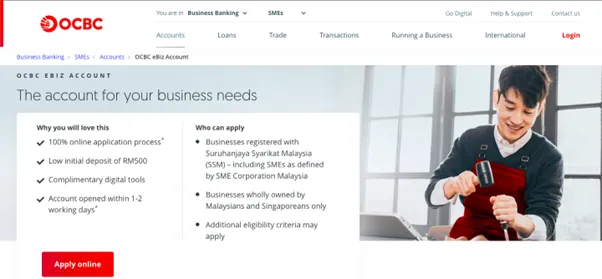
The OCBC eBiz Account2 is designed for Malaysian and Singaporean-owned SMEs that are officially registered in Malaysia. In this account, your funds are protected by Malaysian Deposit Insurance Corporation (PIDM) for up to RM250,000 for each depositor.
The application process is 100% online, with no branch visits needed since you can verify your identity via the eKYC verification portal. You’ll be able to access both OCBC’s internet banking service and their mobile banking app, and you’ll also receive an OCBC Business Debit Card for free upon opening.2a
There’s a low initial deposit of RM 500 to open this account and no ongoing account fees. However, if your average account balance falls below RM1,000 then you’ll pay a half yearly service charge of RM10.
How to apply for this account
To be eligible for this account, your company must be registered with Suruhanjaya Syarikat Malaysia (SSM) and be wholly owned by Malaysians and Singaporeans only.
Here’s how to apply:
- Fill in the online application form with your business details, including your business registration number (BRN)
- Sign your documents digitally, or upload your signatures
- Download and open the OCBC Business SG app
- Verify your identity using Singpass
After you’ve verified your identity, a bank representative will reach out within one or two working days to walk you through the opening procedures.
3. CIMB Business Current Account-i
CIMB’s Business Current Account-i3 is a Shariah-compliant bank account that targets a broad range of businesses, from SMEs to large enterprises. The account is available in more than 10 currencies, including MYR, SGD, GBP, USD, HKD, CNY and JPY among others.
While you can apply online, if you complete your application at a CIMB branch then you can receive your account number on the same day. Additionally, you can manage and track your transactions easily with CIMB’s complimentary monthly statements.
Due to Shariah compliance, overdraft-style lending isn’t automatically included as a feature (though it is provided separately).
Most businesses are required to make an initial deposit of RM3,000, with an additional RM15 account opening fee for large businesses. A yearly service charge of RM10 applies to accounts with an average credit balance below RM1,000. After the first three months, account closure fees may also apply, depending on how long you’ve had the account open.
How to apply for this account
To apply for this account, you must be a business enterprise operating in Malaysia that’s registered with the SSM.
Here’s how to apply:
- Fill out the online form for the Business Current Account-i online
- Register for OCTO Biz online banking by clicking the “Apply Now” button
- Verify your identity for KYC purposes, and be aware, you may be asked to visit a branch in-person to complete this process
After you submit the online form, CIMB will update you via email once your account is approved.
Documents you’ll need to open a traditional bank account in Malaysia
The documentation required to open a corporate bank account in Malaysia can be extensive. And to make things even more difficult, documents in languages other than Bahasa Malaysia or English must be accompanied by certified translations.
In most cases, here’s what you’re required to prepare:
Private Limited Company
- Copy of all directors’ identity cards and passports
- Certificate of Registration for Foreign Companies, issued by SSM
- Certified copy of your company’s Certificate of Incorporation, issued by your home country
- Resolution of the Board of Directors to open and operate the account
- List of directors and shareholders from the home country
- Proof that you’ve appointed an agent in Malaysia
- Relevant business licences or permits
- Return for Allotment of Shares
- Notification of change in the Register of Directors, Managers & Secretaries
- If your account requires it, prepare the initial deposit/placement amount
Sole proprietorship and partnerships
- Identity card/passport (if foreigner) of the proprietor/all partners and authorised signatories
- Certificate of Business Registration
- Business License
- Deed of Partnership (if applicable)
- Letter of Introduction
- Mandate Letter
- If your account requires it, prepare the initial deposit/placement amount
Sign up for a World Account and start accepting payments from Malaysia within minutes
In this article, we’ve explained why WorldFirst’s World Account is the best option for Singaporean companies looking to set up a business account in Malaysia.
With WorldFirst, you can set up a MYR local account within minutes. It’s completely free to sign up, and you aren’t required to have a foreign business presence, overseas address or registered company in Malaysia.
Ready to start holding MYR? Sign up for a World Account for free today.
FAQs:
How long does it take to open a business bank account in Malaysia?
Opening a traditional business bank account in Malaysia typically takes between one and six weeks. Local banks often require in-person visits, extensive documentation and in most cases a locally incorporated entity. Timelines might be longer for fully foreign-owned or Singapore-based businesses due to additional compliance checks.
In contrast, opening a Malaysian business account with WorldFirst is instant, and signing up for a World Account only takes 48 hours. All KYC compliance checks are completed online, and you aren’t required to have a foreign business registration or an overseas business address to be approved.
Can I open a business bank account in Malaysia online?
While Singaporean businesses can usually start a Malaysian business bank account application online, you’ll likely be required to visit a branch in-person to sign documents at least once. This is especially likely if your business has full Singaporean ownership or isn’t registered with the Companies House in Malaysia.
What’s the best business account in Malaysia for Singaporean businesses?
For Singaporean companies selling to Malaysia (or internationally), WorldFirst’s World Account is the best choice. It lets you receive and hold funds in 20+ currencies and make payments in 100+.
Plus, 80% of these payments settle on the same day, and 90% settle next-day. It’s also completely free to open and maintain your World Account, and you can apply from anywhere in the world.
What’s the difference between a business account and a business bank account?
A business bank account is a corporate account that you hold with a traditional bank, and it typically gives you access to features like physical cards, lending options and interest on your balances. Plus, bank accounts are protected by the Malaysian Deposit Insurance Corporation (PIDM), which protects balances of up to RM250,000 per depositor.
However, Malaysian bank accounts are difficult to set up for Singaporean businesses since they often require SSM registration and in-person visits. They also usually come with high transfer fees and exchange rate markups.
In contrast, a business account is a corporate account that you hold with a fintech alternative such as WorldFirst. Compared to traditional banks, World Accounts provide significantly lower transfer costs, more transparent exchange rates, and a quicker sign-up process. You can also make reliable same-day and next-day payments, which makes it easier to manage your cash flow.
Sources:
- https://www.maybank2u.com.my/maybank2u/malaysia/en/business/deposits/deposit_account/sme_first_account.page
- https://www.ocbc.com.my/business-banking/smes/accounts/ebiz
- https://www.cimb.com.my/en/business/business-day-to-day/deposit-investments/current-account/online-business-current-account-i.html
- https://www.duitnow.my/Transfer/index.html
- https://www.dhl.com/discover/en-my/small-business-advice/starting-a-business/ssm-malaysia-registration

Joan Poon leads marketing across Southeast Asia at WorldFirst, driving growth and brand leadership in key markets including Singapore, Malaysia and the Philippines.

Joan Poon
Author
Head of Marketing SEA, WorldFirst Singapore
Continue reading


Subscribe
The Weekly Dispatch
Get the latest news and event invites. Signup for our weekly update from the worlds of fashion, design, and tech.
Open a World Account for free

Get local currency accounts, fast payments and competitive FX – all in one place.
You might also like
Choose a product or service to find out more

Customer Stories


Latest Happenings

e-Commerce & Online Sellers
Doing business with China

International Transactions

Foreign Currency Exchange
Doing business with China