


















Built for faster payments, smarter liquidity, and robust compliance-all powered by our next-gen API toolkit and Al-native architecture.

Named a Top Global Fintech Company by CNBC & Statista, we’ve supported 1.5M+ businesses since 2004.

Europe
Asia
Oceania
Africa

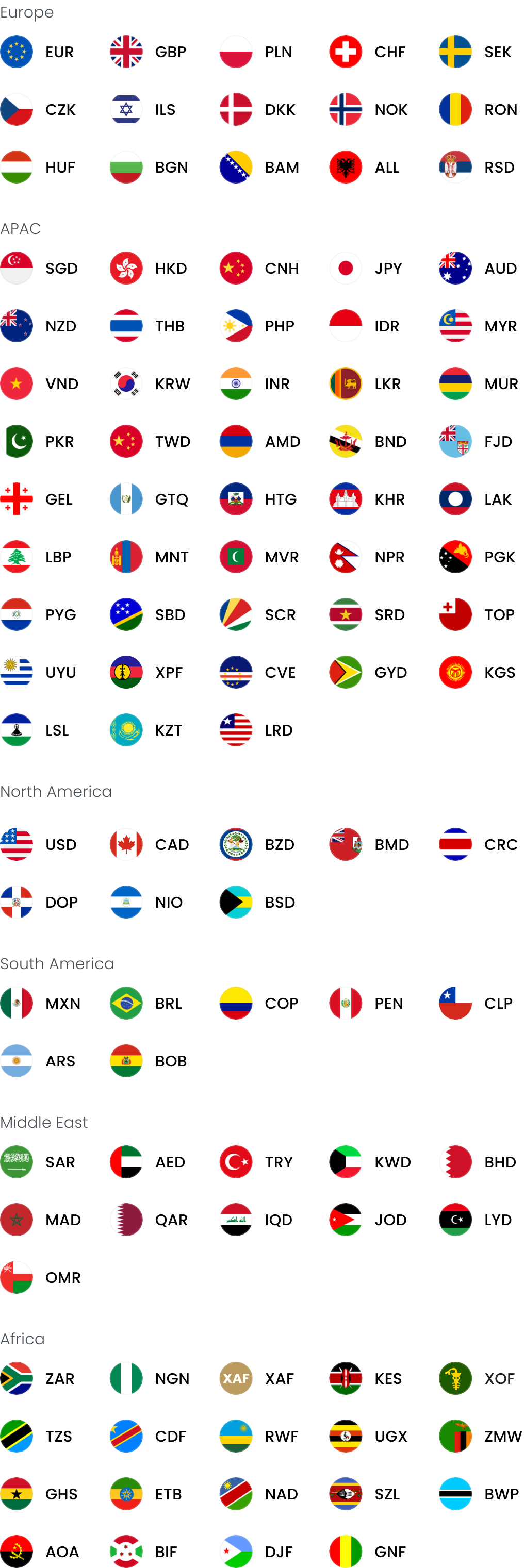
We provide coverage in South Asia and Middle East: servicing 210+ countries and territories.

Best way to pay overseas suppliers from Singapore: 10 payment methods compared

Contents

A payment method that works for a deposit may become less competitive when you settle the final supplier balance. The useful comparison is the total SGD debited against the amount credited to the supplier.

SingStat reported that merchandise imports reached SG$75.01 billion in May 2026, up 43.5% from May 2025. For importers making repeat supplier payments, even small differences in FX and fees can compound across deposits, balance payments and future orders.

A low transfer fee means little if the payment arrives late, the supplier receives less than expected, or the approval process doesn’t reflect the value or risk of the invoice.

This guide compares ten payment methods to determine the best way to pay overseas suppliers from Singapore.

Key takeaways:

  • Compare the full SGD cost: Review the exchange rate, transfer fees, possible bank deductions, delivery time and amount expected at the supplier’s account
  • Match the method to the invoice: Multi-currency accounts support regular supplier payments, banks retain established approval workflows, while cards and PayPal may suit samples or smaller orders
  • Verify the payment before approval: Confirm changed beneficiary details separately, match the invoice with the purchase order, and check that the account supports the agreed currency
  • Use WorldFirst to connect overseas revenue with supplier spend: A World Account lets Singapore businesses hold supported currencies, convert only the amount required and apply separate payment preparation and approval controls

Open a World Account to review costs upfront, approve supplier payments and keep clear transaction records.

How the comparison works

The comparison prioritises these points:

  • Total payment cost: The SGD amount after FX margins, transfer fees, supplier surcharges and possible bank deductions
  • Currency and destination coverage: Support for the supplier’s country, bank account and invoice currency
  • Payment speed and reliability: The expected arrival time, processing deadlines and consistency of the payment method
  • Pricing visibility: A clear view of the exchange rate, fees and supplier amount before approval
  • Payment controls: Beneficiary checks, user permissions, approval steps and transaction limits
  • Reconciliation: Payment records, batch-payment tools and accounting integrations for regular supplier invoices
  • Supplier acceptance: The ways the supplier can receive payment, including bank transfer, card, digital wallet or cash pickup
  • Singapore availability: Access for Singapore businesses, local support and relevant regulatory status

10 best ways to pay overseas suppliers from Singapore

The table below compares each option by type, main advantage and key limitation for overseas supplier payments:

Option Type Pros Cons
WorldFirst Multi-currency business account Hold currencies, pay globally and manage batch approvals Doesn’t provide lending or branch banking
Airwallex Business payment platform Local payment network, cards and spend controls Some payments require a chargeable SWIFT transfer
Wise Business Money transfer service Upfront exchange rate, fee and supplier amount Variable fees and a one-off set-up charge
Aspire Business finance platform Bank payments, virtual cards and expense controls Pricing and coverage vary by transaction
DBS telegraphic transfer Bank transfer Existing DBS IDEAL users and approval settings Agent-bank fees may apply
OCBC World Transfer Bank transfer Broad currency coverage through existing OCBC channels Higher fee for foreign-currency accounts from 1 August 2026
UOB telegraphic transfer Bank transfer Promotional TT pricing and a local-currency alternative Account eligibility and an expiry date apply
PayPal Online payment platform Quick checkout for suppliers that accept PayPal Currency conversion can become costly on larger invoices
Business credit cards Card payment Credit period, spending limits and potential rewards Supplier surcharges and acceptance limits
Western Union Money transfer service Bank deposit and cash pickup options Limited business approval and reconciliation tools

Pricing and features checked on 17 July 2026

1. WorldFirst

worldfirst


Best for: SG SMEs paying suppliers in CNH / USD

The World Account is a multi-currency account that lets Singapore importers hold supported currencies and pay suppliers in 100+ currencies across 200+ countries and regions.

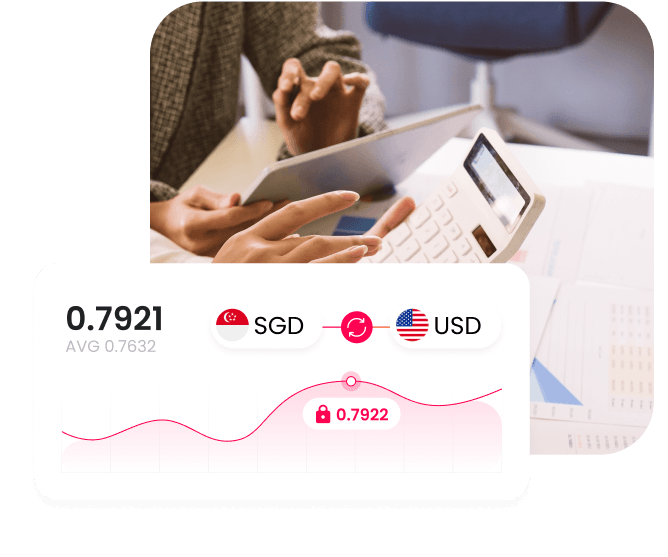
A business that receives USD from customers or marketplaces can retain part of that balance for a supplier that invoices in USD, rather than converting the funds into SGD and purchasing USD again later.

WorldFirst caps FX margins at 0.6% on major currencies and shows payment charges before confirmation. The account has no set-up, subscription or monthly fee.

For regular supplier payments, the account supports:

  • Scheduling supplier payments for a future date
  • Uploading up to 200 payments in one batch
  • Separating payment preparation from approval
  • Connecting transaction records with Xero or NetSuite

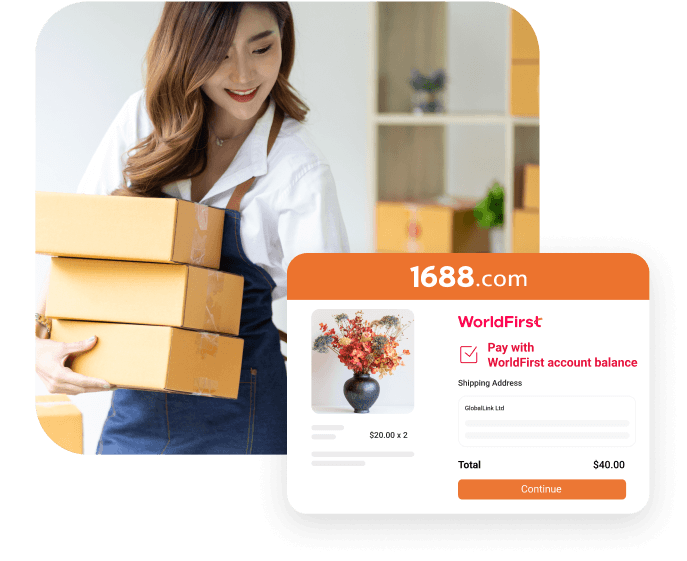
For businesses sourcing from China, 1688 World Pay adds another payment option. Eligible businesses can pay suppliers in CNH or USD and use World Pay for 1688.com orders. WorldFirst charges 0.8% per 1688 transaction, while 1688.com adds a separate 0.2% platform fee.

WorldFirst focuses on cross-border collections, currency conversion and business payments. It doesn’t replace a bank for loans, cash deposits or branch services.

2. Airwallex


Airwallex

Best for: Combining supplier payments with cards and spend controls

Airwallex offers free local transfers to 120+ countries. Payments that require SWIFT cost SG$20 to SG$35, depending on the fee arrangement. Airwallex applies an FX margin of 0.4% above interbank rates for major currencies and 0.6% for all other currencies.

Before sending funds, confirm that the supplier’s country, currency and account details qualify for local settlement. A supplier in a supported market may still request a payment that requires SWIFT.

Airwallex also brings several finance tasks into the same process:

  • Approving supplier bills
  • Issuing corporate or virtual cards
  • Setting employee spending controls
  • Applying multi-level payment authorisation
  • Uploading international payments in batches
  • Connecting transactions with accounting software

A business that pays only a few regular bank beneficiaries may not use the wider platform enough to justify changing its existing workflow.

Read more:

3. Wise Business

wise

Best for: Occasional transfers with clear upfront pricing

Wise Business uses the mid-market exchange rate and adds a separate transaction fee. Wise Business fees for transfers from Singapore currently start at 0.23%, with the final amount varying by currency and payment amount.

Before confirmation, the payment screen shows:

  • Total SGD required
  • Exchange rate
  • Wise transaction fee
  • Expected supplier amount
  • Estimated delivery time

This makes Wise a useful benchmark for an occasional invoice because the full quote can be compared directly with a bank or payment-platform quote without estimating an embedded FX margin.

Wise charges a one-off SG$99 set-up fee for its complete business features, including receiving details in 22 currencies. Businesses that convert more than SG$30,000 or the equivalent in a month may receive a volume discount.

The transaction fee changes with every currency pair. This means that a competitive quote for one invoice won’t predict the cost of a later payment in another currency.

Read more: Wise vs OFX

4. Aspire

aspire


Best for: Singapore businesses managing payments, cards and expenses

Aspire supports international payments in 30+ currencies across 130+ countries. It also provides local collection accounts in SGD, USD, EUR and GBP without an account-opening or monthly maintenance fee.

The platform can handle different supplier payment types:

  • Bank transfers for manufacturers and wholesalers
  • Virtual cards for freight platforms or software suppliers
  • Individual spending limits for card-based purchases
  • Expense records linked to supporting documents
  • Shared approval controls for transfers and card spend

Free local transfers are available for selected major currencies. The live quote determines the FX cost, while the supplier’s country, currency and account details determine which payment method applies.

Aspire doesn’t publish one fixed FX margin for every supplier payment on its main Global Payments page. Use the live quote for the invoice rather than applying an advertised starting rate across all orders.

Read more: Best Aspire alternatives

5. DBS telegraphic transfer

DBS Telegraph


Best for: Businesses using existing DBS approval workflows

DBS lets existing customers retain their DBS IDEAL users, beneficiary records and approval limits when paying an overseas supplier.

The DBS Business Multi-Currency Account holds SGD and 12 foreign currencies, including USD, CNH, EUR, GBP and JPY. DBS charges SG$30 per outward telegraphic transfer from this account, excluding agent-bank fees.

Other corporate accounts may apply separate charges, including commission, cable charges or commission in lieu of exchange.

Before authorisation, compare:

  • The account funding the payment
  • The DBS exchange rate
  • The account-specific transfer fee
  • The agent-charge instruction
  • The amount expected at the supplier’s bank

DBS may make more sense when the same banking relationship also supports deposits, working capital or trade finance.

Read more:

6. OCBC World Transfer

OCBC


Best for: Existing OCBC business customers

OCBC World Transfer supports payments in more than 60 currencies through OCBC Velocity, the OCBC Business app, host-to-host connections and APIs. The current online commission is SG$30 per transaction, with agent charges where applicable.

From 1 August 2026, OCBC will charge US$30 for an online telegraphic transfer funded from a foreign-currency account. The SG$30 commission remains in place until 31 July 2026.

For an existing customer, the comparison should cover:

  • The account used to fund the transfer
  • The OCBC exchange rate
  • The commission in effect on the payment date
  • The selected agent-charge arrangement
  • The amount expected at the beneficiary account

Paying from an SGD account and paying from an existing foreign-currency balance may carry different charges after the new pricing takes effect.

7. UOB telegraphic transfer

UOB


Best for: Businesses eligible for current UOB TT pricing

UOB offers two cross-border payment options at promotional prices until 31 December 2027. A standard telegraphic transfer costs:

  • SG$15 from an eBusiness or BizTransact Account
  • US$11 from a BizGlobal Account

The standard option has no published payment limit and supports multiple currencies. UOBSend costs:

  • SG$8 from a BizTransact Account
  • US$6 from a BizGlobal Account

UOBSend covers payments up to SG$200,000 or the equivalent, delivers funds in the supplier’s local currency and includes cable and agent fees in the flat charge.

UOBSend may provide a clearer beneficiary amount when the destination and currency qualify. A telegraphic transfer covers invoices outside UOBSend’s market, currency or value limits. Both options require an eligible account.

8. PayPal

PayPal


Best for: Smaller orders where PayPal is accepted

PayPal removes the need to create a new bank beneficiary when a verified supplier accepts commercial PayPal payments.

It is most useful for:

  • Product samples
  • Prototypes
  • Replacement parts
  • Small initial deposits
  • Low-value orders placed through an online checkout

PayPal doesn’t charge the buyer for a commercial purchase when no currency conversion takes place. When PayPal converts the payment, its transaction exchange rate includes a fee above the base exchange rate.

Compare the final PayPal checkout total with a direct-transfer quote. The supplier may also increase the invoice to recover its merchant charges.

PayPal’s dispute process doesn’t cover every commercial purchase. Product type, transaction details and supporting evidence determine eligibility, so use a commercial payment and retain the invoice.

9. Business credit cards

Best for: Samples and smaller orders where rewards outweigh fees

A business credit card only reduces payment costs when the rewards exceed the issuer’s FX charge and any supplier surcharge.

For a supplier invoice, calculate the net value before checkout:

Net card value = eligible reward − FX fee − supplier surcharge − allocated card cost

Cards can provide:

  • A defined limit for one supplier
  • A separate transaction record
  • A short credit period
  • A potential reward on eligible spend
  • A chargeback process, subject to the issuer’s rules

Some manufacturers accept cards for samples but require a bank transfer for the production balance. Others add a processing surcharge or set a maximum card amount.

Interest removes the credit-period benefit when the business doesn’t settle the statement in full. A chargeback also doesn’t replace supplier verification, a written contract or product inspection.

10. Western Union

western union


Best for: Verified suppliers needing alternative payout methods

Western Union supports bank-account transfers and cash pickup across 200+ countries and territories. Its fees and exchange rates vary by destination, funding method and payout option, and Western Union also earns money from currency conversion.

Before using it for a supplier invoice, confirm:

  • The recipient matches the supplier documents
  • The supplier has explained why its registered company account won’t work
  • The payment limit covers the invoice
  • The transfer record supports the purchase and shipment
  • The recipient confirms collection in writing

The Singapore service operates through an individual profile rather than a business payables platform. It doesn’t provide batch supplier payments, multi-user approval flows or direct accounting integrations.

Western Union addresses exceptional payout needs, not regular production orders that require a clear link between the supplier, invoice and beneficiary.

How to pay an overseas supplier from Singapore

Use the final invoice to prepare, approve and track the payment.

1. Confirm the payment instructions

Check the invoice currency, beneficiary account, amount due and required arrival date.

Make sure the account matches the invoice currency. A mismatch may cause rejection, delay or conversion by the receiving bank.

Changed beneficiary details require separate verification. Since 1 January 2026, the Singapore Police Force has recorded at least 66 business email compromise cases involving fraudulent vendor payment details, with losses of at least SG$19 million. Confirm any change through a trusted supplier contact.

2. Match the invoice with the order

Check the final invoice against the purchase order or contract, including:

  • Deposit already paid
  • Remaining balance
  • Credit notes or price changes
  • Quantity or specification changes
  • Required production or shipping milestone

Resolve any difference before requesting a quote.

3. Check the delivery method

The supplier’s country, account type and invoice currency determine how the payment can be sent. Local delivery may avoid an international transfer fee or an intermediary-bank charge, but the beneficiary account and currency must qualify.

4. Choose the funding currency

Use an existing currency balance when available. For example, USD revenue can fund a USD invoice without first converting to SGD. When paying from SGD, include the required conversion in each quote comparison.

5. Compare the full SGD cost

Use the same invoice amount for every quote and review:

  • Total SGD debited
  • Exchange rate and fees
  • Bank charges
  • Supplier amount
  • Quote expiry
  • Expected arrival date

Compare the SGD debit with the amount the supplier should receive.

6. Approve the payment

Give the approver the final SGD debit, supplier amount, beneficiary details, invoice reference and expected arrival date.

Require a second approval for new suppliers, changed bank details, urgent requests, personal accounts or unusually high-value payments.

7. Confirm receipt

Add the invoice reference, send the remittance confirmation and ask the supplier to confirm that the full amount arrived.

If the payment arrives short, trace the transfer before sending the difference to avoid repeating the same charge.

Use overseas revenue for supplier payments with WorldFirst

Regular importers don’t always receive revenue in the same currencies their suppliers use. Converting every incoming payment into SGD first can add an unnecessary step to the payment process.

Consider a Singapore-based audio equipment importer and regional distributor that receives AUD 90,000 from Australian customers. The business also has a JPY 4.8 million invoice due to a component manufacturer in Osaka and a EUR 18,000 invoice due to a specialist casing supplier in Germany.

One option is to convert the full AUD balance into SGD, then buy JPY and EUR as each invoice falls due. That requires three currency conversions: AUD to SGD, then SGD to JPY and EUR.

With a World Account, the business can hold the AUD and convert only the amounts required for the JPY and EUR invoices. This removes the initial AUD-to-SGD conversion. One user can prepare the payments while another reviews the beneficiary details, exchange rate and supplier amount before approval. Any remaining AUD can stay available for an AUD-denominated freight invoice from an Australian logistics provider.

WorldFirst isn’t a bank. WorldFirst (Singapore) Merchant Services Pte. Ltd. is licensed by the Monetary Authority of Singapore as a Major Payment Institution to provide account issuance, domestic money transfer, cross-border money transfer and e-money issuance services.

Open a World Account to put overseas revenue towards upcoming supplier payments.

FAQ

1. What are the most common mistakes when paying overseas suppliers from Singapore?

Common mistakes include approving changes to bank details without separate verification, paying in the wrong currency, comparing only the transfer fee and releasing funds before the final invoice matches the order.

2. Can I recall an international supplier payment after it has been sent?

You can request a recall immediately, but recovery isn’t guaranteed once the payment has been processed.

3. Can I pay an overseas supplier before the goods clear Singapore Customs?

Yes. Supplier payment and customs clearance are separate processes, so payment can take place before the goods clear customs when the contract requires a deposit, production balance or payment against shipping documents.

4. When should an importer use trade finance instead of paying the supplier directly?

Consider trade finance when a large deposit or production balance would put pressure on working capital or when the supplier requires a letter of credit or document-based payment.

5. Can I pay an overseas supplier through a third-party company or personal bank account?

You can, but only when the supplier provides a clear commercial reason and documents showing its relationship with the beneficiary.

Sources:

  1. https://www.singstat.gov.sg/find-data/explore-data-themes/trade-investment/merchandise-trade/latest-news-data
  2. https://www.police.gov.sg/Media-Hub/News/2026/05/20260520_police_advisory_on_business_email_compromise_scams_involving_requests_to_update_vendors
  3. https://www.airwallex.com/en-sg
  4. https://wise.com/sg/business/
  5. https://help.aspireapp.com/sg/en/
  6. https://www.dbs.com.sg/sme/day-to-day/accounts/dbs-business-multi-currency-account
  7. https://www.ocbc.com/group/gateway
  8. https://www.paypal.com/sg/home
  9. https://www.westernunion.com/sg/en/home.html

Continue reading

Open a World Account for free

Get local currency accounts, fast payments and competitive FX – all in one place.

The simpler way to pay and get paid

Save money, time, and have peace of mind when expanding your global business.

Ads Solution

TikTok For Business

TikTok is home to a vibrant and engaged global community.

Increase online sales, drive app installs, grow your brand awareness, or build a community. TikTok ads support your goals whatever they are. Enjoy flexible spending, easy setup and effective advertising.

Up to $1,000 USD in ads credit

How to redeem:

· Click on link above
· Spend $1,500 and get $1,000 in free TikTok Advertising Credit

China product sourcing marketplace

TaoWorld

Effortless China sourcing. Simplified fulfillment and global shipping.

Accounting Saas

Netsuite

Run your business on one platform. Cloud ERP for growth-focused companies.

Return logistics

Return Helper

Offers one-stop logistics for cross-border sellers, including first-mile and last-mile delivery, fulfillment, and returns management solutions.

SGD150 Credits In Wallet

How to redeem:

· Sign up through the above link
· Write to [email protected] quoting [WorldFirst150]
· Only new users of Return Helper enjoys this promotion

Digital marketing service

VERZ DESIGN

Offers full-suite e-commerce web development & digital marketing services, driving client success and growth for DTC, B2C, and B2B businesses. With a strong presence across SEA, Verz Design has been entrusted as one of the region's few Shopify Plus partner agencies.

· Complimentary Website & Digital Marketing Audit for Supercharged Business Growth
· Please reach out via email to [email protected] and [email protected] for further information.

Digital marketing service

AnyMind Group

Marketing automation redefined. AI-powered solutions for brands to scale.

Digital marketing service

Eber

Leading provider in the realm of loyalty solutions across multiple channels, including online, in-store, and mobile platforms.

US Marketplace

Amazon Global Selling

Reach millions of customers worldwide.Sell internationally on Amazon's trusted platform.

China product sourcing marketplace

1688.com

China's leading wholesale marketplace. Source high-quality products directly from manufacturers.

US Furniture and Home living Marketplace

Wayfair

Your one-stop shop for home. Discover millions of furniture and décor items online.

CRM, Digital Service Integrator

Peakommerce

Your All-in-One payment gateway platform. Benefit from highly competitive rates and Integrate seamlessly with our easy-to-use management system in a single, unified solution

Click to sign up for a WorldFirst Account now!
*By registering via this link, you agree that applicable World Card cashback rate will be 1.0% unless otherwise notified. For further details, kindly refer the T&Cs.

Online payment gateway

2C2P

Seamless online payments across Asia. Trusted payment processing for your global business.

Accounting Saas

Xero

Beautiful, cloud-based accounting software designed for small businesses.

HR services Saas

Talenox

A cloud-based HR software that simplifies payroll, leave, and employee management, tailored to meet local compliance needs in Singapore, Malaysia and Hong Kong.

80% off on the first 3 months for Talenox’s Paid Plans.

How to redeem:

· Click on link above
· Input [WFCTAL80] to redeem this deal on Talenox’s website

Loan financing

CHOCO UP

Provides fast, flexible, and zero-equity working capital solutions to empower businesses. Every business should have the chance to grow, which is why Choco-Up offers a range of solutions beyond just financing.

Up to 10% cashback of fees.

How to redeem:

· Upon successful closure of adopting Revenue based financing/Invoice financing + complete repayment
· Up to 10% cashback of fees charged by Choco Up on funding amount
· Simply sign up via link, Choco Up will initiate agreement specifically for the promo signups thereafter

Logistics

DHL

DHL offers a comprehensive range of parcel, express, freight transport, and supply chain management services as well as e-commerce logistics solutions.

Collect money in 20+ currencies

You can collect money in 20+ currencies. It only takes a few minutes to open an account in the currency you need.

Get Paid by 130+ marketplaces

Seamlessly get paid by 130+ marketplaces and pay your suppliers anywhere.

Send money in 100+ currencies

You can send money in your WorldFirst account to any of the currencies we support.

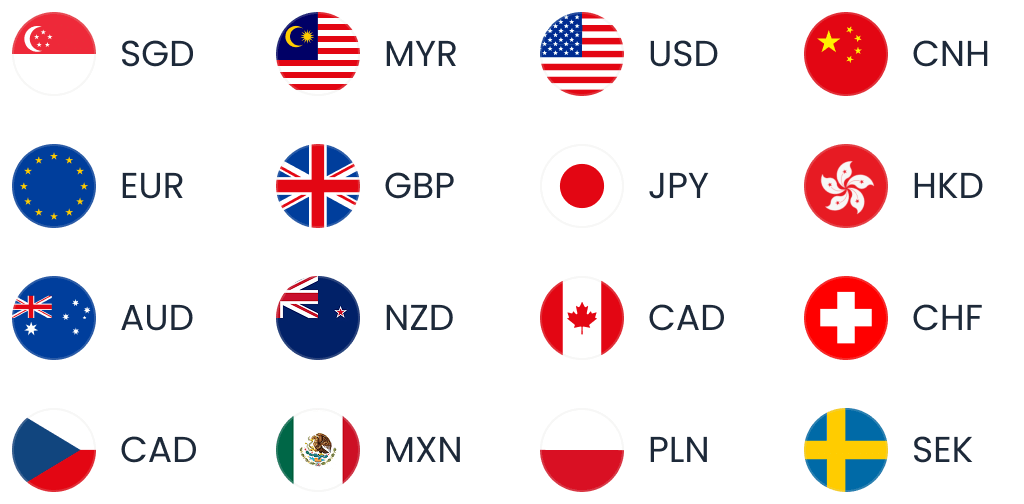
Pay in 16 currencies with World Card, no FX fees

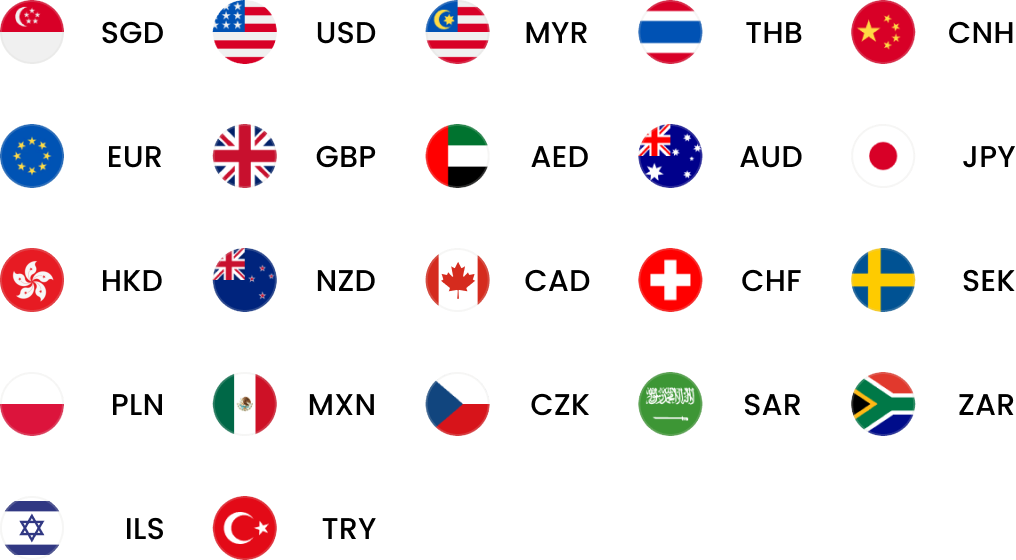
Enjoy zero FX fees when paying in the following 16 currencies with World Card.