Firm orders
Set your target rate and we’ll do the rest
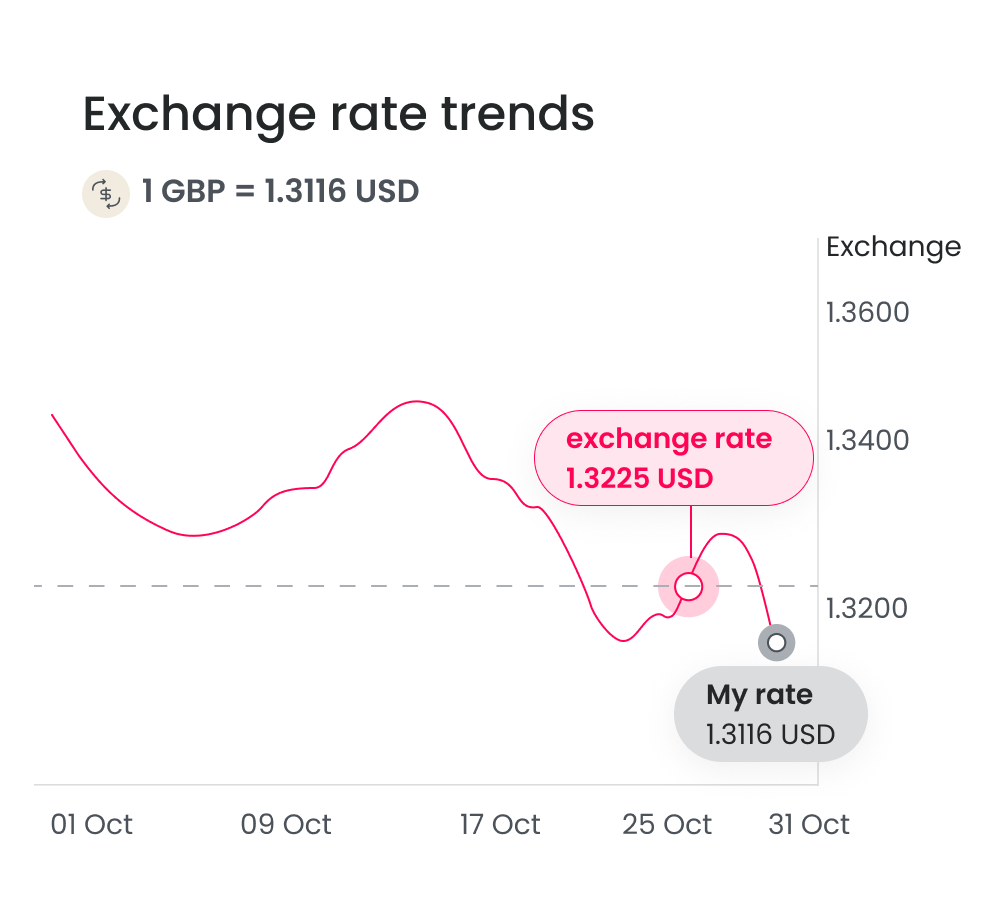
No need to watch the market – your trade executes automatically when your FX rate is reached.
Automate your FX with a firm order
Set your target exchange rate and we'll execute when the market hits it -24/7. You can set the rate in advance to exchange instantly or settle later within two business days.
Automate your FX with a firm order
Set your target exchange rate and we'll execute when the market hits it -24/7. You can set the rate in advance to exchange instantly or settle later within two business days.
Why choose firm orders
Set and hands-free
We monitor your target rate 24/7, freeing you up to focus on your business.
Great exchange rates
Capture opportunities as soon as they arise.
Flexible funding options
Exchange instantly or settle later – whichever suits your cash flow.
Simple process
Book online in minutes with a user-friendly interface.
3 steps to book your firm orders
Set your order
Login to choose your sell/buy currencies, enter your target rate and decide how you want to settle.
The market is tracked automatically
Your order stays active until the expiry date you’ve set.
Your order executes
Once triggered, the system executes the order. Make sure you have enough funds in your account by the settlement date. The purchased currency will be credited to your World Account.
Set your order
Login to choose your sell/buy currencies, enter your target rate and decide how you want to settle.
The market is tracked automatically
Your order stays active until the expiry date you’ve set.
Your order executes
Once triggered, the system executes the order. Make sure you have enough funds in your account by the settlement date. The purchased currency will be credited to your World Account.
FAQs
If you have a target exchange rate in mind b ut don’t have the time to keep track of market movement, you can book a firm order. When the rate reaches your target, we execute for you immediately, leaving you to focus on your business.
ꔷ 24/7 Automated Monitoring: Enjoy continuous, hands-free tracking of target rates to ensure optimal execution – freeing your time to focus on what mattersꔷ Flexible Settlement Options: Choose between instant currency conversion or lock rate & fund later after your order is filledꔷ Simplified Process: User-friendly interface and streamlined procedures make booking order effortless
You will get email notifications when order is placed, cancelled, expired, triggered (filled).
1. View firm orders
ꔷ Go to “Payments” > “Transaction Management“, or go to “FX” > “FX Activities“, then select the “Firm Order” tab
ꔷ Click “Details” to view full order information
2. Execution and settlement
We’ll send you an email notification when the order is fulfilled. The settlement process depends on the “Settlement Type” you selected:
ꔷ Convert with balance right away
Ensure your World account has sufficient balance. If the balance is insufficient when your target rate is reached, the order will fail.
ꔷ Lock rate & fund later
Please settle funds by the settlement date. We will lock in the triggered rate, and you’ll have up to 2 business days after the order is triggered.
3. Cancelling firm orders
ꔷ Orders can be cancelled at any time before they are filled—no cancellation fee applies
ꔷ To cancel, go to “Payments” > “Transaction Management” or “FX” > “FX Activities” and select the “Firm Order” tab, then click “Cancel” and confirm
ꔷ Once an order is filled, it cannot be cancelled
4. Arrange onward payments
Once your order has been executed and settled into your World account, you may arrange subsequent onward payments.