We provide coverage in South Asia and Middle East: servicing 210+ countries and territories.

WorldFirst Home > blog > Global Business Tips > How do SWIFT transfers work? Timelines, fees and faster options
A SWIFT transfer works by sending a secure payment instruction between banks through the SWIFT network. The money itself moves separately through bank accounts, often with correspondent or intermediary banks involved.
Most SWIFT transfers arrive within one to five business days, but the route can affect timing and cost. FX conversion, compliance checks, cut-off times and receiving-bank processes can all slow the payment down.
For UK businesses, that makes SWIFT useful but not always predictable. A payment may pass through several banks, incur fees along the way and only become available after the recipient’s bank completes its final checks.

In this guide, we’ll explain how SWIFT transfers work, how long they take, where fees come from and how to make international payments faster and easier to plan.
Open a World Account to reduce delays, fees and uncertainty in international transfers.
A SWIFT transfer is an international bank payment where banks use the SWIFT network to send secure instructions across countries.
SWIFT provides the messaging system banks use to exchange payment instructions, including the sender, recipient, currency, amount and routing details.
With a network of more than 11,500 financial institutions across 200+ countries, SWIFT gives banks a standardised way to send payments almost anywhere in the world.
When a UK business sends an international payment, the sending bank usually creates a SWIFT message, often an MT103, which tells the banks in the chain how to process the transfer. The actual fund movement happens through accounts banks hold with each other, often called correspondent or nostro accounts.
A SWIFT transfer moves through a clear sequence of steps:
The process starts when you set up the transfer with your bank or payment provider.
You enter the recipient’s details, including name, address, account number or IBAN and the SWIFT/BIC code of the receiving bank. You also choose the currency and amount.
Your bank validates the details and runs compliance checks, including sanctions screening and fraud controls. Errors or missing information can stop the payment at this stage, which often leads to delays before the transfer even begins.
After approval, your bank creates a SWIFT message (typically MT103).
The message includes:
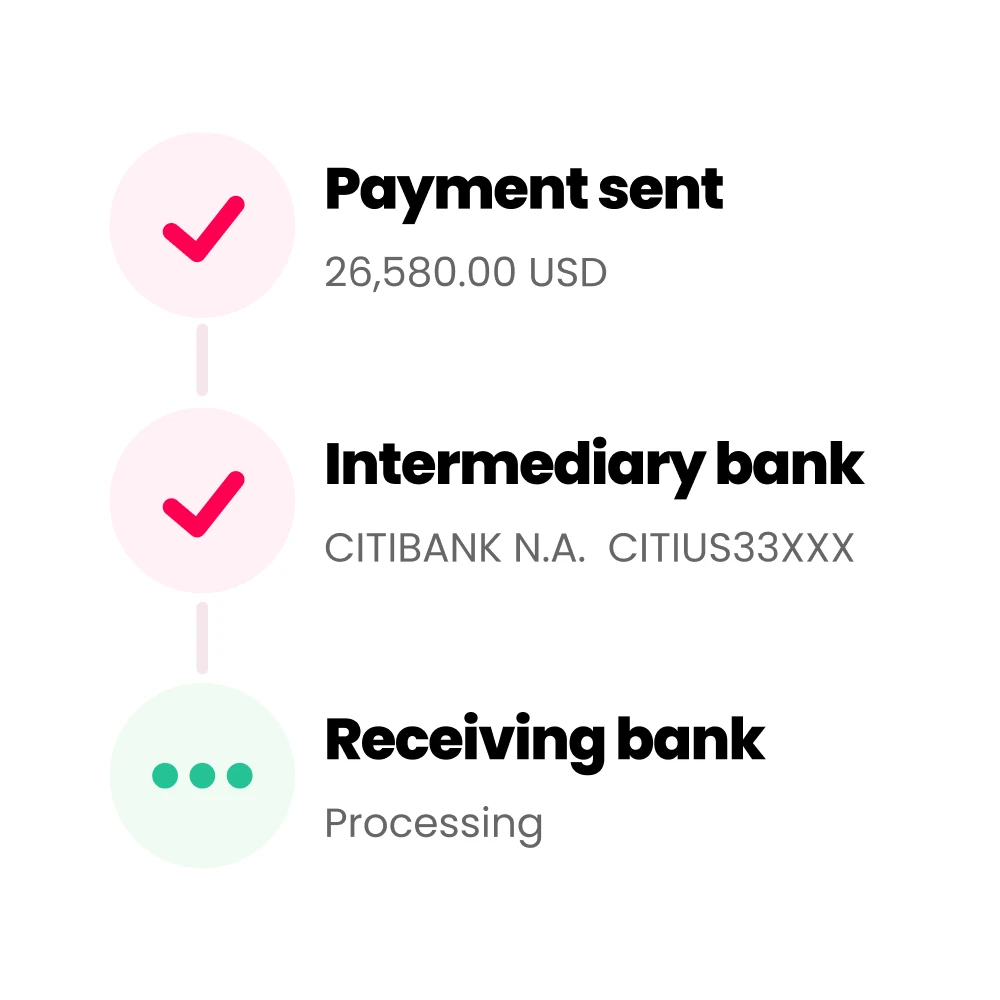
Your bank sends the message through the SWIFT network to the next bank in the chain. The message moves first, while funds settle between banks that hold accounts with each other.
When your bank does not hold a direct account with the recipient’s bank, the payment moves through one or more intermediary banks.
Banks along the payment route hold accounts with one another, allowing them to pass funds forward in stages.
At this stage:
More banks in the transfer route mean more steps, longer processing time and a greater chance the final amount will be reduced by fees.
When the payment involves multiple currencies, conversion occurs at a single point in the process.
Conversion may take place:
The location of conversion determines the exchange rate applied. Banks set their own FX margins, so the rate used during the transfer can differ from the one you saw when you created the payment.
FX conversion can be one of the largest less visible costs in a SWIFT transfer.
As a broader benchmark, the World Bank’s Remittance Prices Worldwide database shows that cross-border transfer costs can include both visible fees and exchange-rate margins. For business SWIFT payments, the exact cost depends on the banks, route, currency and fee option used.
Once the payment reaches the recipient’s bank, final checks take place before funds are credited.
The receiving bank may:
After processing, the recipient receives the funds. The final amount may differ from the amount sent due to intermediary fees and FX margins applied earlier in the process.
To make a SWIFT transfer, you’ll need:
A SWIFT payment does not move in one single step. It has two timelines:
That’s why a payment can show as sent before your supplier can actually use the money. The instruction may already be with the beneficiary bank, but final crediting can still depend on local processing times, bank cut-off times, currency conversion and account checks.
For SMEs, that difference matters. A supplier may ask where the money is even after the payment has left your account, so it helps to track both the SWIFT message status and the final credited amount.
A SWIFT transfer from the UK usually reaches the beneficiary within one to five business days. Some payments arrive the same day or next day, especially on major currency routes. More complex routes can take longer.
The important point is that SWIFT transfer time has two parts:
SWIFT’s 2025 speed data shows that 75% of payments travelling over its network reach beneficiary banks within 10 minutes. The same report points to the “last mile” as the main source of delay, meaning the stage after the payment reaches the beneficiary bank but before the recipient can use the funds.
That’s why a payment can show as sent or even received by the beneficiary bank, before the supplier can actually access the money.
The table below shows how SWIFT transfer timelines typically look for UK businesses:
| Corridor | Typical SWIFT time |
|---|---|
| UK to EU in EUR | Same day to one business day via SEPA or one to three business days via SWIFT |
| UK to US in USD | Often one to two business days |
| UK to China in CNY | Often two to five business days |
| UK to less common routes | Three or more business days |
Even correctly formatted SWIFT payments can be delayed. Main causes include:
If your bank doesn’t have a direct relationship with the recipient’s bank, the payment may pass through one or more intermediary banks.
Each bank can add processing time. A payment may also miss the next bank’s cut-off window, which can push delivery into the next business day.
FX can slow a payment down, especially when conversion happens during the transfer.
If you send GBP but the supplier needs USD, EUR or another currency, a bank may need to apply an exchange rate before the funds can move on. On some routes, conversion can happen at the sending bank, through an intermediary or at the receiving bank.
Holding the payment currency before you send can reduce that extra step.
Banks don’t process every international payment continuously.
If you send after your bank’s cut-off time, the payment may not start moving until the next business day. On multi-bank routes, one missed window can affect the whole chain.
Weekends, public holidays and time zone differences can add more delay.
Banks screen international payments for sanctions, fraud and anti-money-laundering risk. A payment may be delayed if something needs manual review.
Common triggers include:
Some delays happen after the payment has already reached the beneficiary bank.
In practical terms, the supplier’s bank may still need to complete checks, apply local rules, process FX or release the payment in a scheduled batch before making the funds available.
Even a small typo (a misspelled name or an incorrect IBAN digit) can suspend the payment. A SWIFT message with incorrect details may require manual intervention at a correspondent bank for two or more business days.
To prevent this, double-check all details or better, copy-paste the bank and account info exactly as given by the beneficiary. For new payees, consider doing a small test transfer first.
SWIFT transfer costs build up across multiple banks, with different charges applied at each stage of the payment:
| Cost component | Who charges it | Typical cost range | How it affects the payment |
|---|---|---|---|
| Sender’s bank fee | Sending bank (UK bank) | £10–£25 per transfer | Charged upfront when you initiate the payment |
| Intermediary bank fees | Correspondent banks | US$15–$50 per bank (1–3 banks common) | Deducted during routing, reducing the final amount received |
| Recipient’s bank fee | Receiving bank | Varies (often applied to business accounts) | Deducted before funds are credited to the recipient |
| FX conversion (exchange margin) | Sending, intermediary or receiving bank | Often 2–4% of transaction value (varies) | Applied during currency conversion, often the largest cost |
| Total cost (combined) | Multiple banks | Typically 1–4% of transfer amount | Depends on route, currencies and number of intermediaries |
SWIFT payments don’t have to be slow or unpredictable. A few simple changes can reduce delays, lower costs and improve visibility.
SWIFT remains a core part of global payments, but it often introduces delays, layered fees and limited visibility. Businesses that rely on it alone have less control over how payments move and what the recipient receives.
The World Account from WorldFirst gives UK businesses greater flexibility in sending and managing international payments.
WorldFirst isn’t a bank. It’s an international payments platform that helps businesses collect, hold, convert and send money internationally.
Key advantages include:
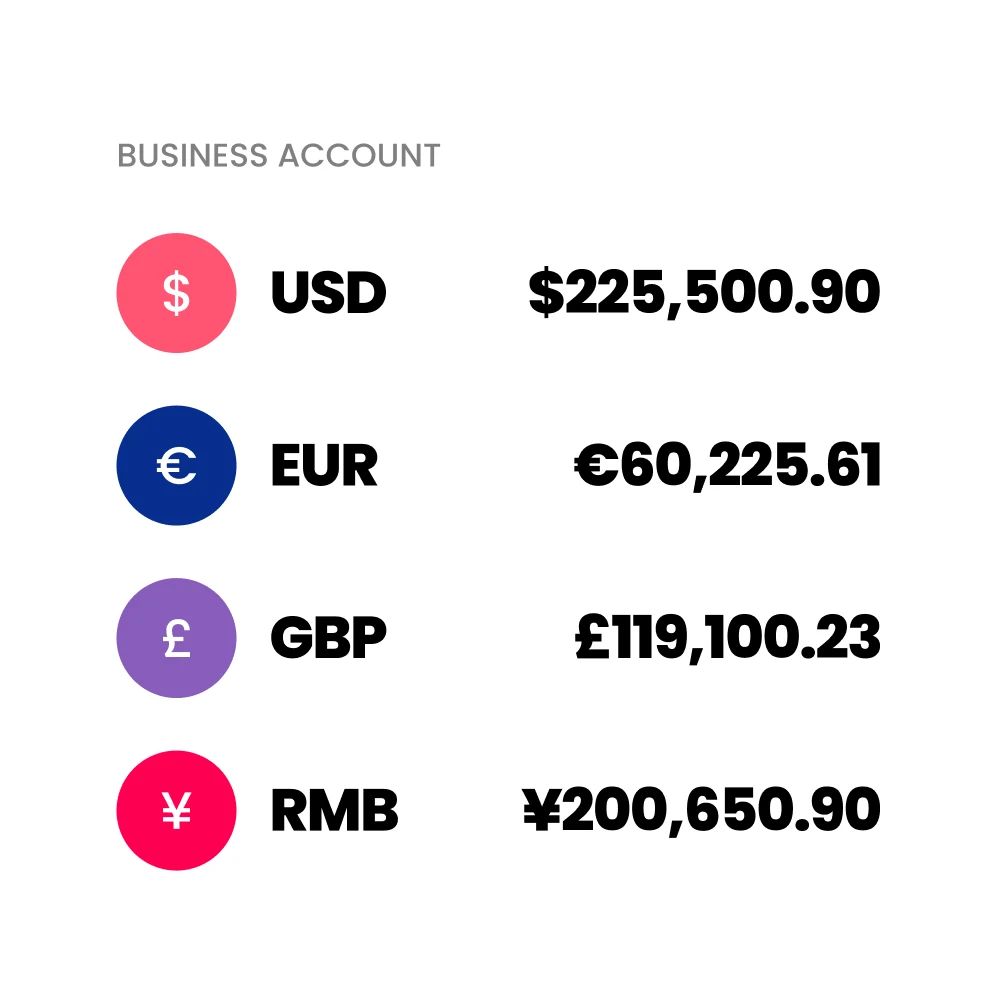
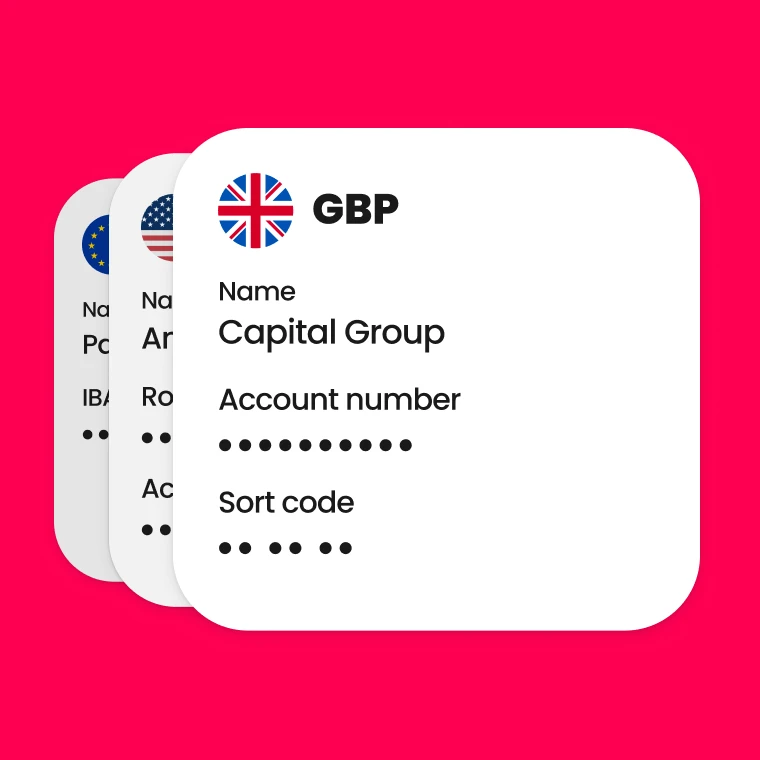
With access to local account details in 20+ currencies, including GBP, EUR, USD, CNH, SGD and JPY, you can pay suppliers using domestic payment systems rather than SWIFT.
Fewer intermediary banks mean fewer handoffs and faster processing. Many payments arrive the same day or the next working day, depending on the route.
Holding balances in multiple currencies lets you convert in advance, instead of during the transfer.
Removing in-flight conversion reduces delays and avoids extra processing at intermediary or receiving banks. Payments move directly in the required currency.
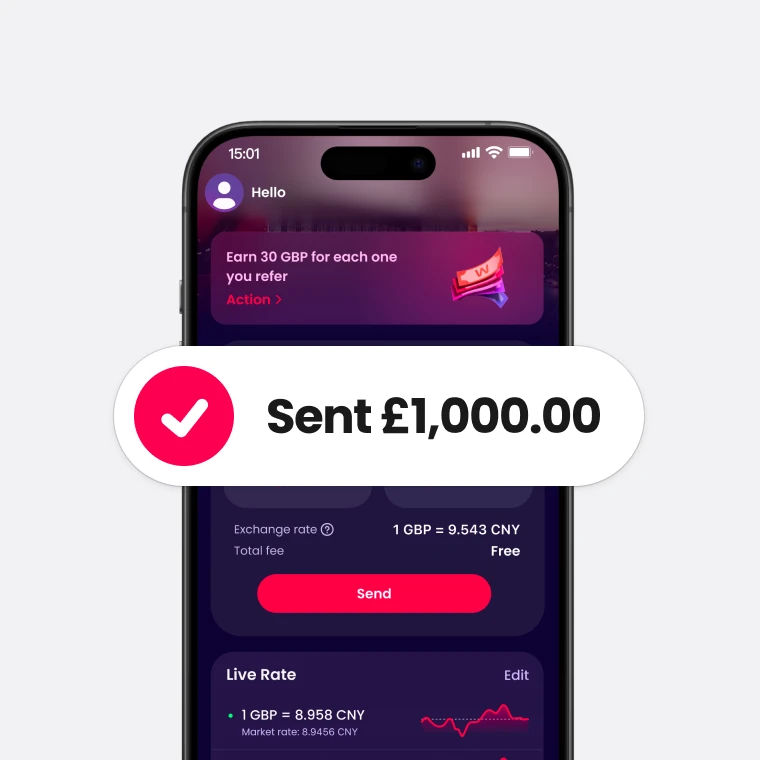
WorldFirst supports payments to 210+ countries in 100+ currencies, with around 80% of transfers arriving the same day.
Payments move through a combination of global banking partners and local clearing systems, helping reduce unnecessary steps and improve delivery speed.
Some payments don’t need to go through traditional bank transfer routes:
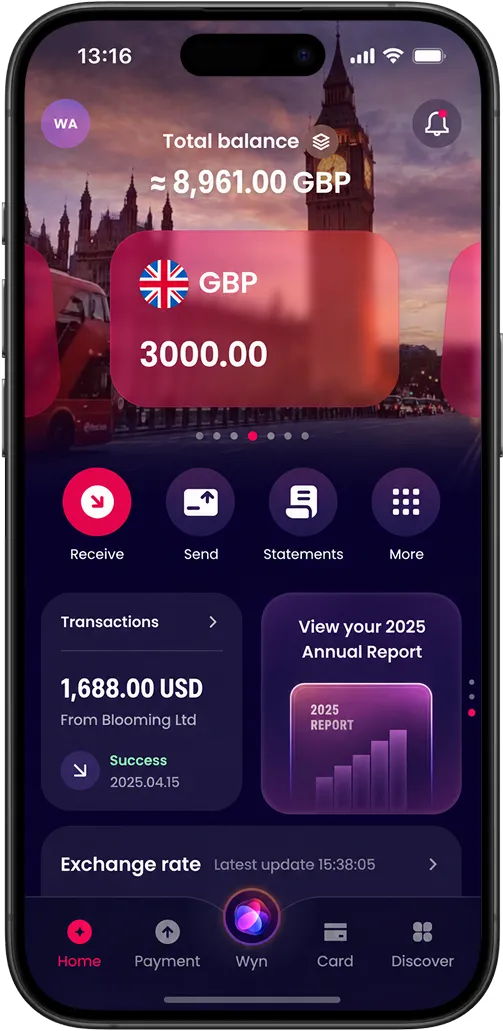
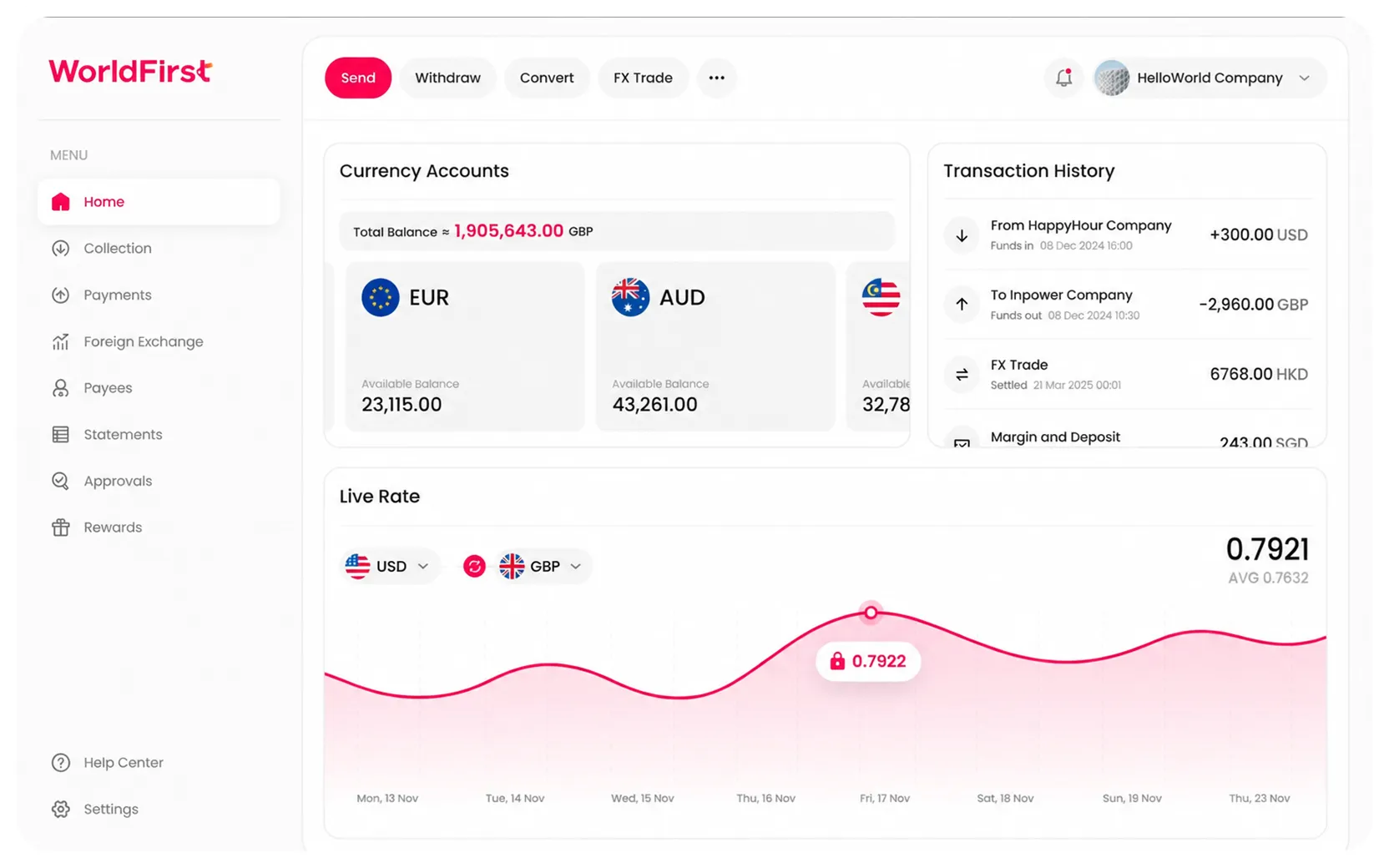
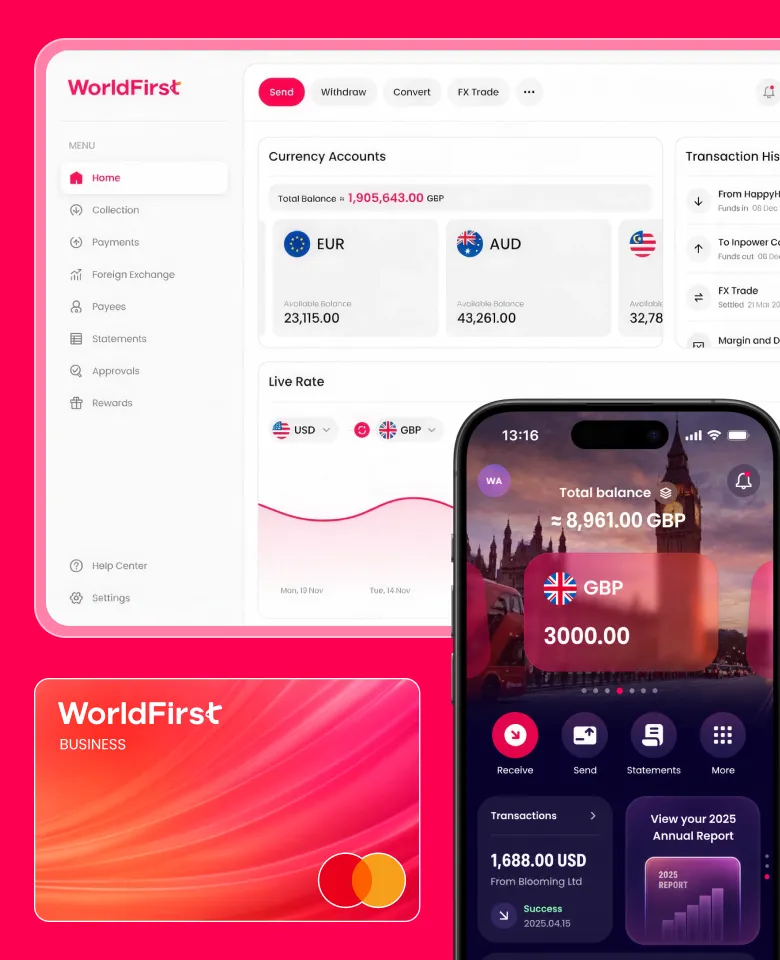
A World Account brings all international payments into a single dashboard, making it easier to track balances, control FX and monitor payment status.
Clear visibility helps businesses plan payments more effectively and avoid unnecessary delays.
Open a World Account today to simplify international payments and gain more control over your global transactions.
Yes. Your bank can track a SWIFT payment using a UETR (Unique End-to-End Transaction Reference). You can ask your bank to check the status and confirm where the payment is. Some providers also give you direct tracking tools.
You can request a cancellation through your bank. The bank can stop the payment if it has not reached the next stage. Once other banks process it, cancellation becomes difficult and may fail. Banks usually charge a recall fee.
SWIFT gpi improves speed and tracking for international payments. Banks use it to process payments faster and track them in real time. You can see where the payment is and what fees apply along the way. Not every bank fully supports SWIFT gpi, so results can vary.
Sources:
Choose a product or service to find out more
Save money, time, and have peace of mind when expanding your global business.
© 2026, Ant International or its affiliates
It looks like you're sending money to family or friends — that's a personal transfer, which is best handled through our app.
Sending money to family or friends? Download our app for the best experience.