



















Multi-currency accounts, competitive FX, and global transfers — Everything you need to pay and get paid internationally
WorldFirst Enterprise
Built for faster payments, smarter liquidity, and robust compliance—all powered by our next-gen API toolkit and AI-native architecture.
Named a Top Global Fintech Company by CNBC & Statista, we’ve supported 1.5M+ businesses since 2004.
About WorldFirst
Resources
More brands of Ant International
Europe
Asia
Oceania
Africa

We provide coverage in South Asia and Middle East: servicing 210+ countries and territories.

How to receive payment from Amazon with a World Account in Africa

Contents

Learn how to set up your World Account to receive Amazon US, UK and Europe payouts in USD, GBP and EUR

Key takeaways

  • Amazon pays sellers in the marketplace’s operating currency: USD for Amazon US, GBP for Amazon UK, EUR for European Amazon marketplaces
  • Amazon’s built-in currency converter does not currently support the Moroccan dirham, Nigerian naira, Kenyan shilling or Ghanaian cedi for direct payout, so African sellers need a receiving account in the marketplace currency when selling internationally
  • The World Account provides local currency receiving accounts in 15+ currencies, including USD, GBP and EUR, each with local bank details
  • Once connected, Amazon payouts land in the original marketplace currency and can be held, converted or spent from the same account.

Amazon operates across multiple marketplaces, and each one pays sellers in its own currency. For an African seller listing on Amazon US, the earnings arrive in USD. Amazon UK pays in GBP. European Amazon marketplaces pay in EUR.

The challenge for sellers in Nigeria, Morocco, Kenya, Ghana and other African markets is that Amazon’s built-in currency conversion does not currently support their local currencies for direct payout. That leaves two practical paths: set up banking relationships in every country where products are listed, or use a multi-currency account that gives you local receiving details in each marketplace currency from one place.

This guide covers the second path, walking through how to connect a World Account to Amazon Seller Central and start receiving payouts in the currency each marketplace operates in.

Why use a World Account for Amazon payouts

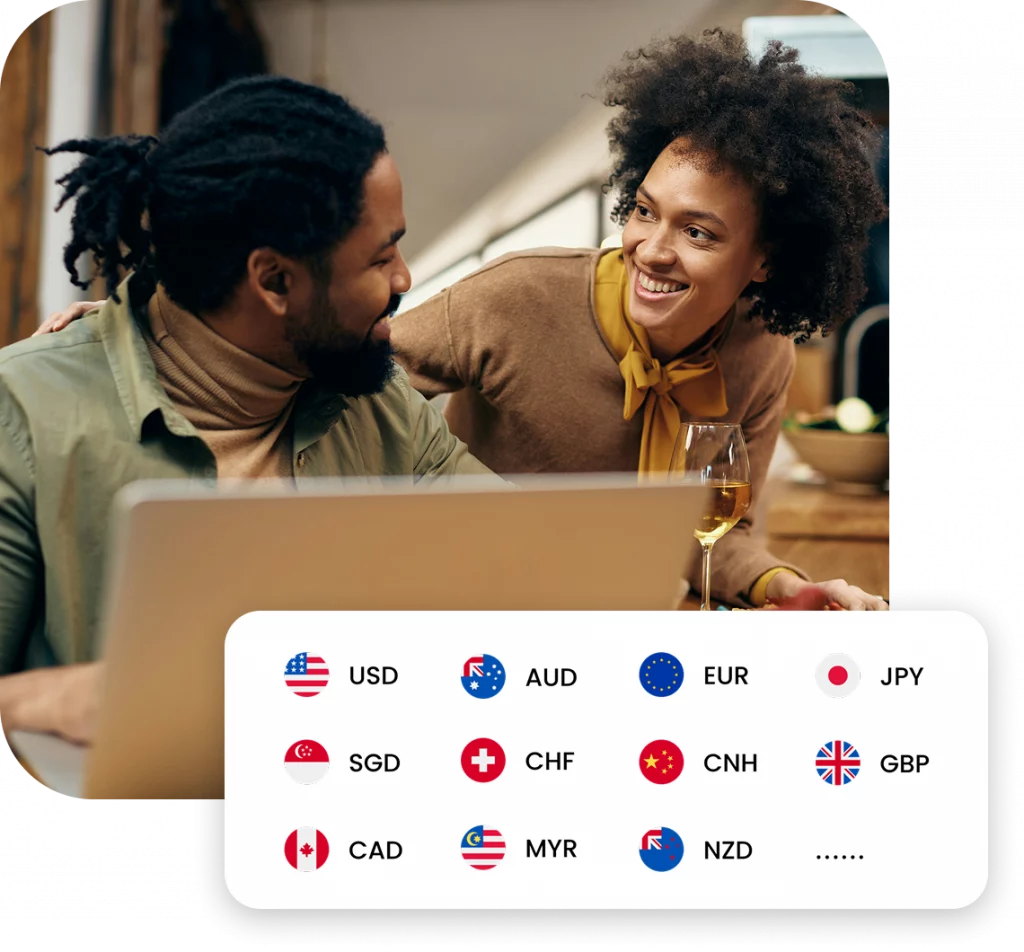
The World Account is a multi-currency account that gives sellers local bank details in 15+ currencies, including USD, GBP, EUR, AUD, CNH and others.

USD earnings from Amazon US land in the USD balance, GBP from Amazon UK lands in GBP, and EUR from European marketplaces lands in EUR. Nothing gets converted into Naira, Dirham, Shilling or Cedi until the seller decides to move funds.

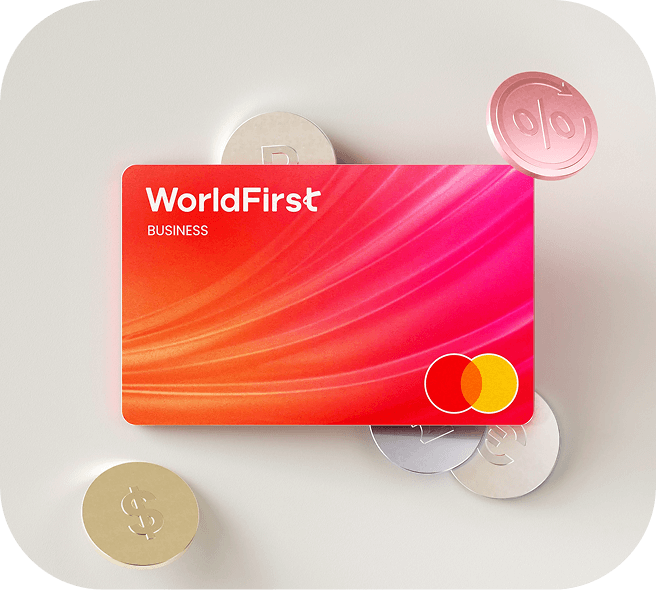
Sellers can use collected marketplace earnings to cover Amazon-related costs (advertising, seller fees, software subscriptions) in the same currency they were earned in. The World Card, a Mastercard-powered virtual business payment card linked to the World Account, lets sellers spend from their currency balances directly, with no fees when paying in any of the 15 supported currencies (with sufficient balance held in that currency). Businesses can issue up to 20 cards at no additional cost. Cashback is available on eligible spending (Terms and Conditions Apply).

The World Account connects with 130+ marketplaces and payment gateways, so sellers active on Etsy, Shopify, Stripe and other platforms can bring all payouts into the same account.

How to connect a World Account to Amazon and receive payments

Amazon’s setup requires more steps than most other marketplaces because of its anti-fraud verification process. The full flow has four stages.

Step 1: Open a USD receiving account in your World Account

Start by creating the receiving account that matches the Amazon marketplace you sell on. For Amazon US, that means a USD account.

  1. Log in to the World Account dashboard and go to the Collection tab
  2. Click Manage Accounts, then Add a New Receiving Account
  3. Pick the currency that matches the Amazon marketplace (USD for Amazon US, GBP for Amazon UK, EUR for Amazon Europe)
  4. Complete the required fields and confirm
  5. Once the account is live, click Details to pull up the account number, routing number (for USD), sort code (for GBP), or IBAN and BIC (for EUR)

Open a USD receiving account in your World Account

While viewing the account details, generate an Account Verification Letter (AVL) by clicking Download proof of account. Amazon may request this letter during its seller verification process.

Step 2: Add and verify a same-name payee

Amazon requires that all seller payouts go to a bank account held in the seller’s own name. To meet this, a same-name payee must be added inside the World Account before the receiving account can be linked to Amazon.

  1. In the World Account, go to Payees and click Add a new payee
  2. Under Single Payee, click Add
  3. Select My own account, then choose Personal account or Business account depending on your setup
  4. Fill in the payee details following the prompts and confirm

Add and verify a same-name payee

After the payee is added, WorldFirst may ask for additional verification. This can happen in two ways:

  • Penny test: WorldFirst sends a small deposit to the linked bank account. Check your bank statement for the exact amount, then enter it inside the World Account to confirm ownership. The verification window is 30 days
  • Document upload: Upload a bank statement, AVL or bank reference letter through the verification prompt. WorldFirst reviews the document and confirms the result

Once the payee appears on the Payee Management page with the action shown as Pay, the verification is complete.

Step 3: Link the receiving account to Amazon Seller Central

With the same-name payee verified, the receiving account can now be added to Amazon.

  1. In Amazon Seller Central, go to Settings, then Account Info
  2. Under Payment Information, click Deposit Methods
  3. Click Add new deposit method and select the bank location country that matches the World Account receiving account
  4. Enter the account details from Step 1:
    • Amazon US: account number and routing number
    • Amazon UK: sort code and bank account number
    • Amazon Europe: IBAN and BIC
  5. Save the deposit method

Amazon also requires the bank account to be verified before payouts begin. On the Deposit Methods page, click Manage Deposit Methods, find the newly added account, and select Verify Bank Account. Upload the Account Verification Letter generated in Step 1 as the supporting bank document, then submit for verification. Amazon typically confirms the result within 48 to 72 hours.

Step 4: Receive payouts and manage funds

Once verification is complete on both the WorldFirst and Amazon sides, Amazon payouts begin flowing into the matching currency account inside the World Account on the standard Amazon payout cycle.

From there, sellers can:

  • Hold the balance in the original marketplace currency until the rate suits or until the funds are needed.
  • Convert between currencies at competitive rates when the timing works.
  • Pay expenses in the same currency using the World Card, covering Amazon advertising, seller software, SaaS subscriptions and other operational costs without a conversion step.
  • Withdraw to a local bank account when funds need to come home.

To withdraw, go to Payments in the World Account dashboard, select Send & withdraw, choose the same-name payee added in Step 2, enter the amount and confirm with SMS or Authy verification.

Selling across multiple marketplaces internationally

African sellers active on more than one Amazon marketplace can open separate receiving accounts inside the same World Account for each currency. A USD account for Amazon US, a GBP account for Amazon UK and a EUR account for Amazon Europe all sit inside one login. Each marketplace pays out in its operating currency, into the matching account, and the seller manages all balances from a single dashboard.

The same receiving accounts also work with 130+ other marketplaces and payment gateways. Sellers expanding from Amazon into Etsy, Shopify or other platforms can point those additional payouts at the same World Account without needing separate setups for each channel.

FAQs

1. How long does the full Amazon setup take?

World Account verification typically takes a few business days. The same-name payee verification (penny test or document upload) adds a few more days. Amazon’s own bank account verification takes 48 to 72 hours after the AVL is submitted. End to end, sellers should allow roughly one to two weeks from registration to receiving the first payout.

2. Can I receive payouts from Amazon US, UK and Europe into the same World Account?

Yes. Open a separate receiving account in each marketplace currency (USD, GBP, EUR) inside the same World Account. Each marketplace pays into the matching account, and all balances are visible from one dashboard.

3. Does WorldFirst charge fees to receive Amazon payouts?

There are no fees on receiving funds into any of the World Account’s supported currency receiving accounts.

This article is intended for informational purposes only and does not constitute legal advice or professional advice. This article should not be regarded as constituting an offer or a solicitation to buy or sell any regulated or financial products or services. WorldFirst makes no representations or warranties regarding the accuracy, completeness, or applicability of the content, and readers are encouraged to consult with legal professionals or other professionals for advice tailored to their specific situation. WorldFirst does not guarantee the accuracy and completeness of this article and expressly disclaims any and all liability to any person in respect of the consequences of anything done or omitted to be done wholly or partly in reliance on this article.

Hu Wenzhan is the Emerging Markets Country Manager at WorldFirst. He brings expertise across Fintech, Payments, Banking, New Markets Growth to help clients grow their global business.

Hu Wenzhan
Hu Wenzhan
Author
Emerging Markets Country Manager, WorldFirst Africa

Continue reading

how to receive payment from amazon in nigeria

The simpler way to pay and get paid

Save money, time, and have peace of mind when expanding your global business.

WorldFirst (Singapore) Merchant Services Pte. Ltd. (Company Registration No. 201735998W) (‘WorldFirst MS’) is registered in Singapore and licensed as a Major Payment Institution under the Payment Services Act 2019 by the Monetary Authority of Singapore.

WorldFirst MS’ registered office is located at 128 Beach Road, #20-01 Guoco Midtown, Singapore 189773.

© 2026, Ant International or its affiliates