





























One Global Account for African Businesses
Join over 1 million businesses using WorldFirst to send international payments in 100+ currencies.



No Deposit Fees
Collect in NGN, GHS, USD, EUR and 20+ other currencies at no fees!

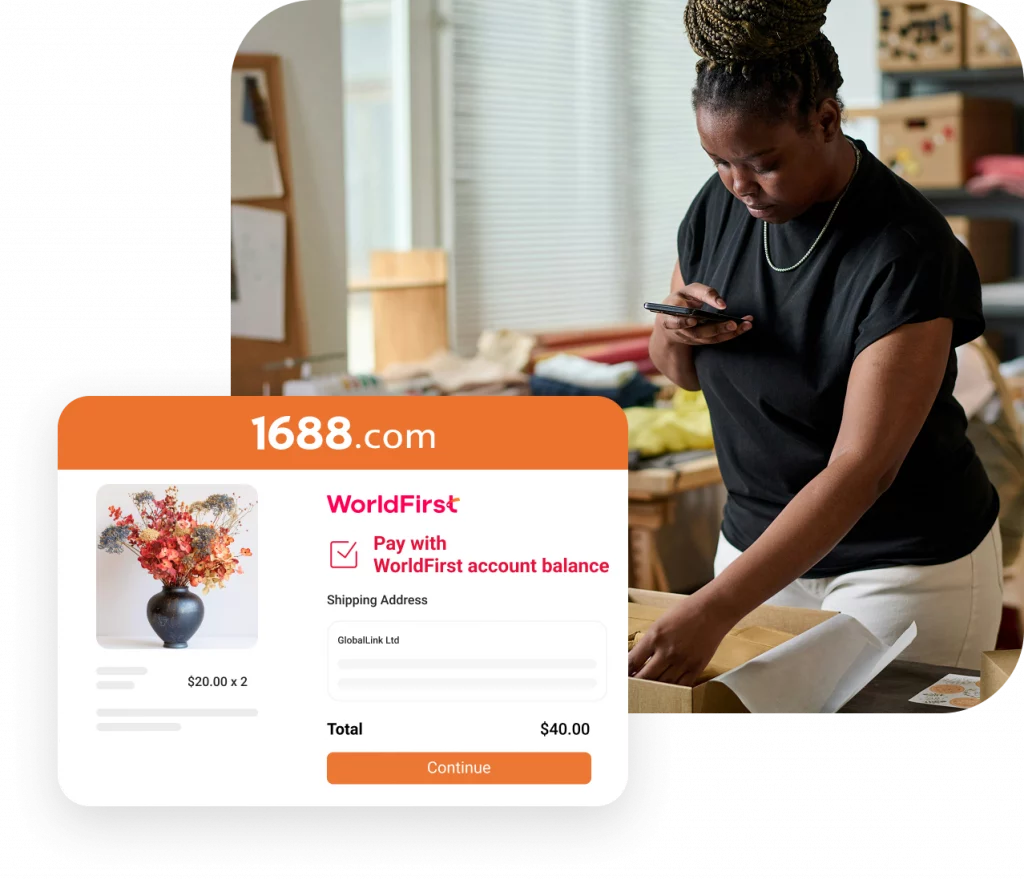
Pay Directly to 1688
Source from China: 1688.com. Pay suppliers directly.
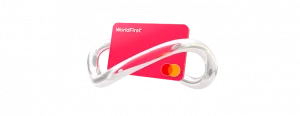
Pay with World Card
Enjoy zero FX fees when paying in 15 major currencies, and pay anywhere Mastercard is accepted.
1.5
M+
Customers served globally
US$
500
B+
Transaction volume processed
210
+
Regions covered
30
+
Local offices
Set up your
multi-currency account at zero cost

Free
No setup fees
Free
No monthly fees
Free
No receiving fees
Free
No annual card fees
What businesses like yours think of us

I was selling my products in the USA and found it very time-consuming and challenging to set up a bank account, but by comparison, setting up my current account with WorldFirst was simple and efficient.
Monica Milcarz
Company Director Glamour Empire Ltd.
WorldFirst offers transparency of payments and an easy-to-use portal. We have a good relationship with our account manager so if there is an issue we can pick up the phone and talk.
Russell Deamer
Director
Argofield

Using WorldFirst, We feel safe as we make a significant number of advance payments to ensure our bottle collectors and suppliers are paid securely and on time.
Raffi Schier
UK Director
Bantam

WorldFirst's forward exchange rate is received at the time I need to make my transfer, helping me minimise any potential exchange rate risks.
Peter Keen
Director
Infapower
I was selling my products in the USA and found it very time-consuming and challenging to set up a bank account, but by comparison, setting up my current account with WorldFirst was simple and efficient.
Monica Milcarz
Company Director Glamour Empire Ltd.
WorldFirst offers transparency of payments and an easy-to-use portal. We have a good relationship with our account manager so if there is an issue we can pick up the phone and talk.
Russell Deamer
Director
Argofield
Using WorldFirst, We feel safe as we make a significant number of advance payments to ensure our bottle collectors and suppliers are paid securely and on time.
Raffi Schier
UK Director
Bantam
WorldFirst's forward exchange rate is received at the time I need to make my transfer, helping me minimise any potential exchange rate risks.
Peter Keen
Director
Infapower
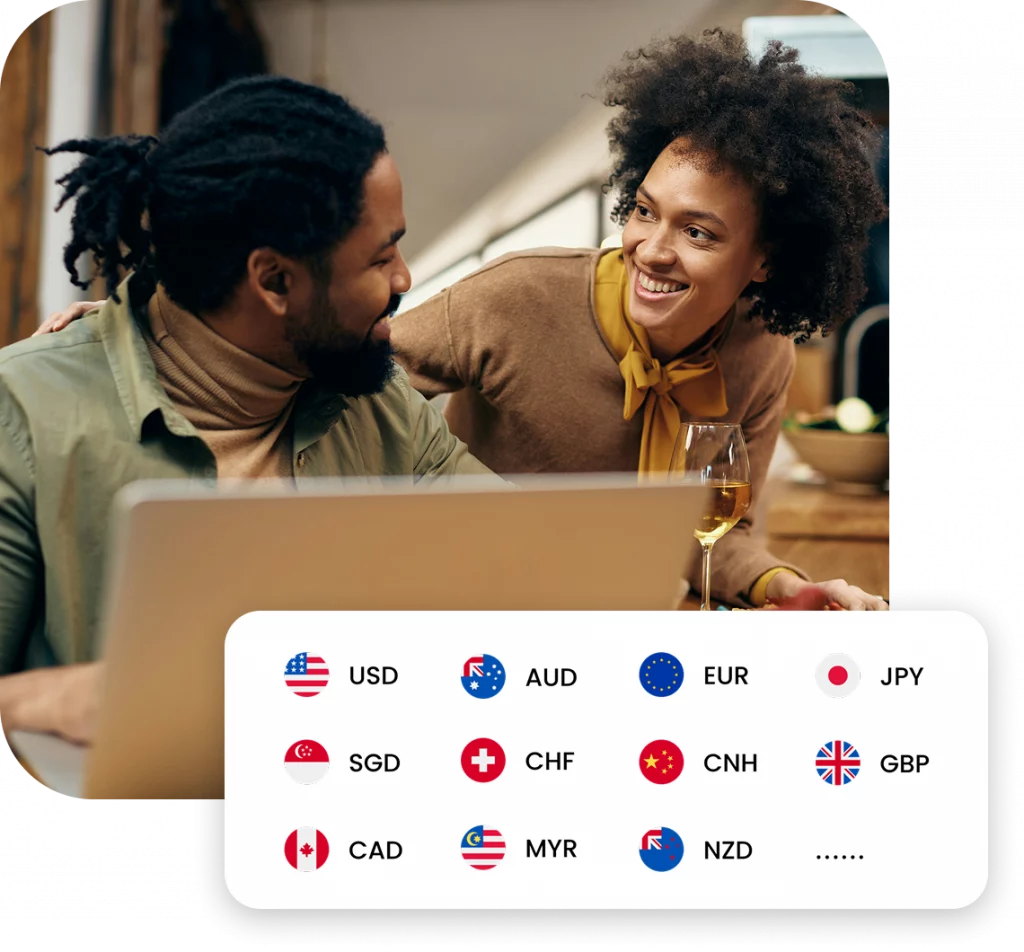
One account Multiple currencies
Unlock the ability to receive payments in 20+ currencies worldwide with one WorldFirst account. You'll get accounts in NGN, GHS, USD, EUR, GBP and more - making it easy to get paid globally.
Direct China payments
Pay your suppliers in China just got easier. With a few clicks and the account details of your suppliers, you can process payments to bank accounts in China without any worries.
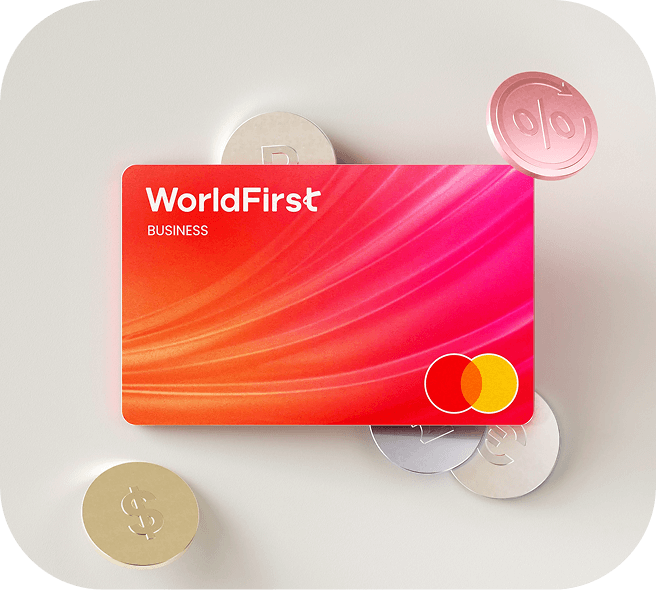
Pay with World Card
Get a free virtual MasterCard to make payments across global sites in 150 currencies - up to 15 without conversion fees. Pay borderless no matter where your business is from.
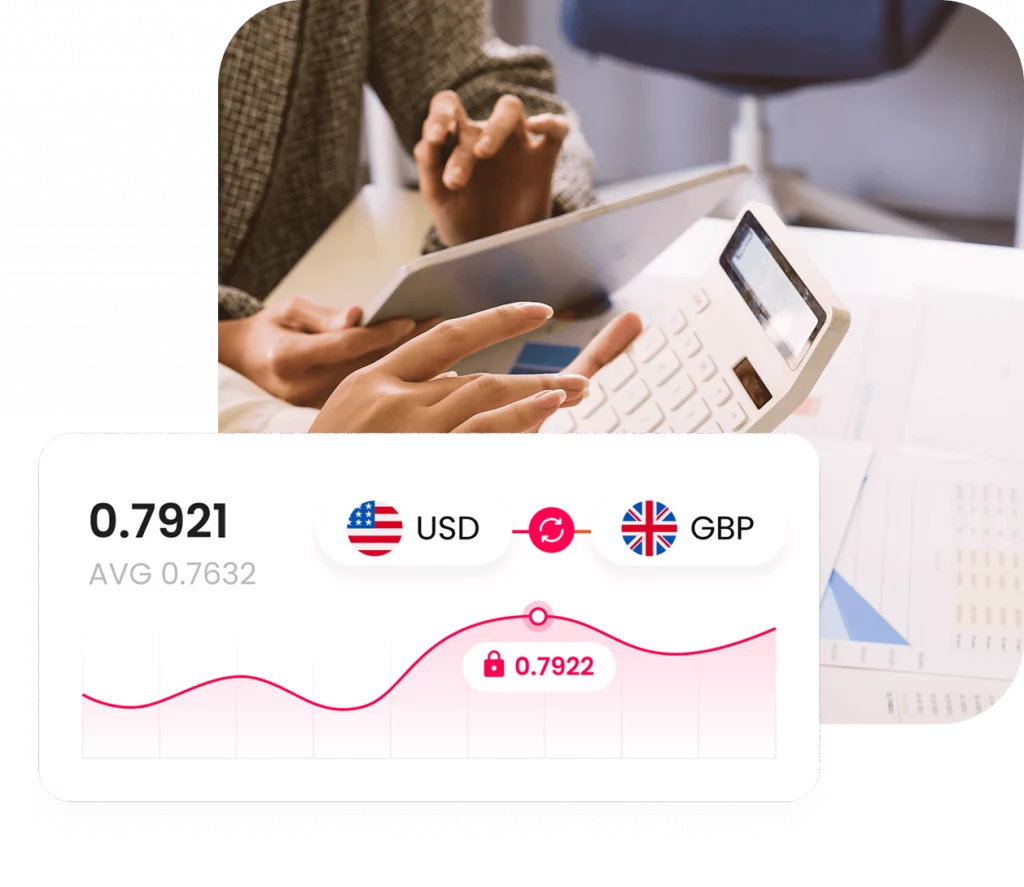
Competitive exchange rates
Get real-time, competitive exchange rates to enhance your margins. We work round the clock to ensure that you can maximize your profits.
Here are some common questions
To set up a World Account, you will need around 10 - 15 minutes to complete registration and go through your onboarding application process. Once submitted, your account application review will take 2 - 5 days.
We will need to learn about your business, you as the director of the business, and any other individuals key to your business. Please prepare any registration documents available for your business, your personal ID, as well as the information of other main directors and shareholders of your company.
You can withdraw your funds from your WorldFirst account to your own bank account by first adding your own account as a payee and simply making a payment to the account. It will take no more than a few minutes.
With the World Card, you can spend in 150 currencies worldwide, and enjoy zero conversion fees when paying in the 15 major currencies. Use the card anywhere Mastercard is accepted.
Founded in the UK in 2004, WorldFirst has been a global payment service brand trusted by businesses from all over the world. Acquired by Ant Financial, the parent company of Alipay in 2019, it now serves over 1 million customers from over 200 countries and regions with technology powered global payments. WorldFirst works exclusively with Globally Systemically Important Banks (G-SIBs) to provide businesses with a secure global payment experience.
The simpler way to pay and get paid.
Save money, time, and have peace of mind when expanding your global business.