






















We provide coverage in South Asia and Middle East: servicing 210+ countries and territories.

WorldFirst Home > How to create roles using your World Account
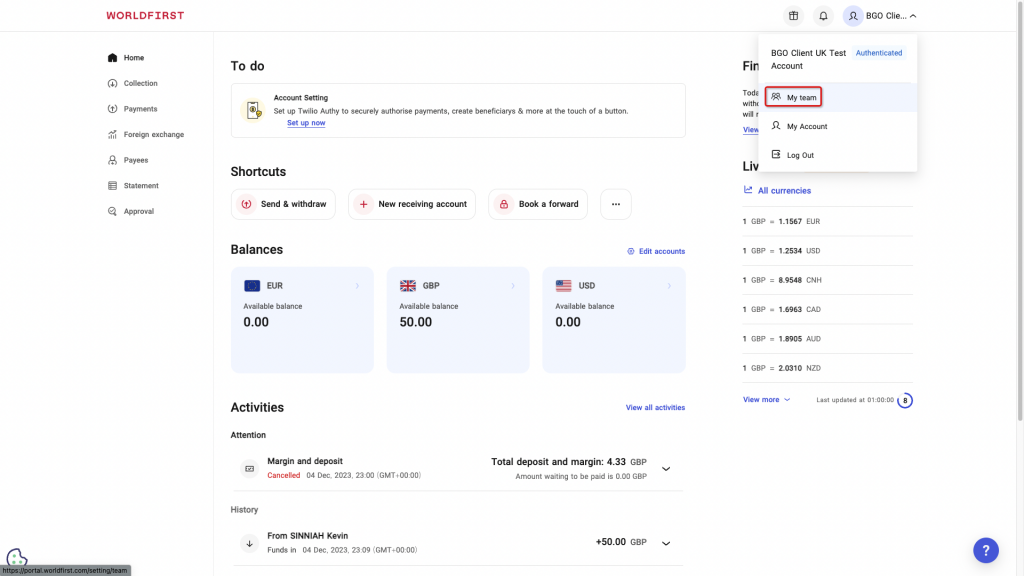
Navigate to ‘My team’ on the top right of your World Account dashboard.
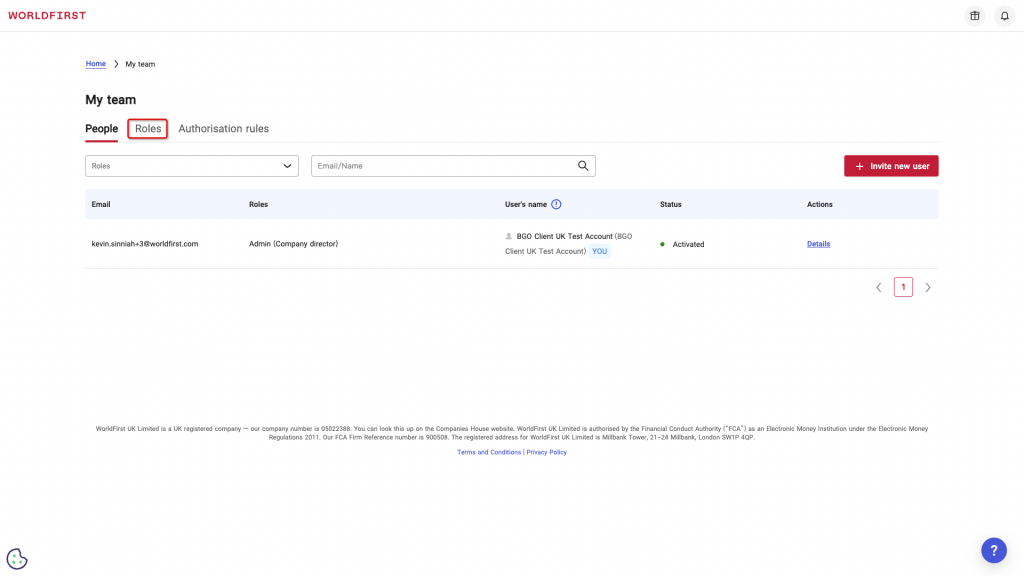
Clicked on the tab labelled ‘Roles’
Click on the red ‘Create a new role’ button on the right hand side of the screen.
Enter a name for your new role and a brief description.
Select the permissions your would like your role to have and click ‘Submit’.
Verify your role via your Authy app or SMS code.
All done! Your new role has now been successfully created.
It looks like you're sending money to family or friends — that's a personal transfer, which is best handled through our app.
Sending money to family or friends? Download our app for the best experience.