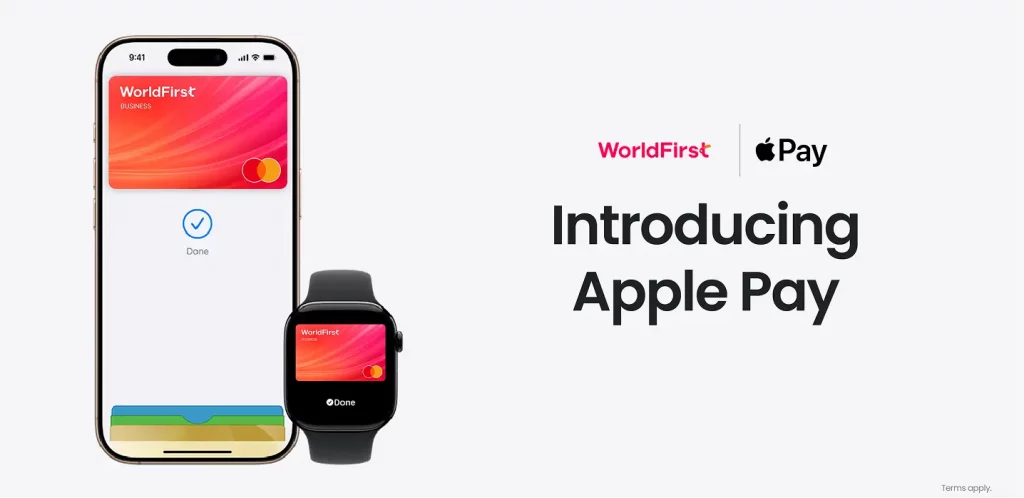
Can I add my World card to Apple Pay?
If your business is onboarded with WorldFirst in the UK or EEA, you have an eligible World Card, and you’re using a supported Apple device in a country or region where Apple Pay is available, you can add your card to Apple Pay.
You’ll also need an Apple Account that is registered in a country or region where Apple Pay is supported.
How to add your World Card to Apple Pay
You can add your World Card to Apple Pay from either the WorldFirst app or Apple Wallet.
Add your card from the WorldFirst app
- Open the WorldFirst app.
- Go to the Cards tab.
- Select the card you want to add.
- Select Add to Apple Wallet.
- Follow the on-screen instructions.
Add your card from Apple Wallet on iPhone
- Open Apple Wallet on your iPhone.
- Tap the add button +.
- Tap Debit or Credit Card.
- Follow the on-screen instructions to add your World Card.
- If additional verification is required, choose one of the available verification methods and complete the steps shown on your device.
Add your card on Apple Watch, iPad or Mac
Apple Watch
- Open the Apple Watch app on your iPhone.
- Select Wallet & Apple Pay.
- Tap Add Card.
- Follow the on-screen instructions.
iPad
- Go to Settings.
- Select Wallet & Apple Pay.
- Tap Add Card.
- Follow the on-screen instructions.
Mac with Touch ID
- Go to System Settings.
- Select Wallet & Apple Pay.
- Select Add Card.
- Follow the on-screen instructions.
Devices compatible with Apple Pay
Apple Pay is available on supported Apple devices.
To check whether your device supports Apple Pay, please refer to Apple’s official support guidance for compatible devices and countries or regions where Apple Pay is available.
Transaction limits
Your usual World Card limits apply when you use your card with Apple Pay.
Single transaction: 100,000 GBP/EUR
Daily: 200,000 GBP/EUR
Monthly: 750,000 GBP/EUR
Why was I asked for additional authentication when adding my card?
For security reasons, we may ask you to complete additional verification before your World Card can be added to Apple Pay.
Depending on what is shown on your device, you may be asked to verify by SMS or through the WorldFirst app.
Follow the instructions shown on your device to finish adding your card.
Where can I use Apple Pay?
With your iPhone or Apple Watch, you can use Apple Pay in shops, restaurants, petrol stations, taxis or wherever you see the appropriate contactless payment symbols.
You can also use Apple Pay in online stores and in apps where Apple Pay is accepted.
Any fees specifically to Apple Pay?
No, there are no additional fees Apple does not charge any fees when you use Apple Pay — in stores, online or in apps.
What should I do if my Apple device is lost, stolen, or replaced?
If your Apple device is lost or stolen, log in to your WorldFirst account from another device and freeze the World Card linked to Apple Pay as soon as possible.
You can also call Worldfirst merchant services team, complete the verification and request the person to freeze your card.
You should also follow Apple’s guidance for lost or stolen devices, including removing or suspending cards from Apple Pay where available.
If you replace your Apple device, you may need to add your World Card to Apple Pay again on the new device.