


































Power Your Global Business from South Asia
Trusted by over 1 million global businesses. Now built for South Asia’s freelancers, sellers, and SMEs to send and receive payments in 100+ currencies.
One account. 100+ currencies. Infinite opportunities.


No Collection Fees
Get paid in USD, EUR, GBP and 20+ other currencies for free!

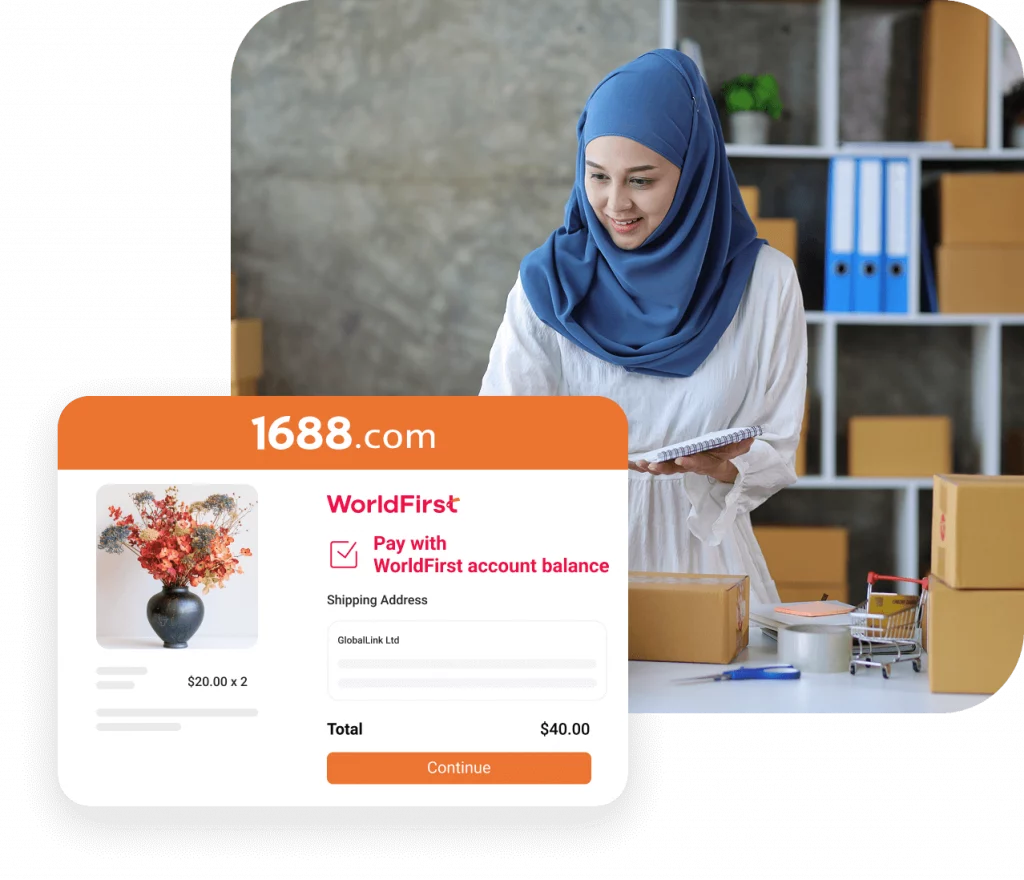
Pay Directly to 1688
Source from China: 1688.com. Pay suppliers directly.
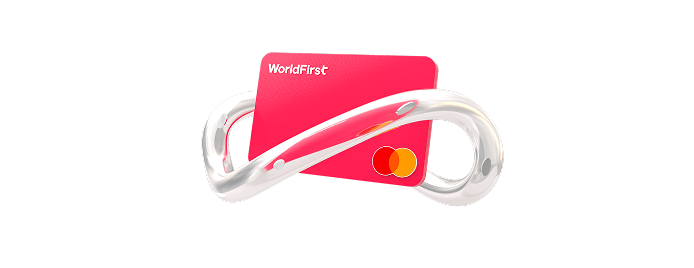
Pay with World Card
Enjoy zero FX fees when paying in 15 major currencies, and pay anywhere Mastercard is accepted.
1.5
M+
Customers served globally
US$
500
B+
Transaction volume processed
210
+
Regions covered
30
+
Local offices
Set up your
multi-currency account at zero cost

Free
No setup fees
Free
No monthly fees
Free
No receiving fees
Free
No annual card fees
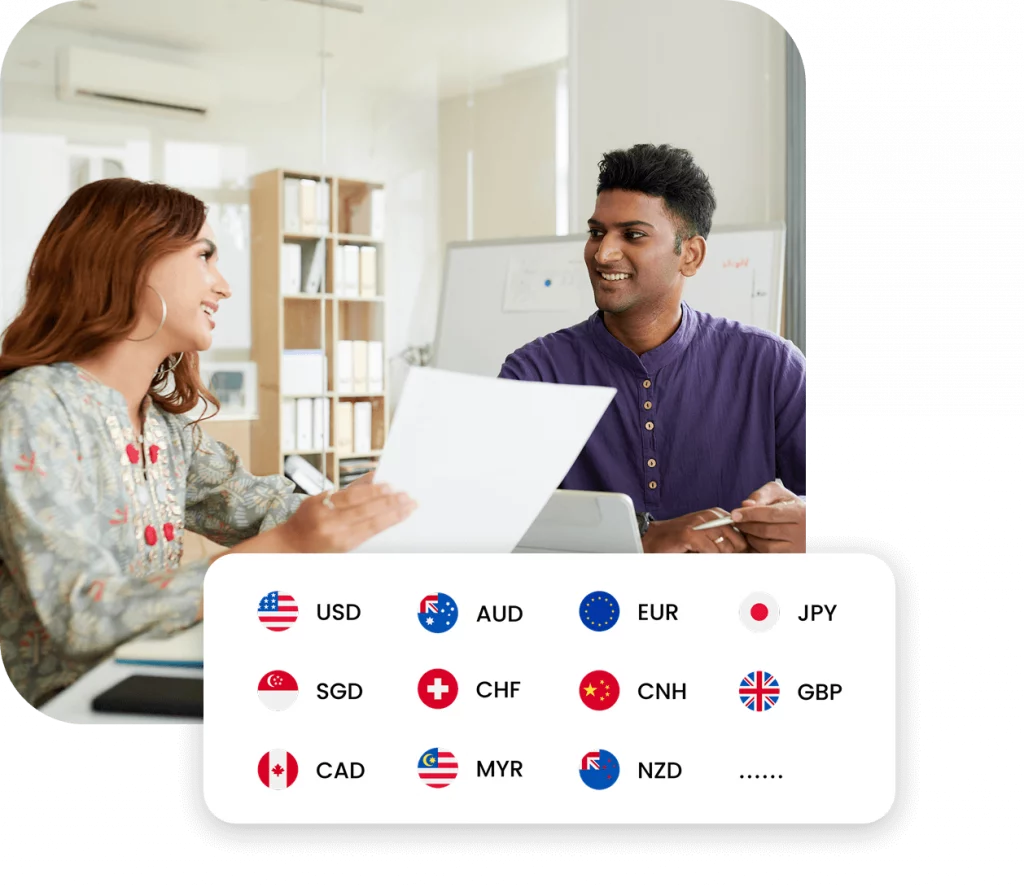
One account Multiple currencies
One smart account for all your global business needs.
Whether you’re exporting garments or providing remote IT services, your World Account lets you receive payments in USD, GBP, EUR, and more, just like a local business overseas.
Pay Chinese suppliers directly with ease
Make your 1688 and Alibaba payments worry-free.
Importing electronics, fabrics, or packaging from
China? Skip the middlemen. Pay your Chinese suppliers directly in CNY from your World Account, securely and
affordably.
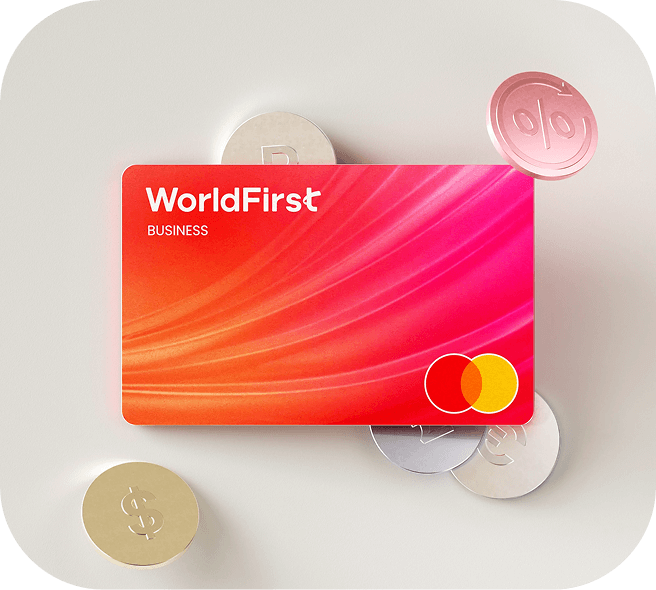
Spend globally with World Card in 100+ currencies
Buy tools, services, and ads without conversion hassle.
Use your virtual MasterCard to pay for Meta ads, Zoom
subscriptions, web hosting, or domain renewals in USD, GBP, or EUR, straight from your account balance.
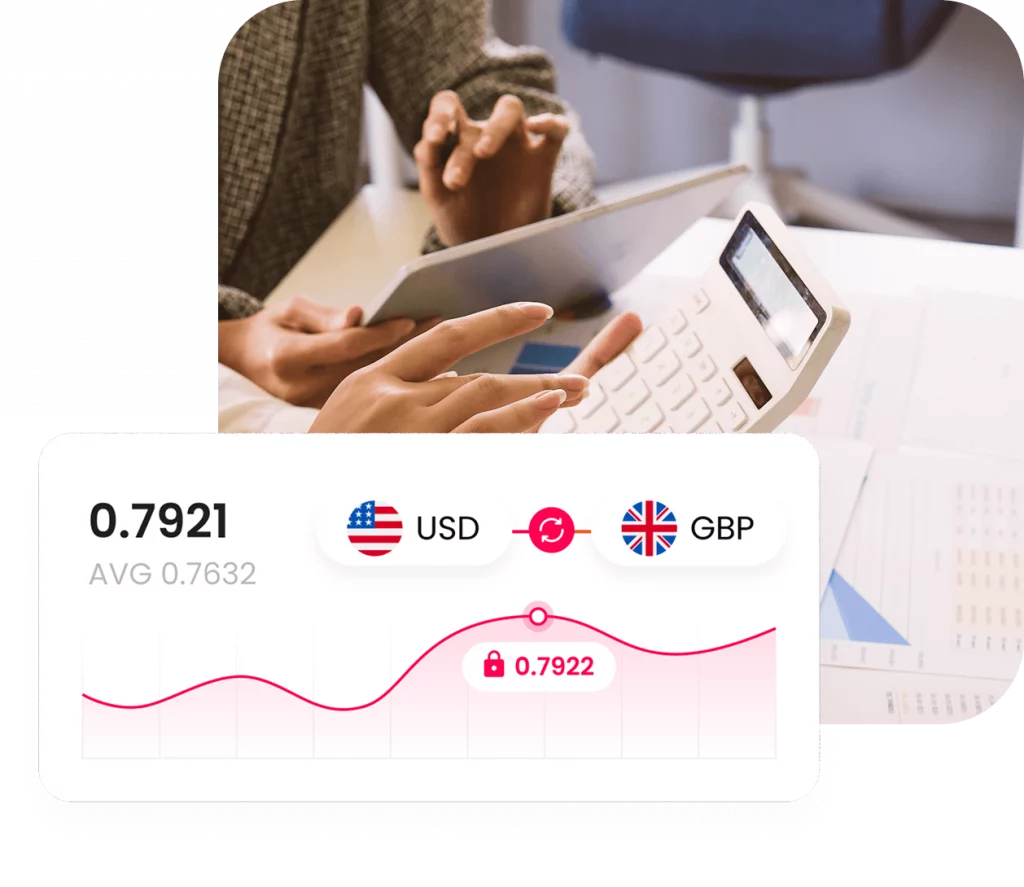
Enjoy competitive FX rates
Optimized currency conversion for growing businesses.
South Asian SMEs often operate on tight margins. That’s why we offer real-time FX rates – so you can convert earnings when the rate is right.
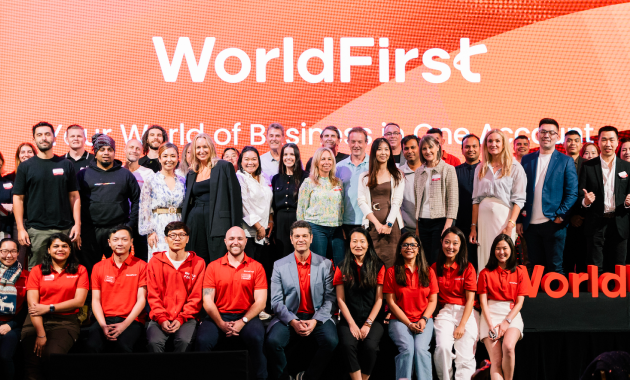
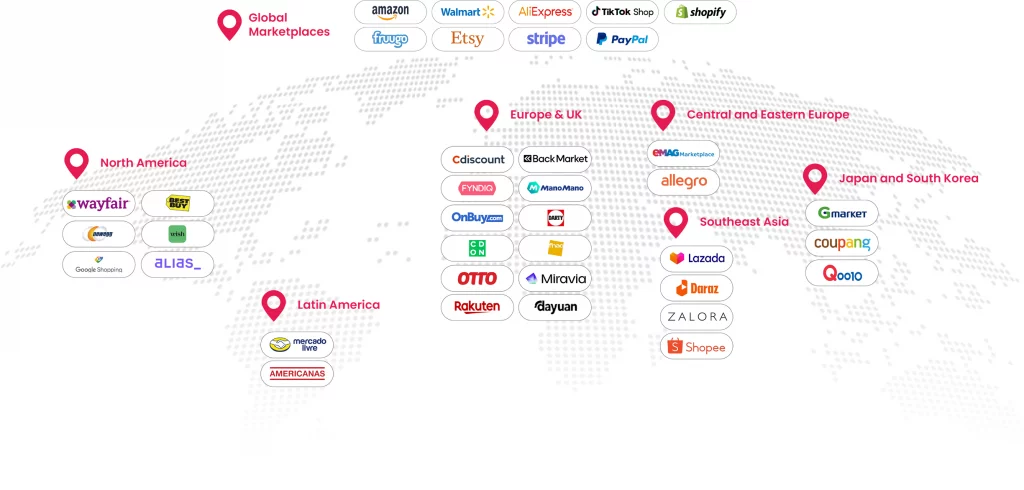
Trusted by Over 1 Million Customers Worldwide
Here are some common questions
To set up a World Account, you will need around 10 - 15 minutes to complete registration and go through your onboarding application process. Once submitted, your account application review will take 2 - 5 days.
We will need to learn about your business, you as the director of the business, and any other individuals key to your business. Please prepare any registration documents available for your business, your personal ID, as well as the information of other main directors and shareholders of your company.
You can withdraw your funds from your WorldFirst account to your own bank account by first adding your own account as a payee and simply making a payment to the account. It will take no more than a few minutes.
With the World Card, you can spend in 150 currencies worldwide, and enjoy zero conversion fees when paying in the 15 major currencies. Use the card anywhere Mastercard is accepted.
Founded in the UK in 2004, WorldFirst has been a global payment service brand trusted by businesses from all over the world. Acquired by Ant Financial, the parent company of Alipay in 2019, it now serves over 1 million customers from over 200 countries and regions with technology powered global payments. WorldFirst works exclusively with Globally Systemically Important Banks (G-SIBs) to provide businesses with a secure global payment experience.