The amount on a supplier invoice isn’t always the amount that leaves your MYR account. Exchange rates, transfer fees and deductions can change both your final cost and what reaches the supplier.
That distinction matters in Malaysia, where businesses imported RM661.07 billion of goods in the first five months of 2026, up 11.8% from the same period in 2025, according to MATRADE. That level of cross-border trade makes the cost and control of overseas supplier payments an important consideration.
This guide compares the main options to help you choose the best way to pay overseas suppliers in Malaysia, based on total cost, timing, approval needs and payment protection.
Key takeaways:
- Choose based on total cost and control: The best way to pay overseas suppliers from Malaysia depends on the MYR debit, exchange rate, timing, fees, approval needs and level of payment protection
- Match the payment method to the transaction: Multi-currency accounts fit regular payments, banks support established approvals, and marketplaces can add order protection
- Use a consistent payment process: Review the beneficiary details, reconcile the invoice with the purchase order, pay in the agreed currency, approve the final MYR amount and retain a complete payment trail
- WorldFirst connects overseas revenue with supplier costs: A World Account lets you hold supported currencies, convert only the amount required and arrange supplier payments with approval controls and clear transaction records
Open a World Account to hold and convert supported currencies, then pay overseas suppliers when invoices are due.
What shaped the supplier payment ranking
This comparison evaluates each option for an established small importer in Malaysia paying a specific overseas supplier. Total transaction cost carries the most weight, including the exchange rate, transfer fee and any intermediary deductions.
The remaining criteria cover:
- Supplier and currency coverage: Supported countries, currencies and recipient account types
- Payment speed and visibility: Delivery estimates, tracking and status updates
- Approval controls and records: User permissions, approval steps, payment references and downloadable records
- Payment protection: Purchase or order protection for eligible transactions
- Funding and Malaysia support: Available funding methods and access to customer support
10 Best ways to pay overseas suppliers from Malaysia compared
The best option depends on the supplier, invoice currency, payment value and level of control or protection required:
| Option | Type | Pros | Cons |
| WorldFirst World Account | Multi-currency business account | Hold, convert and pay in supported currencies with approval controls | More useful for regular multi-currency payments than isolated transfers |
| Airwallex | Business payment platform | Combines international payments with cards, expenses and accounting integrations | SWIFT and FX charges apply |
| Maybank FTT | Bank transfer | Guaranteed OUR supports exact receipt for eligible currencies | Other currencies may face bank deductions |
| CIMB FTT | Bank transfer | Offers live, counter and contract FX rates | Subscription, device and third-party bank charges may apply |
| Public Bank FTT | Bank transfer | Low published retail commission and cable charges | Retail pricing may not reflect business account costs |
| Payoneer | Cross-border payment platform | Useful when funds already sit in a Payoneer balance | Funding from MYR adds another step |
| Alibaba.com Trade Assurance | Marketplace payment service | Links eligible payments to order protection | Protection applies only to qualifying on-platform orders |
| PayPal | Digital wallet | Convenient for samples and smaller eligible purchases | Many importer purchases are excluded from protection |
| Business credit cards | Card payment | Provides a payment period and consolidated records | Supplier surcharges, FX charges and interest can raise the cost |
| Western Union and other MTOs | Money transfer service | Supports cash pickup and other non-standard payouts | Limited business funding options and weaker payment records |
1. WorldFirst World Account
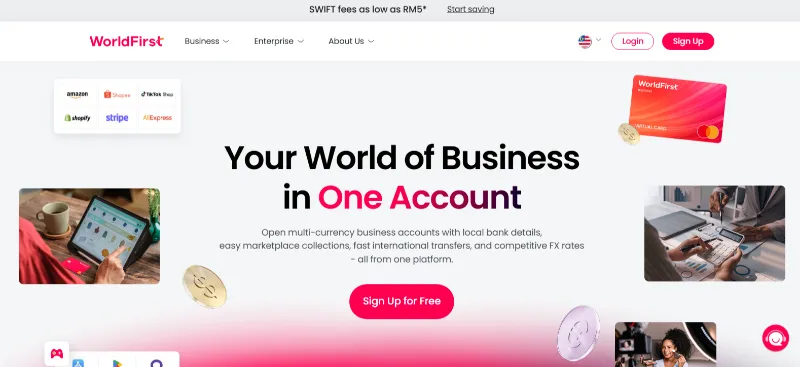
Best for: Paying suppliers in several currencies while managing balances and approvals from one account
The World Account is a multi-currency account that combines foreign-currency balances, conversions and supplier payments. You can fund a payment from a Malaysian bank account or use money already received in a supported currency.
WorldFirst supports payments in 100+ currencies to 210+ countries and territories. Its payment tools include:
- Scheduled payments for planned invoice dates
- Custom authorisation rules for different users
- File uploads for up to 200 payments at once
WorldFirst charges no setup, subscription or monthly fees. For Malaysia customers, the current pricing includes no SWIFT cable charge and a limited-time SWIFT payment fee of up to 0.5%. Full-value transfers carry an additional US$20 service charge, while payments to 1688.com and TaoWorld cost 0.8%.
Same-currency payments to another World Account are free in 12 currencies and arrive within seconds.
2. Airwallex
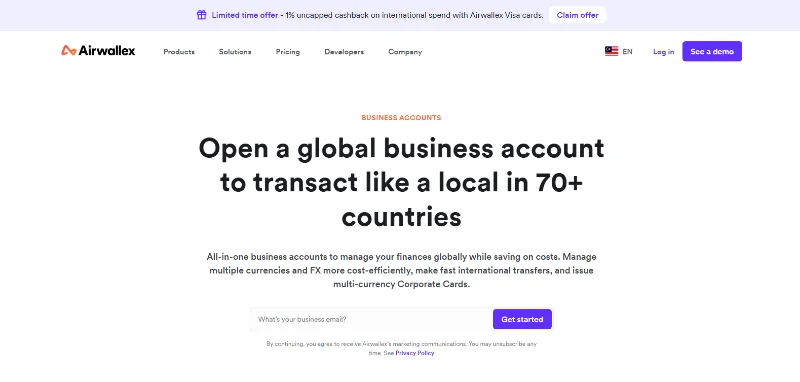
Best for: Managing supplier transfers alongside company cards and expenses
Airwallex adds spend controls and accounting integrations to its international payment platform.
Its Malaysia account provides account details and balances in 20+ currencies. The major currencies include USD, CNY, SGD, EUR, GBP and AUD, among others.
Published transfer and FX charges include:
- No separate fee for local transfer methods
- RM30 to RM90 for SWIFT transfers using SHA or OUR
- 0.4% above interbank rates for listed major currencies
- 1% above interbank rates for other currencies
Airwallex also connects with Xero, QuickBooks and NetSuite and includes receipt capture and expense approvals.
3. Maybank Foreign Telegraphic Transfer
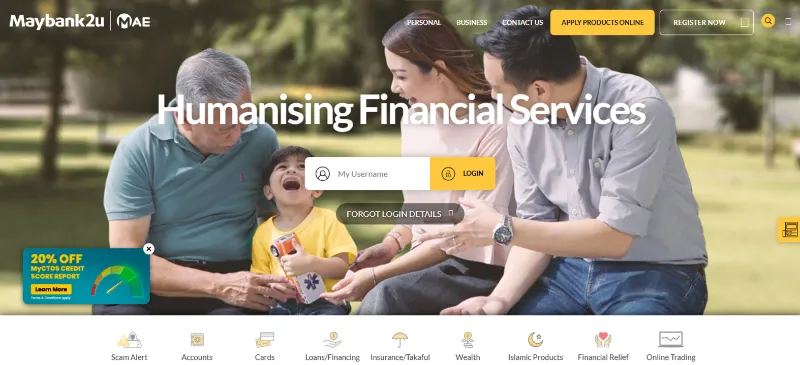
Best for: Keeping supplier payments within a Maybank approval process
Maybank Foreign Telegraphic Transfer lets businesses pay overseas bank accounts through Maybank2u Biz or a branch, so existing Maybank2u Biz users can submit the transfer through the same portal.
Maybank stands out for Guaranteed OUR. For eligible AUD, EUR, GBP and USD transfers, the sender covers the stated charges and the supplier receives the exact amount sent. That can prevent an invoice shortfall caused by an agent or beneficiary bank deduction.
Current terms include an online service fee of RM10 and preferential rates for eligible transfers of at least RM10,000. Maybank also applies 8% SST to the service fee and relevant agent or beneficiary-bank charges through Maybank2u Biz.
For currencies outside Guaranteed OUR, intermediary or receiving-bank deductions may reduce the amount delivered.
Read more: Maybank business account review
4. CIMB Foreign Telegraphic Transfer
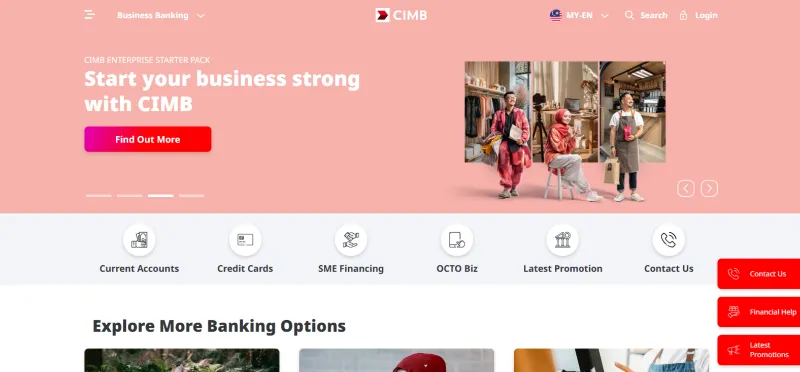
Best for: Managing supplier payments and FX bookings through BizChannel@CIMB
CIMB allows BizChannel@CIMB users to prepare overseas transfers, configure payment limits and choose from three FX rate types:
- Counter rate: CIMB updates this rate during the day and confirms it when the bank processes the transfer
- Live rate: CIMB applies this real-time rate after the transaction receives approval
- Contract rate: You book this rate for the payment date through CIMB Treasury or BizChannel@CIMB
BizChannel currently lists telegraphic transfer fees of:
- RM6 for SGD, IDR and THB
- RM20 for other currencies
Agent or third-party bank charges can also apply. BizChannel also includes a monthly subscription fee of RM20 per user and an RM100 fee per security device. If you already use the platform, these charges may be part of your existing banking overhead rather than the cost of a single supplier payment.
CIMB doesn’t publish a maximum for branch FTT instructions, although its normal checks and documentary requirements still apply.
Read more: CIMB business account review
5. Public Bank Foreign Telegraphic Transfer
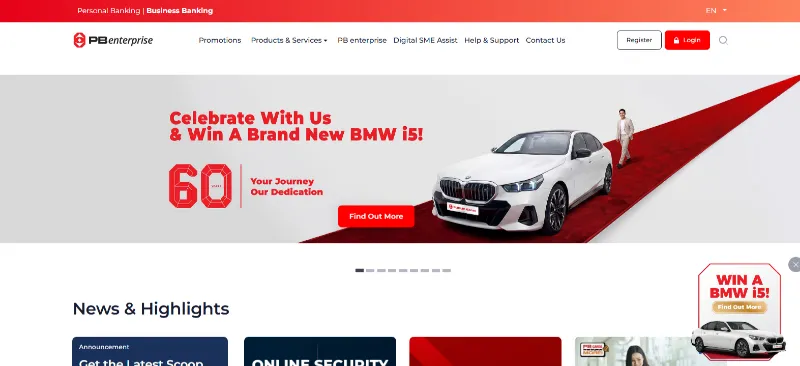
Best for: Sending an overseas payment from a Public Bank account
Public Bank’s PBe/MyPB retail online banking schedule lists:
- RM2 foreign-remittance commission
- RM15 cable charge for SGD
- RM30 cable charge for other currencies
These figures apply to the published retail online schedule. They shouldn’t be treated as the cost of a PB enterprise or branch transfer without a separate business quote.
The exchange rate and overseas bank deductions can still affect the total cost. On a larger invoice, a small exchange-rate difference can cost more than the combined commission and cable charge.
6. 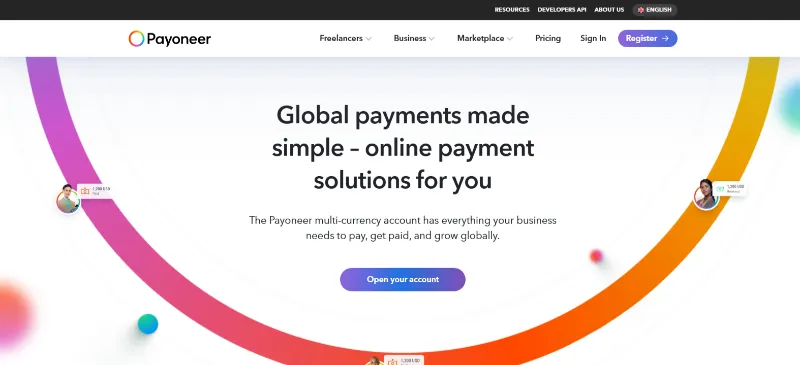
Best for: Paying suppliers from funds already held in a Payoneer balance
You can send funds already held in Payoneer to a supplier without first withdrawing them and converting them to MYR.
Eligible Payoneer accounts can send funds to another Payoneer account or a supplier’s bank account. Payoneer’s pricing includes:
- Up to 1% plus up to US$4 for a cross-border payment to another Payoneer account
- 1.2% to 4% for transfers from a Payoneer balance to a bank account
- 0.5% for conversions between Payoneer balances
Payoneer is less useful when you need to fund each supplier invoice from MYR, as that adds a funding or conversion step before the payment leaves the account.
7. Alibaba.com Trade Assurance
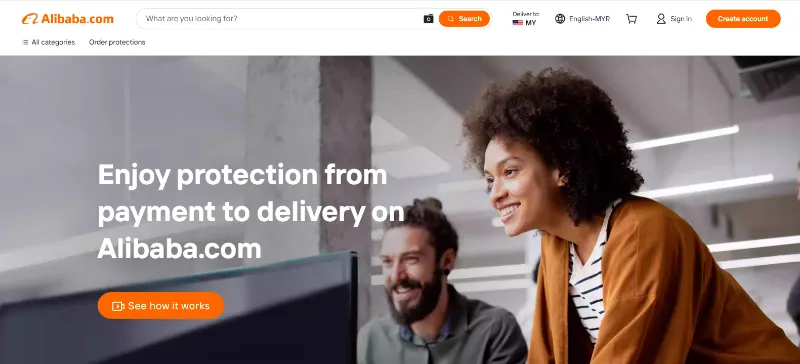
Best for: Paying for an eligible Alibaba.com order while retaining platform protection
Malaysia imported RM93.16 billion of goods from China in the first quarter of 2026, up 23.8% from the same period in 2025. For an established importer placing a first order with a Chinese supplier through Alibaba.com, order protection may matter more than the lowest standalone transfer fee.
Alibaba.com Trade Assurance supports credit and debit cards, digital wallets and direct bank account transfers. Buyers can also use the official bank details provided by Alibaba.com for a bank-to-bank payment with escrow protection. A transaction fee applies to successful payments.
The protection depends on the terms you record in the order. Include details that Alibaba.com can assess during a dispute:
- Materials and product specifications
- Quantity and permitted tolerances
- Packaging requirements
- Dispatch date
- Inspection requirements
Use Alibaba.com’s official checkout or supplied bank details. Paying the supplier outside the platform separates the funds from the Trade Assurance process.
Read more: The cheapest ways to ship products from China to Malaysia
8. PayPal
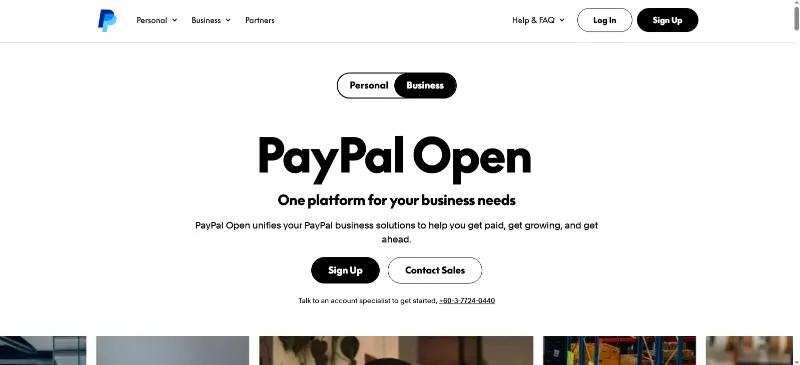
Best for: Samples and other eligible purchases where checkout convenience justifies the cost
PayPal offers a familiar checkout for smaller supplier purchases, but its value depends on the transaction qualifying for Purchase Protection.
PayPal’s Purchase Protection rules exclude several transactions that commonly occur among established importers.
The exclusions include:
- Industrial machinery
- Items intended for resale
- Significantly Not as Described claims for wholly or partly custom-made goods
- Friends and Family payments
These exclusions rule PayPal out for many inventory orders. Confirm that the specific purchase qualifies before relying on its dispute process.
PayPal’s Malaysia business fees add 3.5% above its base exchange rate for USD and CAD conversions and 4% for many other currencies when PayPal converts a commercial payment.
For a larger invoice, the percentage-based conversion cost can outweigh the convenience of using an existing PayPal account.
9. Business credit cards
Best for: Card-accepting suppliers when credit terms or cashback offset the added costs
A business credit card can delay the cash debit until the statement date and place the purchase on a consolidated company record.
Calculate the net card cost before using a card for a supplier invoice:
supplier surcharge + foreign-currency cost + interest − cashback
Cashback should reduce the calculated cost, not determine the payment choice on its own.
A card becomes more competitive when:
- The supplier accepts it without a large surcharge
- You’ll clear the balance by the due date
- The payment period provides useful cash-flow headroom
- The credit limit won’t disrupt the company’s other spending
10. Western Union and other money transfer operators
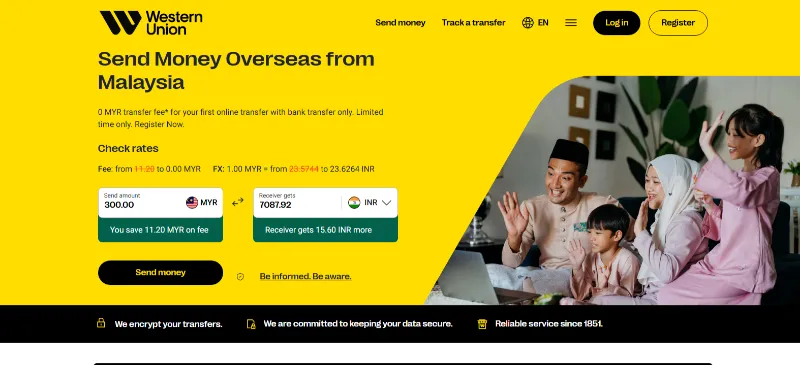
Best for: Rare cases where a verified recipient needs a non-standard payout
Money transfer operators can send funds to a bank account, mobile wallet or cash-pickup point when the recipient can’t accept a conventional company transfer. Western Union Malaysia supports transfers to 200+ countries and territories.
Western Union’s Malaysia online transfer service doesn’t accept funding from business accounts, which rules it out for most company-funded supplier invoices.
Cash pickup doesn’t create the same payment record as a transfer to the supplier’s business bank account. Before approving this type of payment, confirm:
- The recipient’s identity
- The recipient’s relationship with the supplier
- The reason a company transfer isn’t available
- The receipt and records provided after payment
- The company policy covering personal or cash payouts
How to pay an overseas supplier from Malaysia
Once you’ve chosen a payment option, the goal is to move the invoice through approval without creating gaps between the supplier details, amount paid and records kept afterwards.
1. Start with the beneficiary details
The beneficiary name should match the supplier’s legal entity name on the final invoice. Before preparing the payment, review the bank name, account number, SWIFT code and beneficiary address.
A request to use new bank details deserves extra attention, even when it comes from a familiar contact. Confirm the change before sending any payment.
2. Reconcile the invoice with the order
The final invoice should reflect the approved purchase order or contract, including the amount, quantity, currency and payment terms. Account for any deposit, credit note or agreed price adjustment before approving the balance.
For milestone payments, the supplier should have completed and documented the relevant production, inspection or shipping condition.
3. Use the currency shown on the final invoice
Pay in the agreed invoice currency unless the supplier provides an updated invoice. Sending another currency means that the supplier may need to convert the funds, and depending on the exchange rate, they may receive less than the invoiced amount.
Keep in mind that suppliers sometimes use different beneficiary accounts for USD, CNH, EUR and other currencies. Use the account details assigned to the currency you’re sending.
4. Review the final MYR amount
The live payment quote may differ from the estimate used when the invoice entered the approval process. Record the total MYR debit alongside the foreign-currency amount payable to the supplier.
Both figures should align with the approved invoice. If the quote has moved enough to change the expected cost, send it back for approval before releasing the payment.
5. Agree who covers the bank charges
The charge arrangement affects how much reaches the supplier:
- OUR: You cover the sending and stated bank charges
- SHA: You cover the sending charges, while the supplier covers charges at the receiving end
- BEN: Banks deduct the charges from the amount received by the supplier
Choose a Guaranteed OUR option when the supplier needs to receive the exact instructed amount. With standard OUR, the sender covers the charges, but the payment may not carry the same exact-receipt guarantee.
6. Give the approver the full context
Include the invoice number, purchase order reference and payment purpose in the instruction. The approval level should reflect the transaction value, the supplier’s history and the beneficiary’s status.
High-value payments, new beneficiaries and recently changed bank details should go to a separate approver. Allow enough time for that person to review the supporting documents before the provider’s processing deadline.
7. Keep a complete payment trail
Store the final invoice, purchase order, approval record, payment confirmation and relevant supplier correspondence together.
The record should show:
- The total MYR debit
- Foreign-currency amount
- Exchange rate and fees
- Beneficiary details
- Payment reference
- Transaction date and final status
Send the remittance confirmation to the supplier and ask them to confirm receipt of the funds. If the amount arrives short, use the payment record to trace the deduction before sending any additional funds.
How WorldFirst supports regular overseas supplier payments
For repeat importers, a fragmented payment setup creates extra currency conversions, account movements and reconciliation work.
Consider a Penang electronics importer that receives US$75,000 from US marketplace sales on 2 September. It also has a CNH 320,000 invoice due on 12 September to a components supplier in Suzhou.
One option is to convert the marketplace income into MYR as soon as it arrives, then buy CNH when the supplier invoice falls due. That creates two separate currency transactions before the supplier receives the payment.
With a World Account, the importer can hold the USD, convert only the amount required for the CNH invoice and arrange the payment for the agreed date. A second user can authorise the transaction, while the payment history and confirmation remain available for reconciliation.
Only the USD needed for the CNH invoice is converted. The remaining balance can stay in USD for another supplier payment or business cost.
WorldFirst isn’t a bank. Ant International has received approval from Bank Negara Malaysia to operate WorldFirst in Malaysia under a Class A Money Services Business licence. WorldFirst provides cross-border payment and multi-currency account services for businesses.
Open a World Account to put overseas revenue towards upcoming supplier invoices.
FAQ
1. What documents can a Malaysian bank request for a high-value supplier payment?
For a trade payment, the bank may ask for the invoice, purchase order, supply contract, bill of lading, delivery order or payment advice. The exact request depends on the payment purpose and the bank’s regulatory checks.
2. Are there Bank Negara Malaysia limits or reporting requirements for overseas business payments?
Bank Negara Malaysia generally allows resident businesses to pay non-residents in foreign currency for imported goods and services, subject to its Foreign Exchange Policy rules. Banks and payment providers may still apply account limits and request transaction details or supporting documents for regulatory and statistical reporting.
3. Can I cancel or recall an overseas supplier payment after sending it?
Contact the bank or payment provider immediately. Cancellation may still be possible, but it isn’t guaranteed once processing has started.
Keep in mind that amendment, cancellation or agent bank fees may apply.
4. How should I handle a supplier refund or overpayment in a foreign currency?
Ask the supplier for a credit note and arrange for the refund to be sent to a verified company account, as agreed in writing. Where possible, use the original currency, and record any bank fee or exchange-rate difference separately.
5. What are the most common mistakes when paying overseas suppliers from Malaysia?
Common mistakes include missing the bank’s or payment provider’s processing deadline, paying before an agreed inspection or milestone, leaving too little time for compliance checks, using a pro forma invoice after the final amount changes and failing to record a credit note separately.
Disclaimer:
This article is intended for general informational purposes only and does not constitute legal or professional advice. WorldFirst makes no representations or warranties regarding the accuracy, completeness, or applicability of the content, and readers are encouraged to consult with legal professionals or other professionals for advice tailored to their specific situation. WorldFirst does not guarantee the accuracy and completeness of this article and expressly disclaims any and all liability to any person in respect of the consequences of anything done or omitted to be done wholly or partly in reliance on this article.
Sources:
- https://www.businesstoday.com.my/2026/06/22/matrade-malaysia-posts-record-rm132-8-billion-trade-surplus-in-5m26/
- https://www.matrade.gov.my/en/about-matrade/press-release/trade-exports-and-imports-in-the-first-quarter-q1-of-2026-remained-on-an-upward-trajectory-registering-highest-value-ever-for-q1-despite-ongoing-global-uncertainties
- https://www.airwallex.com/en-my/business-account
- https://www.maybank2u.com.my/maybank2u/malaysia/en/personal/services/funds_transfer/overseas/foreign_telegrapic_transfer.page
- https://www.cimb.com.my/en/business/help-and-support/faq/faq-foreign-currency-transfer/faq-telegraphic-transfer/rate-used-for-tt.html
- https://www.pbebank.com/en/digital-banking/public-bank-online-banking-and-mobile-banking-infosheet/
- https://www.payoneer.com/about/pricing/
- https://tradeassurance.alibaba.com/
- https://www.paypal.com/my/business/paypal-business-fees
- https://www.westernunion.com/my/en/home.html
- https://www.bnm.gov.my/fep
![TIN number (Tax Identification Number) in Malaysia [2026]: A guide](https://mdn.marmot-cloud.com/worldfirst/sites/10/2026/10/20261022193456868-300x206.webp)

![Public Bank USD account review [2026] Malaysia: Features, fees and more](https://mdn.marmot-cloud.com/worldfirst/sites/10/2026/10/20261021125931797-300x200.webp)
![CIMB USD account review [2026] Malaysia: Features, fees and more](https://mdn.marmot-cloud.com/worldfirst/sites/10/2026/10/20261021124553858-300x200.webp)
![Maybank USD account review [2026] Malaysia: Features, fees and more](https://mdn.marmot-cloud.com/worldfirst/sites/10/2026/10/20261021122232497-300x200.webp)